Many Windows users planning a room renovation or furniture rearrangement still rely on paper sketches and measuring tapes. They also buy new items by trial and error. CAD software professionals may solve this problem, but on the other hand, the steep learning curve will scare away casual users. To address this, Sweet Home 3D is based on an easier-to-use approach to home planning. It avoids the professional architectural orientation found in advanced design software. Rather than focusing on top-level architectural accuracy for commercial work, it guides simple users in layout design, furniture placement, and visual previews. Everybody can quickly become familiar with them.
Sweet Home 3D is still a very relevant piece of software, mainly because its working process doesn’t get unnecessarily complicated. It installs very cleanly on Windows. The software runs reliably also on mid-range hardware. This, in turn, makes it usable for students, homeowners, and hobbyists who require functional planning tools but don’t want to spend on high-end design suites.
A Layout Workflow That Feels Immediate
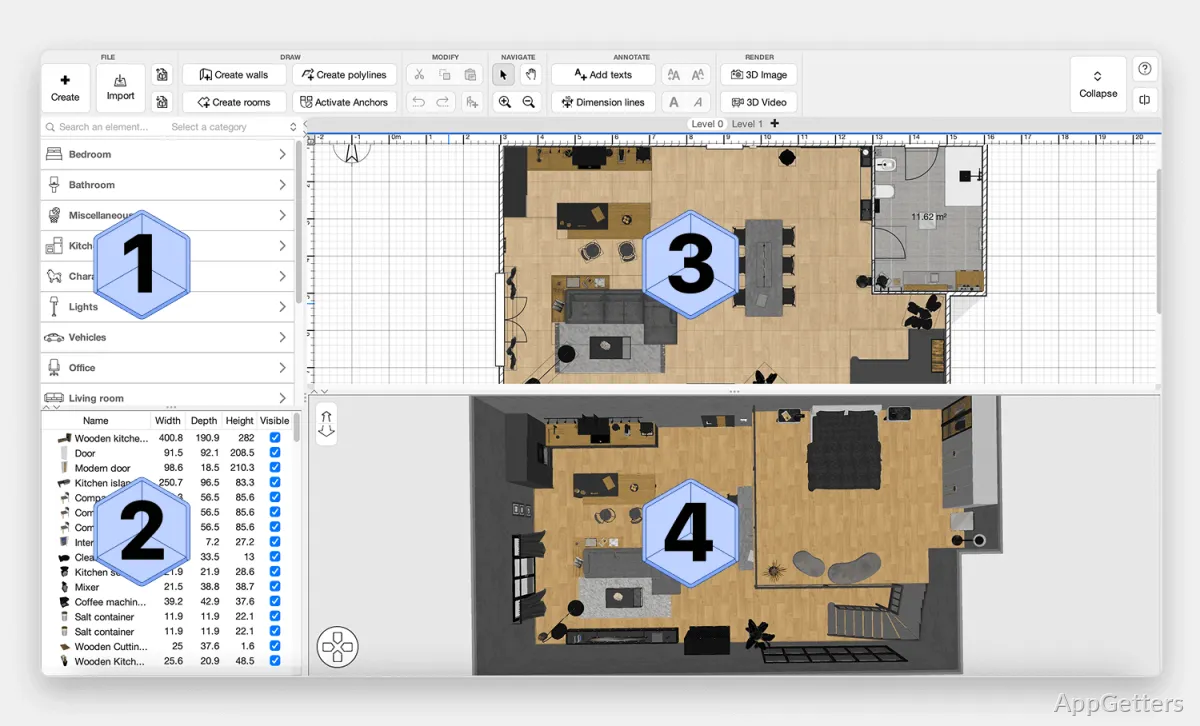
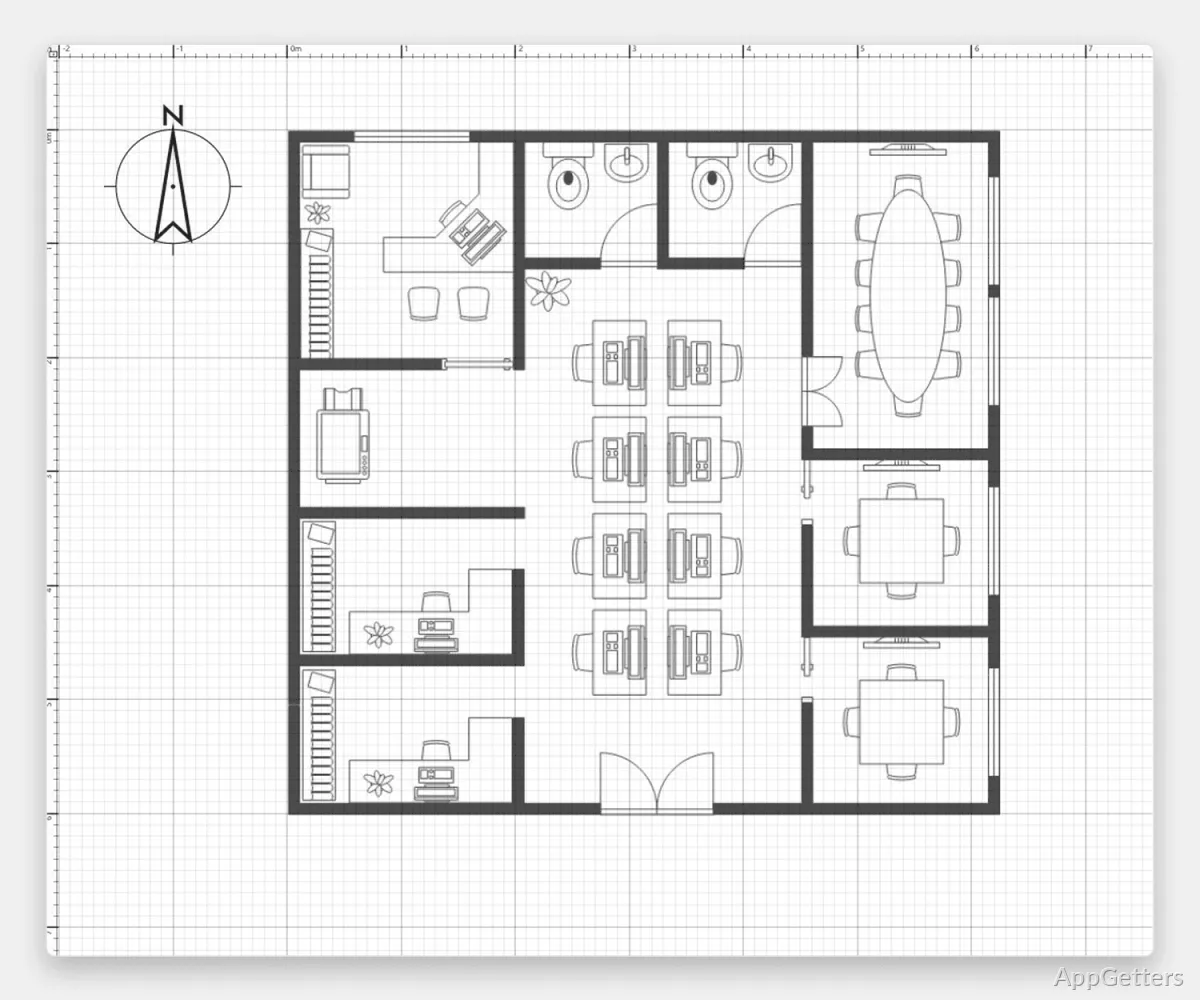
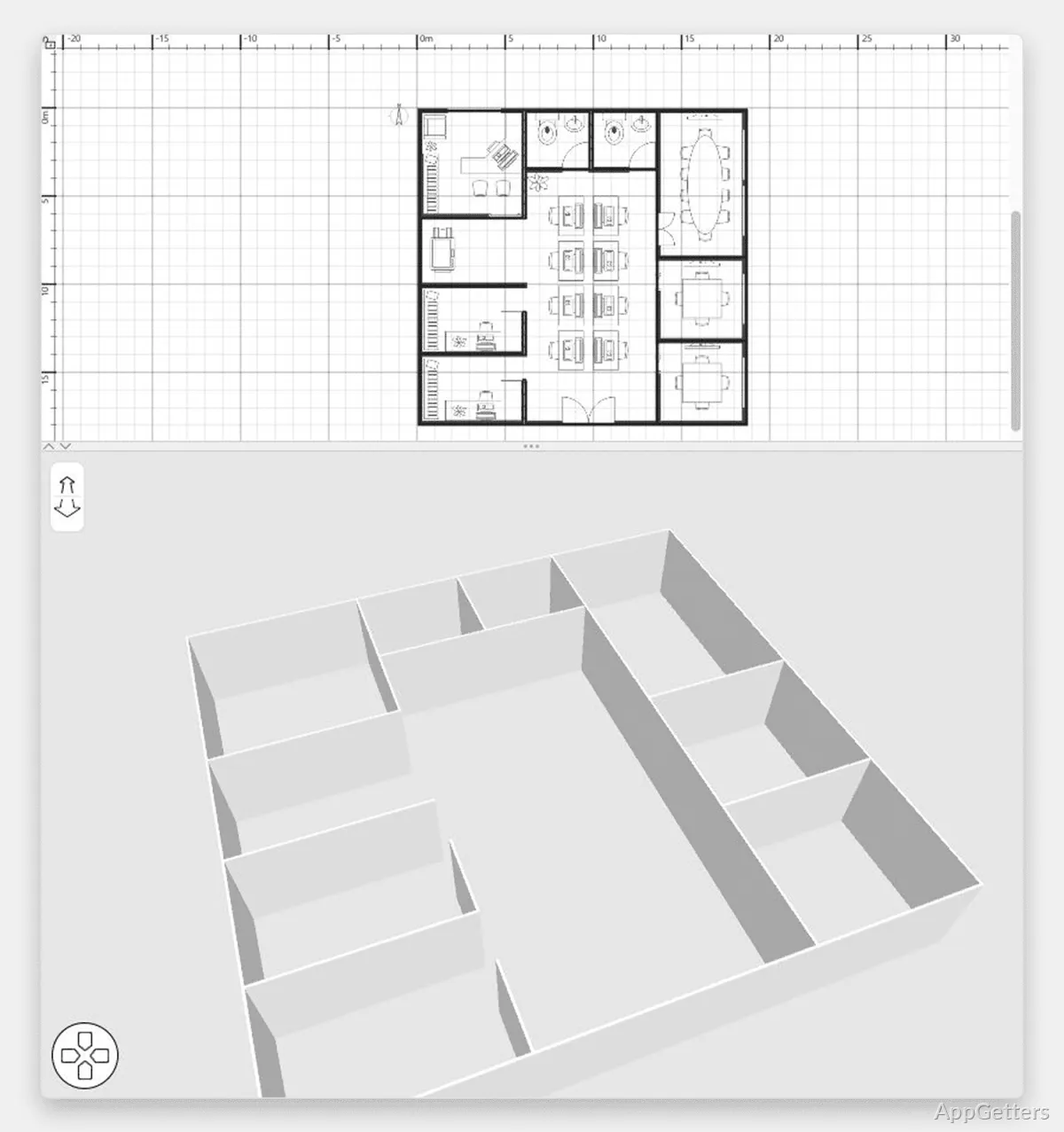
Sweet Home 3D can be called one of the most user-friendly home planning tools at the moment. The process of creating a floor plan is easy. Users directly draw the walls on 2D, and from a furniture library, they drag the pieces and place them. The new 3D preview window is simply great because it simultaneously reflects what is done in 2D. Users do not practically notice how much continuous switching between different types of views is avoided.
In practical use, it offers a good solution for experimenting with furniture placement, small apartment planning, or even renovation idea visualization before buying the materials. Measurement and alignment features are sufficiently precise for home use. However, it is not the purpose of the software to produce technical drawings that engineers require. Usually, beginners do not find the interface difficult because tools perform the way they expect. Interactions are based mostly on drag-and-drop rather than the complicated application of CAD terms.
Useful for Home Projects and Learning Environments
Because Sweet Home 3D’s accessibility is its biggest selling point, it naturally complements a school or personal setting that does not require complicated architectural modeling. On their very first steps, interior design students use it to prepare their layout assignments. On the other hand, the owners of the house are enabled to simulate a realistic environment of rooms without the need for a design office.
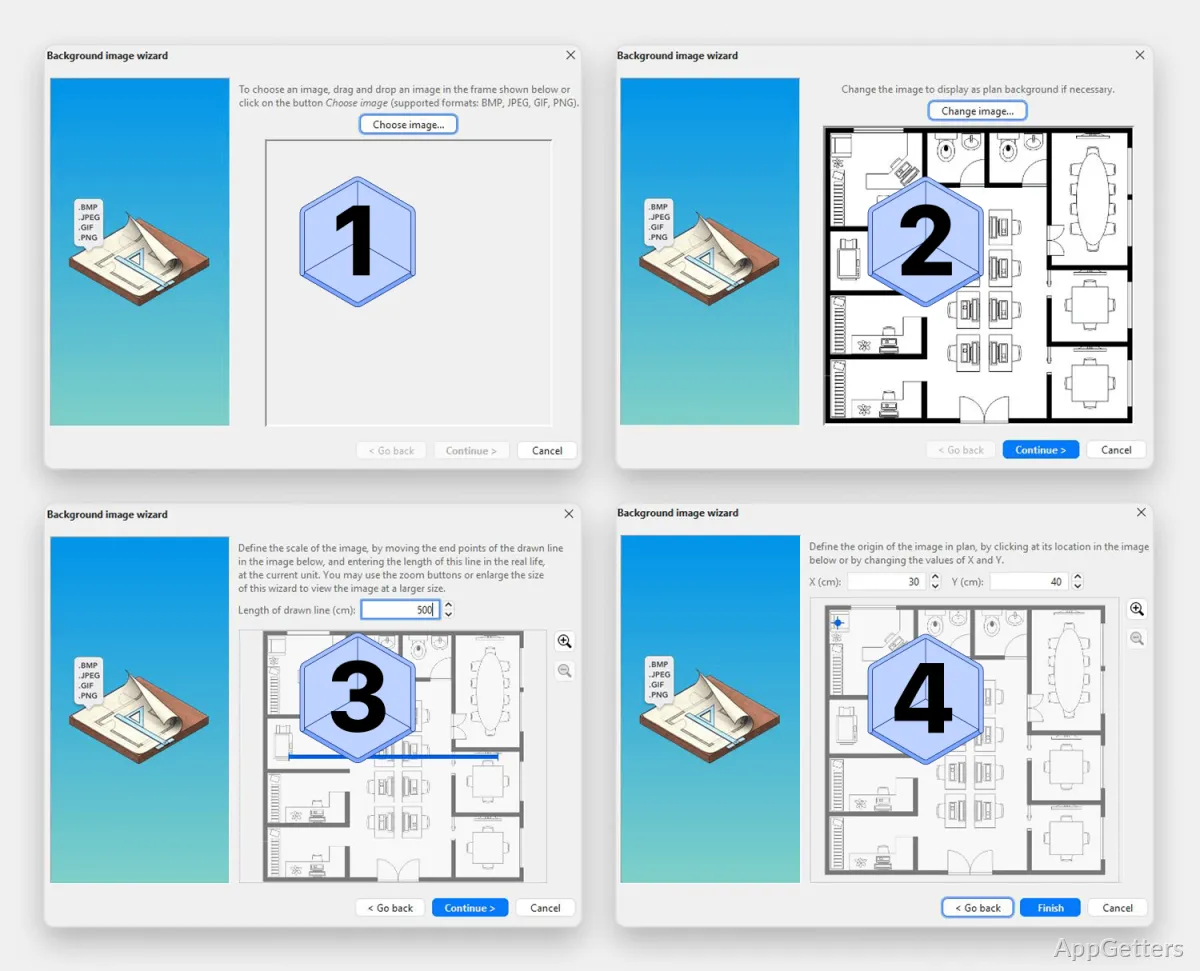
The furniture catalog contains common items for daily planning, but when there is a need for more exclusive objects, the user has the possibility of importing the models. Changing the textures and the lights makes the appearance better. However, the pretty low quality of renderings is an indicator that this is not a heavy-duty software type.
Another practical advantage is portability. The projects do not take up a lot of memory space. The software uses the files it created with no problems on different Windows systems. When the users either work on a long-term renovation project or a group academic project, stability will be far more important than the visual aspect.
Where the Simplicity Starts to Show
The simplicity that is in part in the DNA of Sweet Home 3D can also be a disadvantage for technically advanced users. Large-scale projects with multiple floors can be a great challenge when compared to top-level BIM or CAD applications. The same applies to highly personalized architectural features. Object manipulation can also be rather inaccurate and lacking in the necessary fine controls. Designers and architects with advanced technical skills will expect those controls. This becomes especially noticeable when they are used to working with a high level of detail in a structural environment.
It is a question here of scene complexity as well as performance. Standard room layouts do not create any problems. However, if the rooms are very elaborately decorated and there are many 3D models added, then things may slow down if the Windows machine is a little older. The user interface is still much more operable than stylish. Some of the design processes feel like something from the past in terms of the visuals when compared with the new generation of design platforms.
After all, these restrictions can be forgiven if one keeps in mind what the software is designed for. The whole point, after all, is not to be a device for professionals in architecture firms. Usability, accessibility, and simple home visualization rather than technical construction documentation are the main areas that place the focus.
Best Suited for Everyday Interior Planning
Sweet Home 3D is most effective in a scenario where people are interested more in visualizing their changes rather than preparing professional, architectural, production-ready documents. Home users planning their homes gain major benefits from the experience. The same applies to tenants who want to see different furniture arrangements before deciding. Students who need a practical feel for space concepts can also benefit greatly.
On Windows, it is still very reliable for modest hardware and uncomplicated tasks. Up to the point of being just a handy tool for the user, it strikes the balance between simplicity and the ability to plan functionally and effectively. This makes it a piece of software with permanent value. It is especially useful for those who would like to have simple but realistic previews of rooms, but who would hate to see themselves become victims of the complexity of industrial-type design software.