One of the biggest barriers to learning PCB designing is the intimidating feeling of not deserving a professional engineering background. Associated high licensing costs, project size restrictions, and task-complicated interfaces act as a major disincentive to students, hobbyists, and small development teams learning PCB properly. KiCad fills the void here by providing a complete electronic design automation package. It is still easy to use without being compromised.
KiCad on Windows is a single standalone desktop. It combines the features of schematic capture, PCB layout, footprint management, and 3D visualization of the board in a single workflow. Technically, it should be closer to a professional engineering tool than simply an educational package. That is mainly because of the seriousness of the tool. And that makes it not only a fun choice for newbies playing with microcontrollers to become familiar with the art of PCB design. It also makes it useful for experienced technicians who desire production-ready designs and want to avoid perpetual subscription costs.
Workflow That Encourages Real Design Practices
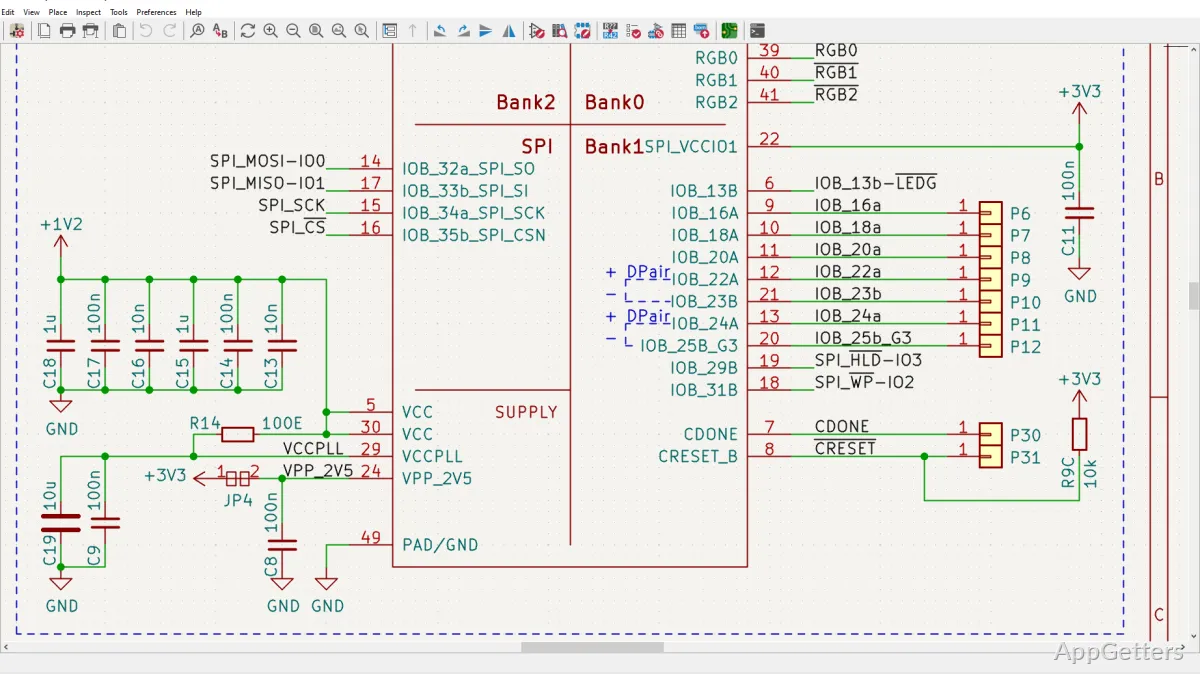
One of the brightest features of KiCad as a tool is the way it instills, in the very beginning of a project, the organized manner of executing one’s design work. The introduction of elements in a well-connected sequence is good practice. It starts from schematics, symbol assignments, electrical rules checking, and PCB routing up to a fully structured workflow. And we know how it is for beginners when you give them a new piece of stuff, and they get a little perplexed initially. But later, it is of immense value, especially with the increase in project complexity.
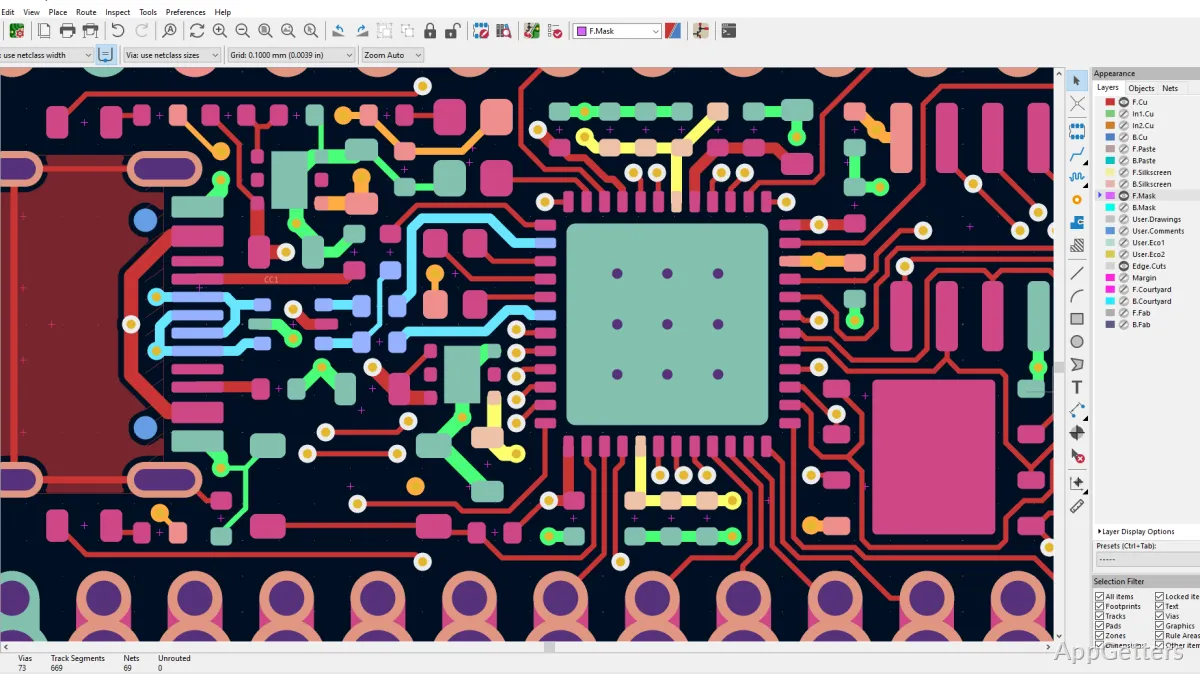
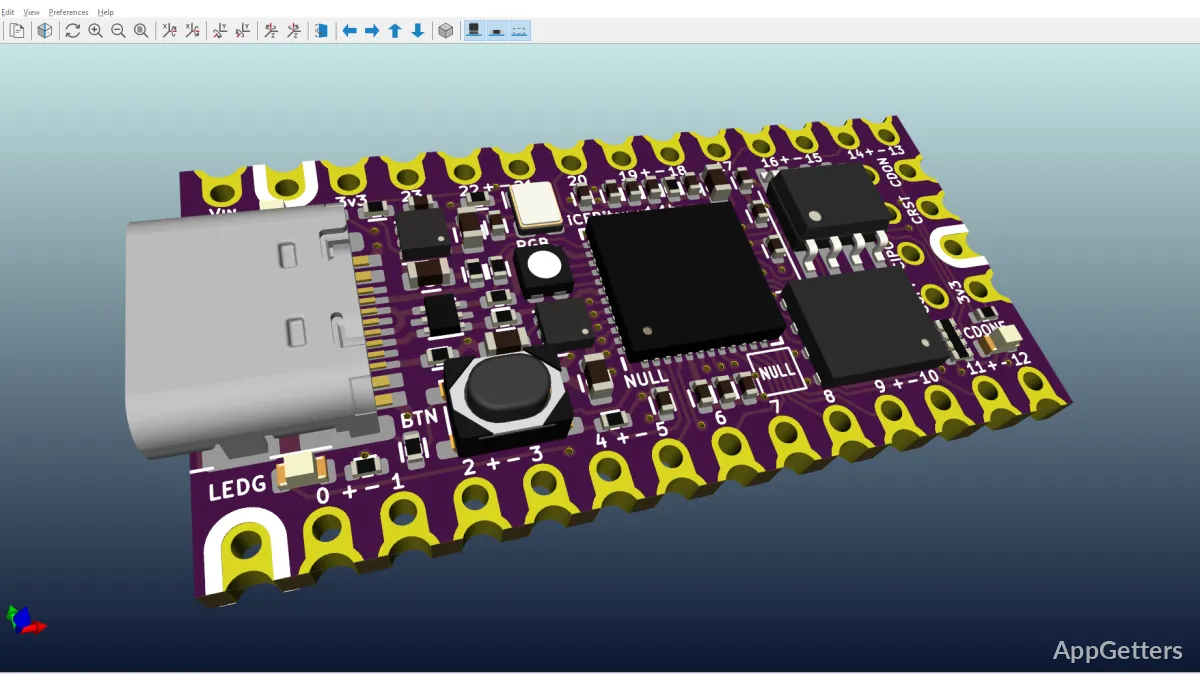
On Windows, the PCB editor (layout tool) always starts up and runs quite efficiently indeed, even with complicated boards having locations of the components spread over several layers and with very tight routing. Scrolling around the editor and zooming in/out is lightning fast. Once the time is spent in understanding the shortcuts of keys, the regularly used operations of editing are done in a flash. Also, the built-in 3D viewer is far more than a beautifying element. It is very handy for such things as the verification of connector location and confirmation of enclosure clearance before going into production.
However, KiCad can still prove to be time-consuming and frustrating during its start-up. At times, it seems like a probable technical detail when browsing through menus. Library-related things will definitely require some patience after the first couple of projects. Mentally switching over to the language and the engineering style of work, coming from a much simpler tool for prototyping, might take some time.
Well-Suited for Students, Makers, and Small Teams
Among many other reasons, one of the factors that has contributed to KiCad gaining a firm foothold amongst engineering students, hobbyists in electronics, open-source hardware developers, and hardware startups is the fact that the software can be installed and run comfortably on typical computer hardware. Nothing out of the ordinary is required power-wise for a standard PCB task.
Among the perks for students, especially in academic settings, is that they can learn electronics design without the presence of restricted licensing conditions. These conditions serve as a major barrier for students without labs. Even the home user will greatly enjoy the benefit of free-of-charge tools that help design in a very creative and intuitive manner, without any worries concerning restrictions on project sizes or exports. For small businesses and independent hardware developers, the software supports manufacturing-ready output formats that integrate with many PCB fabrication services.
Community support is another practical advantage that is not small. A good number of sources are available to help: footprint sharing, tutorials, discussions on troubleshooting, and project examples. The net result of such support is that the path has been largely smoothed. This is especially true when you are facing an unfamiliar design problem or going through the preparatory phase of the board for fabrication for the very first time.
Where Daily Use Still Feels Uneven
KiCad is not yet a perfectly effortless experience in routine use, despite the high level of maturity it has attained. Removing those interface elements that correspond to complex technical operations is difficult. Different windows are also exposed to many technical options at once, which overwhelms less experienced users.
More and more cloud platforms are getting intensive integration with engineering. That results in teams using such clouds becoming used to very close collaboration. Such a team will find the method of version control management in KiCad very manual. Moving from other toolsets can be equally problematic, especially if the libraries to be imported are old or you need to take the legacy projects through conversion.
On the other hand, though, these are only end limitations, and otherwise, stability on Windows is quite reliable. It is not every day that the tool crashes. Such cases are very rare when we are working on a design only. It is during prolonged editing sessions that project recovery features become very handy.
A Good Fit for Long-Term Electronics Learning
KiCad is suitable for premium electronic design professionals and skilled PCB designers. It is a very good avenue to engage with some of the theoretical topics in epics, such as schematic layout, routing, and manufacturing preparation. In this light, it turns out to be the most reliable learning platform for students who are keen on progressing with professional electronics work. It is also useful for independent makers who are building repeatable hardware projects. It also suits small teams managing custom board development without expensive software overhead.