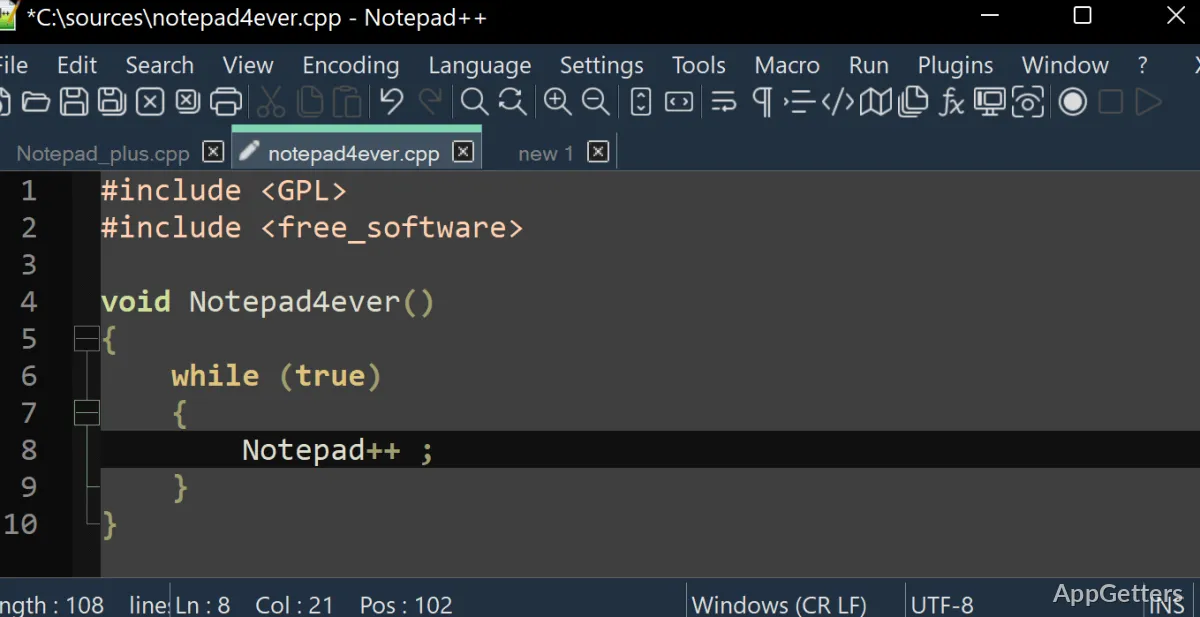
Preserving the same setup across several PCs is something that plagues most Windows users. You configure your text editor just the way you want it on one system, and then boom! You lose that setup when you switch to another one. However, installing software may not always be an option either. In fact, environments like school labs, office PCs, or shared systems usually don’t allow it. So, a portable tool is useful. Notepad++ Portable is a good example, as it is a complete text editor. You can run it right from your USB drive or local folder without even installing it. It keeps your performance going wherever you are. At the same time, it is still a very light and reliable solution.
A Familiar Editing Environment Without Installation
While using Notepad++ Portable, you will hardly be able to tell the difference from the standard installed version. This version also starts up very fast, even when run from an external device. It can load user preferences such as themes, plugins, session history, and so on. The main benefit of the software setup persistence is that you can work with the same configuration/setting/user interface wherever you go. You do not get a compromised or limited to basic features tool.
For the students or programmers who are usually the most impacted by the frequent change of computing systems, such a situation will mean the disappearance of tedious setup or configuration rituals altogether. Simply opening files, switching tabs, or scrolling through a big document will all be fast. So, you are going to get the impression of a rather user-friendly and responsive interface. Also, since there is no installation, the software doesn’t make any changes to the system. This is a big plus for users of systems with quite strict security. However, there might be slight variations in performance depending on the speed of the drive used as storage. This is particularly noticeable when working with larger files.
Practical Workflow Benefits for Daily Tasks
The features and the UI of the editor are good enough reasons to handle the files with ease. In fact, the portability will mostly get you to the point of relaxing and working in the flow instead of having to think about a new feature. You can code, make notes, or do other stuff with the files. The program will “just be.” That is it. Everything is there, including syntax highlighting, search features, and working with multiple tabs. These all run pretty well, even from a USB stick.
The most tangible feature one gets really excited about, I think, is session saving. That is, after taking out the drive, you go to another computer. You start working again from exactly the same point, opened files, cursor positions, etc. In addition, this is a very useful feature for people who have several projects running at a time. On the other hand, compared to the installed version, setting up new plugins in the portable version might give you a bit of a headache. This is particularly the case when it comes to updating or adding new extensions.
Reliability and Restrictions in Portable Use
As far as reliability goes, Notepad++ Portable is quite a solid and predictable software; that is, in terms of usability. Also, it doesn’t save any files on the target PC. So, it is ideal for use if privacy is your concern. Furthermore, bugs are infrequent, and autosave capabilities can be relied on in case of a sudden loss of power or the software crashing.
However, portability means limitations. For example, letting the whole thing be run from a single directory might lead to situations when the folder structure is changed. The program is not able to find the files in such cases. Besides, one cannot expect portable software such as this to be able to be integrated into system-level features like context menus or file associations. Essentially, they are not shortcomings but native characteristics of the portable software.
Another factor is the security issue facing a device connected to one or more computers. Besides, one needs to keep the app manually updated if previously the app updates were done automatically.
Where It Fits Best in Practical-World Use
Notepad++ Portable works well for users who want to be able to move their software around. They can still have that same experience without the necessity of installing software. Also, students constantly moving between campus systems, technicians solving problems on different computers, and ordinary users who do not want to install something extra will find it very handy.
It is not trying to replace fully integrated development environments or advanced editors with cloud syncing capabilities. What it really is is a very reliable middle ground. It is an editor that is familiar and capable, but also one that you can carry with you. Its presence in places where you cannot install something makes it a trustworthy companion. In such cases, user-friendliness becomes more important than the extent of customization. It helps your work rather than hindering it.