Building websites and want to see what the next Chrome versions will break before your users do? Chrome Dev is Google's preview channel, updated about once a week and roughly two versions ahead of regular Chrome, installed right next to your normal browser.
What does the Dev channel offer?
Chrome Dev is a preview channel for Google's browser. It collects newer Chrome changes for testing ahead of their arrival in the Stable channel. Chrome has four channels: Stable, Beta, Dev and Canary. Dev sits between Beta and the nightly Canary builds, so it is fresher than Beta but steadier than Canary.
That early access suits checking how a website or web app behaves as Chrome evolves. A page that works in Stable may behave differently with a newer browser change, making Dev a place to spot compatibility problems sooner. Because these are preview builds, bugs and occasional stability issues are possible.
Which familiar Chrome tools are included?
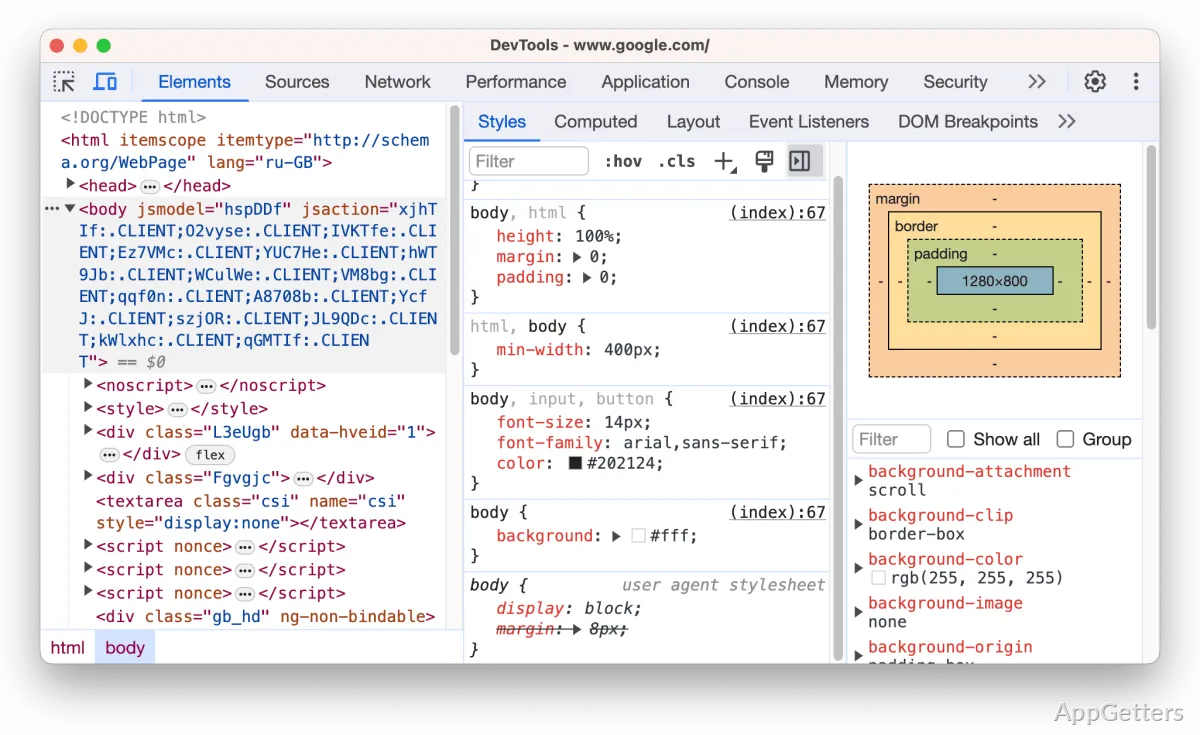
Everyday browsing works like regular Chrome, with sync, extensions and DevTools. Many experimental features can be switched on from chrome://flags. It also supports:
- Save sites as bookmarks and return to them later.
- Use browsing history to find previously visited pages.
- Open an Incognito window for a browsing session that does not save its history in the usual way.
Can Chrome Dev run beside regular Chrome?
Chrome Dev can be installed alongside other Chrome channel versions. Keeping separate browser installations gives developers a way to test a site in Dev and Stable, or to keep different browser sessions available for separate accounts, without switching accounts inside one browser.
Pros
- Previews Chrome changes before they reach the Stable channel
- Includes bookmarks, browsing history, and Incognito mode
- Can run alongside other Chrome channel installations
Cons
- Preview builds may contain bugs or stability problems
- Features can change or disappear between builds
System requirements: Windows 10, Windows 11 · 32-bit and 64-bit
Who is Chrome Dev intended for?
It is a preview version of Chrome for people who want to try browser changes early, including developers testing websites and web apps.
Does Chrome Dev include ordinary browsing features?
Yes. It supports bookmarks, browsing history, and Incognito mode, along with regular web browsing.
Can Chrome Dev be installed alongside Stable Chrome?
Yes. It can run alongside other Chrome channel installations.