Nowadays, screen recordings have become a major means of communication among Windows users for explaining ideas, documenting workflows, and enhancing communications. Which sometimes even plain texts cannot do. However, complex tools that require manual editing or tedious steps for sharing simple recordings are among the cons of many screen recording software programs. Only a few are newly designed to give a perfect recording and sharing experience to users. Loom solves this dilemma by providing fast screen capture plus instant sharing. It doesn’t consider recording as a production task, but rather a communication tool. Therefore it is quite suitable for those users who need to explain things very fast, give visual feedback, or replace long meetings with short recorded messages.
Recording as an Instrument for Communication
While most recorders let users only capture, Loom works as a video messaging tool, which is a much more multifunctional approach.
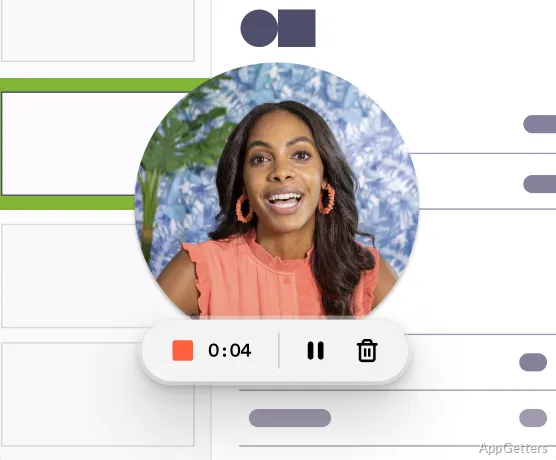
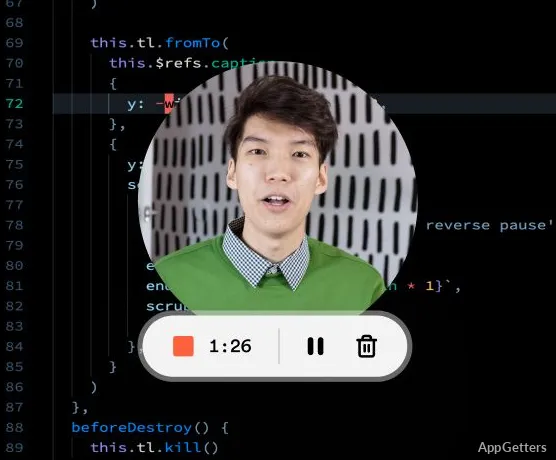
Usually, when someone uses Loom, they just hit the record button to start their screen and webcam capture. They can do this with no or almost no preparation. Immediately after that, they produce a link that is easy to share.
If it’s remote communication, this method is definitely a great advantage. It actually decreases the number of meetings. Explanatory talks can be replaced with short videos that clearly show the speaker’s point. In schools and companies, a number of people such as teachers, managers, and customer support are constantly using it to visually explain and illustrate issues.
Only a few configurations are available on the interface purposely so that most users interact with the recording area rather than the program. Which is quite an advantage since productivity is barely interrupted.
Where And How Can This Help?
Many times, the workspace, school, and support staff are places where notions may be efficiently communicated through visual aids, even better than through writing. Windows staff make use of this when they are showing others how to work with software, giving design feedback, and working asynchronously. A student may use it for a presentation of a project or an explanation of an assignment. The client service group is involved in the production of ‘show it’ rather than ‘write it’ responses.
The feature that is probably the most appealing to users is the capability of sharing recordings instantaneously. Users work by sharing links that open up in a browser, rather than worrying about large video files that are difficult to submit. Accessibility and supporting collaboration are also extended across multiple devices and operating systems.
Nevertheless, it is important to note that Loom’s capabilities only extend to basic video editing. Those users wanting advanced timeline controls or cinematic editing tools will be quite disappointed. The product’s focus is on quickness and clearness rather than post-production.
Windows Operation and Integration
Loom’s operation on Windows will not be a problem if it is only about the recording of the productivity workflow in general.
Recording of web browsers works as expected, and this is very consistent with the cloud-based design of the program. The Loom app is well integrated, letting users take only a tiny corner of the desktop and consequently preserving usable screen space.
As far as users are able to access and share their video content online, it is common that only a few megabytes are consumed on local storage per recording. Accessibility and supporting collaboration are also extended across multiple devices and operating systems.
However, many problems continue to be quite difficult to solve. For example, the recording quality varies greatly depending on the network quality at the time of uploading. It also depends on the internet connection that the product design assumes. There are also occasions when a model like this may become disadvantageous because cloud structures can be limiting. For instance, the video editing of long-form footage is limited.
Where Workflows of Visual Communication are Most Important
For users who want to communicate as quickly as possible. Driving home the message visually, rather than creating a video product. Workers in education, tech, design, and customer support consider this a go-to tool for their daily communication needs. Rather than just being a recorder that is simple to use. The big difference is the availability of heavy screen capture apps that need a lot of user input. Editing work might be almost absent because of the simplicity of usage. Which is one of the reasons why it gets used a lot as well.