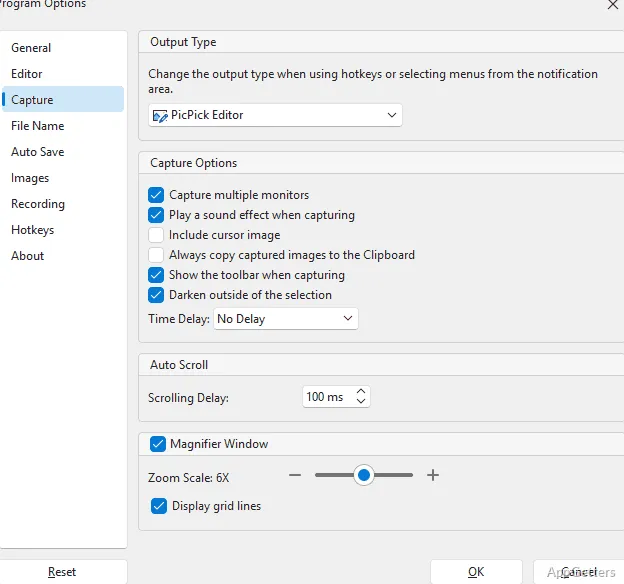
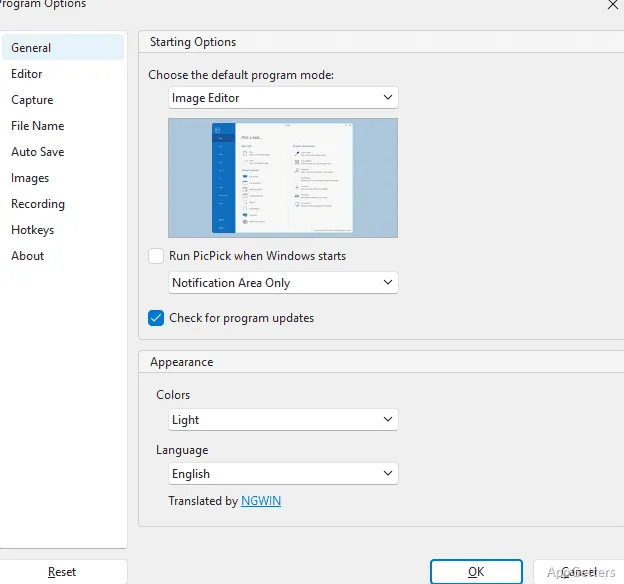
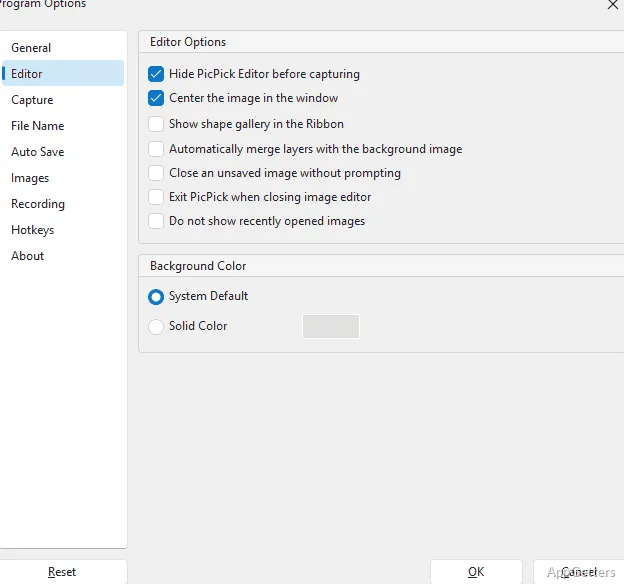
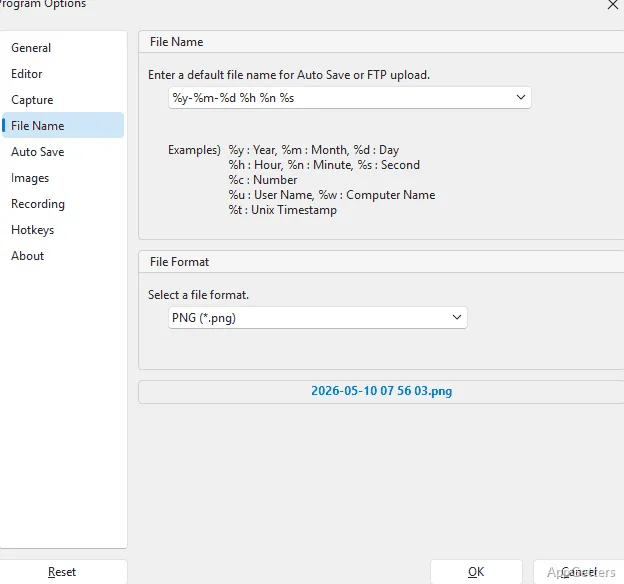
Taking screenshots on Windows can be a hassle if you want to quickly arrange visual content. The built-in tools may not be enough when you want to add annotations, measure, or polish your presentation. You will then need to resort to external programs, which can be cumbersome for students doing assignments. It can also affect staff trying to get their point across via screenshots or people producing tutorials regularly. Without weighing down the computer, PicPick Portable cleverly mixes screen capturing, a simple editor, and handy tools into one compact unit. It may prove useful.
Besides, the fact that it functions without the standard installation procedure attracts those who work on different systems. It also suits users who carry their utilities on gadgets like external hard drives. Practically, the app opts for expedient capture and ease of use. It does not aim to become a platform where users collate screenshots for sharing with several people.
No Complex Installation Required for Portable Convenience
One of the benefits of PicPick Portable is that it can be set up and running very fast on a Windows PC. The portable package does not need installation. It can be launched from a USB flash drive or secondary storage folder. This can be done without any license restrictions. This becomes especially handy if such permissions are usually refused in offices or schools.
Most standard methods for capturing will, no doubt, serve your regular requirements without a problem. You can still easily and dependably capture full desktop screens, scrollable shots, active windows, partial screens, and similar content during normal circumstances. Besides that, a scrolling screenshot saves a great amount of time when dealing with lengthy documentation that cannot fit on one screen. Examples include web pages, Excel sheets, or other long pieces of text. This removes the need for manual cropping and assembling of individual parts.
Turning to the program itself, one may notice that the developers have taken great care in the production of quality and swift operating speed. The user will almost unnoticeably interact with the software element. You don’t even have to wait for the other functions to be executed, as the program won’t be interrupted when you switch between different functions/tools. Those of you who keep on taking and editing snags of the screen throughout the day will highly appreciate that this small, but frequent, annoyance has disappeared.
Extra Features Over Simple Screen Captures
One step further than just a basic screen grab utility, PicPick Portable offers a built-in editor plus some small design-related tools. Among the handy functions available in the editor are marked arrows, text with borders, highlight, and simplistic filters. This keeps users away from becoming confused by a heavy and complicated interface. Immediately after taking a screenshot, the user is often ready to go with the final product without having to pass through another program.
Besides the main program, the package also includes a few tiny utility tools. Although at the beginning they may appear as sidekicks, they may prove essential for artists, architects, and engineers. This will make the program a versatile machine capable of executing regular screenshot tasks as well as some tasks that go beyond these everyday snaps.
At the heart of it all, it shouldn’t be surprising that the workflow will be clear and beautiful to the novices. Very few of the functionalities are hidden in the complicated world. The very fact that logical grouping was implemented in the design of the program is a major advantage. The layout also remains tidy. Because of this, even people who are not very tech-savvy will understand what they need to do after a short introductory run. The software also avoids the very large number of features typical of other screen capture suites.
PicPick Portable: Strengths and Weaknesses in a Nutshell
Primarily, the app is designed to be a highly effective and easy-to-use personal productivity helper. It is not a multifunctional collaborative platform packed with features. Its main users include homeowners, teachers, students, freelancers, and help desk personnel. They will be amazed and thankful for how significantly a simple little software tool can change their lives.
That said, the portable version also has to deal with the fact that some functionalities dependent on cloud syncing or collaborative teams may be limited. This is compared to online workspaces of the new generation.
Editing tools are adequate for marking up and decorating your presentations. However, they are not designed to compete with professional image editing software. Artistic design, multiple layers, and massive multimedia projects are still not within reach of this product. Luckily, it is not trying to pass itself off as more than a convenient screenshot and utility tool.
A Nice Option for Fluid Windows Workflows
If one can think in terms of ecosystems of tightly integrated services, PicPick Portable will have a well-thought-out role as the tool for those who prefer working with fewer of them. It also suits those who pay attention to flexibility and effectiveness. Containerization makes it a great option for technicians, teachers, telecommuting workers, and students. They may need to use several computers over the course of the week.
The program’s main aim is keeping very frequently done screenshot-oriented activities uncomplicated without omitting the indispensable basic editing functions and the utilities. This is where it generally excels. Thanks to its structure, everyday operations go smoothly and without unwelcome complexity.
Looking for a tool to develop reliable screenshots for Windows OS? PicPick Portable stands out because it is lightweight and portable. It also does not require much management from the user. Therefore, it is well-placed between the few utilities built into Windows itself and big professional suites for capture.