EXE
Home » capture » SnagIt for Windows
SnagIt for Windows

SnagIt for Windows

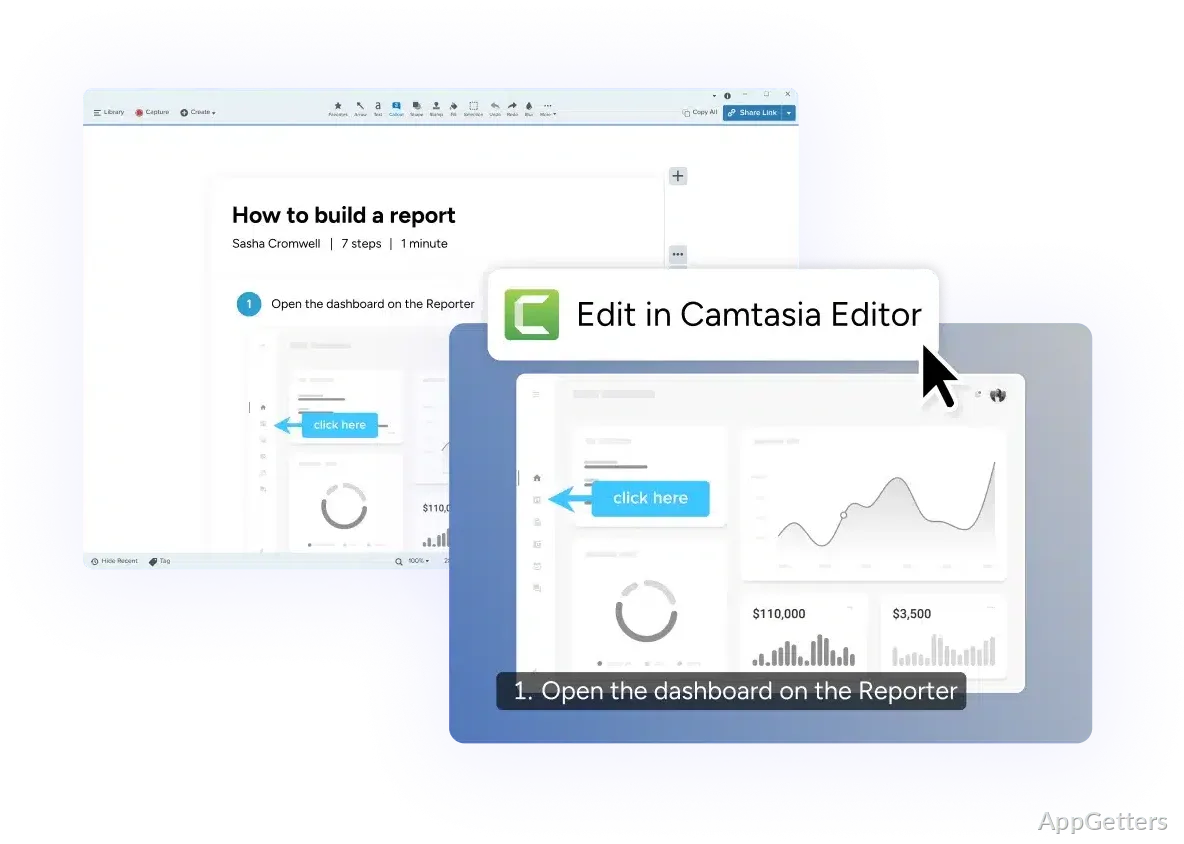
If you’re a Windows user, it’s highly likely that you want a more advanced screenshot tool than a mere capture utility. Plain capture tools work well for getting images quickly. However, they usually do not provide options for editing. They also lack annotation tools. Users cannot easily arrange or combine visuals. This limits their use for instructional layouts. Snagit fills this gap via merging screen capture with well-structured editing and annotation features. Unlike many other tools that regard screenshots as only images, here screenshots are seen as pieces of communication.

This makes SnagIt software very handy for people who are regularly making explanations of processes. Its main purpose is to ease the recording and interpreting of visual information.

Special Purpose Screenshot Software

Focus on the utilization of the capture sets. Snagit is set apart from simple screenshot takers. First-hand, the tool enables users to take a whole screen, a user-defined region, a scrolling window, or only selected areas with pinpoint accuracy.

This ability is indispensable for users who are likely to be dealing with long web pages. The captured images are on hand for users to edit immediately. So users don’t really have to switch between different programs to annotate or tweak visuals. This approach makes a lot of sense in an office environment in which time is money and clarity is the main concern.

Keeping things simple is among the design principles of the interface, allowing new users to find their way without feeling lost.

Editing and Adding Notes in Markups That Serve Their Work Needs

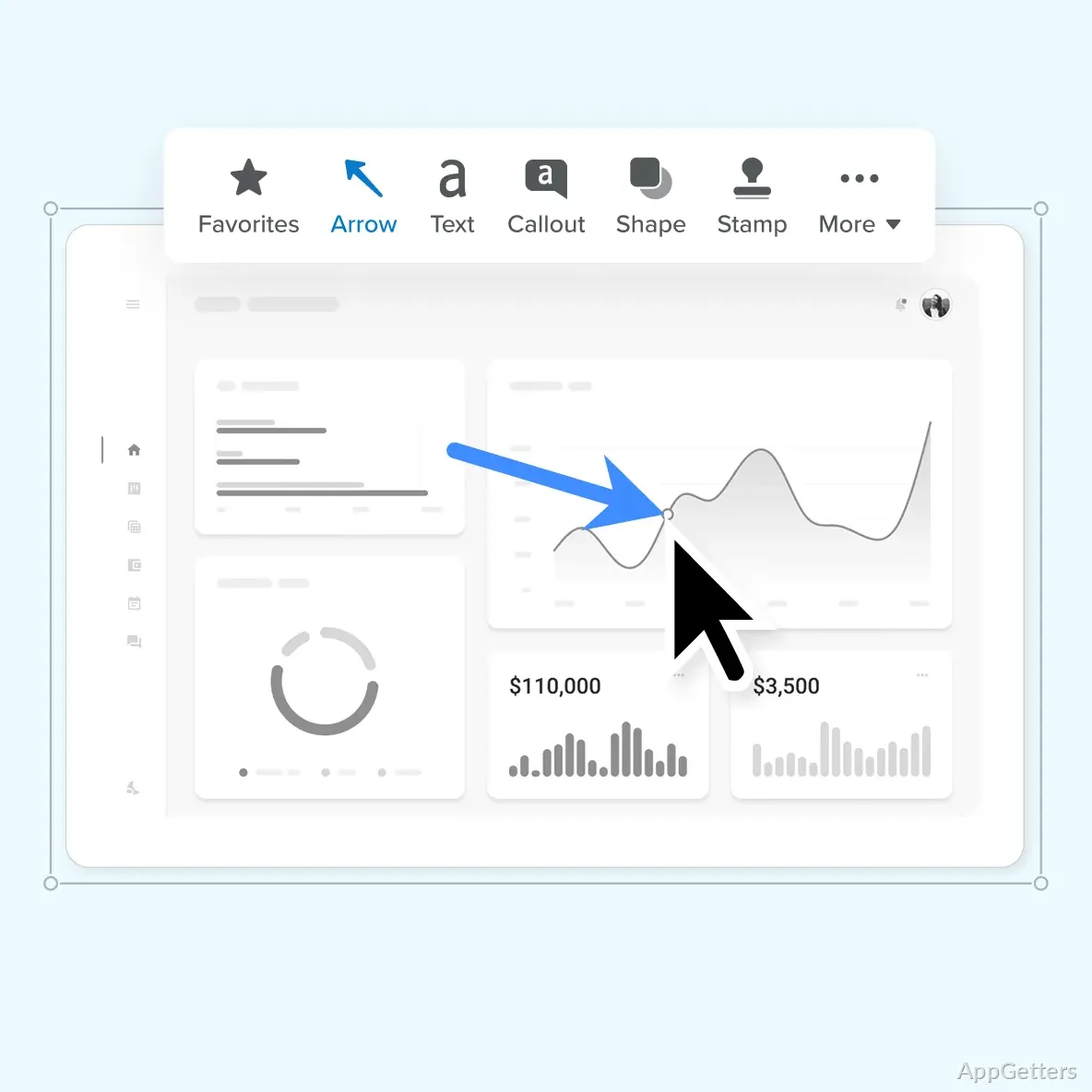
One of the highlight features of Snagit is its markup tools. Instead of creating works of art, users are empowered to focus on communication. They are able to underline, circle the important stuff, add explanatory text, highlight, or even protect privacy by blurring. Besides, these tools can also be used for visually leading through a set of instructions.

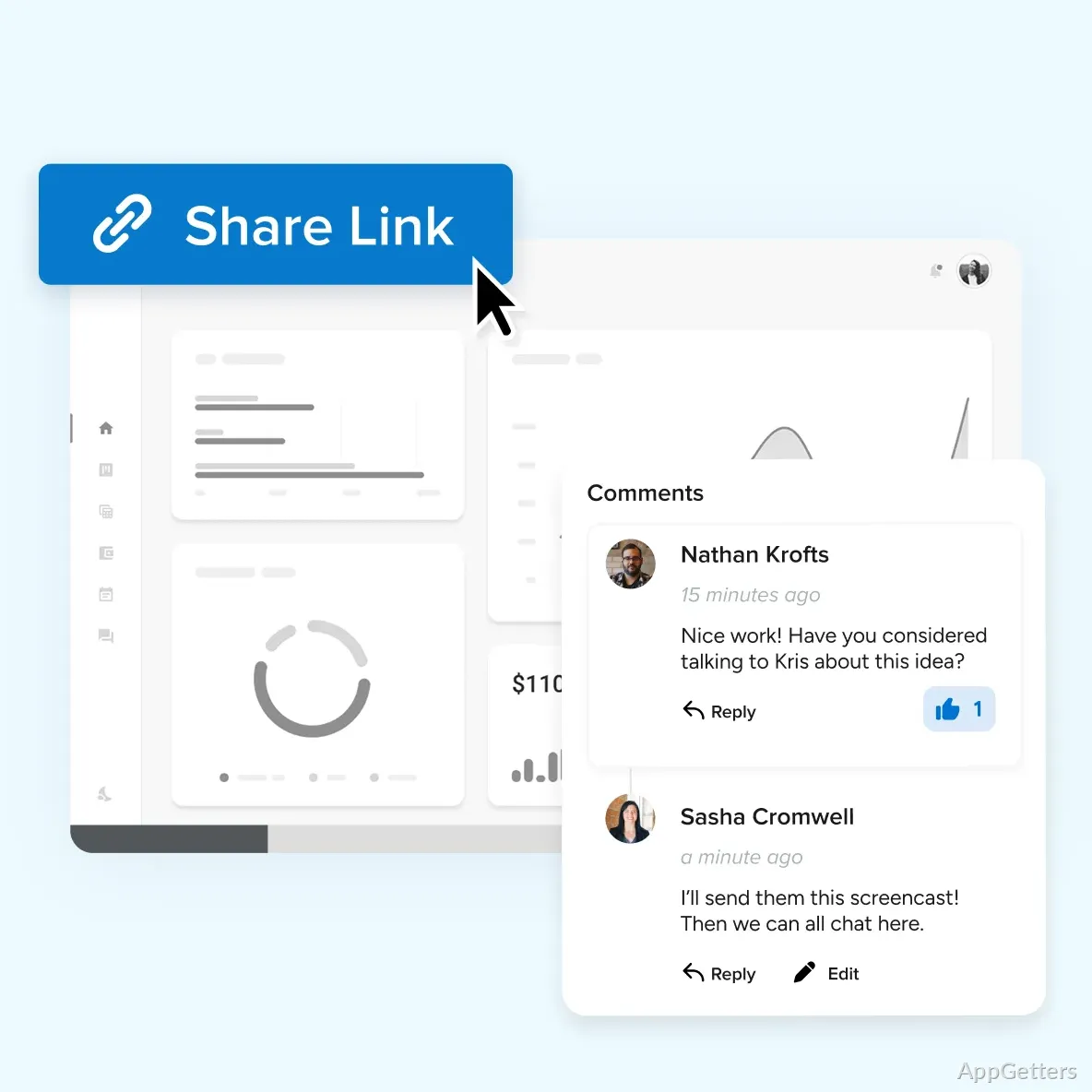
This feature in practical use can come in real handy with the reduction of miscommunication to a great extent. Instead of writing down a paragraph or a whole explanation, one can simply indicate a screenshot of what one means these days. It is really helpful in the case of remote teams, wherein visual cues are often absent from written instructions.

Additionally, Snagit offers simple image editing features, including cropping, resizing, and other day-to-day corrections. Naturally, for heavy image manipulation, one has to look elsewhere in the market.

Working Well on the Windows Platform

Snagit on the Windows platform is good enough to handle normal capture and editing cases without the slightest hassle. Coupled with a desktop workflow, it really enables the user to promptly capture content that needs to be. The next moment is editing. This closeness of the integrations really helps users to keep focused, especially when they are documenting or doing support work.

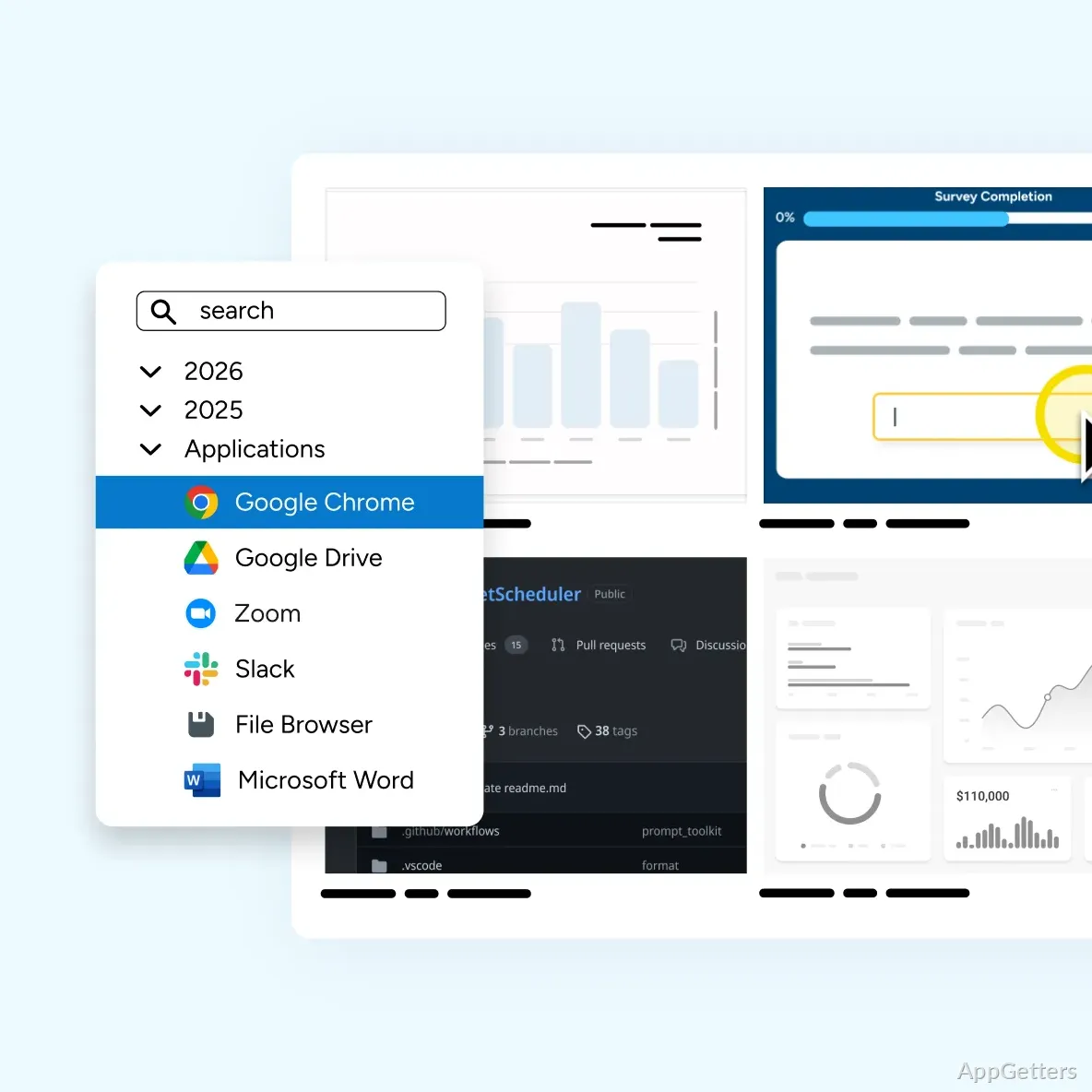
Snagit library organization, among the main functionalities, really makes quite an impact. Not only does it avoid dumping the users with pictures lying around unexplained, but it also presents a neat library from where screenshots and videos can be retrieved and reused. Good for those who carry out documentation that is work-in-progress or instructional materials that get repeated time and again.

What one needs to be conscious of are the downsides. Due to the fact that more than the usual screenshot features are packed in by Snagit, it could be considered larger than the free tools of Windows. This also leads to a requirement for some learning time to get the workflow system fully understood. Nonetheless, once one gets the hang of it, a lot of users would say that it is by far the most efficient one, instead of switching between multiple separate tools.

Great for Making Your Points Visually

If you are a frequent screenshot taker who always accompanies their pictures with clear and well-formed explanations, then SnagIt could be a perfect match for you. It’s particularly ideal for technical support, education, business training, and software documentation, where it’s vital to be visually clear.

As far as the rounded-off set of capabilities to capture, annotate, and organize is concerned, they have made it a utility tool more than just a mere screenshot one, without it being a full-blown design software complexity-wise to scare the newbie.

Basically, if you are a Windows user who deals with visual communication on a daily basis, then Snagit will undoubtedly be a useful tool for you, despite the fact that it might be a couple of clicks too many in terms of the features for the infrequent user who only takes screenshots from time to time.

Software Details of SnagIt 26.2.1.10855

License
Free
Version
26.2.1.10855
File Size
404.06 MB
Downloads
0
Languages
English English, French, German, Italian
Category
Op. System
Windows
Last Updated
May 4, 2026

Version History

5 versions
26.2.1.10855
Latest
404.06 MB
May 4, 2026
26.1.1.10472
407.94 MB
April 3, 2026
25.4.0.8498
417.58 MB
December 19, 2025
25.3.1.7988
418.01 MB
September 4, 2025
2025.3.0.7627
417.61 MB
August 8, 2025

Leave a Comment

Your email address will not be published. Required fields are marked *

Software Icon
Security Report

Loading scan data...

Scroll to Top