EXE
Home » Software » Windows » text-documents » WinMerge for Windows
WinMerge for Windows

WinMerge for Windows

  • By WinMerge.org
  • Free
  • Version: 2.16.56.0
  • 13.01 MB
  • Security Report:

One would think file comparison would be quite an easy task until you really have to do it. Checking what changes you did to a document, double-checking if the code has been changed, or simply looking for the error in the configuration file—any of these scenarios can lead to the tedious task of comparing files manually. That is where tools like WinMerge become handy. If you are a Windows user who wants to have a very clear side-by-side comparison of differences, then WinMerge is a perfect option. Rather than making the comparison more complicated, it is designed to make comparisons more understandable. It makes a lot of sense without the fancy graphics. It really gets to the point in a very simple manner.

File Comparison Made Simple

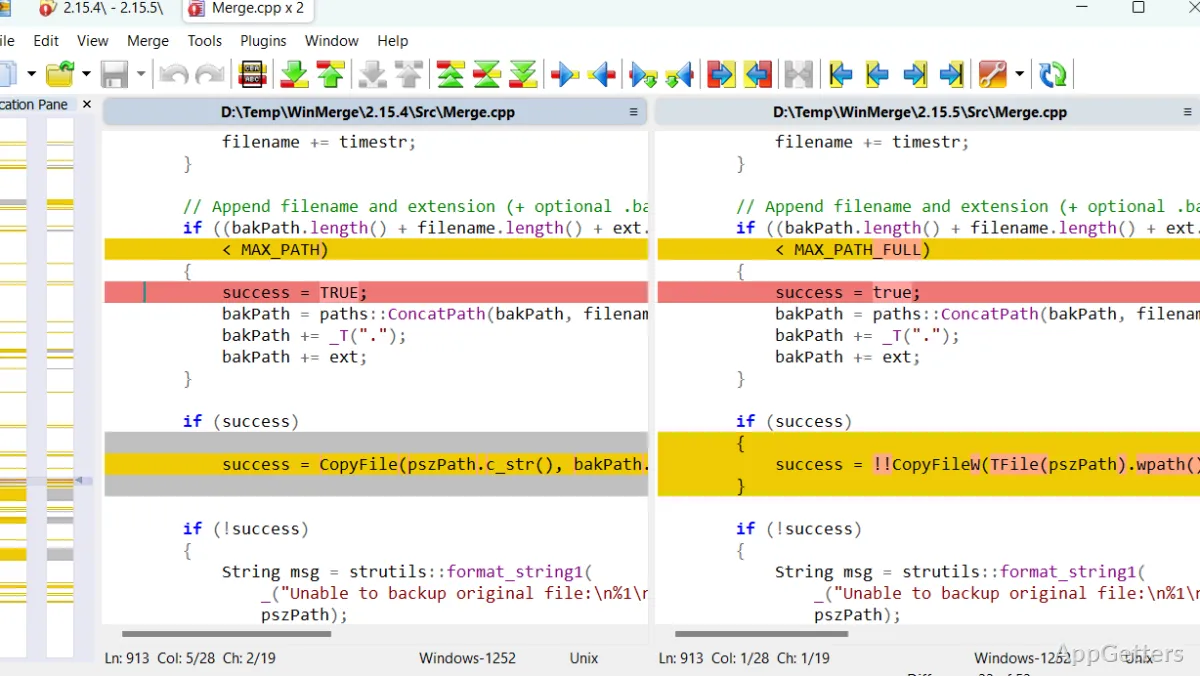
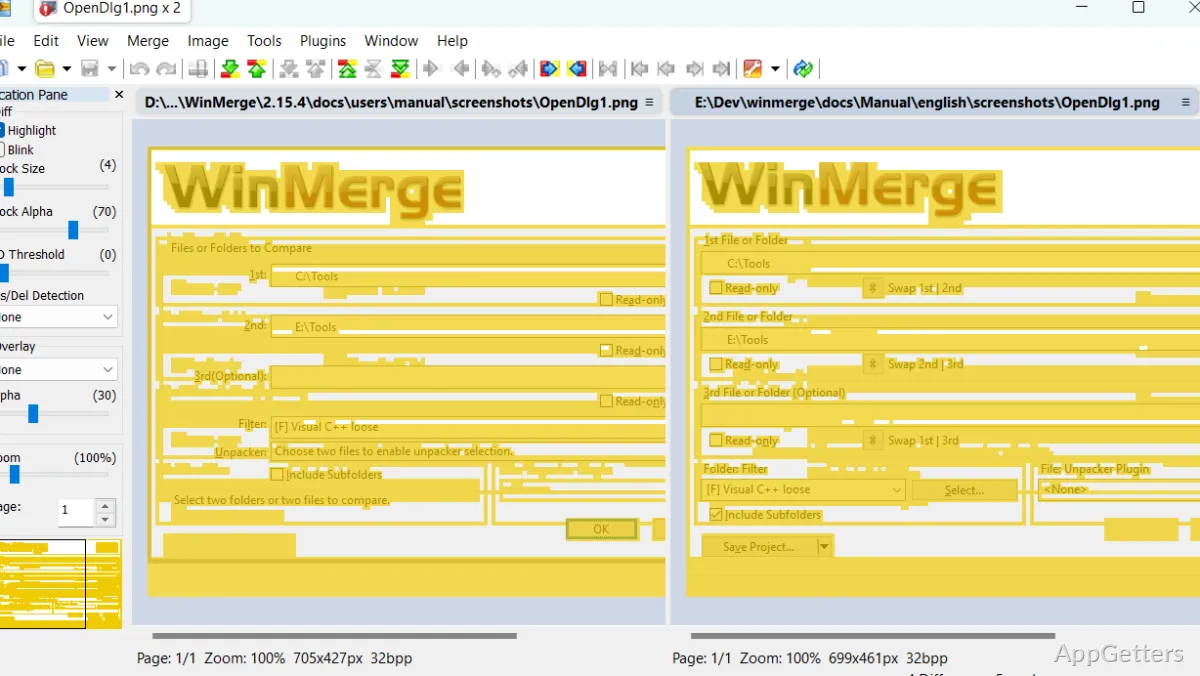
WinMerge is all about performing file comparison as easily as possible. If you want to know what has changed in a document, you can view two versions side by side. It would mark the added, removed, and changed lines with different colors. This makes large documents very manageable. Developers use it for code review purposes, while others use it to look for changes in text files, reports, or notes.

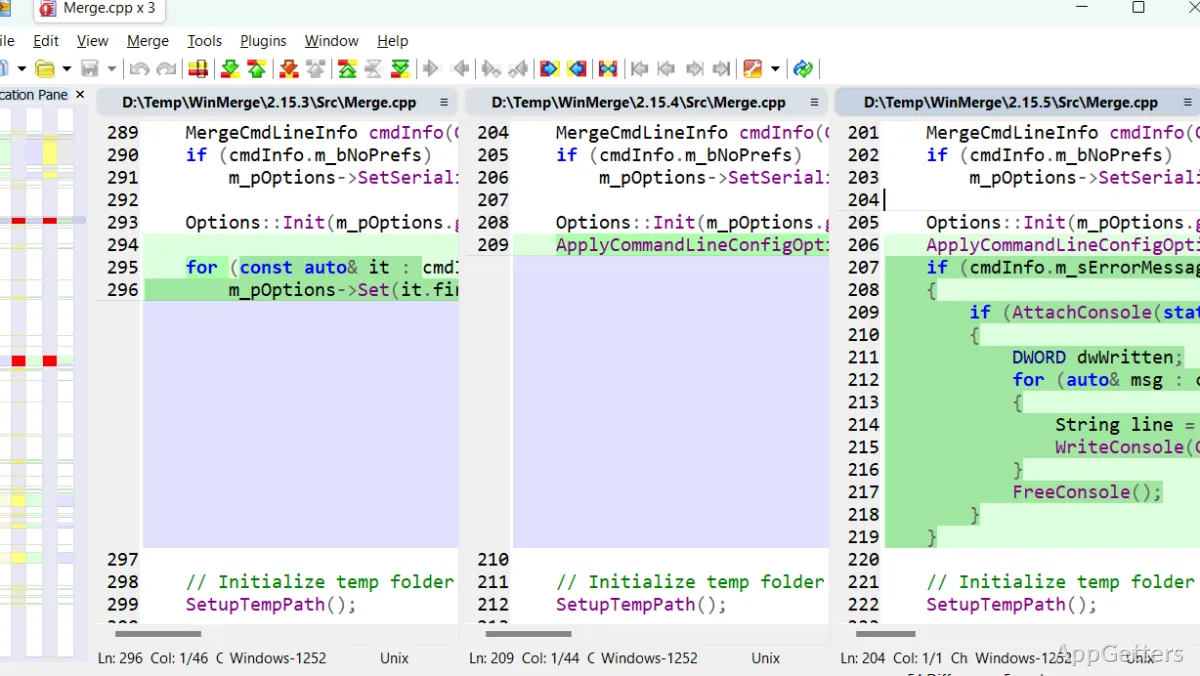
The software’s interface corresponds to its function. It is organized, clean, and simple. There are tabs for multiple comparisons, which makes it very convenient to perform work with different files or folders. Although it might not be a very modern tool, the layout is very familiar and easy to use. This reduces the amount of time needed for learning the software after the first use.

Integrate It In Your Daily Work

Actually, software like WinMerge rarely becomes part of one’s daily tools; rather, it is used when a problem arises. For instance, when two project files of a similar kind yield different results after execution, comparing the two can help visually identify any small modifications. These might not be obvious just by reading the files. Also, it can help students or office personnel track changes in their text documents without resorting to cloud-based means.

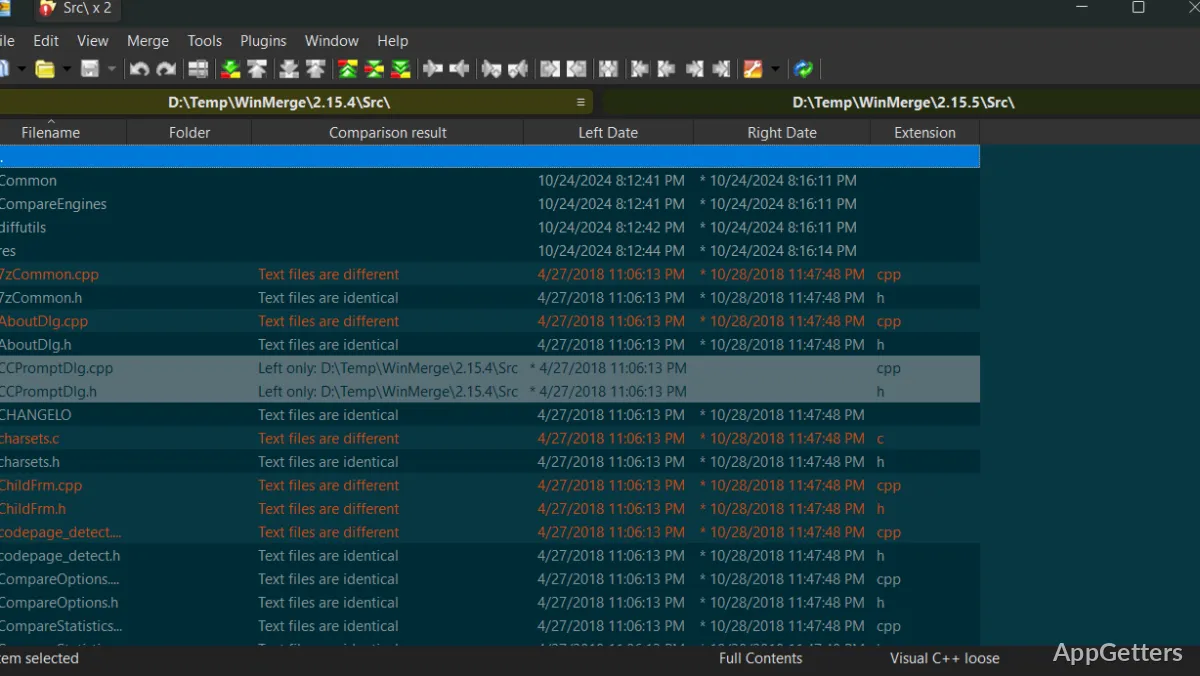
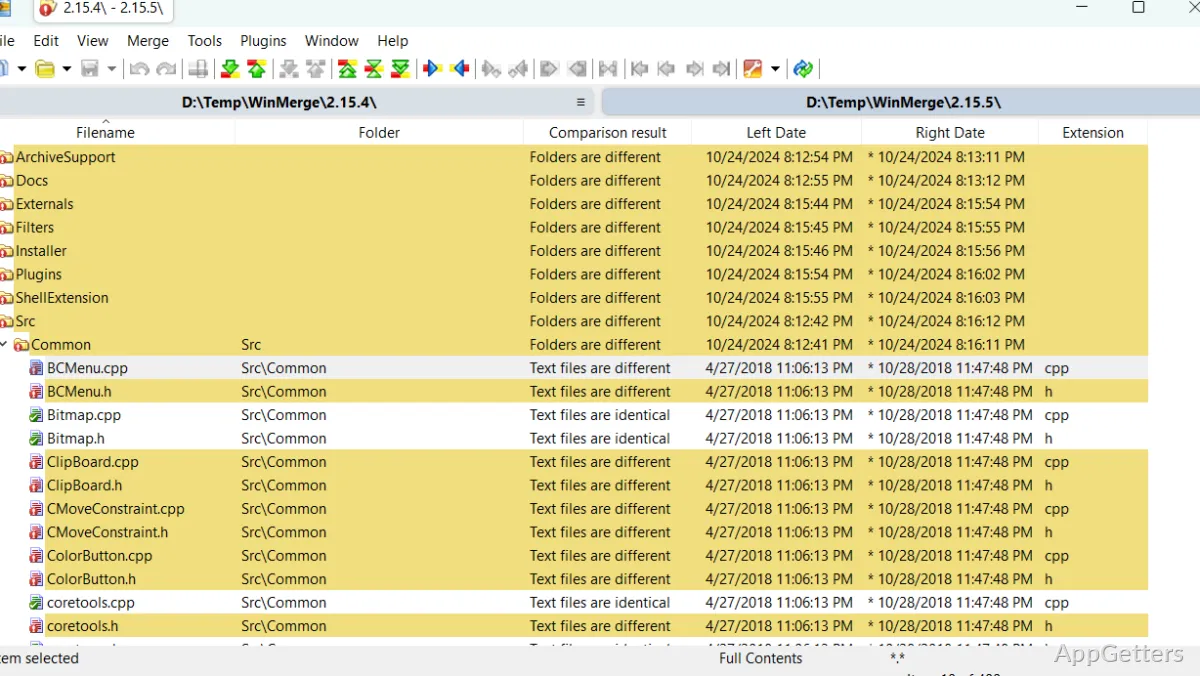
You can also take advantage of the feature that compares folders. There is no need to check every single file when you can perform a folder comparison to detect changed or missing files. This is definitely an advantage when you are working on backups, migrations, or verifying copied data. And don’t forget the direct merging feature from the UI, which can be very time-saving but also a little risky if you inadvertently overwrite something important.

WinMerge’s Merits That Count

Stability is probably one of the key features that make WinMerge stand out. It is capable of working with very large text files without slowing down the computer. It still manages to ensure that the differences are always highlighted in the right way. Those whose work involves logs, scripts, or exported data will certainly appreciate this.

On top of that, customization capacity is there for users who want to change the comparison criteria, disregard whitespace differences, or modify the look-and-feel to their liking. The possibility of adapting it to either code-related or general document comparison tasks is definitely a plus.

Another good point is the minimal disk space and memory it consumes. Potentially, even older Windows PCs and other computer systems where performance is the priority could run this program with great results. People who also desire an application with a narrow focus, lacking any unnecessary features, are nicely catered to.

Some Drawbacks That Are Worth Mentioning

Even though it is quite a handy tool, there are situations where one may need to look further than WinMerge. To start with, its GUI has gone almost unchanged for many years. Also, the logic of comparison and merge could be automated quite straightforwardly, but users might still spend a while figuring out the right process. It is not as attractive as the latest programs, and there are features that can only be achieved in quite expensive software packages, e.g., 3-way merging.

Besides that, although it can open different types of files, it is optimized for working only with simple text files. Comparisons might lack meaning when dealing with binary or other complicated formats. Also, those who want their versioning system to be heavily integrated might be somewhat disappointed.

WinMerge Users’ Profile

WinMerge can definitely appeal more to those who are in favor of a solid and simple comparison tool without a full-fledged development environment. Users like software engineers, system administrators, and other people with a strong technical background will enjoy its accuracy and the amount of power it gives them. Besides that, students and other Windows users can also derive value from its clear approach. This is especially true when it comes to handling text files.

It has a pretty clear purpose, which is to quickly and clearly reveal the differences without adding complexity to the process. WinMerge is also the perfect tool for anybody who occasionally needs to compare files or check changes. It naturally fits into their workflow, lacking a constant need for the user’s attention.

Software Details of WinMerge 2.16.56.0

License
Free
Version
2.16.56.0
File Size
13.01 MB
Downloads
6
Languages
English English, Spanish
Category
Op. System
Windows
Developer
Last Updated
April 27, 2026

Version History

6 versions
2.16.56.0
Latest
13.01 MB
April 27, 2026
2.16.54.2
11.88 MB
March 18, 2026
2.16.54.0
10.39 MB
January 27, 2026
2.16.52.2
11.8 MB
November 28, 2025
2.16.52.0
11.79 MB
October 28, 2025
2.16.50.2
11.7 MB
August 28, 2025

Leave a Comment

Your email address will not be published. Required fields are marked *

Software Icon
Security Report

Loading scan data...

Scroll to Top