For many Windows users, writing has become quite a hassle. Notifications, background apps, and word processors loaded with features can make drafting notes or drawing ideas so complex that it is hard to keep up. Minimalist writing tools deliver a solution in these situations. FocusWriter Portable is a product that was created with the aim of cutting distractions and enhancing the writing experience. It features a simple and neat workspace that puts a person’s focus on writing rather than on the difficulties of the software. Apart from being able to use it anywhere in its portable form, it also provides one with the flexibility of having one’s writing environment on a USB drive. There is no need to install the program on other computers.
Enjoy Writing With No Distractions
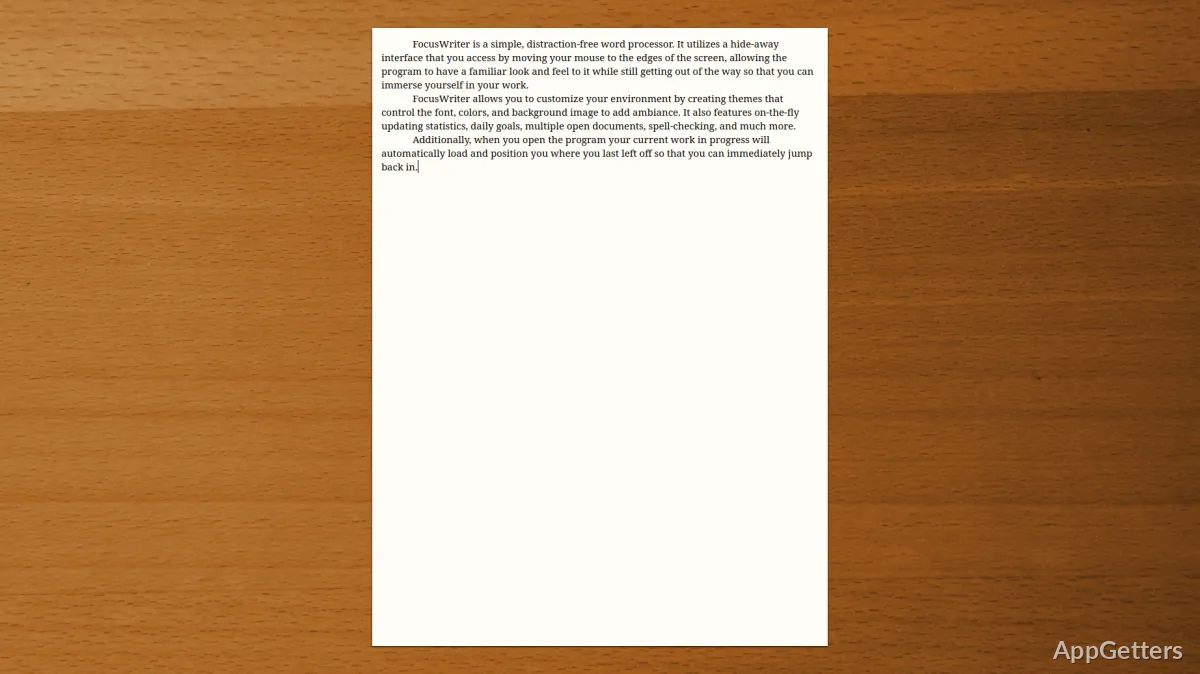
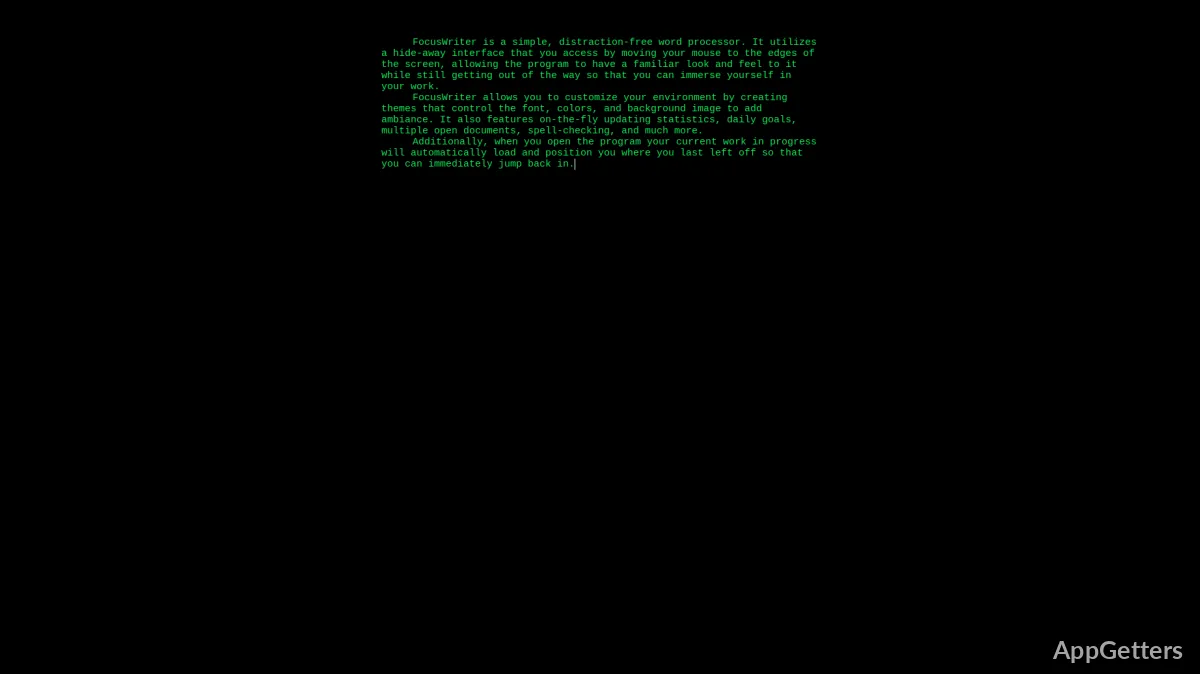
The concept of FocusWriter Portable revolves around making the writing environment as bare as possible so that one’s attention is not diverted from writing at all. Running the program, you will get a full-screen interface with the fewest number of UI elements. The program hides menus until you need them. This way of working is a practical demonstration of how quite a few features have been removed or hidden. A day-to-day writing experience largely does not require them. Besides that, users who are easily distracted by toolbars, tabs, and so forth will highly appreciate the design of FocusWriter Portable.
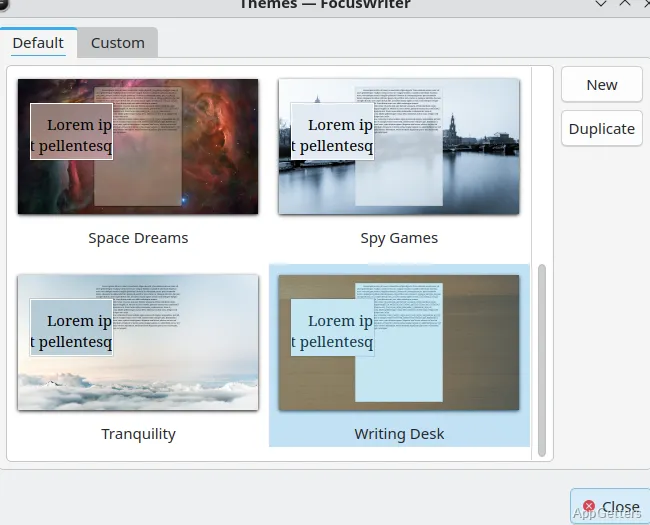
One gets the impression that one is writing on a blank sheet of paper. It does not feel like typing on a regular word processor. The interface is spiced by themes and background settings, which help users to give it a unique touch. But the interface does not become overloaded. This is a plus to people who work with teams embarking on an essay or journal. It also helps those who extend their long-form writings. It will help them focus and not get tired during their writing sessions.
Writing on the Go and Don’t Interrupt Your Flow
One can say that the portable variant differs in that it does not require a computer user to install the software. The latter will be the case if one uses the standard version. The portable version can be launched straight from an external drive. This makes it extremely handy to those who are engaged in study, writing, or other professions. They are often exposed to changes within environments. Locations like the lab, library, or shared office are no problem. If one wishes, one can even consider their writing setup as a different one for each of these spaces. One will not lose any settings thanks to the portable nature of the software.
So what you end up gaining is cross-device convenience rather than novelty. Users don’t need to keep setting up the environment with each new machine. The personal settings, a theme, or targets for writing, stay as they are. Also, it doesn’t leave you with a trace on the hosts that one is working on. This can be quite important in the case of restricted or shared environments. Of course, the workings of the software might be impacted to an extent. This depends on the speed of the external drive. This is especially true in situations when one is saving large documents.
Just the Right Features to Keep You Going
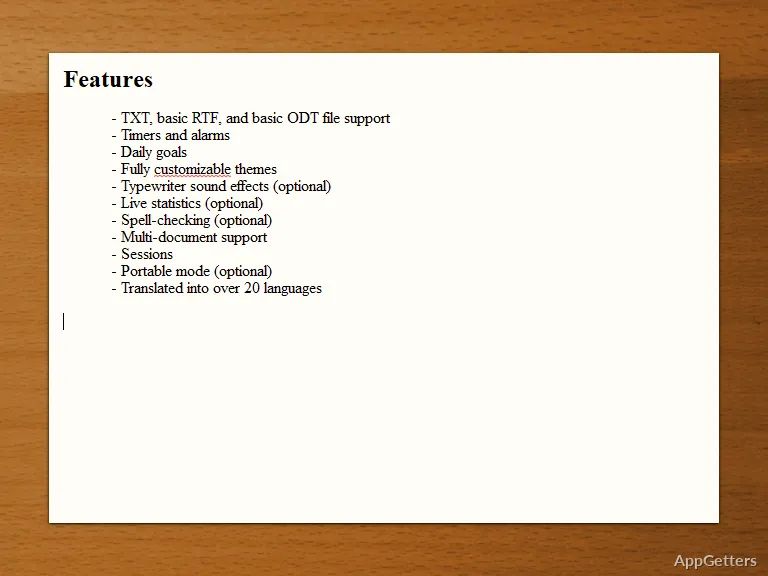
In the long run, this lack of micro-managing and plethora of features can provide the gap that a writer has always desired. It really has been streamlined in terms of the writing workflow. It includes just a few features that are enough to support a continuous drumming of letters on the keyboard. There are daily writing targets as well as timers and basic statistics. These give the writer a bit of writing structure. But the app doesn’t turn into some sort of super-strict productivity gear. One can get spell-check, but this is not as robust as that found in the major office suites.
File management is very easy with support for the most common file types, such as TXT and RTF. This is sufficient for the basic needs. This is just perfect for when you are only doing a rough draft. At the same time, one might have to use another program for the final touches or to do publishing. Often enough, a lot of people use FocusWriter simply as a tool to make the first draft with. Then the final version is prepared in another software. Lack of additional features for typesetting is by design. It is an idea behind it not to offer a complete writing tool. But the absence can be a limiting factor for those who come there hoping to find all the features they need. Still, when it comes to the intended function, at the stage when the text persists in being merely drafted, it works quite well.
What May Foreseeably Deter Regular Users
It is true that minimalism is the driving force here; however, it also means that the very core has to be compromised, too. When it comes to comprehensive word processors, the absence of advanced editing appears as an obvious limiting factor to some users. There are no collaboration tools and no cloud integration. The absence of real-time sync or version control may become a major limitation for those working across devices without manual file management.
Besides that, the full-screen feature, although extremely helpful in staying concentrated, might be a disadvantage for multitaskers who are constantly viewing other files. Furthermore, toggling back and forth between different programs can break the effective rhythm of work.
Still, the aforementioned are but minor drawbacks from the standpoint of the application philosophy. It is quite clear that it is not intended to be the only writing solution one will ever need, but rather a companion dedicated to text production.
Contexts in which FocusWriter Portable is Most Effective
Simply put, FocusWriter Portable is a great option for those who care mostly about getting work done, without being exposed to the distraction of a plethora of options. High school and university students who are plunged into the flow of writing papers will benefit. Writers who need to get a first draft done will also benefit. People who develop a have-a-go-at-writing habit each day will be winners after switching to FocusWriter Portable. In addition, it is made for situations where there are no options for software installations, or it is just plain not allowed.
From a workflow perspective, this is really like the main base. It is a place from where one can think, write, and structure ideas, devoid of distractions from the outside. In fact, those who combine FocusWriter with other advanced modules for final formatting often comment on how effective the combination is. If one wants a lightweight, distraction-free writing tool, it can be taken wherever they go. FocusWriter Portable is one of the very few that completely fulfill this need very realistically and practically.