EXE
Home » Software » Windows » text-documents » PDF Shaper for Windows
PDF Shaper for Windows

PDF Shaper for Windows

  • By Glorylogic
  • Free
  • Version: 15.5
  • 8.04 MB
  • Security Report:

Working with PDFs on a Windows PC can get complicated faster than you expect. What may at first appear like simple actions, such as splitting a document, extracting pages, or changing the format, may require you either to switch between different tools or to buy the software. For example, this is extra work for students who receive assignments, office workers who deal with reports, and anyone who handles scanned files. PDF Shaper is a lightweight yet all-in-one utility. It helps you do various simple PDF operations while keeping the user interface straightforward.

A Convenient Set of Tools for Regular PDF Activities

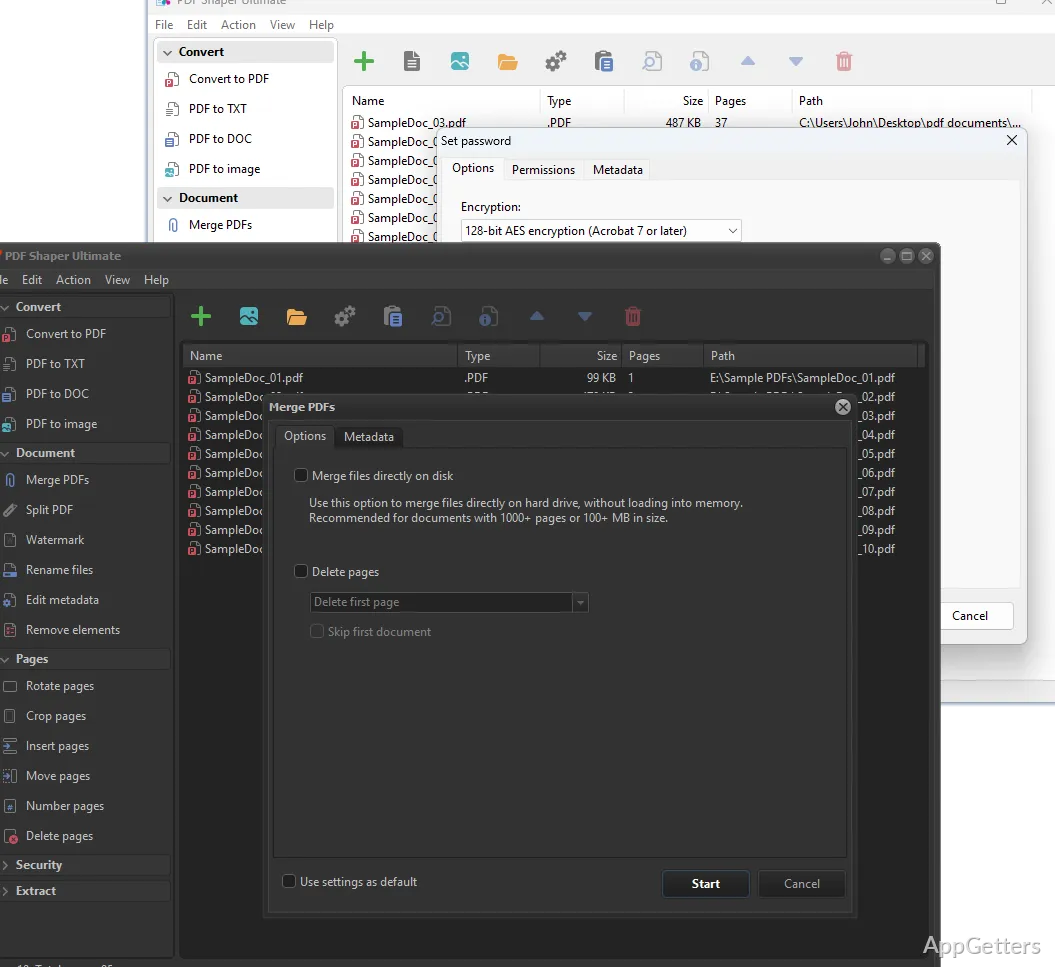
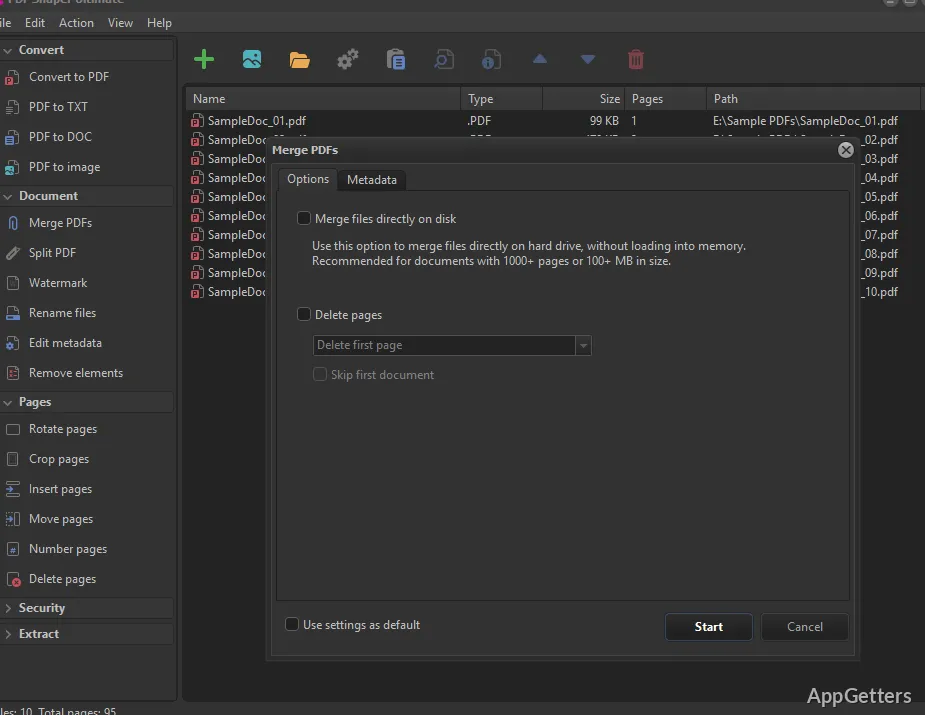
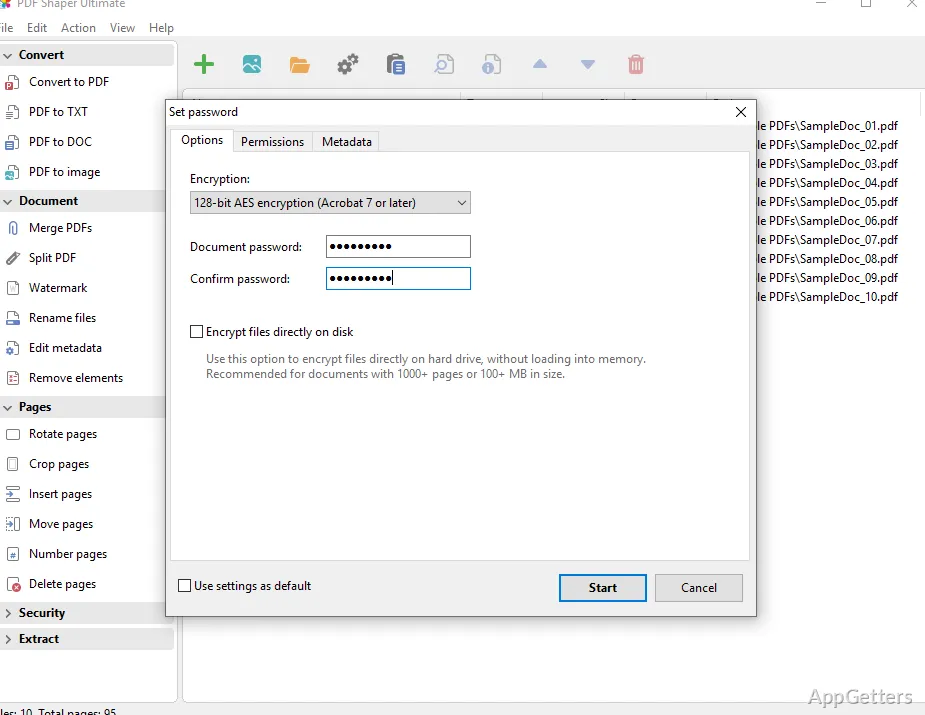
In regular usage, PDF Shaper gives the impression of not being a one-function program. It is rather a set of small tools totally at your disposal. You can merge PDFs, split large files, extract text or images. You can also convert PDFs to Word or pictures and from pictures back to PDF. These services are available from a simple and clear list. You are not overloaded with controls, as is often the case with the top-end PDF packages.

If you need to organize your lecture notes or you want to add some scanned documents into one, your work should go fast. There is very little room for making mistakes. You launch the tool, pick the function, and carry out the task in a few steps. It is not trying to create a new way of changing documents. It is concentrating on performing common operations accurately. This is one of the reasons why most people like it.

User Interface Simplicity and the Learning

The very first feature that you notice about PDF Shaper is a clean UI. In this software, you won’t find any complicated ribbons or advanced panels. The implementation of the tools is very transparent. This makes the product especially attractive for those who are just beginning their journey and don’t know much about PDF editing yet.

Of course, what is gained in simplicity is lost in functionality. Users with more experience and hence more specific needs, like extensive editing features, powerful annotation tools, or real-time previews, might be frustrated by the limitations of the program. Nevertheless, considering who it’s targeted at—the average home user or student, and light office work—the interface is more likely to reduce, rather than add to, frustration. It’s one of the very few types of software. Even if you don’t use it regularly, you can still easily remember how to operate it when you come back.

Performance and Reliability When Deployed

As far as real-world usage goes, PDF Shaper can be expected to perform common tasks very well. It is usually quite rapid in splitting large PDFs or merging multiple documents. It is unlikely to use up a lot of your computer’s resources. This fact alone means that it can even be used on old or low-spec Windows PCs. On such systems, more resource-consuming software might operate sluggishly.

On the other hand, formulae and their components are not strictly defined. The performance depends on the file complexity to a great extent. This is particularly noticeable with large batch operations or when working with heavily formatted documents. It generally isn’t capable of supporting high-volume professional workflows. Nevertheless, for casual usage, it supports the user experience of reliability. This leads to consistency, which is often actually deemed more important than having a large number of features.

Disadvantages to Keep in Mind

Although PDF Shaper handles many of the basic functionalities, it is far from a full replacement of capable editors for PDFs. It provides only a little support in terms of features enabling advanced editing. This includes the ability to alter the text within PDFs or to work with complex layouts at a high level of accuracy. Other features are locked behind the paywall of a premium version. This may limit how far you can get with it for free.

Likewise, if a user is looking for perfect OCR or very precise format conversion from one type to another, then the expected result will not always be on the dot. It is a tool for clean, standard PDFs primarily. It is not for the ones that are complicated by scanning and heavy visuals.

PDF Shaper Place in a Windows Utility Chain

Using PDF Shaper as your main document editor is something that is going to get in your way very quickly. It is intended for those who just want to carry out the most common PDF operations very quickly. They want the minimum amount of stuff installed on their system at any one time. Or they have no desire to pay.

Unlike full editors, which are designed to deal with more complex situations, PDF Shaper can be viewed as a complement to those toolsets that are already in place. It will be used quite frequently for simple, quick tasks. It has the characteristics of being reliable, of having a small footprint, and of being easy to get to grips with. All are very useful when your aim is to be efficient.

Software Details of PDF Shaper 15.5

License
Free
Version
15.5
File Size
8.04 MB
Downloads
7
Language
English
Category
Op. System
Windows
Developer
Last Updated
February 3, 2026

Version History

6 versions
15.5
Latest
8.04 MB
February 3, 2026
15.4
8.03 MB
November 11, 2025
15.3
8.04 MB
August 19, 2025
15.2
8.03 MB
June 10, 2025
15.1
8.03 MB
May 8, 2025
14.9
7.83 MB
February 6, 2025

Leave a Comment

Your email address will not be published. Required fields are marked *

Software Icon
Security Report

Loading scan data...

Scroll to Top