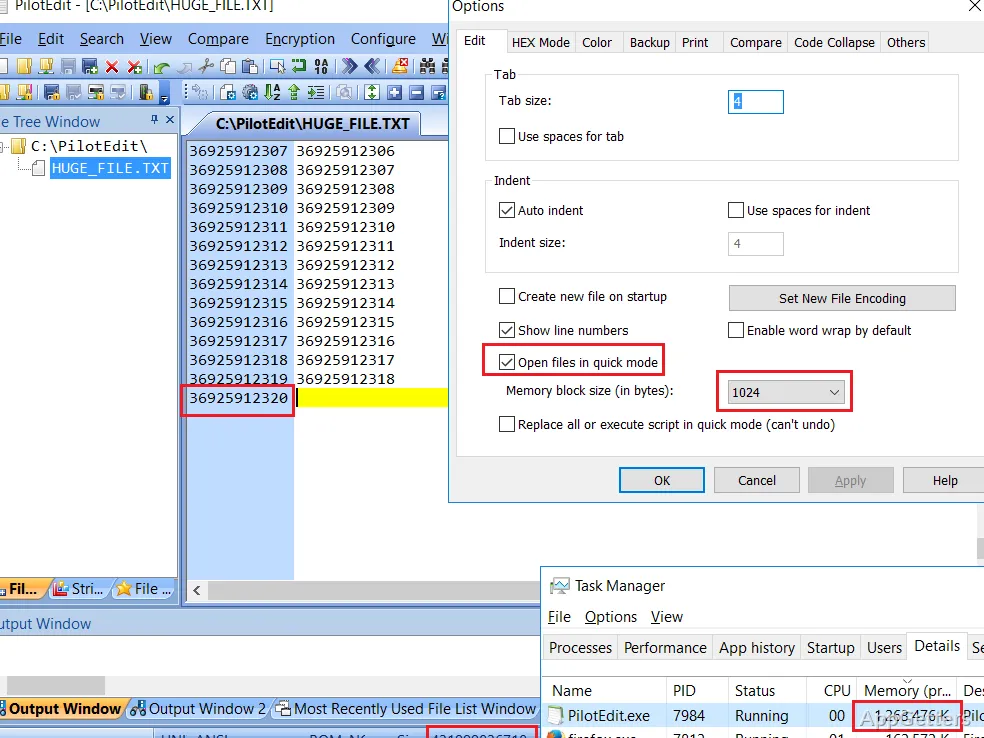
PilotEdit edits large text files and searches across directories, including ZIP archives. It also compares and merges files, with tools for column editing, regular expressions, and remote FTP or SFTP documents.
PilotEdit searches and edits large text files
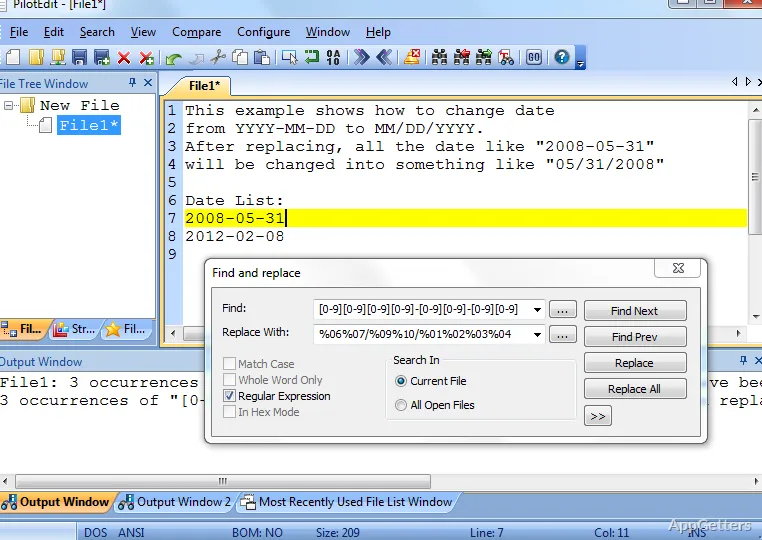
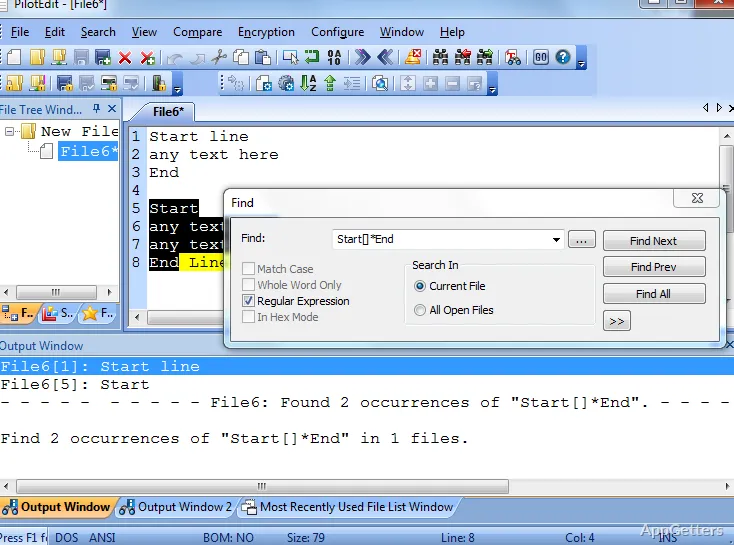
PilotEdit includes search and replacement tools for single files, multiple directories, and multi-line text. Regular expressions can target text patterns, and PilotEdit scripts can run frequently used replacements automatically. Search results can also be used to extract matching strings, such as email addresses, from a file.
For recurring work, a file group opens a set of documents together, while bookmarks keep favorite files accessible. PilotEdit can change text encoding across multiple files, detect encoding automatically, and adjust encoding when copying text between documents.
- Sort lines as text or numbers, including by a selected column or pattern.
- Find and remove duplicate lines, with comparisons based on text, numbers, or selected content.
- Use column mode to insert text across selected lines.
File comparison includes editing and merging
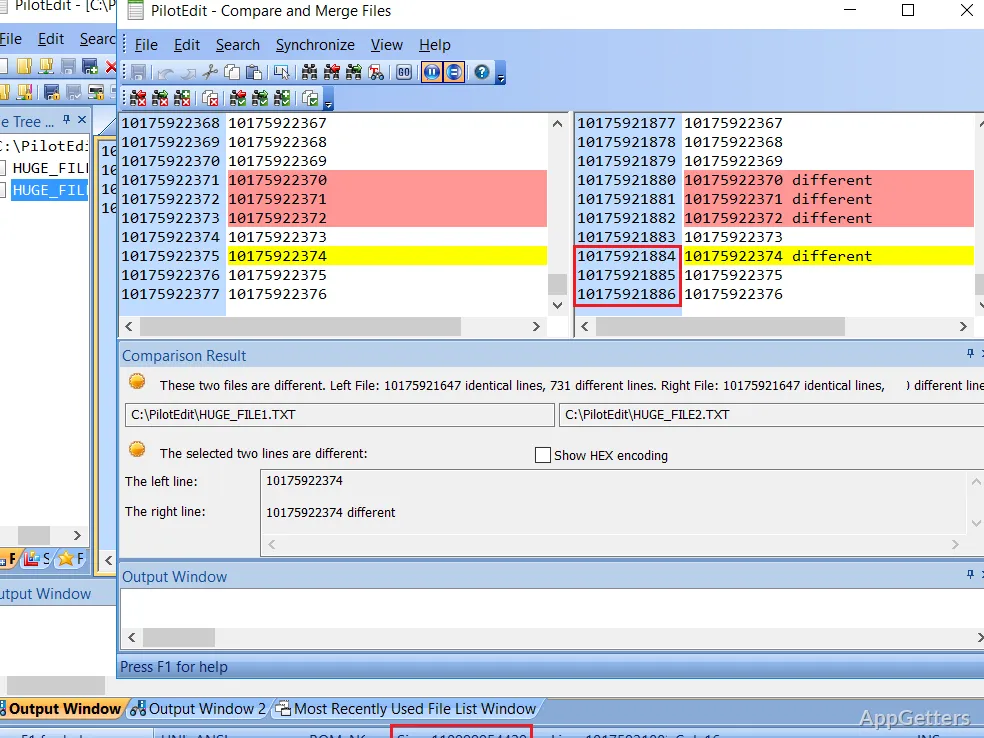
The comparison window shows different and identical blocks between two files. Users can move between those blocks, copy selected lines to the clipboard, and edit a file directly in the comparison view. PilotEdit can also compare directories and merge file contents.
HEX mode and remote files extend the editing workflow
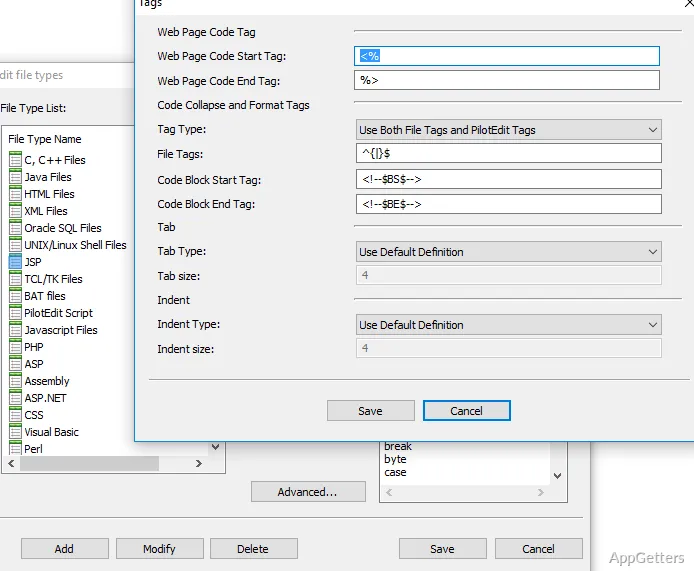
HEX mode supports entering, deleting, copying, cutting, pasting, and searching or replacing data. Undo and redo remain available across text and HEX editing. For source files, customizable syntax and keyword highlighting, code collapse, and formatting tools cover a range of programming and markup types, including C/C++, JavaScript, HTML, JSON, and XML.
PilotEdit can open, save, upload, and download files through FTP and SFTP. It also supports encrypting and decrypting files and directories with 256-bit AES, and can edit encrypted files transparently.
Pros
- Searches and replaces text across multiple directories and ZIP files
- Compares and merges files, with differences shown in an editing window
- Supports column editing, HEX mode, and customizable syntax highlighting
- Includes FTP and SFTP file editing and transfer tools
System requirements: Windows 7, Windows 8, Windows 10
Can PilotEdit search more than one folder?
Yes. It can find or replace text across multiple directories and search inside ZIP files.
Can PilotEdit compare and merge files?
Yes. Its comparison window displays different and identical blocks, supports editing, and provides file merging.
Can PilotEdit edit files stored on FTP or SFTP servers?
Yes. It can open and save remote files and transfer multiple files or directories.