Full gettext catalog support is at the center of Poedit’s translation workflow. The editor works with PO files and also supports XLIFF, JSON, Qt, and Flutter translation formats, giving developers and translators a place to edit catalog entries and run checks for common errors.
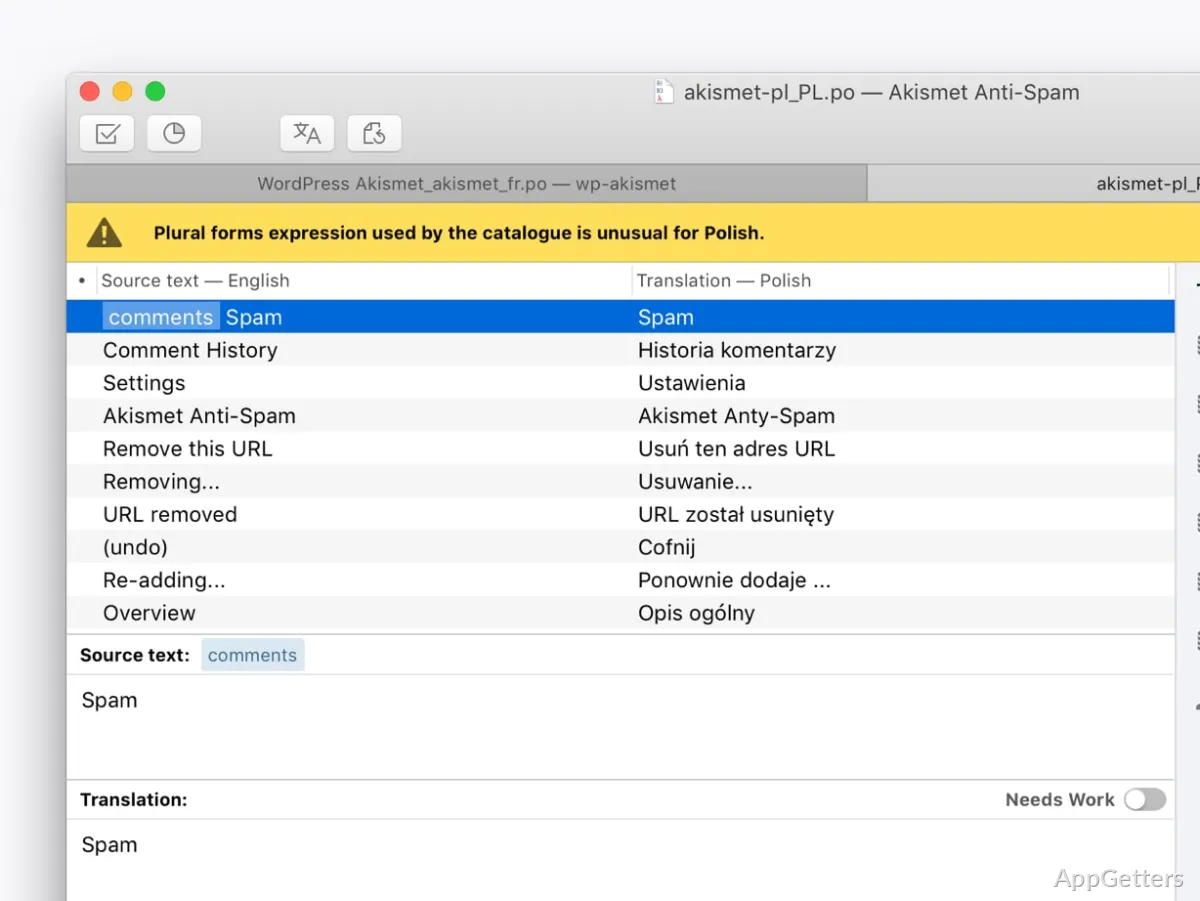
PO catalog editing
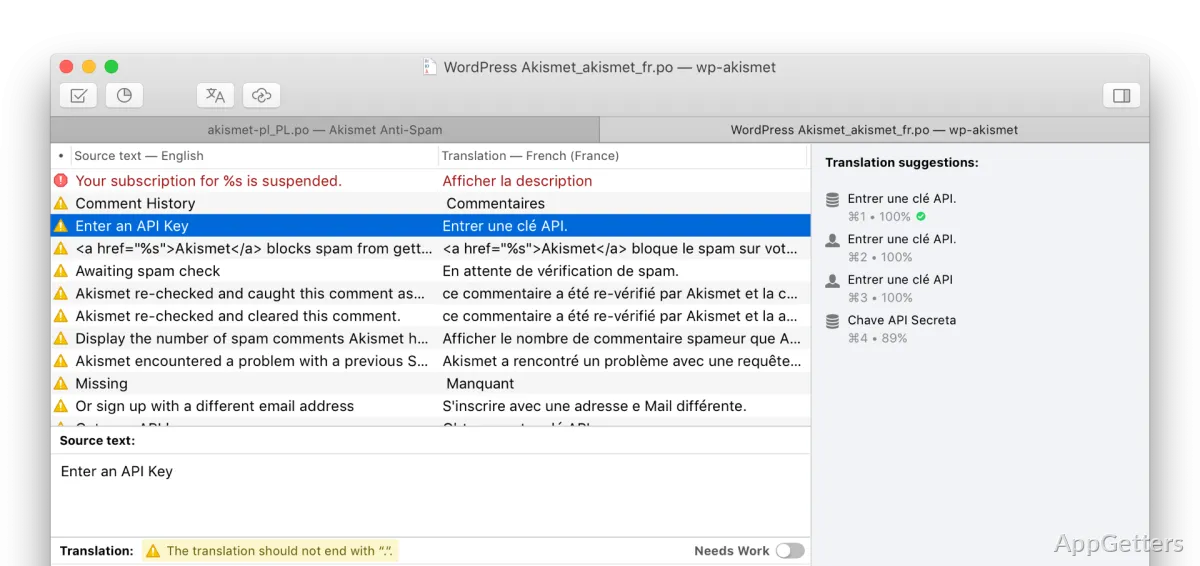
PO files hold the source strings and their translations in gettext-based projects. Poedit presents those entries for editing and includes safety checks that can catch translation problems, such as missing placeholders or formatting inconsistencies. Catching these issues during editing can prevent errors from carrying into the localized application or site.
The program’s gettext support fits projects built with tools and platforms such as WordPress, Drupal, and Django. Poedit also handles XLIFF and JSON, along with Qt and Flutter translation formats, so its workflow extends beyond PO catalogs.
Source strings and catalog updates
Poedit can scan source code to find text marked for translation and track changes as the project evolves. When a source string changes, translators can update the corresponding catalog entry while keeping the existing translation available for revision. That workflow is suited to ongoing software and website projects where source text is not fixed.
- Open a translation catalog and edit entries against their source strings.
- Run checks to spot common placeholder and formatting problems.
- Refresh catalog content as source code changes.
Cloud projects and suggestions
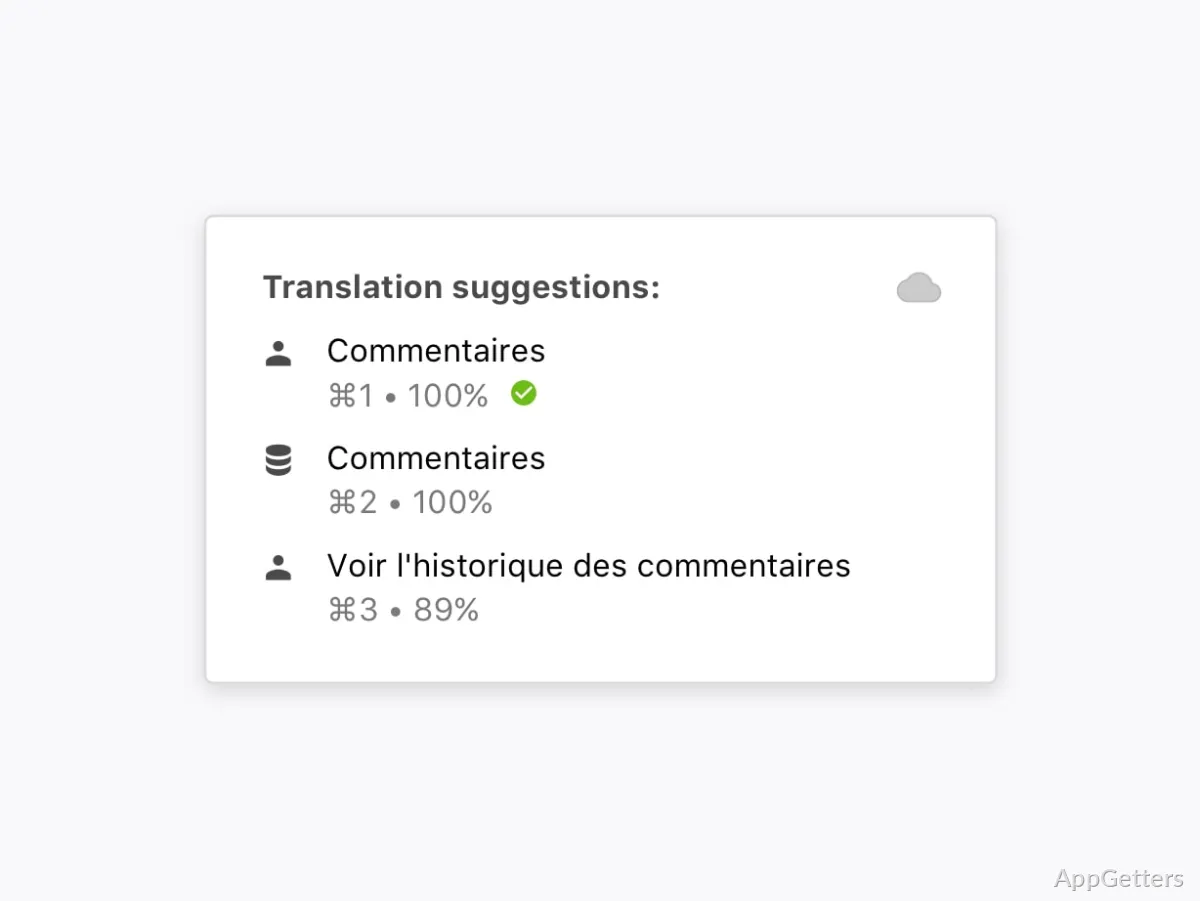
Built-in connections to Crowdin and Localazy let translators access those projects and work on translations from Poedit. For WordPress themes and plugins, the Pro edition can work with files stored locally or remotely. Pro also adds AI-assisted pre-translation and intelligent suggestions, which can provide draft wording for review.
Pros
- Edits gettext PO catalogs and supports XLIFF, JSON, Qt, and Flutter formats
- Scans source code for translatable strings and tracks translation changes
- Connects to Crowdin and Localazy projects from the app
Cons
- AI-powered pre-translation and intelligent suggestions are Pro features
System requirements: Windows 10, Windows 11
What file formats does Poedit support?
Poedit supports gettext PO catalogs, XLIFF, JSON, Qt, and Flutter translation formats.
Can Poedit find text to translate in source code?
Yes. It can scan source code for translatable strings and track changes to them.
Can I work with Crowdin or Localazy projects in Poedit?
Yes. Poedit has built-in connections for accessing and translating projects on both platforms.