Distraction is often the main thing that gets in the way of a really focused writing session on Windows. With notifications constantly popping up, cluttered interfaces, and habits of multitasking, even simple writing can get broken up. A lot of people get word processors with all sorts of features only to discover they are spending more time on the layout than actually putting words on the page. Minimalist writing apps are exactly what is required here. WriteMonkey calls itself a distraction-free writing place where the aim is to preserve focus on the text. It gives you a blank screen for writing, hiding all the other stuff.
A Focused Writing Environment That Removes Clutter
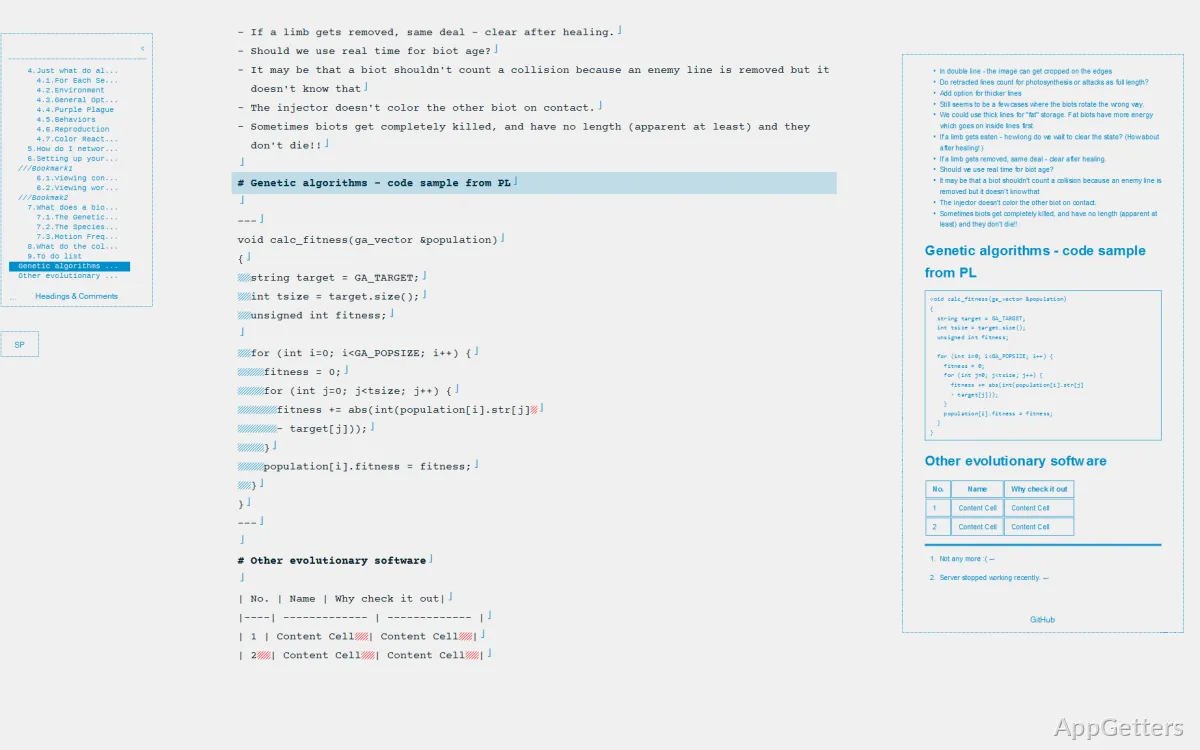
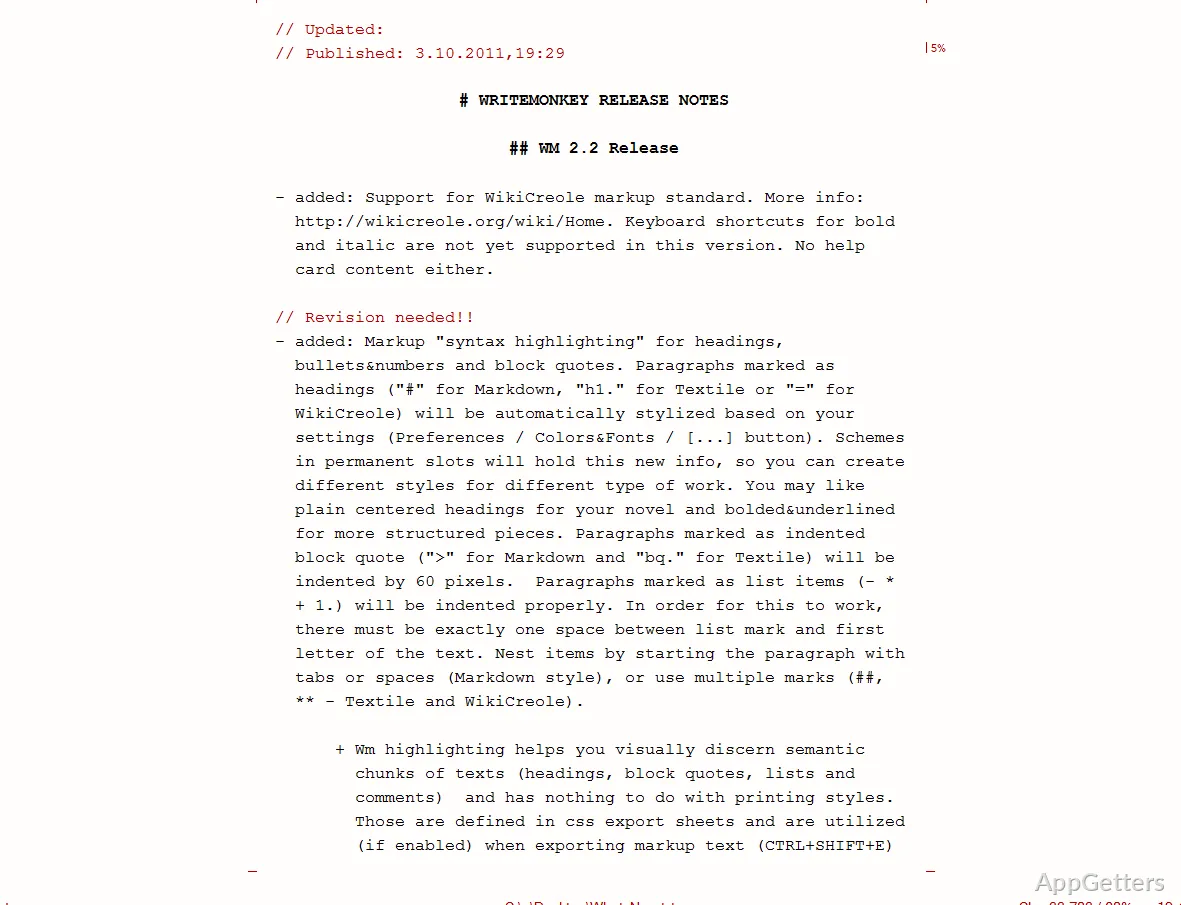
WriteMonkey’s main advantage is that it is easy to use. When you open it, you get a pure text screen that shows no menus, toolbars, or other things that distract you. People who use complicated software may even find this change somewhat disconcerting, but most likely they will get used to it quickly. With no controls or settings visible, the temptation to keep fiddling with things is completely removed. You write on and on.
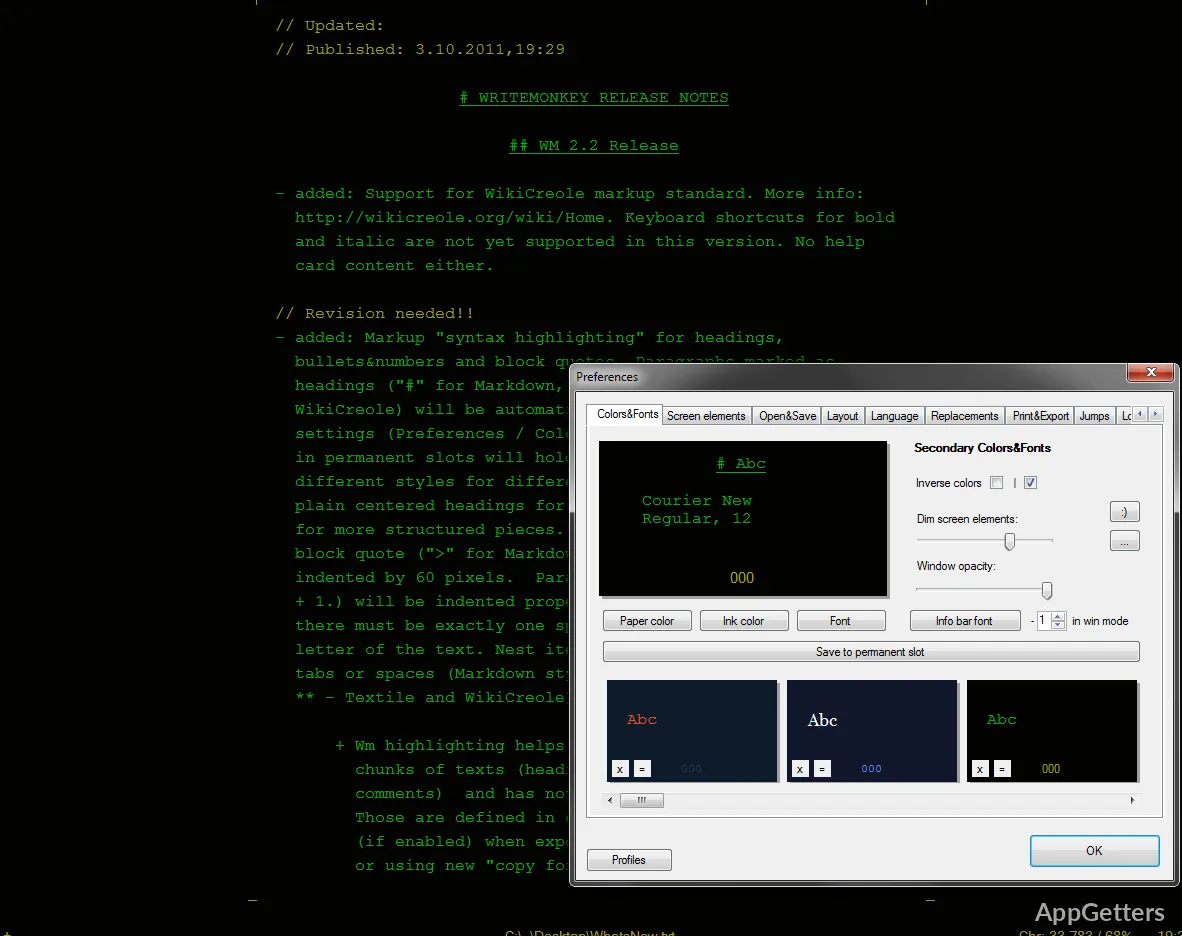
Basically, it is exactly the kind of help you would want from a tool if you aimed at a full concentration mode. It suits a student working on a paper, a blogger laying out a post, or anybody producing a long text stream. The full-screen, combined with the ability to change colors and fonts, delivers a user-friendly, relaxed workspace. It doesn’t get the user down with too many choices.
Lightweight Performance and Portability
Moreover, WriteMonkey appeals to users with not-so-powerful computers as well because it is a very tiny program. It doesn’t become an obstacle at all for a user who wants to keep a computer running fast. The program is very quick to open and close files. It stays very responsive even after a lot of use.
Besides, WriteMonkey is a portable program that can even be executed from a USB disk without being installed first. Such a factor can become a genuine lifesaver for those who move a lot from one place to another with a computer or who simply do not want to change their main computers. A portable feature is more than a simple fancy, but an essential part of its simple ideology. Everything is kept within without any reliance on internal operations or complicated settings.
Practical Features Without Overcomplication
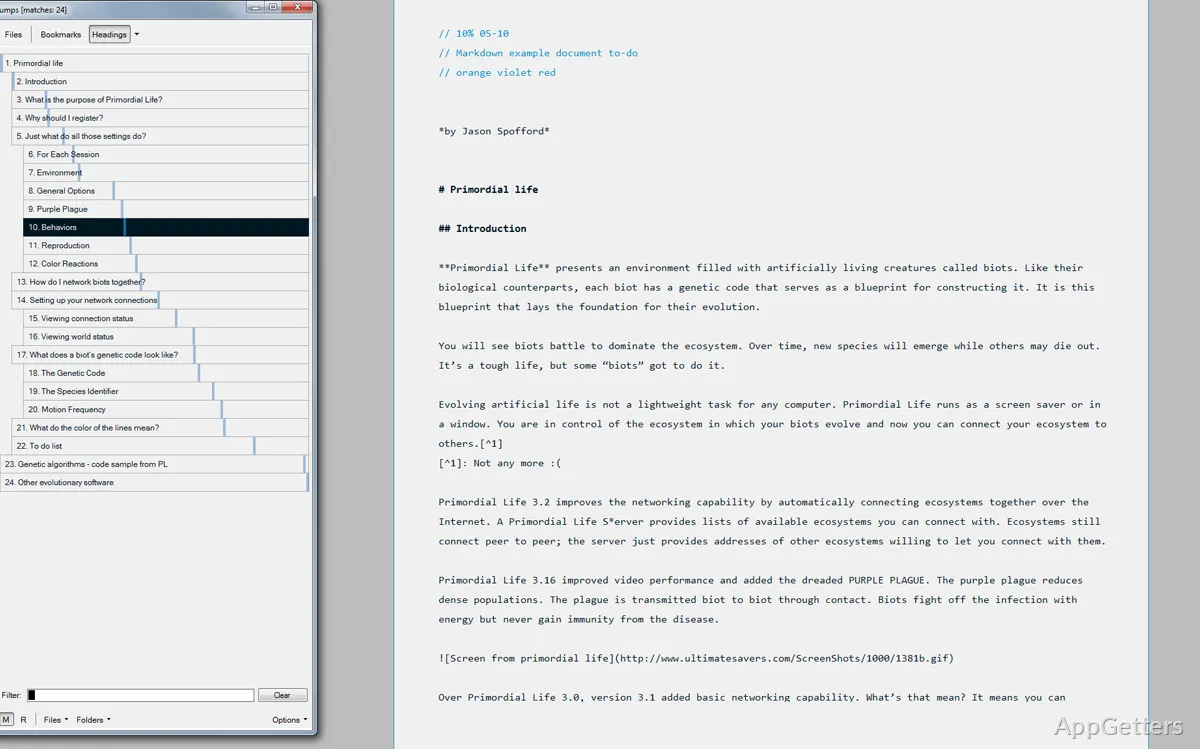
WriteMonkey hides the tools very cleverly, so you won’t see them all the time. When you actually do need them, like counting words or tracking how long you’ve been writing, then they are one click away. This way, you get the essential features, yet do not sacrifice the core focus.
Also, writing in unformatted text means that, among other things, your files will not be heavy. They can be opened and edited by any plain editor on any operating system. The use of rich text features or layout won’t limit your compatibility among platforms. But of course, the price for such foolishness of simplicity resides in reduced editing features that a user may expect. Besides that, WriteMonkey is not suitable as a final-stage document processing tool, but only a drafting one.
Restrictions in Modern Workflows
Even with all its good points, WriteMonkey will not fit everybody’s workflow. The absence of cloud working and instant collaboration will heavily influence the decision of those who are used to synchronizing their work. It will also affect those working in teams. In such cases, where the document is supposed to be circulated at hand, the old-fashioned ways of managing files manually may seem inconvenient.
Also, since WriteMonkey utilizes simple text, users will have to start thinking about using another application to finalize their work for formatting and publishing. For some, a one-stop solution will be preferable, and this additional aspect needs to be considered. Nevertheless, it is quite acceptable.
Where WriteMonkey Fits in Everyday Writing
As far as everyday writing is concerned, WriteMonkey should be considered a tool for the drafting stage only, not a full writing platform. People who give precedence to concentration and ignore a small number of features will be able to use WriteMonkey well. This includes students doing essays, writers producing initial drafts, or anyone simply wanting a distraction-free place for putting their ideas down. Thanks to its sturdiness and very minimal impact on the system, it is very attractive. It works well as a main program for long writing sessions.
Those times when drafting and formatting can be kept separate will be the best moment to use WriteMonkey. It will be a very steady and efficient tool. It gives you the writing experience without distraction, which is the main thing here. To be blunt, it is not trying to be a full-featured editor but rather a complement to one that the author doing actual writing can rely upon.