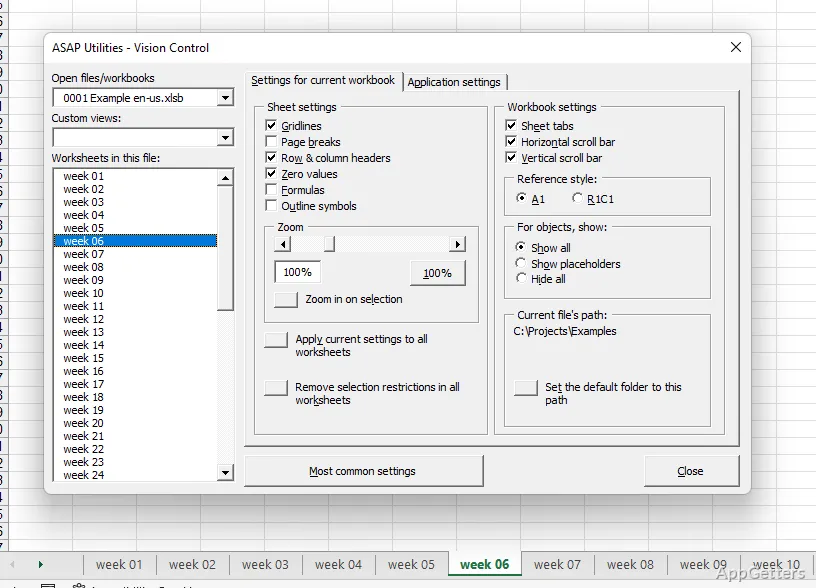
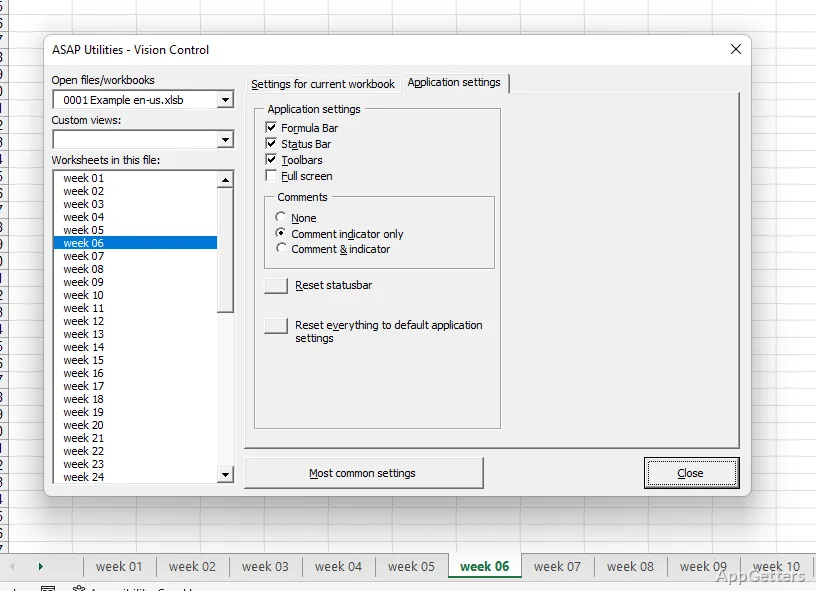
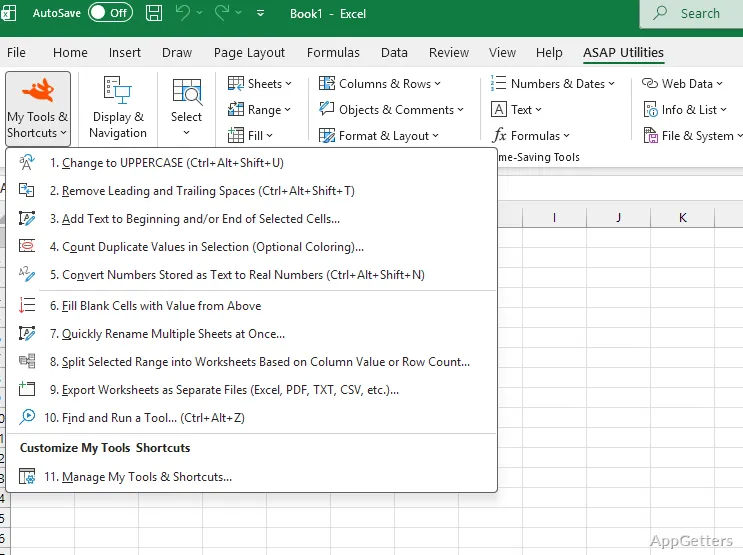
Excel’s added ASAP Utilities tab organizes supplementary tools into categories alongside the spreadsheet. ASAP Utilities brings text, cell, and formatting options together with document navigation and shortcuts to selected Windows programs.
Tools in Excel’s added tab
ASAP Utilities extends Excel’s built-in commands with a collection of extra tools arranged by category. The tab keeps these options within the spreadsheet interface, where they can be selected while working on a document.
Text, cell, and formatting options provide entry points for common spreadsheet changes. For repeated work, the appeal is having related commands grouped in one place instead of searching through separate areas of Excel.
- Text options for working with spreadsheet content.
- Cell options for changing cells.
- Formatting options for adjusting how spreadsheet data appears.
Which repetitive tasks does it cover?
The toolkit is aimed at routine Excel work, including cleaning data and handling repeated spreadsheet operations. Its grouped text, cell, and format commands give users direct access to extra operations from the Excel tab; no particular cleaning command or file format is specified here.
A personalized set of favorite keys provides another way to reach preferred options. This is relevant when the same commands come up regularly, though the exact customization choices depend on the tools available in the tab.
Document overview and Windows tools
A global-view option provides an overview of the current document. For work that involves moving around a spreadsheet document, this offers a separate way to inspect it beyond the active sheet view.
The tab also provides access to Calculator, Search, and Special Characters from within Excel. Those shortcuts bring these Windows programs or tools into reach during spreadsheet work, without requiring users to leave the Excel interface to find them.
Pros
- Groups text, cell, and formatting tools inside Excel
- Adds a document-wide overview option
- Runs Calculator, Search, and Special Characters from Excel
- Lets users personalize access to favorite keys
System requirements: Windows 7, Windows 8, Windows 8.1, Windows 10, Windows 11 · 32-bit and 64-bit · Microsoft Excel desktop edition, Excel 2010–2024 or Excel 365 · Approximately 45 MB disk space
Does ASAP Utilities work inside Excel?
Yes. It adds a tab to Excel’s upper interface containing categorized supplementary tools.
Can ASAP Utilities launch other programs from Excel?
Yes. Its tab includes access to Calculator, Search, and Special Characters.
What kinds of spreadsheet tasks does it address?
It provides extra text, cell, and formatting options for routine Excel work, including data cleaning and repetitive operations.