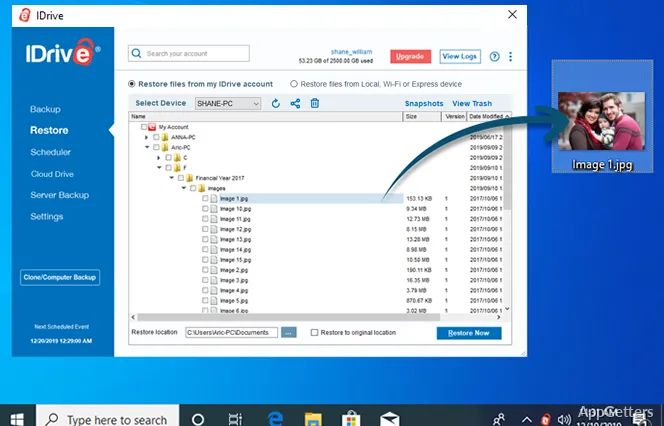
Continuous Data Protection watches for file edits between scheduled backup runs. IDrive for Windows sends changed data to your account, where version history and point-in-time Snapshots give you options for recovery.
How does IDrive keep backups current?
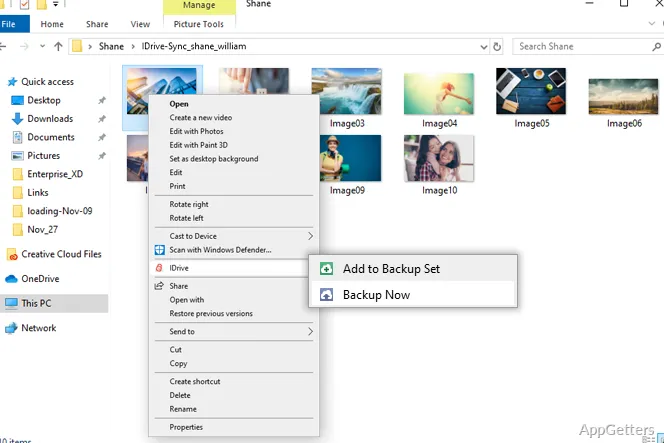
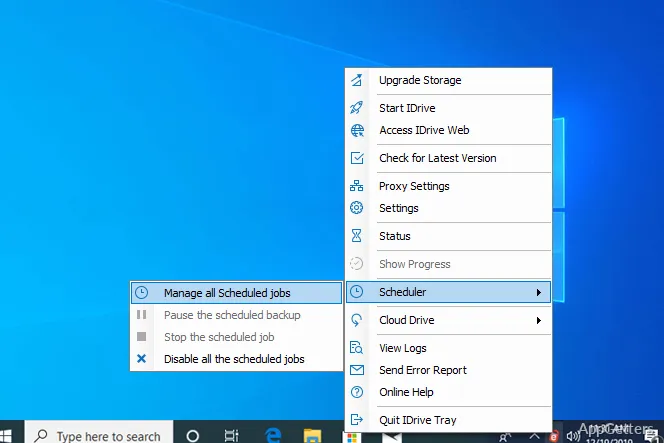
Choose files and folders for backup and set a schedule in the Windows client. After the initial upload, IDrive transfers only the portions that have changed, reducing the amount of data sent during later runs. Continuous Data Protection can capture edits between scheduled runs, so frequently updated documents do not have to wait for the next scheduled backup.
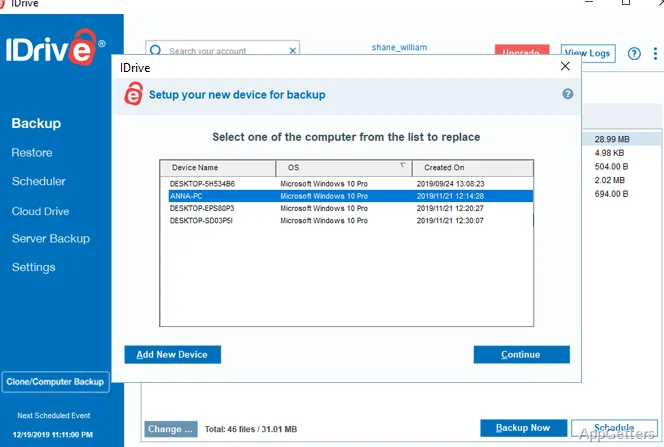
A single IDrive account can collect backups from computers and other supported devices. The Windows client sends data over the internet to off-site storage, keeping a copy separate from the PC’s own drives.
How can you recover an earlier file or account state?
Browse the backup to restore an individual file or a group of files. IDrive keeps previous file versions, so a changed or damaged document can be recovered in an earlier state. Snapshots show the account as it stood at a point in time, which gives you a way to return to a state from before an unwanted change.
Deleted files remain in the account’s Trash for a limited period. True Archiving keeps backed-up files in the account even if they are removed from the computer; they stay there until you delete them or run Archive Cleanup. For a full machine recovery, IDrive also supports restoring from a disk image.
How does IDrive protect stored data?
IDrive encrypts files in transit and at rest with AES encryption. You can choose a private encryption key that is not stored on IDrive’s servers. Keep that key somewhere safe: without it, IDrive cannot recover the data for you.
Version history and Snapshots give ransomware recovery a practical path: select a clean earlier version or account state and restore it. The backup’s retained history is separate from the current files on the PC, so an unwanted change does not have to become the only available copy.
Pros
- Continuous Data Protection captures edits between scheduled backups
- Incremental transfers send only changed portions of files
- Snapshots provide a point-in-time view of the account
- Private-key encryption keeps the key off IDrive’s servers
Cons
- The first full backup may take a long time on a slow connection
System requirements: Windows 7, Windows 8, Windows 8.1, Windows 10, Windows 11 · Microsoft .NET Framework 4.5 or above · 512 MB RAM · 100 MB free disk space for installation; 20 MB or more recommended for local caching
Does IDrive back up files continuously?
Continuous Data Protection captures edits between scheduled backup runs. You can also set a backup schedule.
Can IDrive restore an earlier version of a file?
Yes. Browse the backup and restore a previous version of a file.
What happens to a file deleted from the computer?
True Archiving keeps backed-up files in the account until you delete them or run Archive Cleanup. Deleted files can also be restored from Trash within its retention period.