Songs stuck on an iPhone that iTunes refuses to copy back to the PC? iMyFone TunesMate moves music, videos and photos between an iOS device and a Windows computer. It also connects iOS media with an iTunes library, with options to copy selected items in either direction.
Move selected media between an iPhone, PC, and iTunes
TunesMate provides transfer paths from a computer to an iPhone or other iOS device, from a device to a computer, and between a device and iTunes. Music, videos, playlists, photos, ringtones, podcasts, and audiobooks are among the supported media types. Transfers can be selected individually, so a user can copy a few items without syncing an entire library.
Drag-and-drop is one way to transfer files, and the program can handle these exchanges without requiring iTunes to be open. Copying device content back to a computer or iTunes also gives users a route to recover media when the iTunes library needs rebuilding.
Manage playlists and rebuild an iTunes library
Playlist controls include creating, renaming, importing, exporting, and deleting playlists. TunesMate can also copy content from an iPhone, iPad, or iPod into iTunes to reconstruct a library, and its library-merge feature combines collections while skipping duplicate items.
The program also supports sharing music across devices associated with different Apple IDs.
Transfer photos and manage other device content
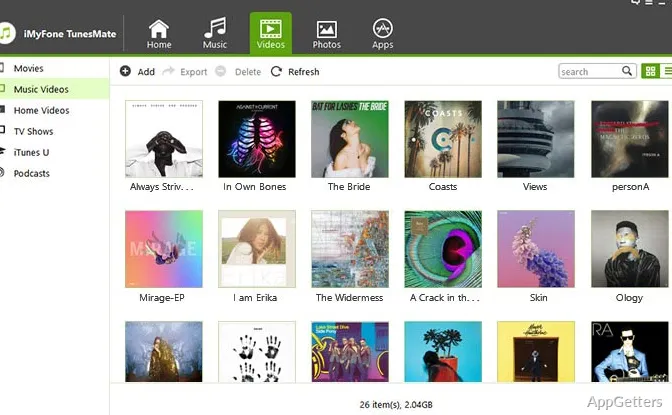
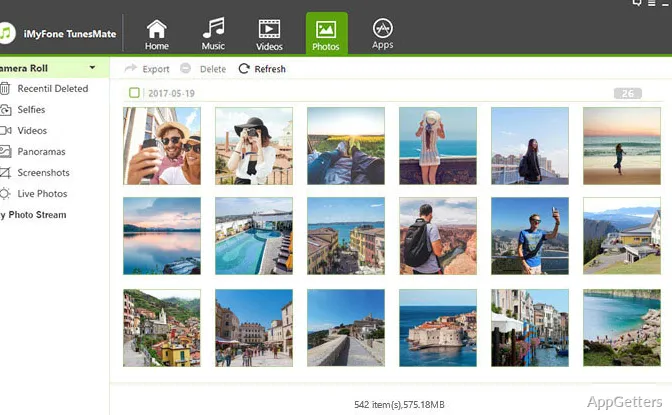
Photo transfers cover images and albums, including content from Camera Roll and Photo Stream. TunesMate can also delete photos from those locations. For video, it supports moving files such as movies, TV shows, music videos, and home videos between an iOS device and a computer.
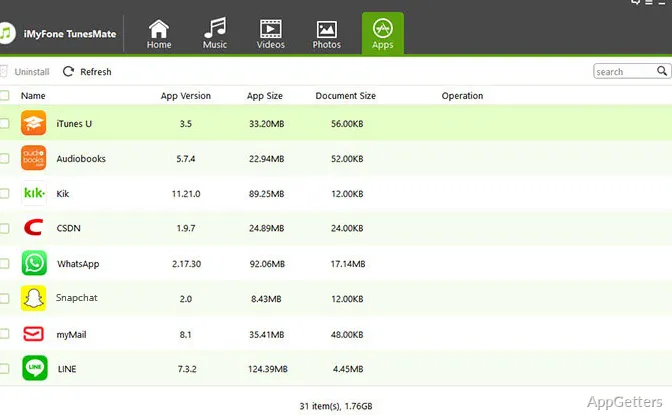
The device-management features extend to apps: unwanted apps can be removed from the connected device. For ringtones, TunesMate can create a tone from a music selection and transfer it to an iOS device.
Pros
- Transfers selected music, videos, playlists, and photos between devices and PC or iTunes
- Rebuilds an iTunes library using media copied from an iOS device
- Can merge iTunes libraries while avoiding duplicate tracks
- Includes playlist editing and ringtone creation from music
System requirements: Windows 7, Windows 8, Windows 10 · 32-bit and 64-bit · 1 GHz CPU or above · 256 MB RAM or more (1024 MB recommended) · 200 MB or more free disk space · iTunes pre-installed
Can TunesMate transfer music from an iPhone back to a computer?
Yes. It can copy music from an iOS device to a PC or an iTunes library.
Can TunesMate transfer photos as well as music?
Yes. It transfers photos and albums, including Camera Roll and Photo Stream content.
Can TunesMate rebuild an iTunes library from an iPhone?
Yes. It can copy media from an iPhone, iPad, or iPod into iTunes to rebuild the library.