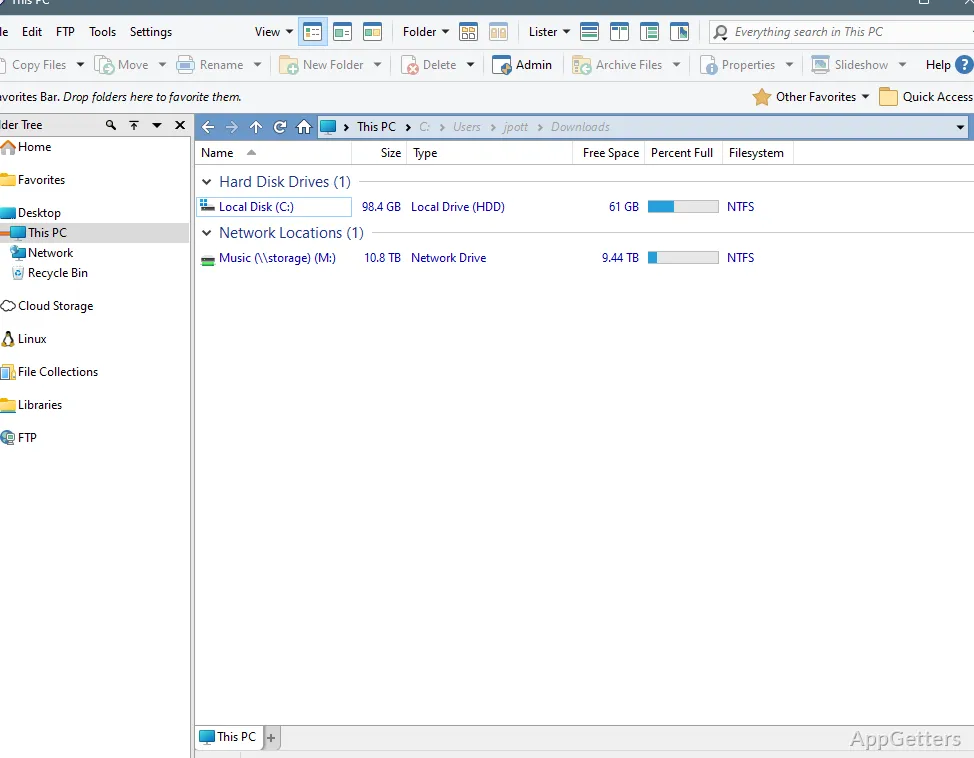
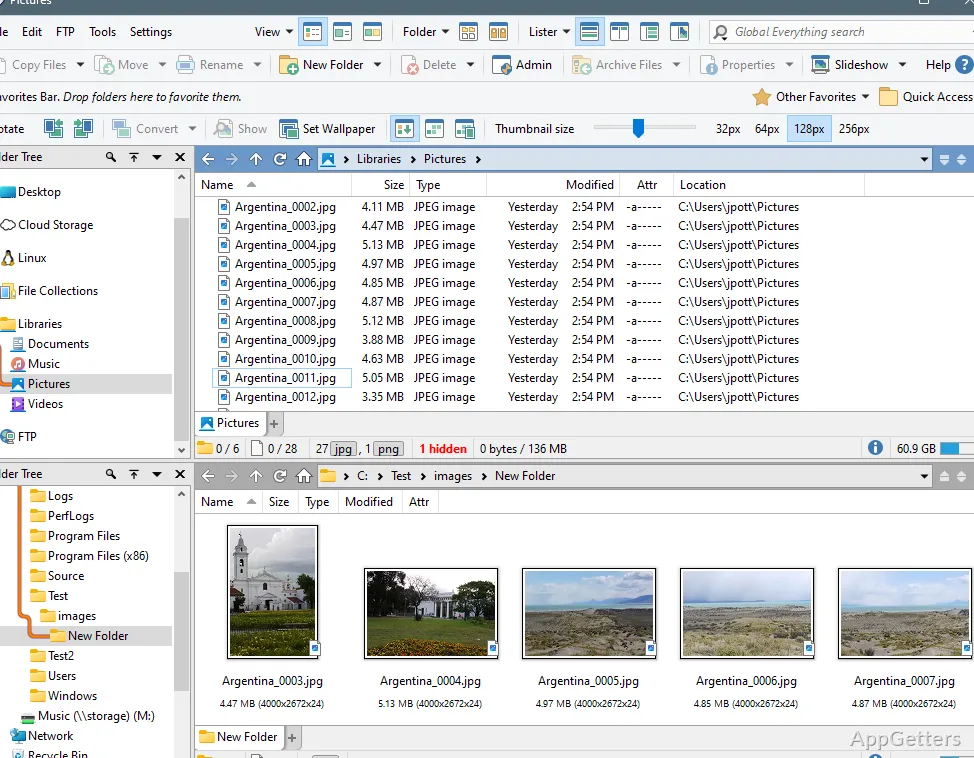
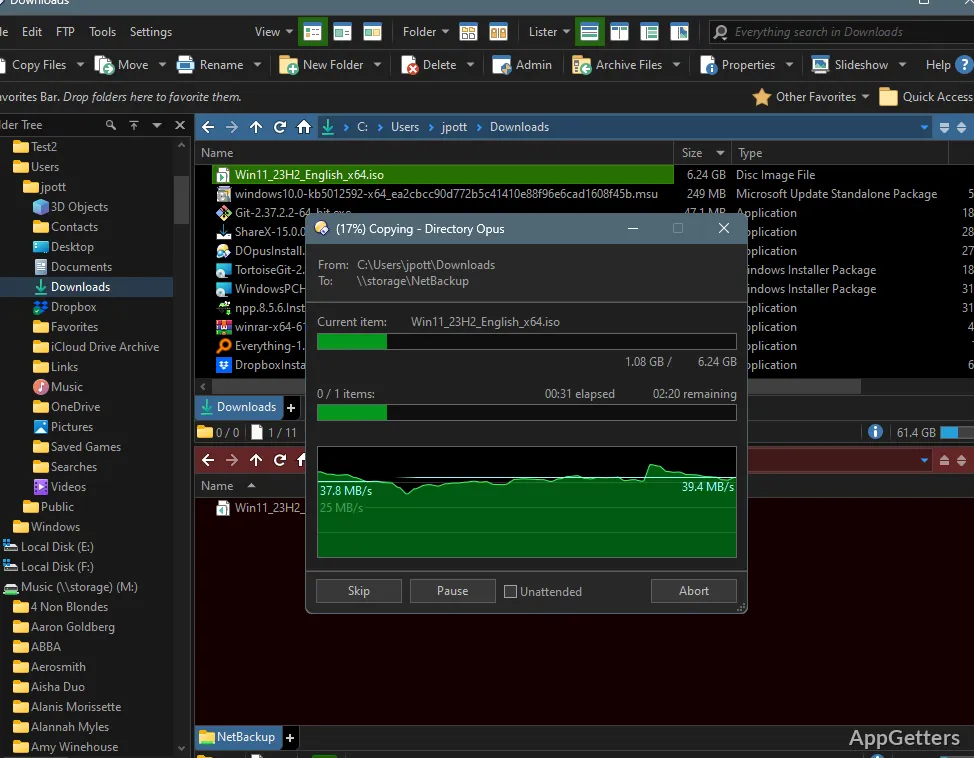
Dual-pane browsing puts two folder locations side by side, with tabs for keeping additional folders open. Directory Opus combines that layout with tools for searching, renaming, copying, and sorting files from the same interface.
Arrange folders in dual panes and tabs
The two file panes can show separate locations at once, making it straightforward to select items in one folder and copy or move them to another. Folder trees provide another way to navigate, while tabs keep several locations available without opening separate windows.
Within a folder, filter, sort, and group files to narrow or organize the displayed list. Directory Opus can also show folder sizes and create printable or exportable folder listings.
Rename and move groups of files
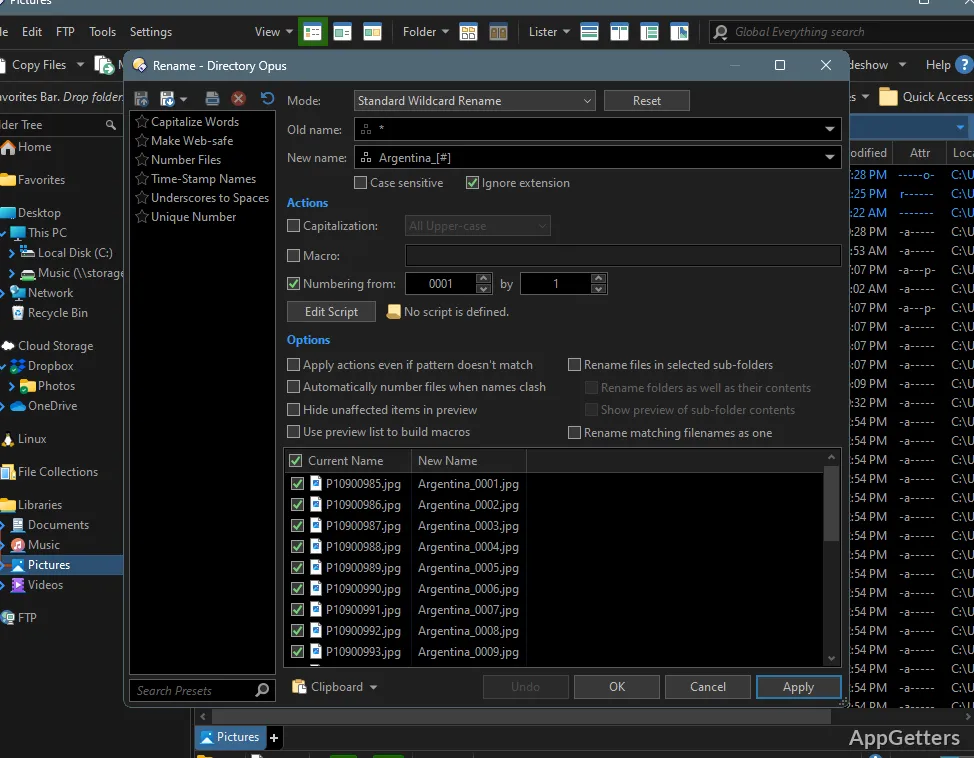
Batch renaming handles sets of files in one operation, with keyboard macros available for building rename patterns. Queued copies let you line up multiple copy tasks, and the synchronization tool can compare folders when updating backups.
The duplicate-file finder locates repeated files, while labels, status icons, star ratings, tags, and descriptions provide ways to mark and distinguish items. For photo sorting, image marking lets you flag pictures as you browse.
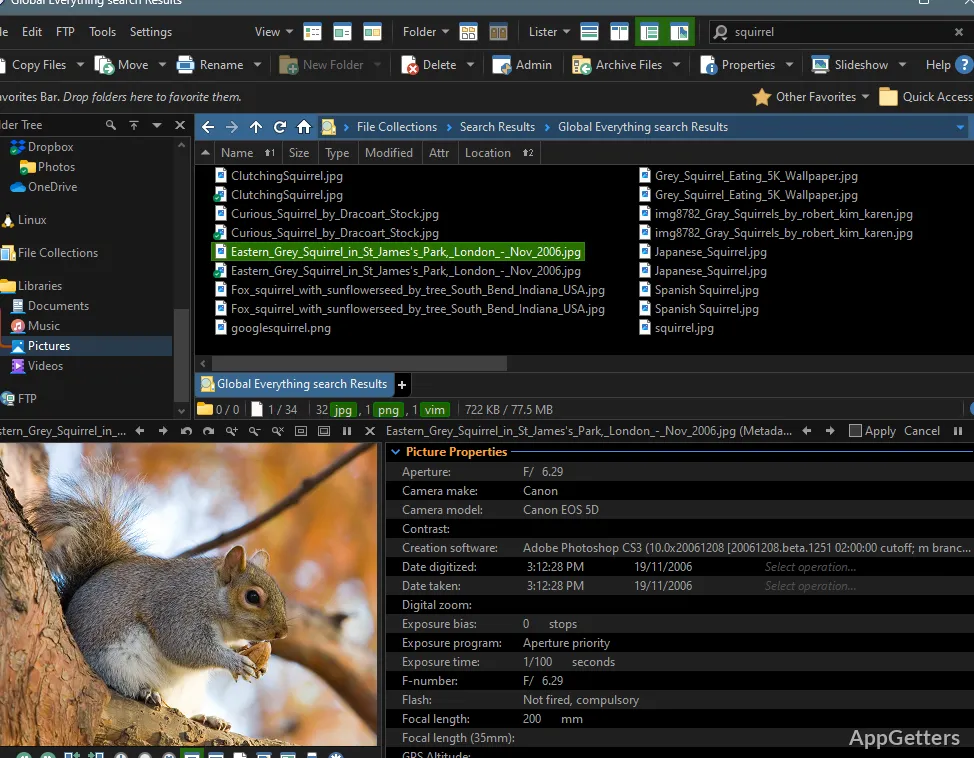
- Search folder contents or use indexed search engines such as Windows Search and Everything.
- Open supported archives, including ZIP, 7Z, and RAR, from the file manager.
- Use the integrated viewer and metadata editor to inspect files and edit supported metadata.
Customize commands and extend Opus
Toolbars, menus, colors, fonts, and hotkeys can be configured to suit a preferred layout. Floating toolbars can also hold program launchers. A scripting interface supports custom commands and dialogs, and external tools can be connected to the file manager.
Pros
- Dual panes, folder trees, and tabs in one window
- Batch renaming with keyboard macros
- Built-in duplicate finder and folder synchronization
- Supports ZIP, 7Z, RAR, and FTP
Cons
- Only supports 64-bit Windows; ARM is not supported
- The free trial lasts 30 days; continued use requires a paid license
System requirements: Windows 7, Windows 8, Windows 10, Windows 11 · 64-bit only
Can Directory Opus show two folders at once?
Yes. Its dual-pane view displays two locations side by side, and folder trees and tabs provide additional navigation.
Can it rename many files in one operation?
Yes. Batch renaming supports keyboard macros for creating rename patterns.
Can Directory Opus find duplicate files or synchronize folders?
Yes. It includes a duplicate-file finder and a folder synchronization tool.