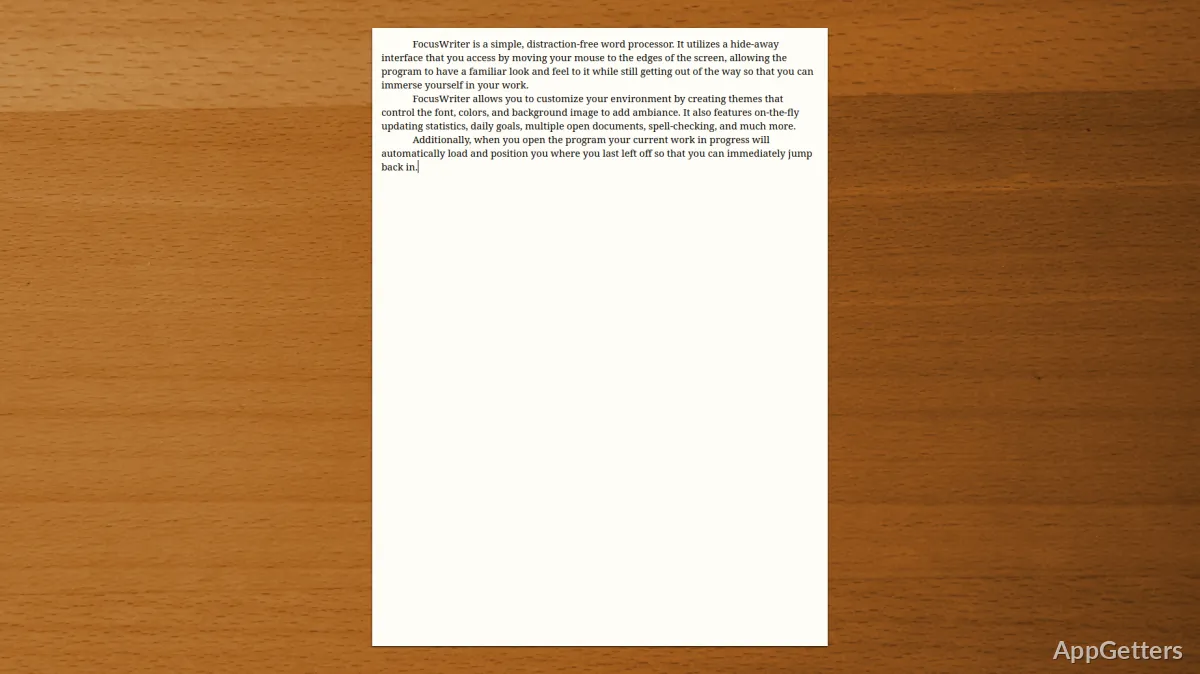
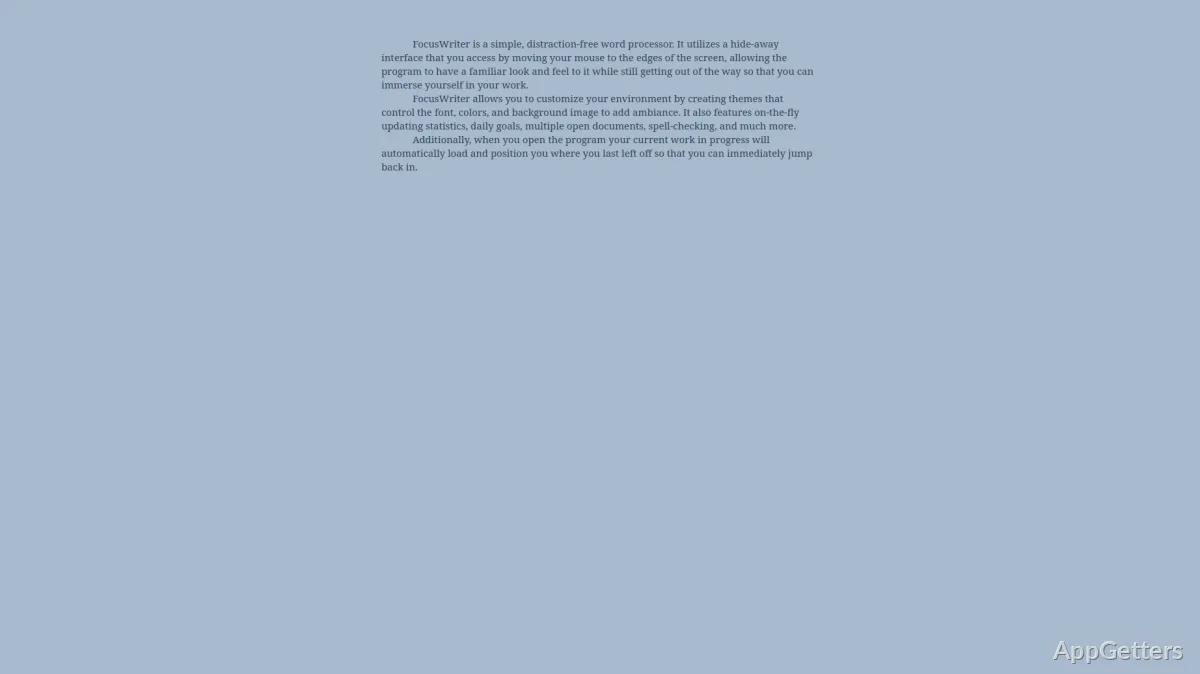
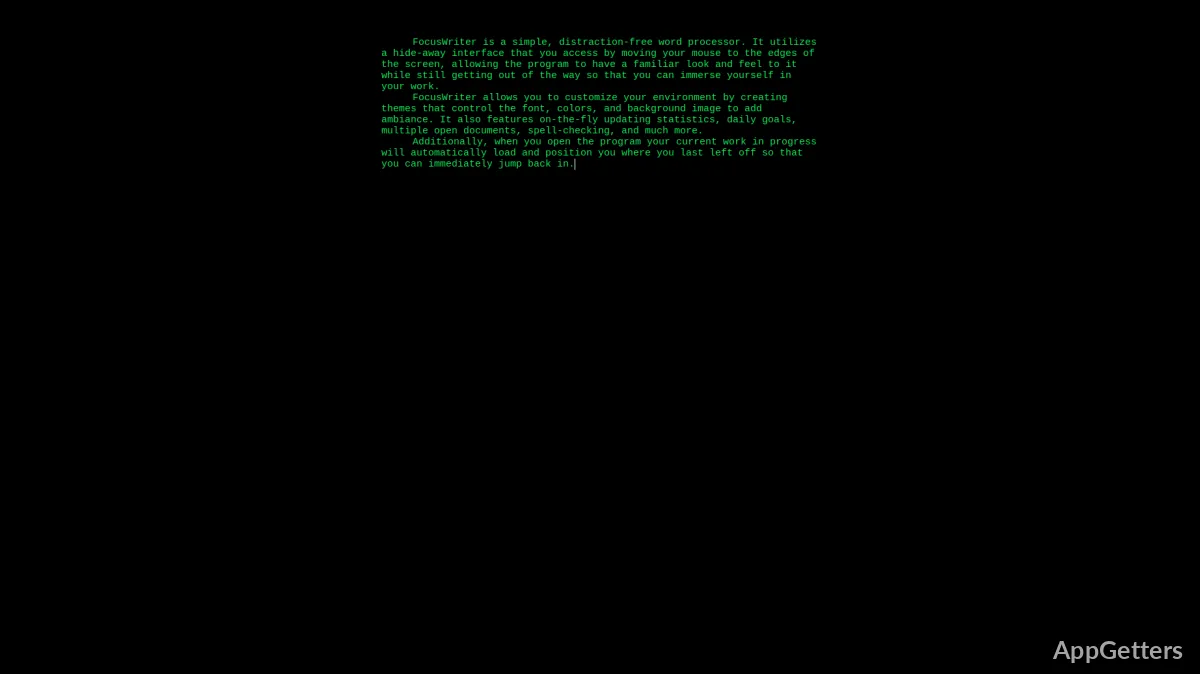
Being distracted is one of the biggest reasons why people don’t write efficiently on Windows. Besides notifications, browser tabs, and the sheer mess of the interfaces, distractors can make it really hard to focus and be productive. Now, people who are not interested in advanced features and big applications may get more annoyed in this situation. FocusWriter tackles such a challenge by supplying a minimalistic environment that is focused on getting rid of all the visual distractions. Rather than competing for your focus, the app supports the writing process. It gives you a peaceful, full-screen room that resembles writing on paper rather than using software.
Designed for a writer’s flow
If you decide to use FocusWriter, you will see that the full-screen mode alone will significantly change your interaction with the text. The UI hides the menus and controls until you deliberately move your mouse. This lessens the urge to change the settings or format while still composing a sentence. Thus, this approach leads to writing mostly vs editing all the time.
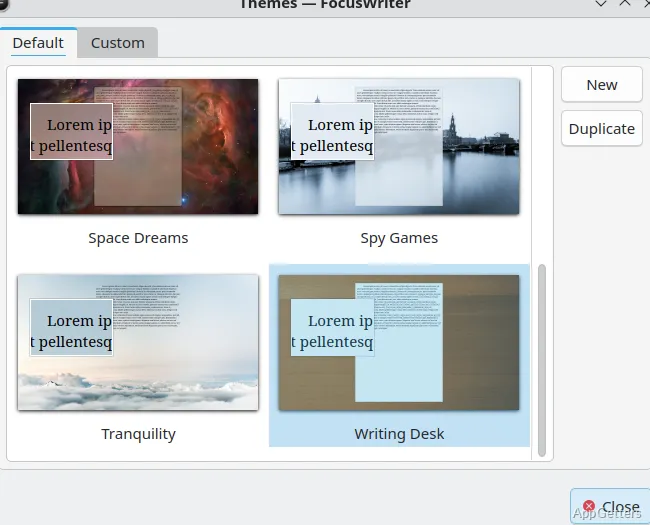
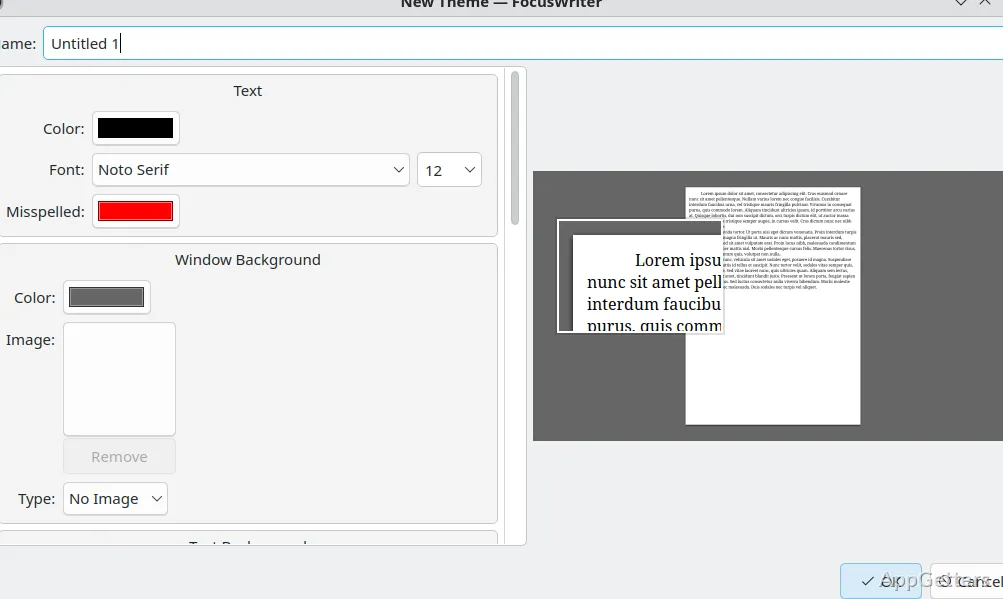
The adjustable backdrop and themes are not simply a level-up. They generally contribute to making your writing surroundings consistent. Some studies show that a familiar visual environment, e.g., a single color or a light rough texture, actually lessens mental resistance. Consequently, you get a place of work that is comforting and predictable. This is especially handy for lengthy writing. It helps when you are all for steadiness at the cost of features.
Mindful features to enhance, not shift focus
FocusWriter implements only radical basics: tracking how many words you wrote, getting reminded of your writing targets, setting writing sessions by timers, and so forth. However, they do it in such a manner that your improvement doesn’t get interrupted at all. One example is creating a word count goal for each day. This is going to provide a bit of an organizing framework. It will be quite indulgent if you happen to deviate. Live stats are also just a click away, but during your active writing, they are perfectly hidden.
Besides, it is possible to save or open documents in formats TXT, RTF, and ODT. These are formats that are easy to find in many other writers. Nevertheless, at the same time, it does not provide users with a set of advanced formatting capabilities. This might surprise some users. It also might be seen as a blessing for people who want to separate the act of writing from that of formatting. They can do the layout in the subsequent stage. So now you can see that FocusWriter can be qualified as a mere generating text tool, not a total composition one.
Performance and portability on Windows
Certainly, with its rather small size, FocusWriter does not require much in the way of Windows computers. It starts pretty fast. At the same time, it runs faultlessly on very old devices and leaves the system resources largely free for other tasks. Therefore, one might consider such a tool as a trustworthy source of an instant writing environment. Users can still enjoy the capacity of a very wide-application office suite.
Being portable is one more thing that the software boasts of. It can be run on a USB drive without installation. This is a feature that will be hardly missed by those who, for example, use their machines across work and home or simply don’t like to alter any system settings. Even under testing conditions, portability did not show any drawback in performance, and settings can be carried along. So the same writing environment is preserved no matter where you are.
Restrictions in collaborative and structured workflows
Operating in trouble-free solo mode is perfectly fine for FocusWriter. However, it gives away its weaknesses clearly when it comes to things that are a level or two higher in complexity. It does not provide an internal form of collaboration, progress rollback, or online syncing. Therefore, team-oriented projects are the biggest deterrent. Those who need real-time cooperation or shared documents are going to have to pick up their writing and move it over to an entirely different platform.
On the other hand, the fact that usage of keyboard shortcuts is limited means that the final outcome is being produced with the highest level of competence in terms of layout, style, and publishing standards. It is not going to be one for which FocusWriter is the best tool. Consequently, for those who are accustomed to stricter academic or formal documents with formatting rules, it can generally be treated as a preliminary drafting stage tool. It is not one that does the whole job.
Where FocusWriter fits in everyday writing workflows
Practically speaking, FocusWriter is designed to be used by those who prefer a quieter workspace to the availability of all features, e.g., students who are writing their term papers, authors who are creating long texts, or people who are just attempting to establish a regular writing habit. What it does best is give a distraction-free environment that stimulates gradual but uninterrupted progress.
Typically, it is combined with outside editing and formatting, used as a second step. So users write drafts in FocusWriter and then work on changes and formatting elsewhere. In fact, this division can make users more productive by helping them keep creative and technical tasks separate. If you are one of those who have struggled to focus or felt overwhelmed by traditional word processors, FocusWriter is going to be a simpler and more controlled solution for you. It focuses on getting the text down.