EXE
Home » Software » Windows » text-documents » LibreOffice Portable for Windows
LibreOffice Portable for Windows

LibreOffice Portable for Windows

Many Windows users associate productivity tools with a specific computer. But whether you’re working on shared computers, switching between your home and office setups, or just want to avoid a software installation, this constraint may break your workflow. That is where the idea of LibreOffice Portable is born. It is a completely independent office suite based on LibreOffice. It can be used straight away from a USB stick or other external memory device without installation on Windows.

A familiar office environment without installation

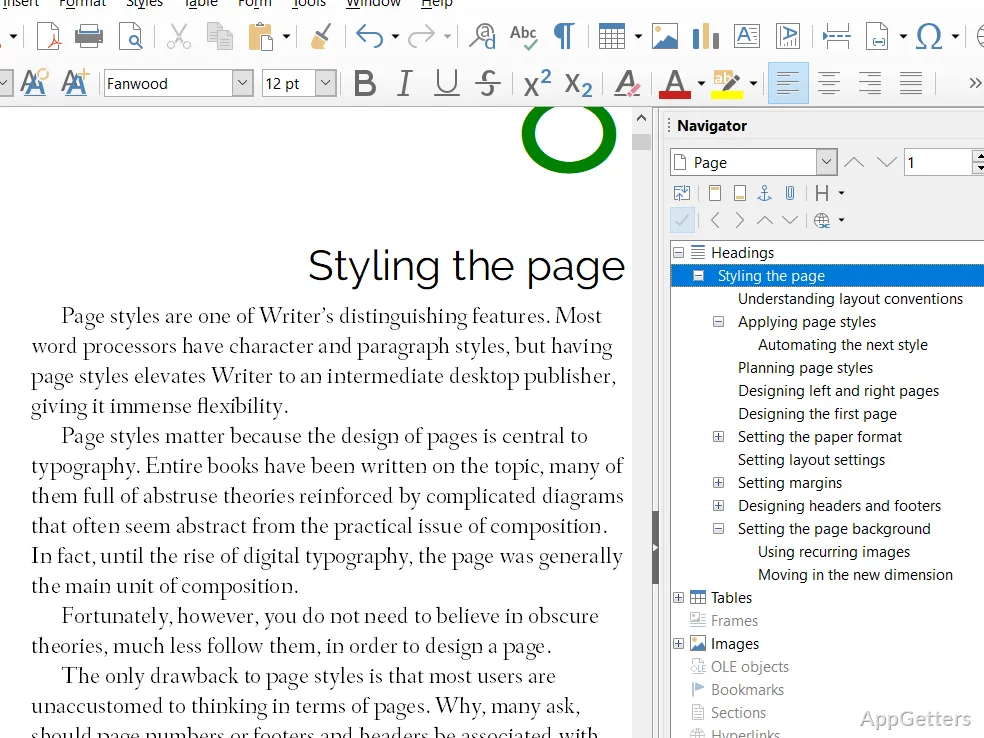
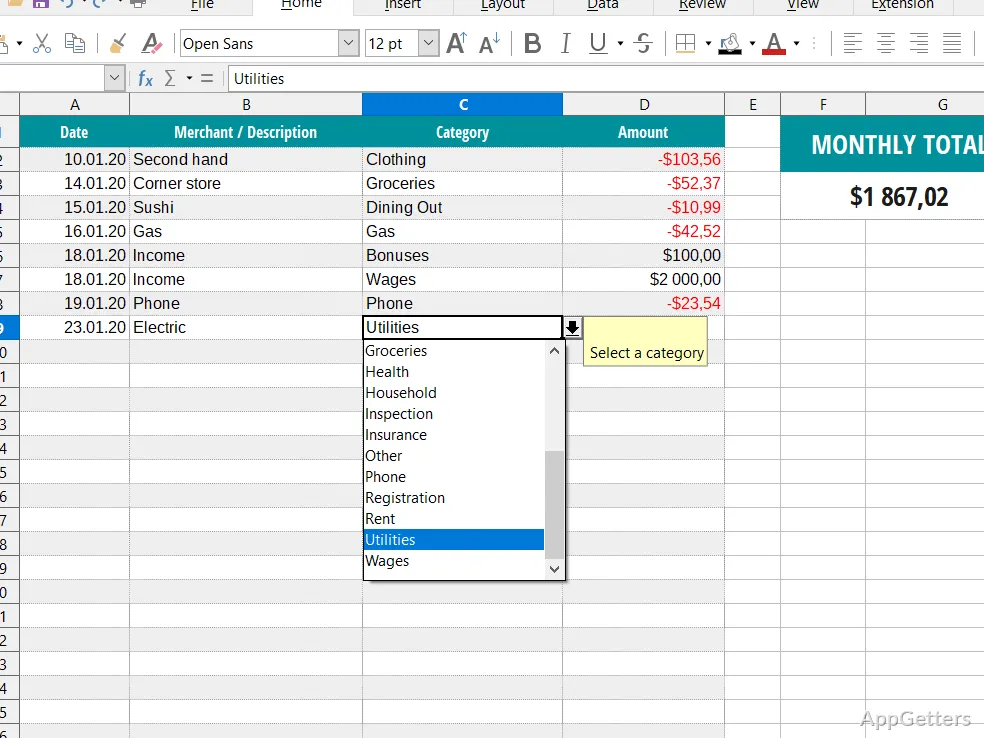
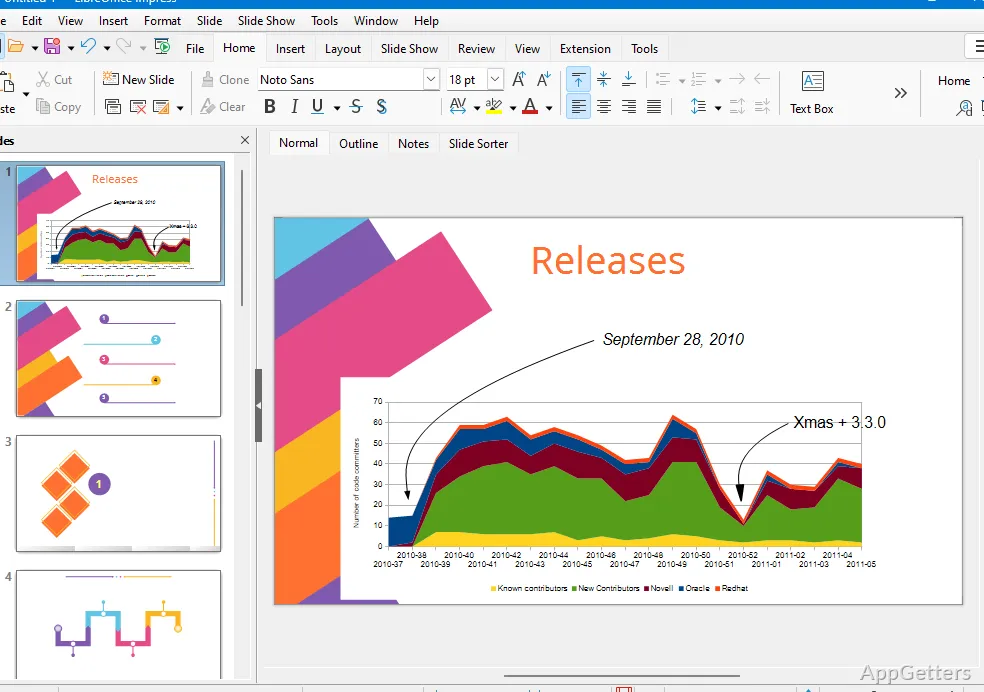
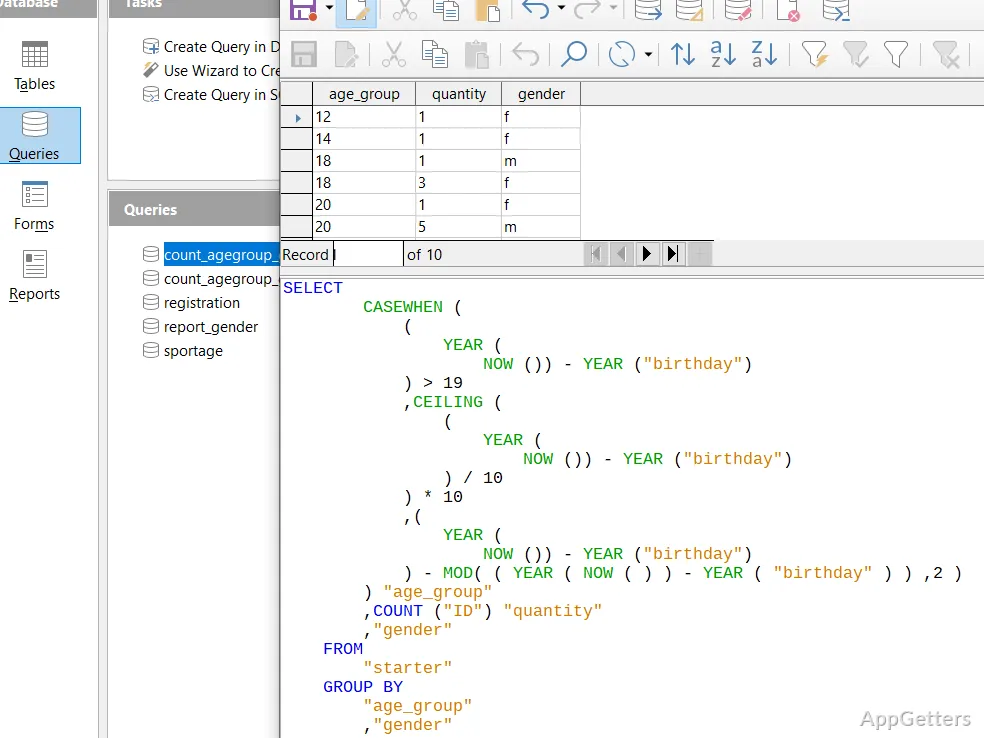
When you use it, LibreOffice Portable looks like the desktop version of the program. It consists of Writer, Calc, Impress, and other main programs. These are used for opening, editing, and saving documents in different formats, including Microsoft Office. The portability feature is more than a boon for students who work in computer labs. It also helps professionals who use locked workstations. It is also a method for them to easily get around the limitations of the systems.

Though running the program from a USB memory stick requires a bit more time than the local install, the software looks good. The interface is always consistent and responsive. The fact that all the program-related information, like configurations and user settings, is placed in the portable directory means that users can bring their favorites along. They can do this wherever they are.

Concrete advantages for mobile workflows

The biggest benefit that one can spot when using the program is the ability to break physical dependence on the location. For freelancers visiting clients’ offices or students in public libraries, this is just what they need. It allows uninterrupted work without having to wait for pre-installed tools.

Another major benefit for a casual user is keeping control over one’s own data. Since the documents and configuration files can be located on the same portable device, you can keep the confidential items away from a shared system. Also, the whole working environment is kept simple by copying a folder.

Still, performance is closely dependent on the pace of the external drive. Working through the slow USB ports might significantly limit one’s work if you are dealing with big data sets or presentations.

Compatibility and everyday reliability

Once LibreOffice Portable was tested with typical tasks like document editing, spreadsheet filling, and presentation prep, it was considered a very capable tool. Besides running all the most used formats, it has some minor issues when complex Microsoft Office files are involved.

For a wide range of purposes, such as note-taking, creating working sheets, and academic content writing, one is assured of good performance and a negligible chance of program failure. You should back up your work, as automatic saving is hardly available. Many of the fixes and problem solutions are done through updating the portable file manually even now.

Besides Apache OpenOffice, LibreOffice Portable draws its great capacity from constant updating and skill in reading newer document formats. This can be clearly seen during everyday use.

Limitations to keep in mind

Portability by itself is a great advantage, but on top of that, a user gets a few things in return. In comparison to installed software, you will be experiencing longer wait times for the software to launch. You will have to take into account the hardware and USB interface. This matters when you think that the performance is good. Integration of the host system is also minimal; a user can’t really benefit from things like file associations and system-wide plugins anymore.

Also, there is no cloud synchronization built in. So those who are used to Google Docs-type platforms may point out the instant collaborative feature as a negative aspect not available in this software. LibreOffice Portable is really only good for individual work rather than teamwork-based editing.

And security is yet another one of those things, a little bit aside from the functions. Since everything is on a portable device, if you lose the device, you may lose both the software and the data unless you have made backups.

Where LibreOffice Portable fits in everyday use

Users who need to work on multiple computers and systems are the ones who will benefit the most. They want to keep the software with them independently, without relying on the machines. They benefit from a portable productivity app like LibreOffice Portable. These days, it is not just the students and the IT pros. Really, anyone who goes to a different Windows system frequently should be able to make use of a self-contained, easy, and simplified alternative that does not require installing or elevating permissions.

LibreOffice Portable is not trying to be a competitor to cloud-based collaborative workspaces or fully integrated office software suites. The reason they made such a program was to guarantee consistent productivity in the absence of the internet or a familiar user-driven environment. This applies in case another person’s PC is used without any impact on the system.

Software Details of LibreOffice Portable 25.2.3.0

License
OpenSource
Version
25.2.3.0
File Size
262.39 MB
Downloads
6
Languages
English English, Chinese, French, German, Greek, Italian, Japanese, Korean, Polish, Portuguese, Russian, Spanish
Category
Op. System
Windows
Last Updated
February 6, 2026

Version History

6 versions
25.2.3.0
Latest
262.39 MB
February 6, 2026
25.2.7.0
195.39 MB
December 19, 2025
25.2.3
195.53 MB
June 20, 2025
25.2.1
195.56 MB
March 24, 2025
24.8.2
196.54 MB
October 3, 2024
7.6.7
197.49 MB
July 11, 2024

Leave a Comment

Your email address will not be published. Required fields are marked *

Software Icon
Security Report

Loading scan data...

Scroll to Top