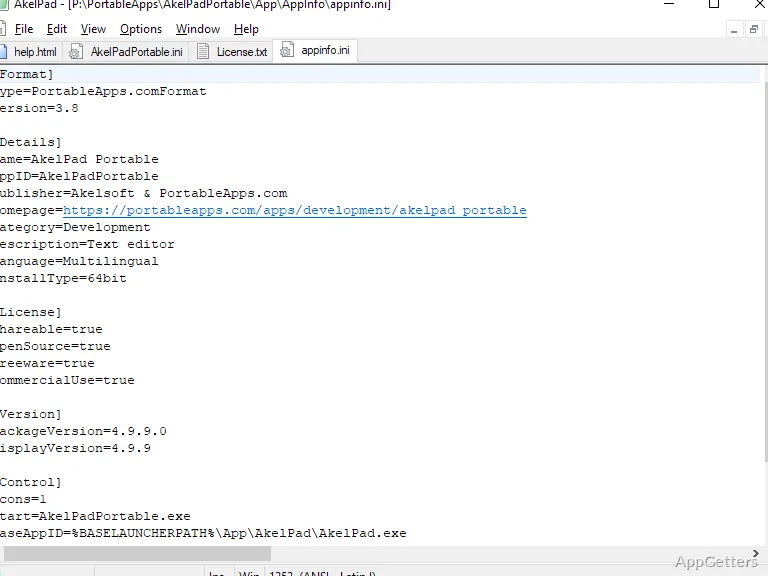
AkelPad Portable edits plain-text files and carries its settings between computers without requiring a conventional installation. It offers several window modes, detailed control over text selection, and support for different character encodings and line-ending styles.
Choose a window mode for your documents
AkelPad offers SDI, MDI, and PMDI modes, giving you different ways to arrange open text documents. Use SDI for a single-document window, MDI for a multi-document layout, or PMDI for its pseudo-multi-window mode. The choice is useful when switching between editing one file and keeping several documents in view.
Text selection includes a column mode for marking a vertical block of characters, which is handy when editing aligned text. Multi-level undo lets you step back through earlier changes, while search and replace handles strings within a document.
Match the file's encoding and line endings
The editor supports Unicode encodings including UTF-8, UTF-16 little-endian and big-endian, and UTF-32 little-endian and big-endian. It can also work with codepages available in Windows. When opening a file, a preview is available; AkelPad can remember the file's codepage and caret position for later editing.
- Work with DOS/Windows, Unix, or Mac newline formats.
- Use print preview to see a document's layout before printing.
Extend editing with plugins
AkelPad's plugin support adds functions such as syntax highlighting, code folding, and auto-completion. Other plugin capabilities include running scripts and recording keyboard macros. These additions suit tasks like editing source text or repeating a sequence of keystrokes; they are separate extensions to the editor's core text-editing functions.
Carry the same editing setup between computers
The portable edition runs without a conventional installation and is intended to keep settings consistent across computers. It can be kept with other files on removable storage or in a cloud folder, so the same AkelPad setup is available in different work environments.
Pros
- Supports SDI, MDI, and PMDI window modes
- Handles Unicode encodings and DOS/Windows, Unix, and Mac line endings
- Includes column selection, multi-level undo, and search-and-replace
- Plugins add syntax highlighting, folding, scripts, and keyboard macros
Cons
- Syntax highlighting and other extended functions depend on plugins
System requirements: Windows 7, Windows 8, Windows 10, Windows 11
Can AkelPad handle files with different line endings?
Yes. It supports DOS/Windows, Unix, and Mac newline formats.
How do I add syntax highlighting?
Syntax highlighting is available through AkelPad plugins.
Which Unicode encodings does it support?
It supports UTF-8, UTF-16LE, UTF-16BE, UTF-32LE, and UTF-32BE.