Do you need one place to view and record feeds from several security cameras? Blue Iris brings IP cameras, webcams, and supported analog capture devices into a Windows surveillance console with recording controls, alerts, and remote viewing.
Blue Iris brings multiple camera types into one console
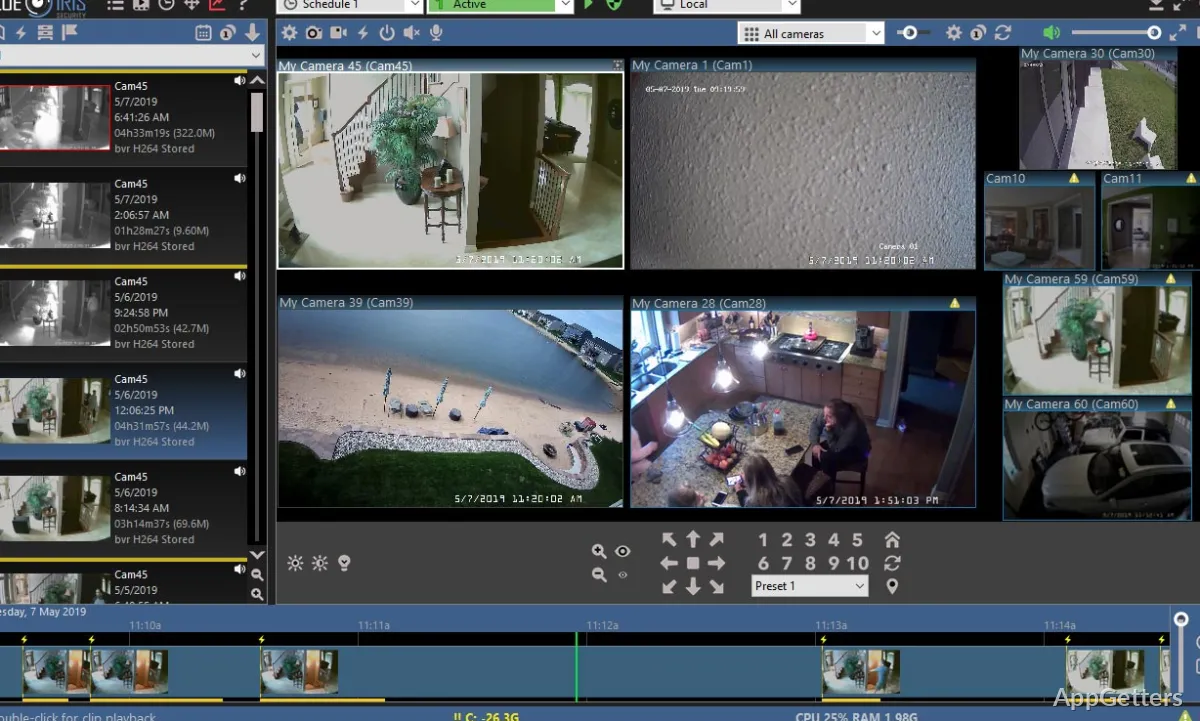
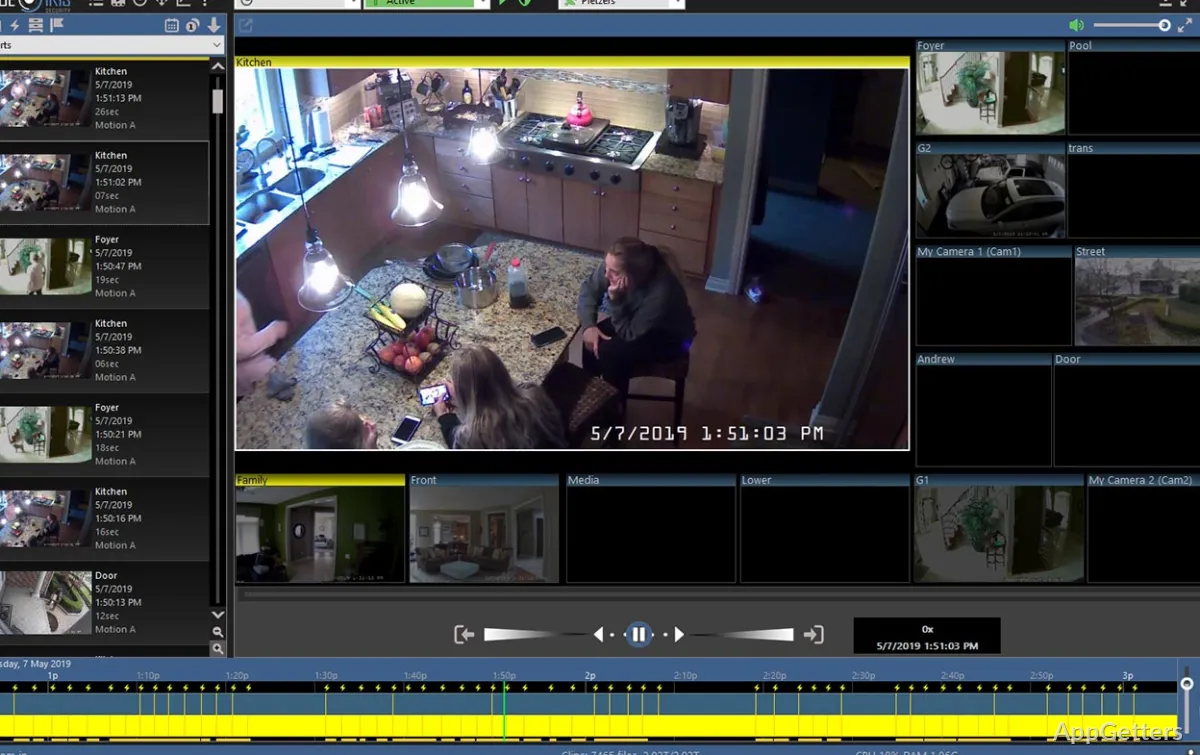
Add network IP cameras, webcams, or analog cameras connected through a capture card with DirectShow drivers. The main console displays camera feeds together, so operators can switch among views and manage recording from the same application. A Windows PC desktop can also serve as a camera source.
For each camera, choose whether to record continuously, at intervals, or when motion or audio is detected. A timer can control when the system is armed. Optional overlays can show the date and time, a logo, or other information, and audio can be recorded with video.
- Save still snapshots as JPEG and video as MP4, AVI, Windows Media or Blue Iris’s own DVR format.
- Use PTZ controls for cameras that support pan, tilt, and zoom.
Motion and audio events can trigger alerts
Blue Iris can send alerts through a loudspeaker, email, instant message, or voice phone call, and it can launch an external program or script. Action Sets provide configurable responses to alerts and other conditions.
Blue Iris can also run as a Windows service, so recording continues regardless of who is signed in.
The web server provides remote camera and clip access
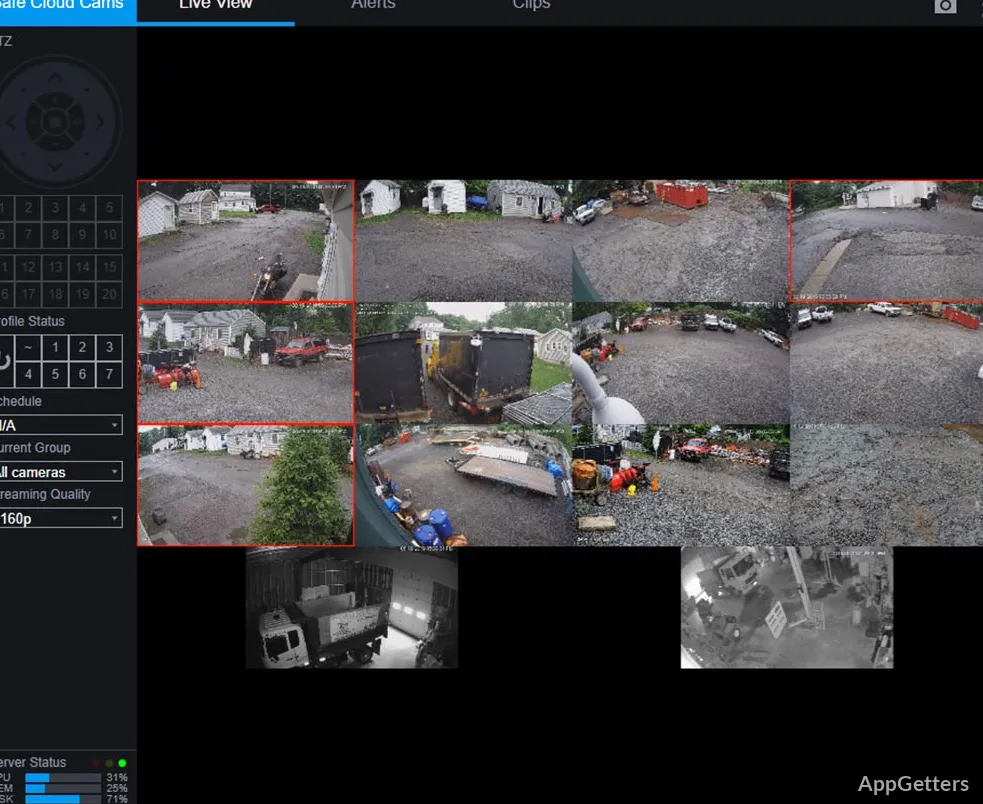
The built-in web interface, UI3, shows live views, recordings and alerts in a browser, and user accounts with permissions control what each remote viewer can see. The interface supports desktop and mobile browsers, and remote viewing includes digital pan and zoom.
Mobile access can also be used to view live and recorded video, navigate cameras, manage multiple Blue Iris installations, and control supported camera functions.
Pros
- Records continuously, periodically, or in response to motion or audio
- Captures JPEG snapshots and video in MP4, AVI, DVR, and Windows Media formats
- Built-in web server provides remote access to live video and recordings
- Action Sets can trigger alerts and other responses
System requirements: Windows 10, Windows 11 · 64-bit only · Newer Intel processor · 8 GB or more of system RAM
What kinds of cameras can Blue Iris connect to?
It supports network IP cameras, webcams, and analog cameras connected through a capture card with DirectShow drivers. A Windows PC desktop can also be used as a camera source.
Can Blue Iris record only when an event occurs?
Yes. Recording can be triggered by motion or audio, or set to run continuously or periodically. A schedule can arm and disarm the system.
Can I view Blue Iris cameras remotely?
Yes. Its built-in web server provides remote access to live feeds, recorded clips, and alerts through desktop or mobile browsers, with user authentication and viewing permissions.