Team chat buried in long email threads? Slack organizes conversations into channels, with separate spaces for projects, announcements and other topics. The Windows app also brings messages, file sharing, search, meetings, and connected work tools into one desktop workspace.
How do channels and threads organize conversations?
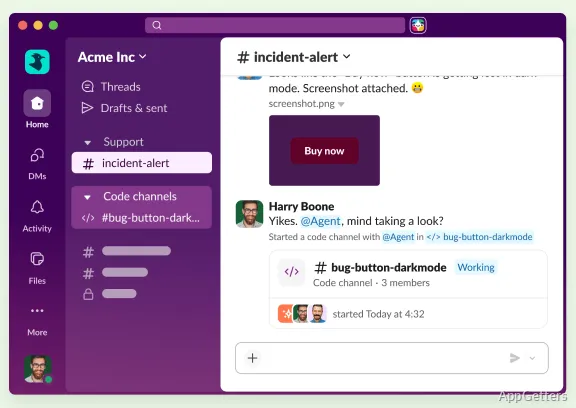
Channels give a team a place to discuss a shared subject, such as a project or announcement. Members can return to that channel to follow its messages and shared files. Threads attach replies to a particular message, keeping a focused exchange alongside the wider channel conversation.
Direct messages cover one-to-one or small-group discussions. For work involving people outside the organization, Slack Connect supports real-time conversations with customers and suppliers from Slack.
Search, files, and meeting tools
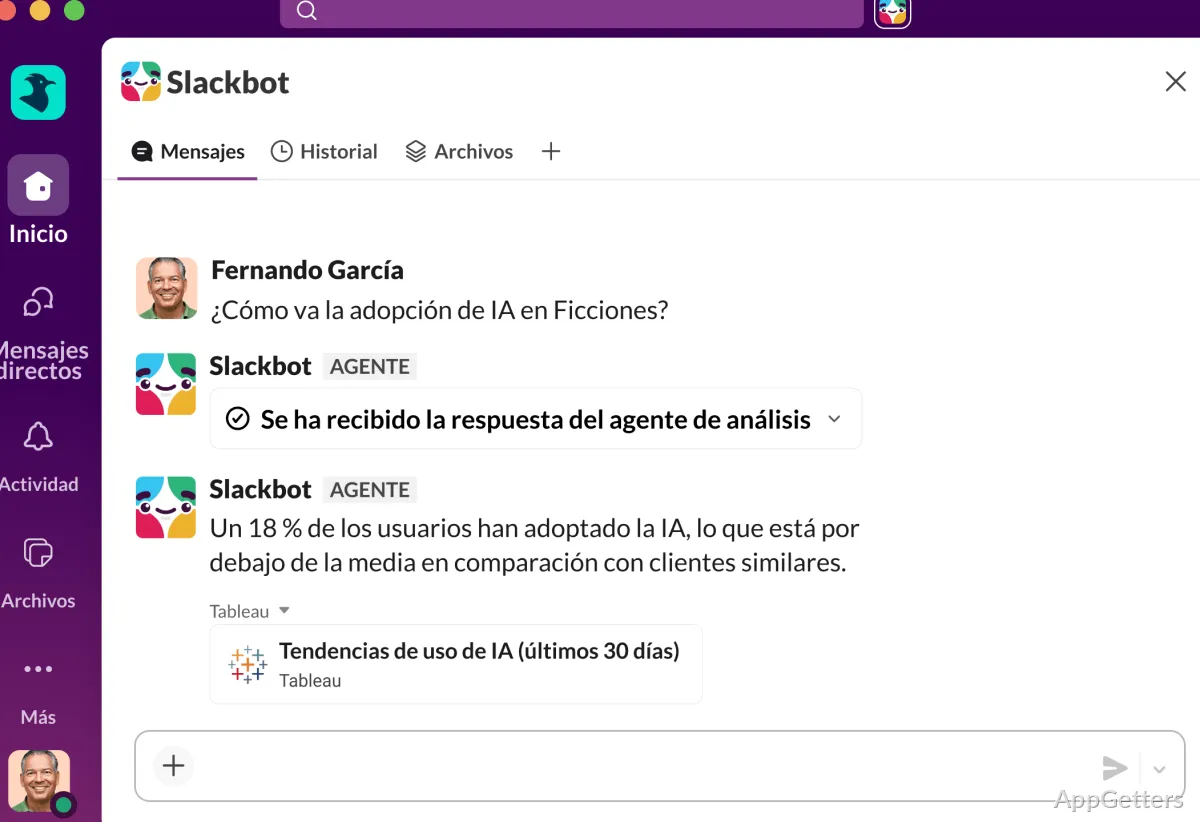
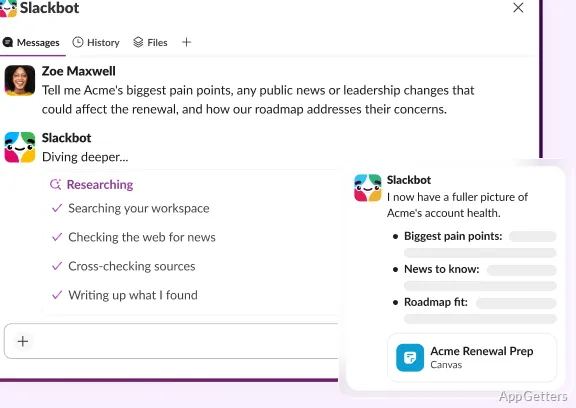
Slack search brings conversations and shared information back into view, while file sharing keeps documents close to the discussions where they are used. Slack’s AI features include conversation summaries, summaries of missed channel activity, and search responses based on workplace conversations. Slackbot can also answer questions and coordinate work across apps and agents.
For live conversations, teams can start built-in video meetings, called huddles. AI meeting notes can capture discussion points. Lists provide a place to track project tasks and their progress within the workspace.
Workflows and connected apps
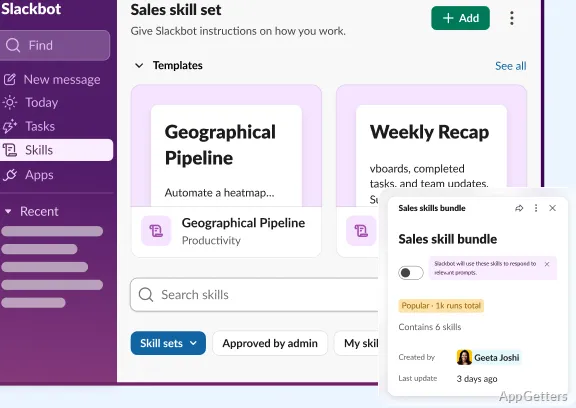
Workflow tools automate recurring coordination, including project updates, approvals, and meeting check-ins. Teams can build workflows with visual tools or code. Slack also connects with services such as Google Drive, Zoom, Asana, Box, and Workday, bringing app activity into team conversations.
- Use channels for ongoing topics and threads for message-specific replies.
- Share files in the conversation where teammates need them.
- Use Slack Connect when a discussion includes an outside organization.
Pros
- Channels keep project and team discussions grouped by topic
- Threads keep replies attached to the conversation they discuss
- Slack Connect supports conversations with customers and suppliers
- Workflow tools and integrations connect tasks with apps such as Google Drive and Zoom
System requirements: Windows 11
What is the difference between a channel and a direct message?
A channel groups discussion around a topic for its members. A direct message is for a private conversation with one person or a small group.
Can Slack connect with other work apps?
Yes. Slack integrates with apps including Google Drive, Zoom, Asana, Box, and Workday.
What does Slack Connect do?
Slack Connect lets a team chat with customers and suppliers from Slack.