Continuously switching between numerous open windows in a single Windows environment may be quite inefficient. You may not realize this. You might be satisfied with the way default Alt+Tab works; after all, it is capable of showing you all the basic previews. However, it is quite limited when you have many applications open at the same time. Besides, it is very easy to get lost in the navigation when multiple windows are quite similar to each other. This problem escalates during multitasking. Fast visual identification and management are the most important aspects.
Users who often work with different types of documents, browsers, and developers’ tools may find that the system that comes with Windows actually slows down their work. It does so instead of supporting it.
A clearer view of open tasks
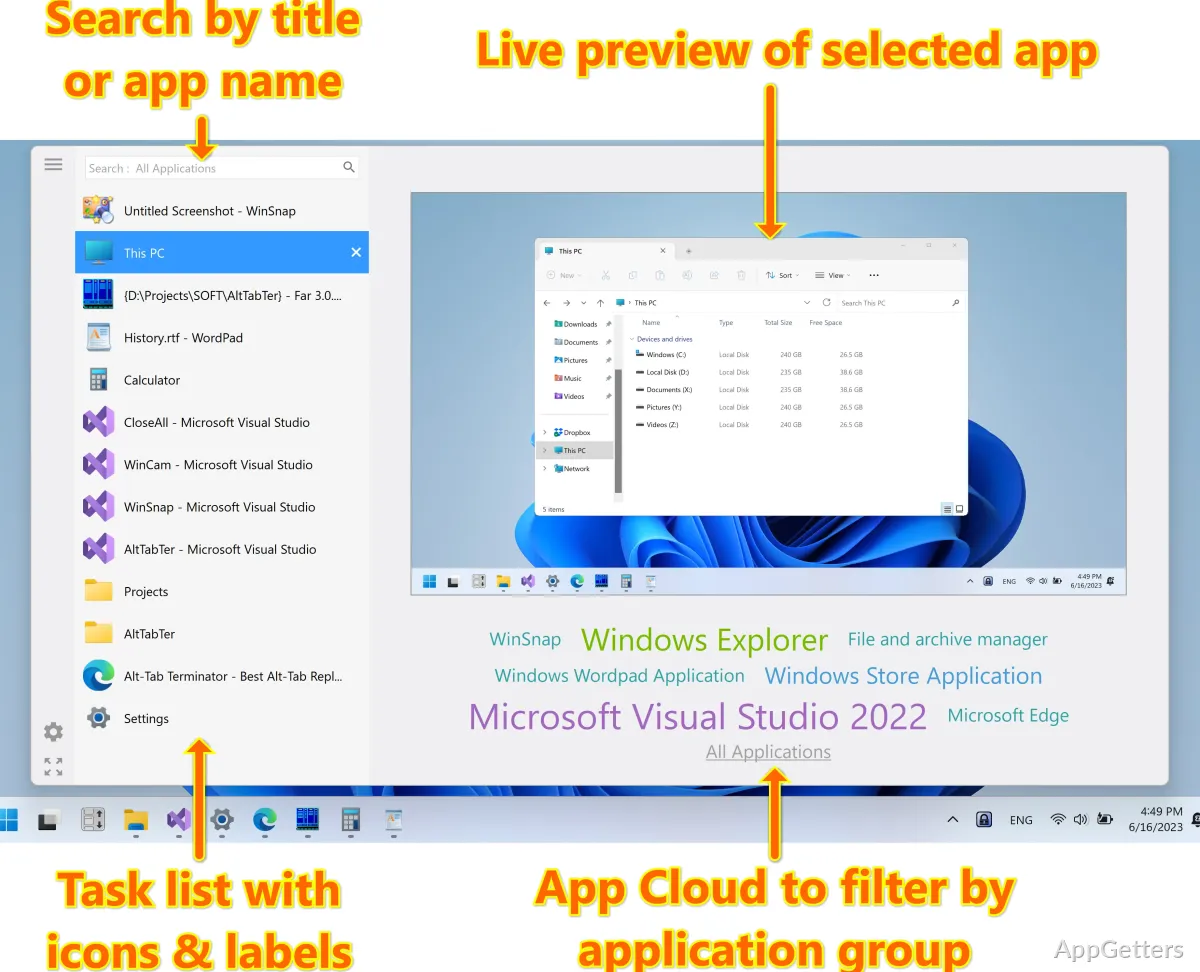
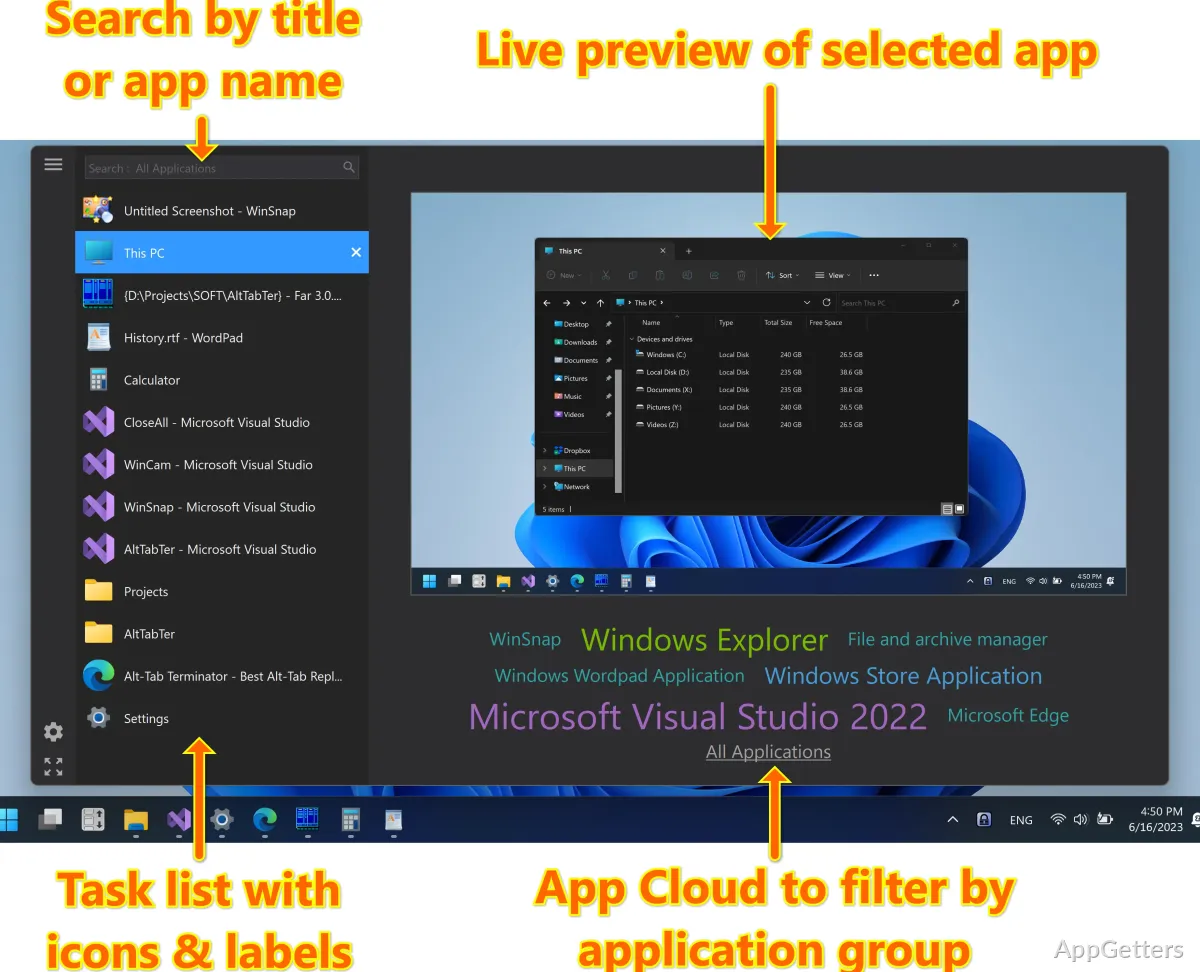
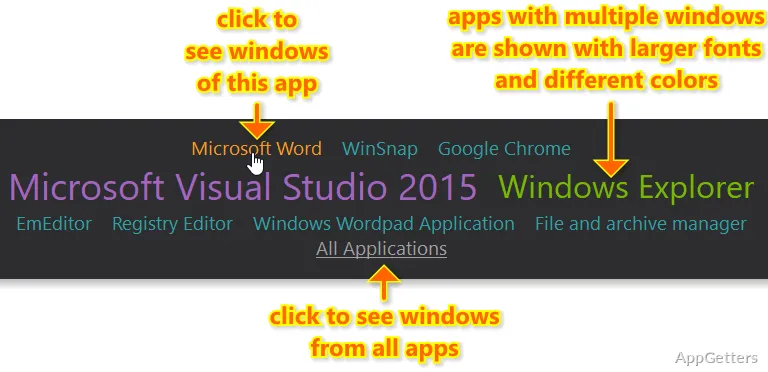
VistaSwitcher is a very smart and beautiful solution to the above problem. It completely changes the switcher between the running tasks into a much more powerful and easy-to-use kind of control. Apart from the tiny thumbnails, it shows really large previews. It provides a great, well-planned list of open windows. Apart from that, the users do not need to cycle through the options blindly.
As a result, this significantly decreases the time people spend searching for tasks. This is especially true in situations when there are two, three, or even more windows opened from the same application. The desktop environment becomes much more pleasant and easy to use. One wonders why it has not been done like that by Windows developers. It is worth mentioning that it is not radically different. It is more of a natural upgrade of the routine of everyday users.
Interaction that supports multitasking
When VistaSwitcher is used frequently by users, one of the most impressive features they get to appreciate is the rapidity of its response to their commands. The way users work with their computers is still centered around the keyboard. However, the role of a mouse has been steadily increasing, making mouse-based operations such as pointing and clicking more and more appealing. This is true even for long-time keyboard users.
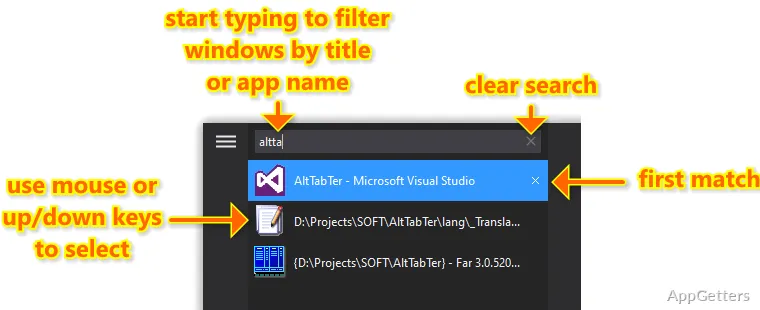
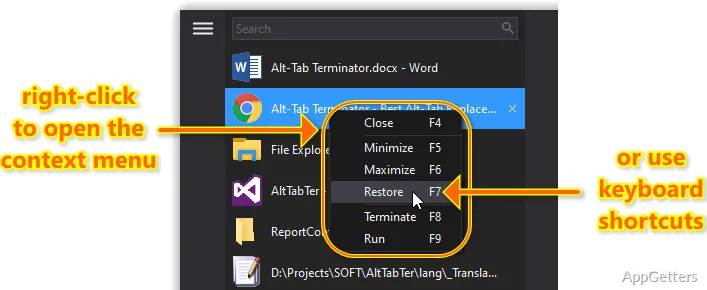
From the switcher interface, one can perform commands such as closing a window, minimizing it, or selecting it. This can be done without really having to change focus. This is actually a very good tip for cleanup tasks. It is also useful when quite a few background applications are suddenly reachable efficiently. The search functionality can be likened to a filter. It screens out all the content and then shows only the search matches to the user. It is not only a good idea but a must. This is especially true if the user is used to keeping quite a few machines running. In the long run, little gains such as these become quite a neat sum.
Lightweight behavior with some trade-offs
VistaSwitcher is a really small and quiet app, which hides in nooks and crannies. It does not show any indications of strain on the system even when loaded. In most cases, it will run without any problems. It will allow your PC to operate at normal speed even when you are going to use it for a long time. Therefore, even your very old computer that only responds properly to your movements can run it.
Still, you should bear in mind that this is a utility that has been developed on the basis of old Windows design elements. That is the reason why you can still notice it from the moment you start using it, based on its icon and colors. Some of you might think that your Windows 8 or Windows 10 look and feel is more modern, so they are less aligned with the interface. Plus, there are not many options for changing what is inside or making it different from a newer task toolkit.
Where VistaSwitcher fits in everyday use
VistaSwitcher is a great option for those who manage multiple windows and work mostly by keyboard. Students, office users, and developers who tend to multitask with browsers, documents, and communication tools will benefit the most from VistaSwitcher.
It is not the aim of this program to replace a whole set of system tools, nor is it to add a load of complicated features. On the contrary, it just makes one small part of the Windows human-computer interaction more useful. This part is often neglected. The default task switching has always been very limited. Through this update, much more definition and control are obtained. This happens practically without even changing one’s habits.