EXE
Home » Software » Windows » general » Ferdium for Windows
Ferdium for Windows

Ferdium for Windows

  • By Ferdium
  • Free
  • Version: 7.1.2
  • 108.68 MB
  • Security Report:

Keeping up with communications on various services across a Windows PC can really be quite a challenge over time. Most of the time, users have a number of messaging platforms that they rely on. These include their work chat tools, personal social applications, email services, and joint platforms. Having to continuously switch between browser tabs or run a number of desktop applications usually results in chaos. It also causes overlooking of notifications and higher memory usage. This is exactly the kind of workflow problem that Ferdium is trying to address.

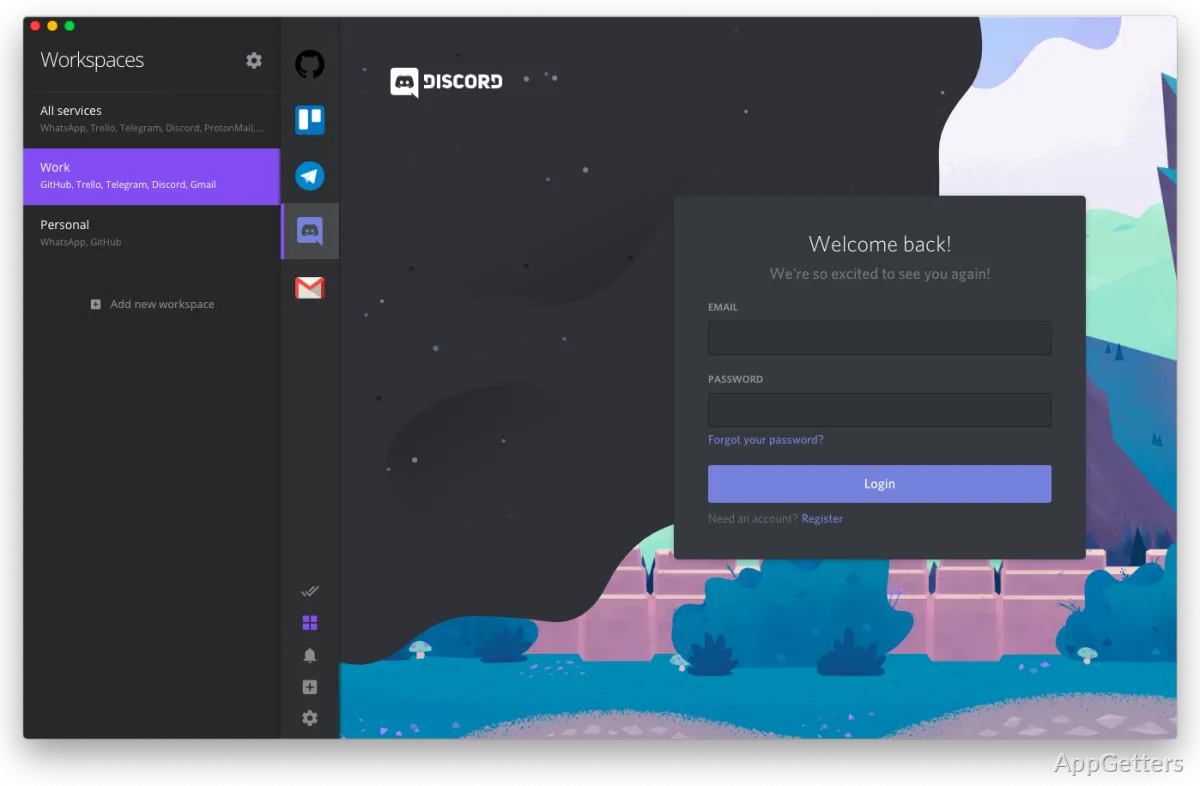
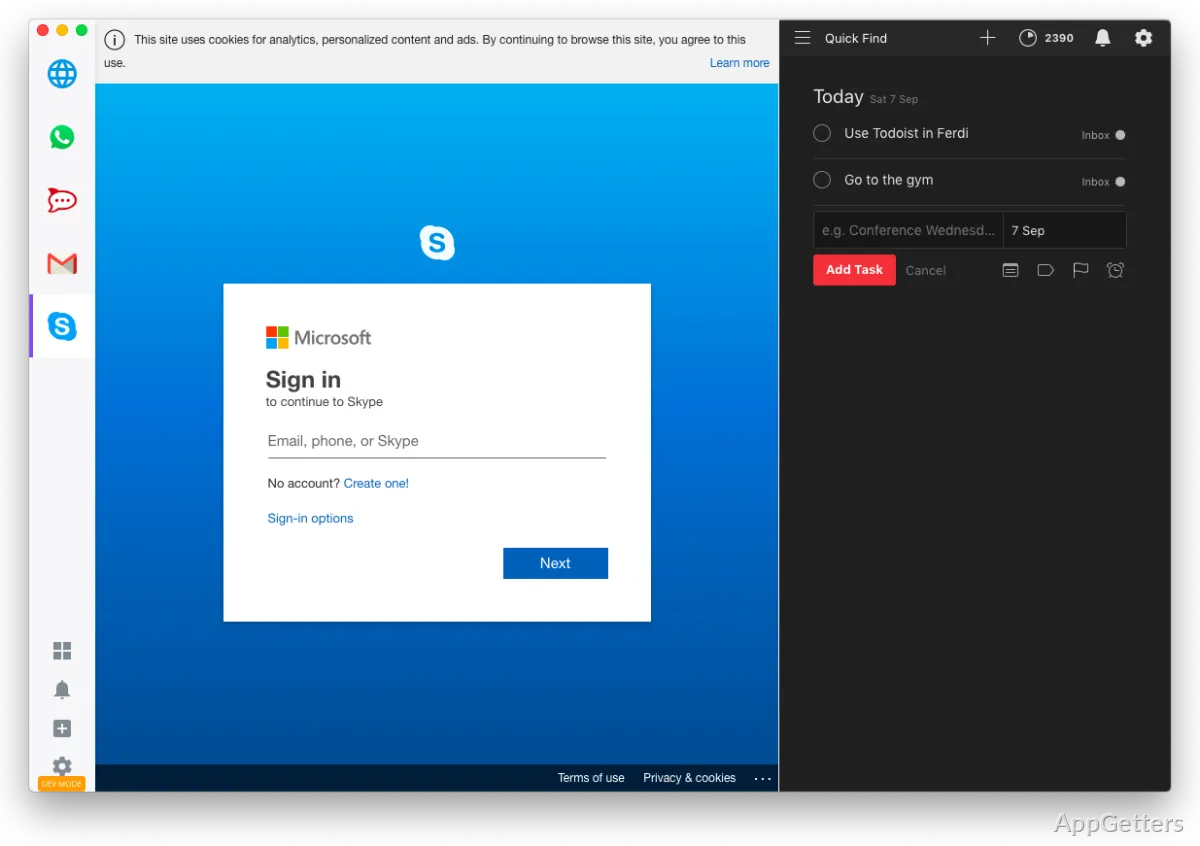
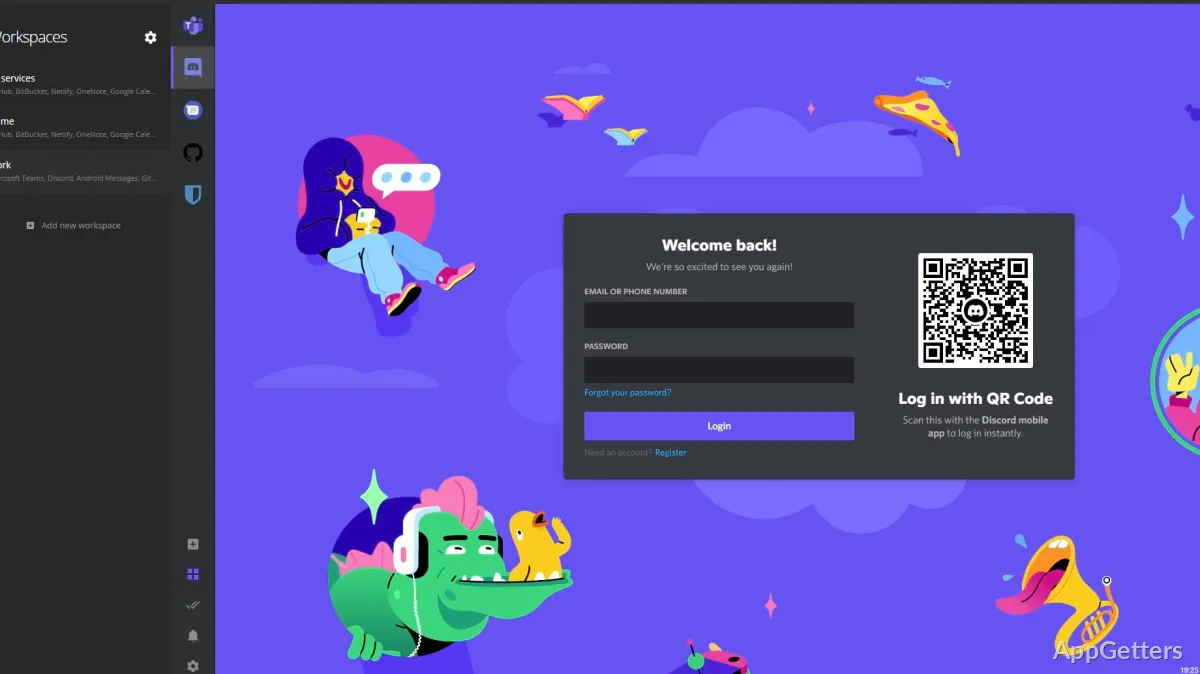
Ferdium is a Windows desktop software that wraps together lots of different online communication and productivity platforms into one single user interface. Rather than giving each service a separate app, it puts them all together inside a container-like workspace. Basically, this means that instead of downloading and installing one more messenger, one is actually building a centralized control panel for all daily communication with this method.

More Organized Handling of Multiple Services

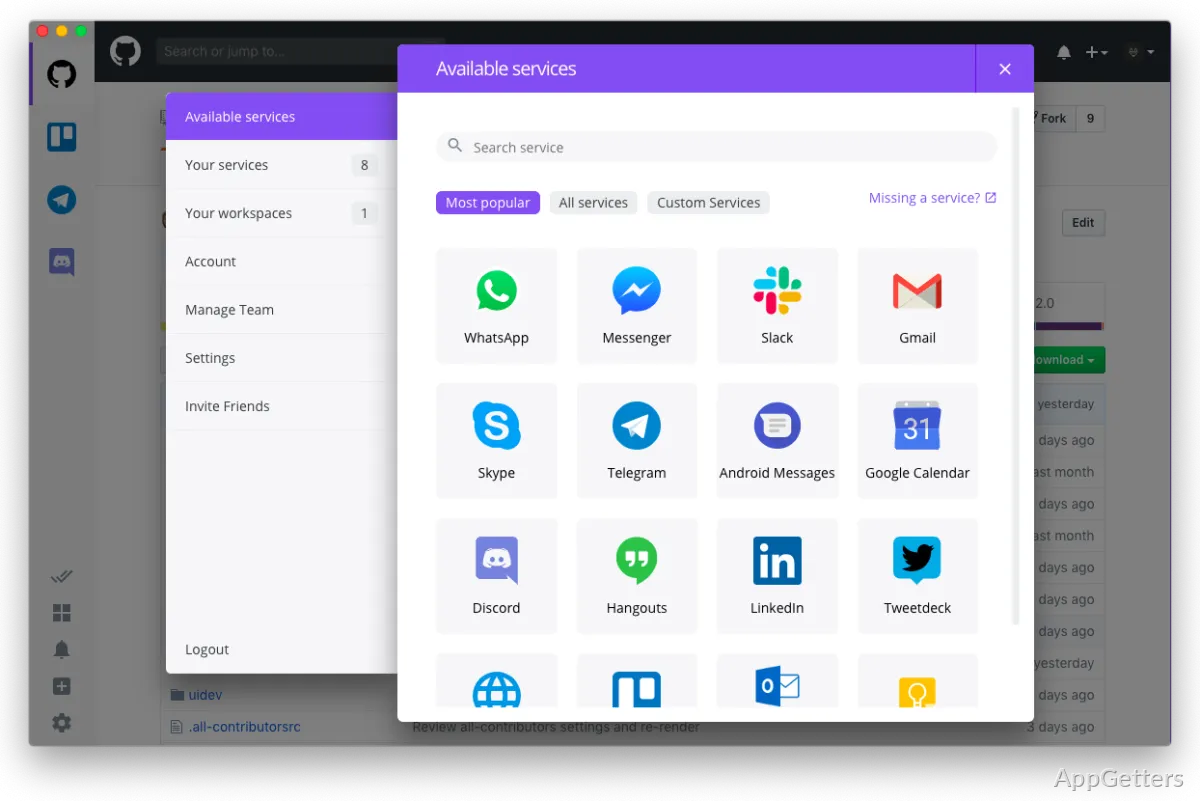
Essentially, Ferdium can be of great help in the simplification of everyday multitasking. You can add, for example, Slack, Discord, Telegram, WhatsApp, Gmail, Microsoft Teams, etc., in separate sidebar entries. This happens without the need to open different browser windows. Even after having a lot of services added, the interface will still be quite simple.

This procedure is almost perfect, in particular, for students, remote workers, freelancers, and users who periodically switch between personal and work accounts. Notifications become significantly more manageable because they are all gathered within one single setting. Originally, they were scattered all around the desktop. Also, using a Windows machine with a decent hardware configuration, you may notice that it is a bit lighter to run a single application. Having a couple of standalone ones running simultaneously is usually heavier.

Usually, the app will do what it is expected to do throughout a long session. Most of the switching between services is happening almost immediately. The appearance of a majority of the web apps is practically the same as when one visits them in a browser tab.

On Windows, the application brings a Number of Practical Workflow Benefits.

Ferdium seems to fit well in workflows where opening communication software and keeping it open the entire working day is the norm. For many users, what makes them lean towards the app is that it reduces visual mess. At the same time, it doesn’t get in the way of using their favorite services. Actually, what they get is a managed workspace instead of incessantly starting programs.

The sidebar setup turns out to be extremely handy during the working or studying phases. Messages, emails, and joint tools will stay just a click away. This also lowers navigation. Users working on smaller laptop screens might be more appreciative of this. Desktop window switching will be reduced. Therefore, the feeling of being crowded will also be minimized.

Account isolation is yet another helpful feature. Different instances of the same service can be set up. This makes it possible to divide user/personal and work accounts in one and the same app. This not only saves time on logging in again, but also helps avoid mix-ups, especially when one has a busy schedule.

On the other hand, Ferdium is still quite deeply dependent on the web-based services it integrates. If the service you are using is clumsy in a browser, pretty much the same thing will happen in Ferdium.

Performance, Resource Usage, and Dependability on a Day-to-Day Basis

When compared with conventional desktop software, Ferdium’s position is somewhat between the two extremes. While it is not very lightweight, replacing the use of separate browser tabs or dedicated communication applications with it can make your overall system less burdened. These days, performance for normal users on Windows is generally steady and capable of handling moderate workloads.

Apart from the normally expected functionalities, the open-source character of the application comes as an additional benefit. This applies to people who prefer the software to be transparent and developed by the community. The main focus of updates is on boosting ease of use and compatibility with the services. Major redesigns are not the priority. Hence, over time, the software feels more reliable and practical.

Some neophytes who would expect the application to be deeply integrated into the Windows operating system may find it a bit lacking in features. A few services are more like websites embedded in a frame than native applications. Depending on which service you have to use, occasional notification anomalies or login refreshes might also occur.

While normally, it is not too difficult to work around those problems, it is best to know about them beforehand. This is important in case you think of completely abandoning stand-alone apps.

Ideal Spots for Ferdium

It is primarily the Windows users with communication-centered everyday habits that Ferdium is designed for. For example, those who juggle between remote work, online classes, freelancing projects, and different communities can find the centralized structure of the app practical. It can help with their workload. Instead of running behind notifications in different browsers and applications, a user can maintain most, if not all, interactions in a single well-organized workspace.

Those who utilize only one or two messaging platforms hardly ever need a product like this. For these kinds of users, native apps with dedicated functions may appear even more straightforward. However, if you manage multiple services from time to time, then Ferdium can really help you improve your work consistency. At the same time, it can reduce desktop mess without becoming the biggest sacrifice to your habituation.

You don’t have to look for features if you’re a fan of the app. Rather, you may simply want everyday, steady organization that will help you make the most of your computer use.

Software Details of Ferdium 7.1.2

License
Free
Version
7.1.2
File Size
108.68 MB
Downloads
0
Languages
English English, Spanish
Category
Op. System
Windows
Developer
Last Updated
April 19, 2026

Version History

3 versions
7.1.2
Latest
108.68 MB
April 19, 2026
7.1.1
329.12 MB
October 8, 2025
7.1.0
107.08 MB
May 25, 2025

Leave a Comment

Your email address will not be published. Required fields are marked *

Software Icon
Security Report

Loading scan data...

Scroll to Top