Want to know exactly what's inside your PC and how hot it runs under load? AIDA64 Extreme combines live sensor monitoring with system information, diagnostics, stability testing, and performance benchmarks for home PCs.
Explore components and system details
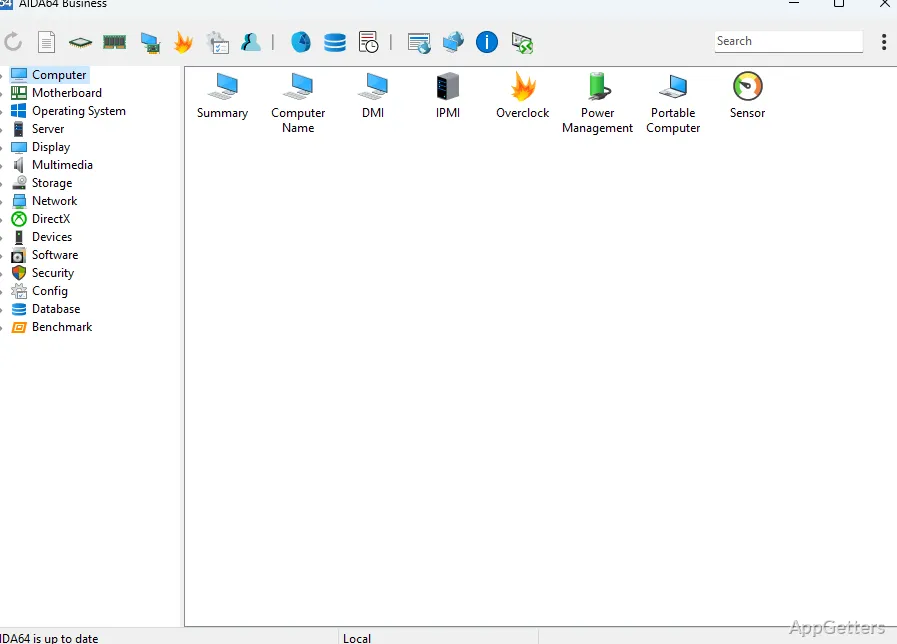
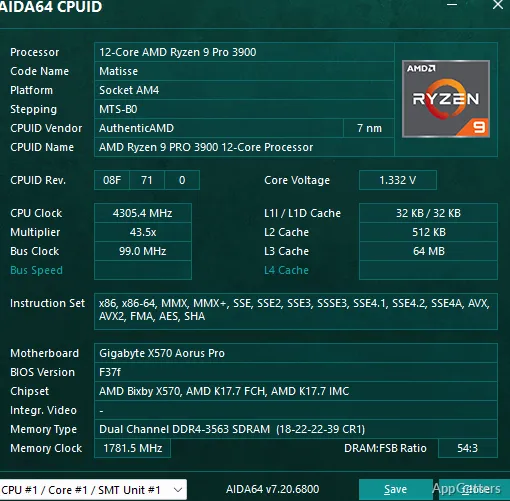
AIDA64 Extreme organizes information about the computer’s hardware and software, giving users a way to inspect component details and configuration in one place.
The program also reports live readings from supported sensors. Temperature, voltage, fan-speed, and utilization data can reveal how components behave during everyday work or demanding tasks. Sensor readings can be viewed as they change, making it easier to spot a rise in temperature or other shift in system behavior.
Watch readings on a panel or external display
Use AIDA64’s SensorPanel to arrange selected sensor values in a compact on-screen view. Keeping those readings visible provides a quick way to follow system conditions without opening a separate monitoring tool.
AIDA64 can also send system data to supported LCD and VFD displays connected to the computer. Wireless remote monitoring extends sensor viewing to smartphones and tablets, so readings are available away from the main screen.
Test stability and compare performance
AIDA64 includes stress testing for checking how a PC behaves under sustained load. Running a test while observing sensor values lets users see how temperatures and other readings respond during the workload.
Benchmarking provides performance results for comparing a system’s capabilities.
Choose Extreme for a home PC
Extreme is aimed at home use and PC enthusiasts who want detailed information, monitoring, diagnostics, and performance testing on an individual computer. FinalWire positions its other AIDA64 editions for needs such as detailed corporate network audits; Extreme is not designed for that large-scale task.
Pros
- Tracks live sensor readings and system performance
- Combines hardware details with diagnostics and benchmarks
- Can show data on supported LCD and VFD displays
- Offers wireless sensor monitoring on phones and tablets
System requirements: Windows 10, Windows 11 · 64-bit only
What does AIDA64 Extreme monitor?
It displays real-time sensor readings and system data, including temperatures, voltages, fan speeds, and component utilization where supported.
Can AIDA64 Extreme show sensor data on another screen?
Yes. It supports connected LCD and VFD displays, as well as wireless remote sensor monitoring on smartphones and tablets.
What are AIDA64 Extreme’s stress tests and benchmarks for?
Stress tests show how a PC behaves under sustained load, while benchmarks provide performance results for comparison.