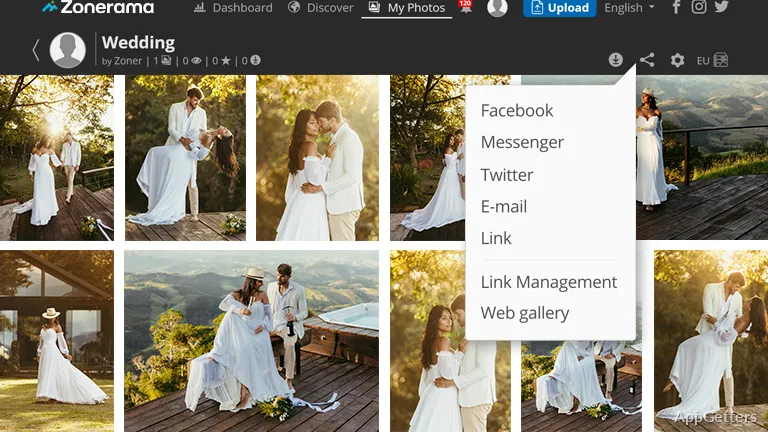
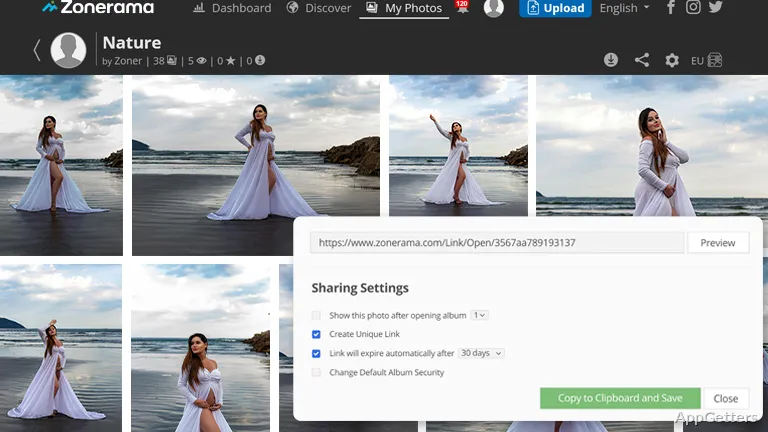
It is easy to underestimate how challenging it is to manage a growing photo archive. Pictures may not only be spread to different folders but also to external drives and cloud storage. Simple image viewers usually do not offer much help beyond opening the files. On the other hand, professional editors that are full of features might become too intimidating when it comes to organizing and doing light editing. Zoner Photo Studio X for Windows is a great alternative to those two extremes. It offers you a combination of cataloging, photo management, and editing tools packed in one application. It aims to support your daily photography without the need for expert-level skills.
Large Photo Collections Management Made Easy
Photo organization is one of the main features of Zoner Photo Studio X. When users have thousands of personal images, it becomes really difficult to keep track of folders, duplicates, edits, and backups. Everything usually gets messy. The application solves this problem in a unique way. It gives users a system of management made up of tagging, ratings, folders, and searchable metadata.
After continuous usage, you will really see how this might significantly lessen the time spent tracing old images. People at home, photography lovers, and those who frequently take pictures with their phones or cameras may like a more streamlined way of working. The user interface is really nice. However, new users will probably take some time before they are able to navigate comfortably between the sections of management and editing.
Edit Tools: Focus on the Most Needed Changes
Zoner Photo Studio X doesn’t try to be a clone of advanced professional editors. It only offers those edits that many users actually need. Basics like exposure correction, color tweaking, cropping, retouching, and using presets for enhancement are the features that can be found in the same workspace as the photo library.
Doing daily editing of photos this way can help users to be more effective in their work. No more switching back and forth between different programs for sorting, editing, and exporting in different areas. Meanwhile, those who look for highly specialized manipulation tools or advanced compositing may find the program too limited. It is mostly meant for practical photo improvement and process continuity rather than deep graphic design.
Benefits for Windows Users on a Daily Basis
Most of the time, software reliability matters more to the user than a large list of features, especially if the work involves processing a large number of pictures. This is the reason why Zoner Photo Studio X is believed to be well-suited for this kind of user. Through batch editing, exporting, and the use of tools oriented toward the workflow, you can reduce repetitive work. This applies when processing a photo album, travel photos, product images, or family collections, while still enjoying the beautiful User Interface.
Being a student or a small business user, a blogger, or a photography enthusiast, you will find this very helpful when managing images regularly. The software is geared towards a workflow stay-within-single-applications model. However, because several functions are packed into a single platform, low-end systems or users looking for a very minimal experience may find this environment a bit heavier than a basic photo viewer.
Where Zoner Photo Studio X is Suitable For Daily Photography
Zoner Photo Studio X will meet the needs of Windows users who want to do much more than a regular image viewer allows. At the same time, they do not want to be overwhelmed by an enterprise-level professional image editor. It essentially acts as a combined workspace. Here you can organize, make adjustments, and prepare photos for a consistent workflow with a minimum of frustration.
Content creators, hobby photographers, active home users, and everyone else who maintains a growing photo archive will find this software a very useful middle ground. It is not completely oriented towards beginners, and some learning is necessary. The combination of its photo organizing and editing tools makes the management of photos over time more feasible.