EXE
Home » Software » Windows » Editors » Chasys Photo for Windows
Chasys Photo for Windows

Chasys Photo for Windows

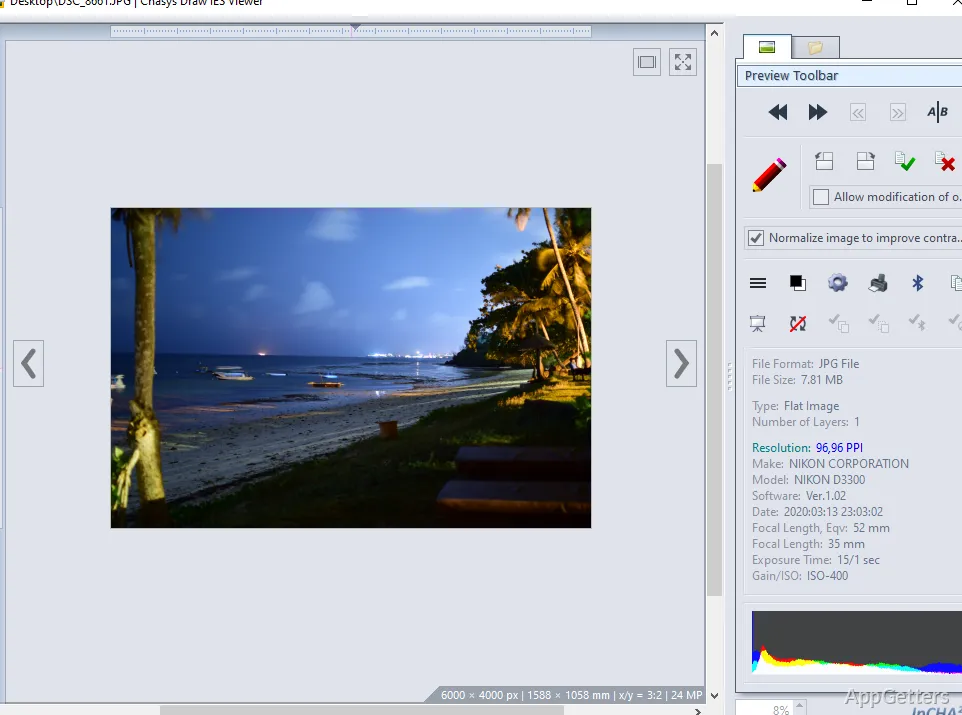
Windows folks who want to upgrade their image viewing capabilities, but without the extreme jump to heavy, resource-hungry editing suites, commonly face a challenge. The challenge is that the majority of these tools either dumb down the editing features considerably. On the other hand, they introduce so many professional elements in their user interface that nonprofessional users get lost. Chasys Photo is sort of an intermediate kind of software that gives you a bit larger set of tools for image viewing, editing, and conversion. At the same time, it does not require advanced hardware and design skills.

A good combination for those who work regularly with pictures

With some basic knowledge of image editing, a user could go a long way with the help of Chasys Photo. The software itself is targeted mainly at those who need to do some work with pictures now and then. They do not necessarily consider themselves photographers or designers. For instance, it can be a home user who is sorting photo collections. It can also be a student who is working on a visual project, or a person from a small office unit who is preparing images for documentation. They are all capable of accomplishing most tasks without having to learn a lot first.

What is more, the viewing, simple editing, and batch processing functionalities are amalgamated into a work process that is quite natural for general desktop use. It would be enough just to open folders, adjust a couple of levels, resize images, or change picture formats. All this could be done without using multiple applications. This kind of convenience usually weighs more than having lengthy lists of features. This is true for a user who simply desires reliable image processing functions on a Windows machine.

Editing features that put function before complexity

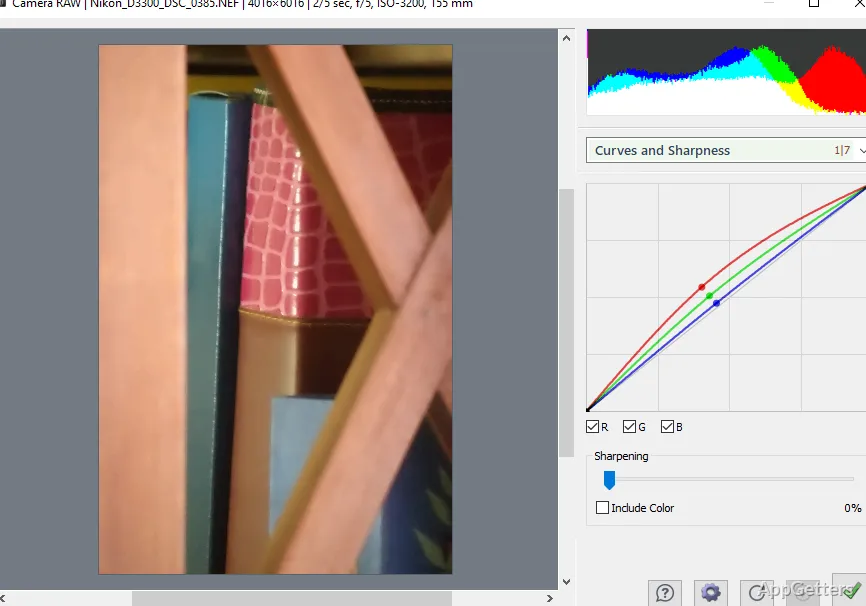
Instead of building a monster that competes with the most powerful suites out there, Chasys Photo is aiming at satisfying the needs of users with practical editing functions only. Working with cropping, color correction, sharpening, effects, and supporting multiple file formats have been Chasys Photo’s staple working features. These are the ones that enable simple editing work to be done very smoothly. Users who are handling their own photos, scanned images, or are involved in some minor-level content creation will find these changes quite handy.

In order to keep things simple, the interface looks exactly how it feels: utility-driven. That is why some of the parts here might be a little complicated or old-fashioned. This is especially true compared with the best recent editors that have a very minimalist design. For new users, it may take a little while to become familiar with the locations of different controls. But a user who is going to rely on this app regularly for making the same kinds of edits will likely find that the familiarity factor brings great rewards.

How well does it run? Does it crash? Will it break your workflow?

One of Chasys Photo’s biggest advantages over other Windows photo editing software is that it is surprisingly fast. The program is capable of running smoothly even on those machines where more heavy-duty media applications would cause performance issues. This aspect can be considered when choosing the software for older desktops, shared computers, or low-end laptops.

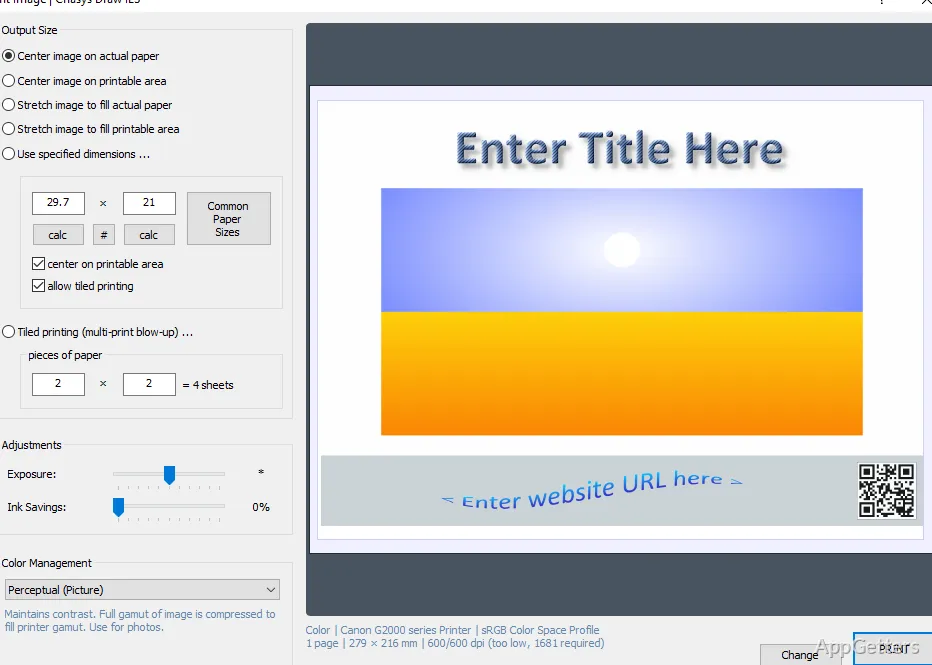
The batch processing and conversion features can strongly affect the work output of users who need to deal with large volumes of files. Instead of editing/exporting each image individually, the user will be assisted a lot. The repetitive tasks can be done more easily. Reliability is a must in such situations. The multi-purpose design of the software contributes to lessening the friction in usual working processes. Having said that, users expecting advanced lossless editing, collaborative cloud, or studio-grade asset management will probably find out quickly that these are not the feature areas on which this software has been focused.

How Chasys Photo complements a Windows workflow

If you are a practical kind of Windows user who is willing to get a bit more out of an image viewer, then Chasys Photo is probably the right choice for you. This is especially true if you are not going to use professional creative software. The software fits the needs of students, home users, hobbyists, and small-scale content creators who cherish flexibility and format support. They also value efficient use of time when editing pictures in general.

The product suits best as a trustworthy, all-encompassing image utility tool that can be used for a variety of everyday tasks, rather than as a high-profile creative platform. This software offering of viewing, editing, and conversion tools can play a key role in simplifying one’s daily photo handling workflow. This is especially true if one is attached to a local desktop. The program’s user interface is not likely to strike one as quite modern visually. Still, the value one will derive from it stems mostly from its consistent and functional performance. It stems less from its external look.

Software Details of Chasys Photo 5.38.1.0

License
Free
Version
5.38.1.0
File Size
38.96 MB
Downloads
8
Languages
English English, Arabic, Chinese, Danish, Dutch, French, German, Greek, Italian, Polish, Portuguese, Russian, Spanish, Swahili
Category
Op. System
Windows
Developer
Last Updated
December 15, 2025

Version History

6 versions
5.38.1.0
Latest
38.96 MB
December 15, 2025
5.37.01
38.96 MB
November 12, 2025
5.36.01
38.47 MB
August 24, 2025
5.34.01
38.02 MB
February 3, 2025
5.33.01
37.96 MB
December 31, 2024
5.32.01
37.47 MB
October 14, 2024

Leave a Comment

Your email address will not be published. Required fields are marked *

Software Icon
Security Report

Loading scan data...

Scroll to Top