EXE
Home » Software » Windows » Editors » FireAlpaca for Windows
FireAlpaca for Windows

FireAlpaca for Windows

Many Windows users who want to get drawing or painting software run into the same problem. Professional artistic software normally comes with a steep learning curve, high system requirements, or requires a subscription that a casual user may not justify. And many of the free alternatives feel limited or outdated at the same time. FireAlpaca comes in between these two ends by delivering a simple digital art program focused on the main drawing tools. It does so without scaring away new users.

FireAlpaca is a good choice for artists who want a simple place for drawing, illustrating, or making comics. It is easy to use for beginners but has the needed features even for consistently working artists.

A Simple Workspace for Digital Drawing

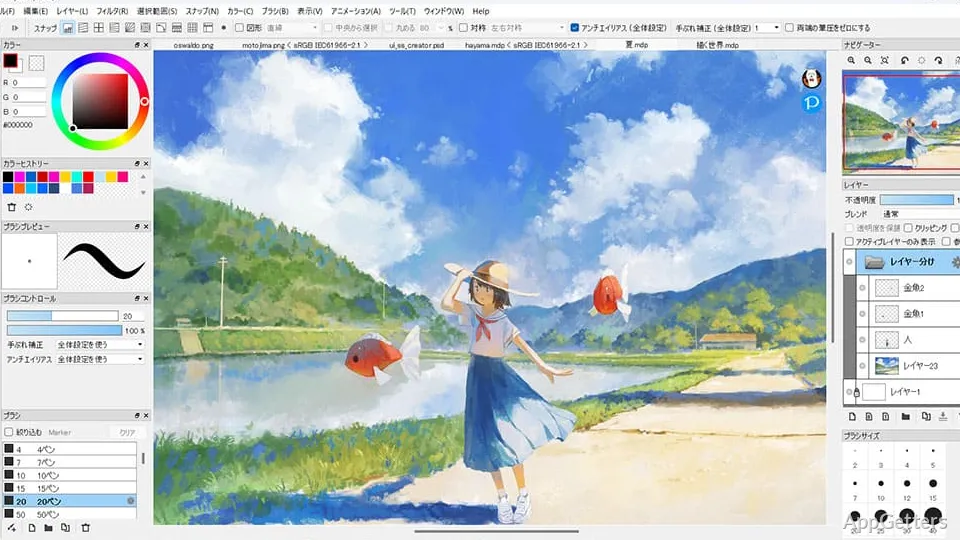
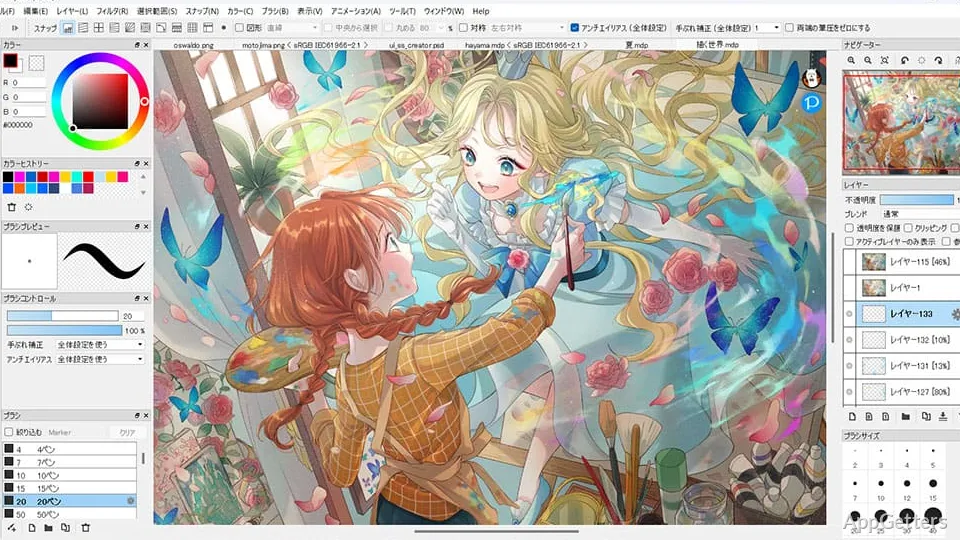
First of all, FireAlpaca is recognized by its minimal interface. The workspace is designed to keep regular drawing tools very handy. So users can start creating with a minimum of preparation. Basic features like layers, brushes, selections, and color controls are clearly shown. This is very helpful for lowering the learning curve of digital art newcomers.

FireAlpaca runs well on quite a few Windows machines, including older computers that might have trouble with big creative applications. This lightweight style helps the performance to be nice and smooth during daily work. The interface certainly looks less trendy than in some other comps, but its very simple aspect often happens to work better. It draws users’ main attention to the artwork rather than the software.

Tools That Support Everyday Creative Projects

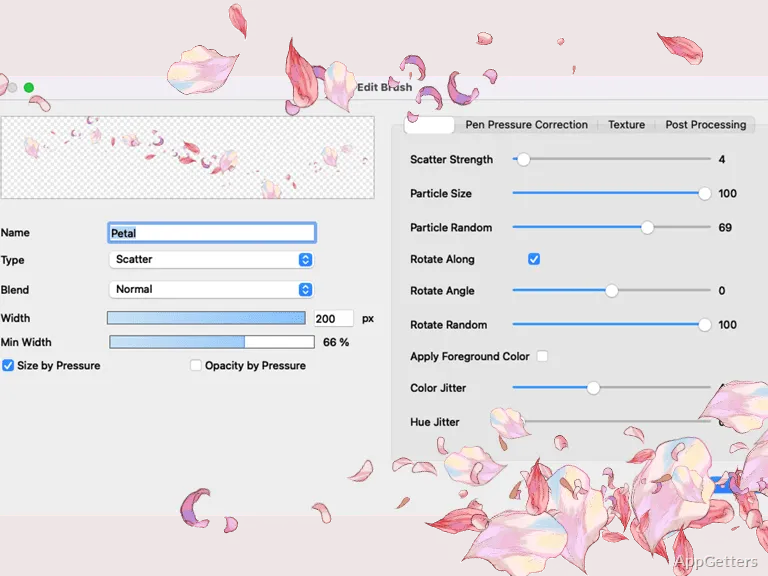
FireAlpaca is packed with the features that are most essential to the greater majority of users engaged in illustration, character sketching, concept art, and comics. Artists can change and adjust the brushes to suit their working styles, while layers give the user the control necessary to control complex images. It also provides a set of perspective guides and comic panel features. They are a source of inspiration that the manga and comic artists will appreciate most.

Generally, the program perfectly copes with the typical drawing tasks without demanding a lot of time for setup. On the other hand, artists producing highly sophisticated illustrations could find themselves limited. The program does not include certain professional features that are in the bigger creative suites. These can be critical for specialized workflows. The toolset that comes with the software, however, is quite sufficient for the drawing classes, amateurs, and solo creators. It covers the main daily drawing requirements.

Learning Curve and Day-to-Day Usability

The quickest way for one to become productive after acquiring software is a big plus of FireAlpaca. It usually takes just a couple of minutes for the beginners to start making some lines. And the very arrangement of the program makes it possible for the users not only to try and test but to do so without confusion. For this reason, this simplicity has made it a well-liked product for those who are switching from traditional drawing to a digital one.

Along with that, the program enjoys popularity thanks to a very lively group of users that continually provides one another with tutorials, brushes, and tips for efficient work. Qualities like the friendly community and steady and reliable software performance during everyday creative work have made it quite easy to get aid in relation to the frequently asked questions. This is a great feature.

A Sensible Choice for New and Casual Digital Artists

FireAlpaca will deliver what you need at the initial stage of your digital art journey. This is when you care the most for simplicity, accessibility, and stable performance, and less for tons of advanced features. The students who are engaged with learning digital art, the hobbyists who are always involved with their home-based projects, and the potential artists who use it to a great extent find that it will provide them with the required tools without making complicated things unnecessarily.

It is pretty amazing that the program doesn’t take a lot of power in your computer, which is indeed a great plus to those who have modest hardware. And the simple interface removes the common fear level that goes along with digital art software. Professional artists working on large commercial projects might need more advanced applications, but FireAlpaca certainly still presents a very good option for day-to-day drawing, sketching, and creative experimenting on a Windows PC.

Software Details of FireAlpaca 2.15.2

License
Free
Version
2.15.2
File Size
55.4 MB
Downloads
6
Languages
English English, Chinese, French, German, Italian, Japanese, Korean, Portuguese, Russian, Spanish
Category
Op. System
Windows
Developer
Last Updated
February 12, 2026

Version History

6 versions
2.15.2
Latest
55.4 MB
February 12, 2026
2.15.1
55.4 MB
February 4, 2026
2.15.0
55.39 MB
January 30, 2026
2.14.1
55.25 MB
January 21, 2026
2.14.0
55.24 MB
January 13, 2026
2.13.26
55.24 MB
October 23, 2025

Leave a Comment

Your email address will not be published. Required fields are marked *

Software Icon
Security Report

Loading scan data...

Scroll to Top