EXE
Home » Software » Windows » Editors » Polarr Photo Editor for Windows
Polarr Photo Editor for Windows

Polarr Photo Editor for Windows

  • By Polarr
  • Free
  • Version: 5.11.11.0
  • 226.36 MB
  • Security Report:

Most Windows users wish for a photo editor that can make everyday image adjustments. It does so without the clutter of professional design software. It doesn’t matter if it’s about social media sharing photos, beautifying holiday snappers, or correcting pictures for school or work in a flash. The main issue is that tools that are both simple and controllable are hard to find. For example, some photo editors are so geared up towards the professional side of things that they hardly give the average user anything useful. Others are so basic that they won’t serve your everyday needs. Polarr Photo Editor is an exceptional tool, neither too advanced nor too simple. It has a great, inviting editing experience. It will definitely attract people who want to focus more on the content rather than the heavy and complicated use.

Every day, straightforward editing with a clean experience

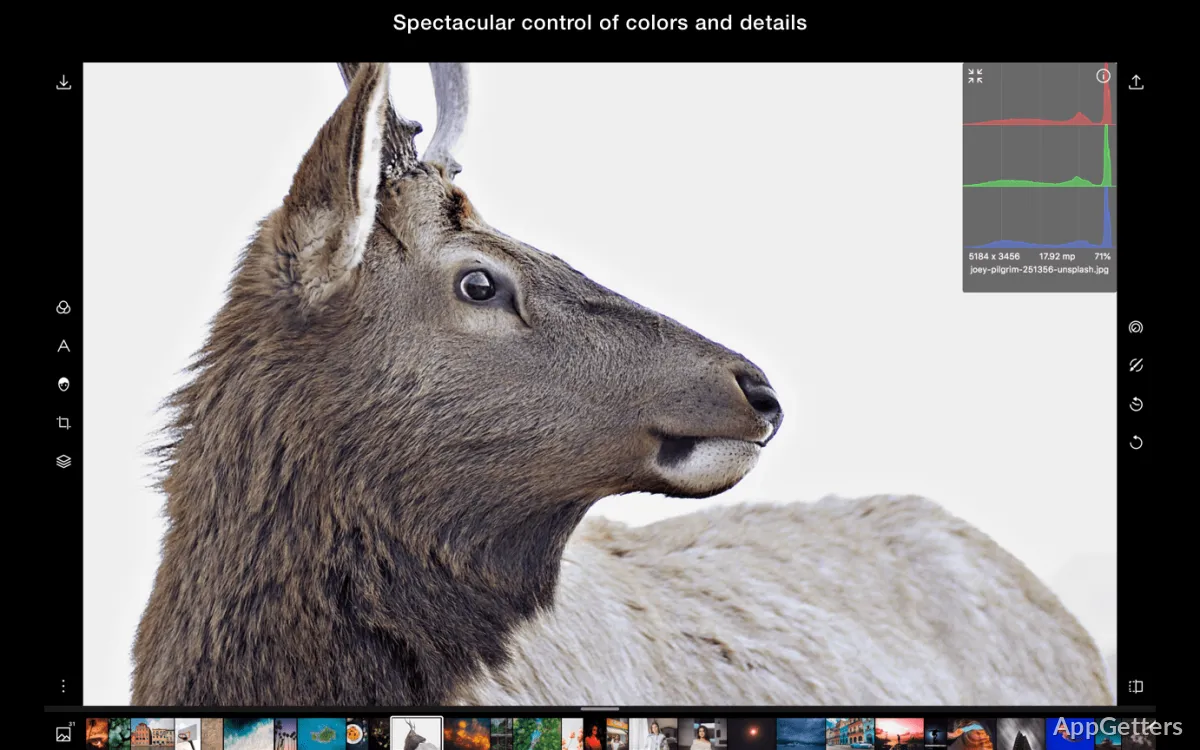
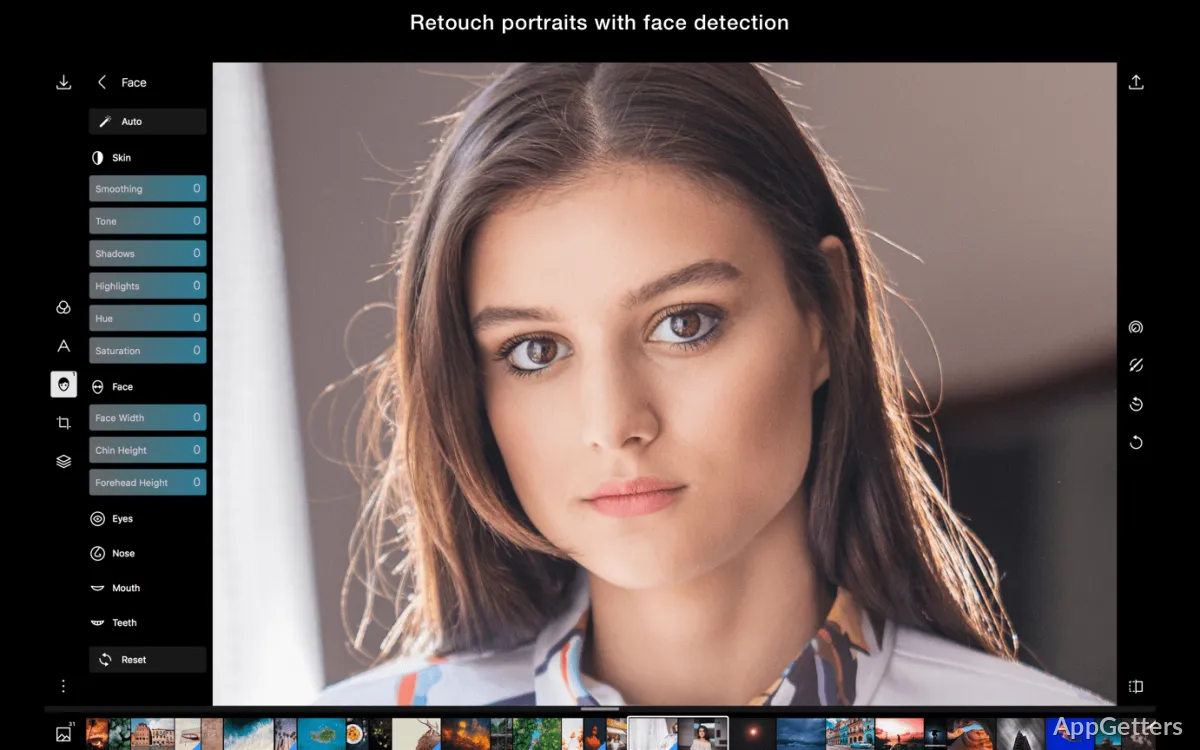
When at first glance observing the Polarr Photo Editor user interface, you can hardly miss its neat and simple design. Everything is compromised, so the main editing features are laid out for easy reach. Thus, even those without the knowledge about professional photo editing can very swiftly make use of the program. For instance, the usual features such as brightness, contrast, colors, cropping, etc., are the easiest things to perform with the program.

On a regular basis, the program acts fast on most up-to-date Windows hardware. Besides, going from one editing panel to the other is almost without any interruption. You can keep on without losing the main track of your work, even when many adjustments happen from your side. Being this, the tool is actually a real help to students, photographers, and social media fans. These users want to achieve that final look fast without digging much into the complicated stuff.

The harmony of ease and artistic liberty

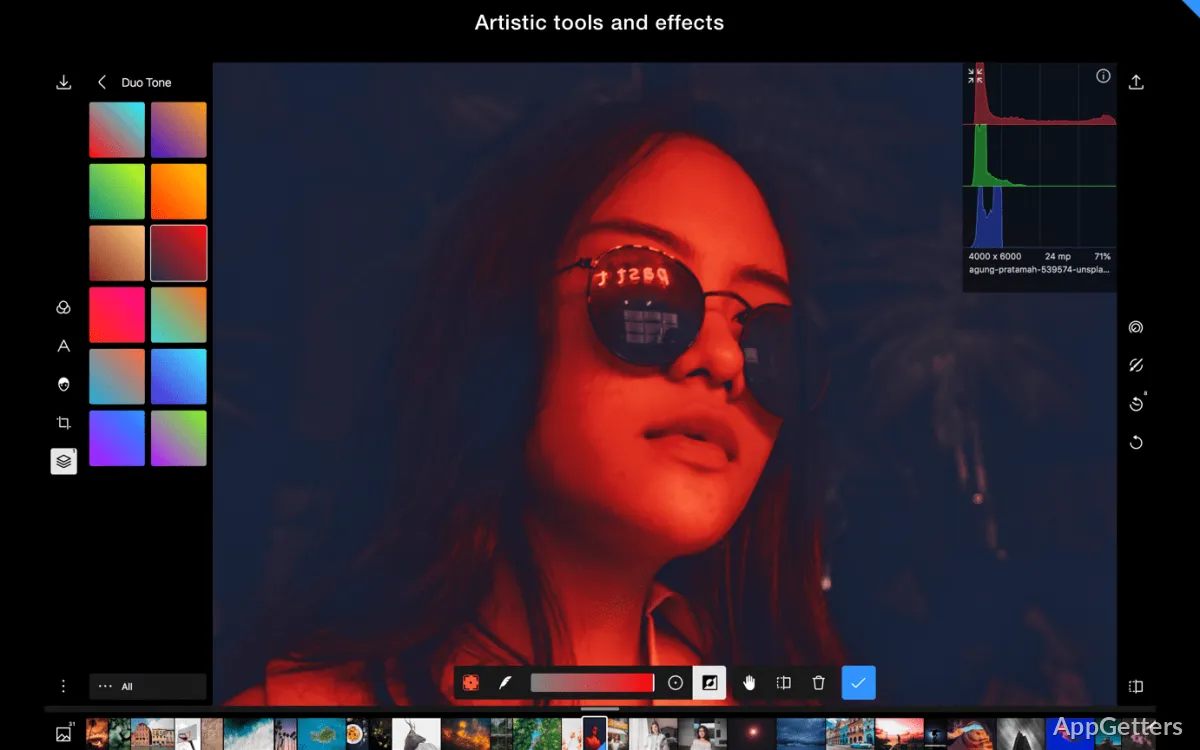
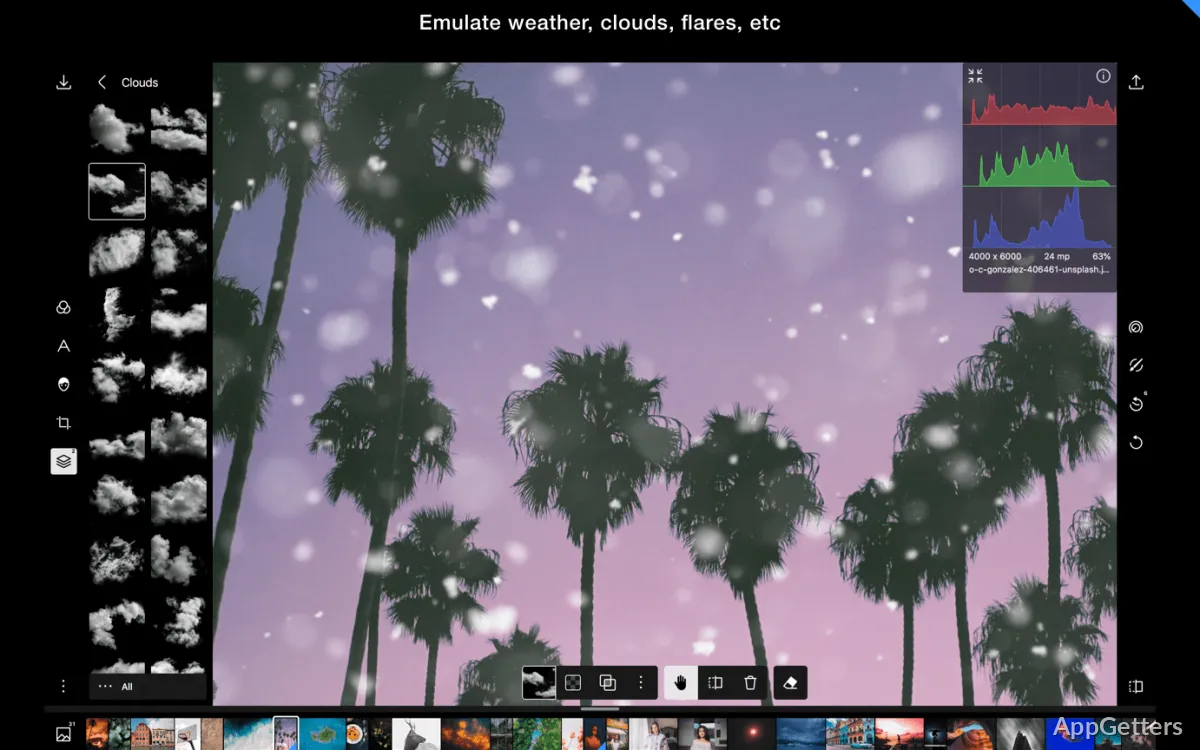
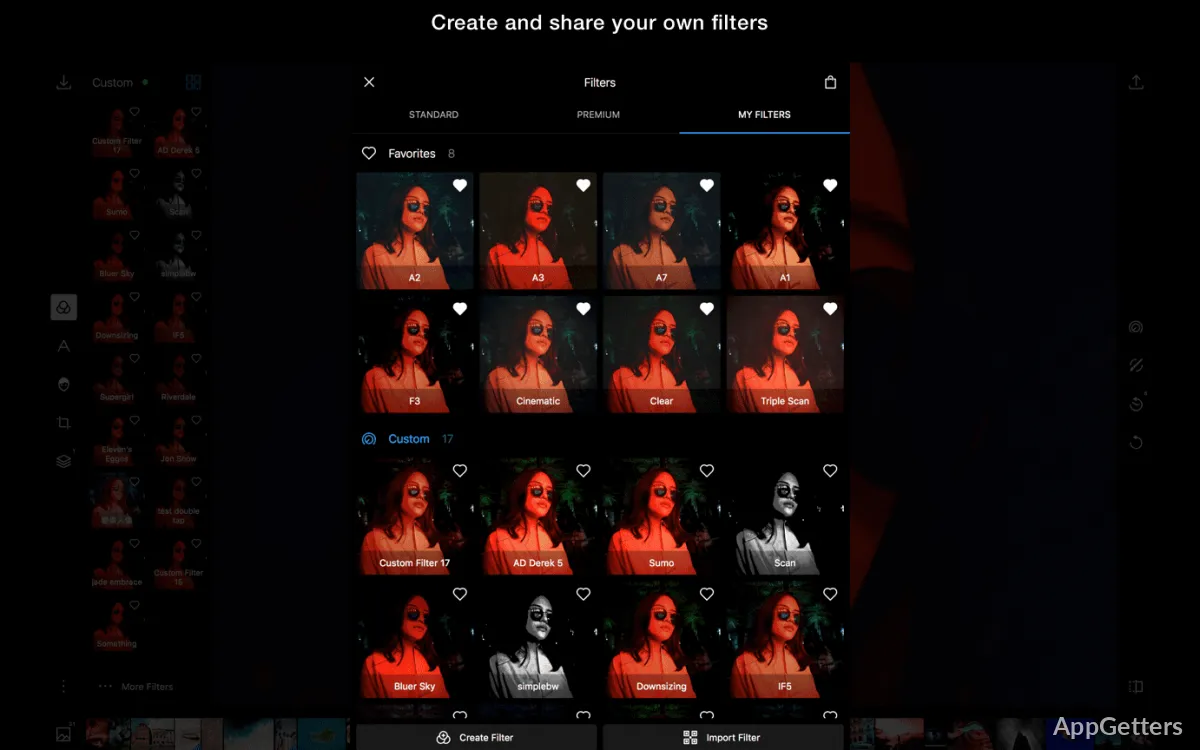
Being very beginner-oriented, Polarr offers a great deal as well to those who want to get more involved in photo editing processes. They are also keen to learn and use advanced options. In addition to the basic correction tasks, with this software, you can also do color-based grading, selective modifications, and visual effect changes. These can take your photos to the next level through thorough refinements.

One of the great things about the editing process is how everything is visually shown rather than through less understandable menus. It allows a user to try different pictures while being fully aware of the changes that are being made. Nevertheless, those who are used to professional desktop tools will very slowly find that there are limits to what the program can do. This is especially true when it comes to doing highly advanced image processing projects and heavy manipulation of images. Polarr is mostly used as an enhancing photo app rather than as a fully-fledged production tool.

Performance and workflow on Windows

For many people, having stability and reliability is even more important than the availability of various features. In fact, with day-to-day usage, Polarr is the one that is falling short the least when it comes to solving the problems of outer-photo editing and file preparation. Loading images, adjusting them, and saving the finished files are nearly always simple actions. They don’t ask for much input or advanced settings.

The program also works well when fitting into the lightest flows. It is the fullest extent to which one can go without stepping forward into a complex project organization. This helps get small tasks done quickly. This can also equate to less time needed for overall completion of editing work. On the systems with less power, performance depends on the sizes of images and the number of modifications. But the app in the main still holds up for usual photographic works.

Where Polarr Fits Best in a Windows Workflow

Polarr, as an editor, is one of the best modern and easy-to-use photo editing tools, with a very strong emphasis on efficient photo enhancement. It is for those who want to do the least amount of work. Students making visual pieces, home users using photo collections, and authors of content preparing images for online sharing are the ones who find the software most useful.

Above anything else, the software enables users to make photo refinements without being swamped by the professional-level complexities, which is a great plus. However, advanced retouchers doing commercial design and large-scale editing projects are definitely going to need more specialized software eventually. Talking about everyday image editing only, though, Polarr is a pretty good compromise. It offers ease of use, creative freedom, and workflow effectiveness on Windows.

Software Details of Polarr Photo Editor 5.11.11.0

License
Free
Version
5.11.11.0
File Size
226.36 MB
Downloads
7
Languages
English English, Spanish
Category
Op. System
Windows
Developer
Last Updated
September 2, 2025

Version History

6 versions
5.11.11.0
Latest
226.36 MB
September 2, 2025
5.11.10.0
226.36 MB
June 3, 2025
5.11.10
1.04 MB
March 26, 2025
5.11.9.0
226.6 MB
September 24, 2024
5.11.8.0
226.6 MB
May 28, 2024
5.11.7.0
527.11 MB
March 11, 2024

Leave a Comment

Your email address will not be published. Required fields are marked *

Software Icon
Security Report

Loading scan data...

Scroll to Top