EXE
Home » Software » Windows » Phone Tools » WALTR for Windows
WALTR for Windows

WALTR for Windows

  • By Softorino
  • Free
  • Version: 4.3.7
  • 55.29 MB
  • Security Report:

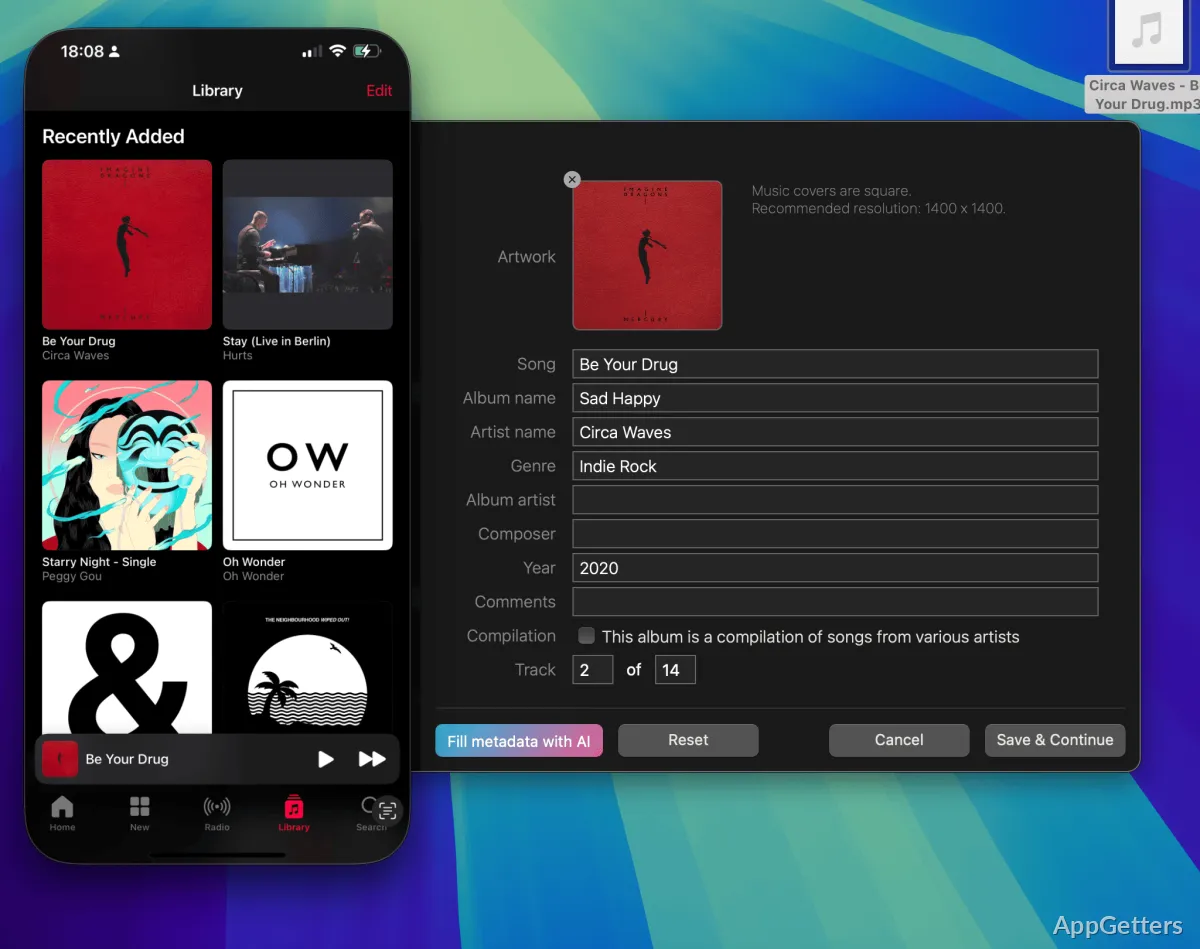
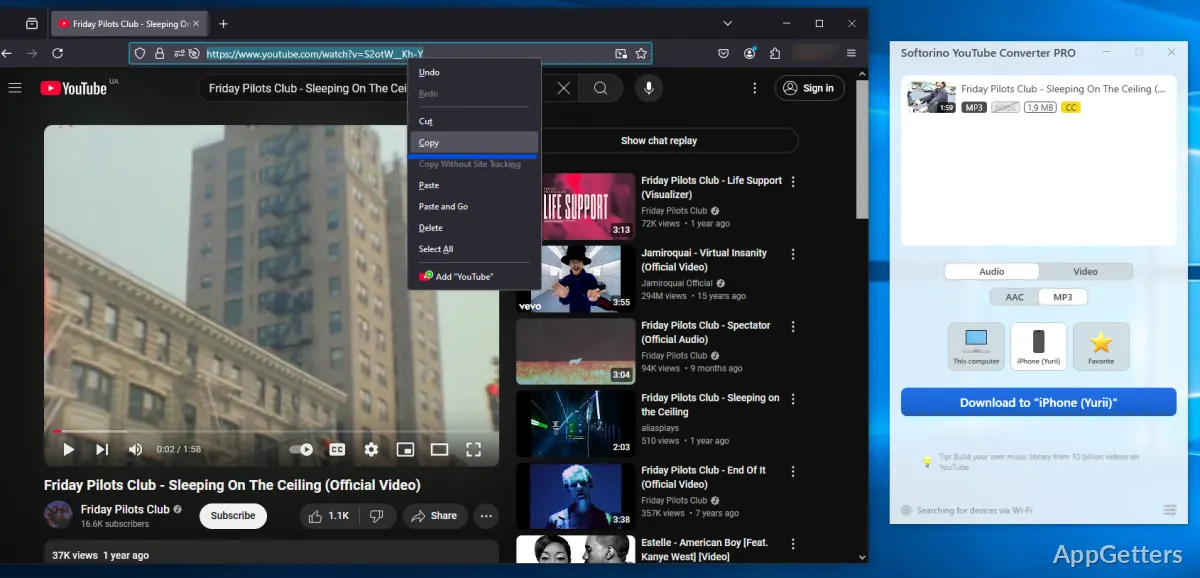
Transferring media files from one device to another is usually more difficult than users anticipate. Many still face the problem of incompatibility of their file formats, and the conversion of files takes time. They may also be unable to synchronize their devices due to software limitations. This can happen when they are transferring their music, videos, ringtones, or any other type of media to their cell phones. WALTR was created to make it easier. It gives a direct option to copy supported files onto compatible devices without having to do extensive setup or requiring technical knowledge. For Windows users who are overseeing personal media libraries often, this tool intends to reduce the obstacles. It also aims to make the transfers feel easier.

A Simpler Approach to Media Transfers

One major disadvantage that every user has been complaining about is the extra time and steps it takes to transfer files, such as music or videos. WALTR’s main distinguishing feature is that it tries to minimize the manual work through converting content and organizing it with the use of several applications. Instead, it tries to work compatibility seamlessly and automatically during the transfer process.

On a daily basis, this allows users of the software to save precious time. This is especially true if they tend to regularly transfer music collections, podcasts, videos, or other types of digital media between computers and mobile devices. The interface is very minimal and simple, thus perfect for those who are not technologically proficient and do not want to use a complex media management tool. This very simple workflow will especially appeal to students, ordinary people, and anyone maintaining their personal media libraries.

Day-to-Day Experience on Windows

When it comes to usability, WALTR puts the user’s convenience first, even if this comes at the expense of the lack of sophisticated features. The installation process is usually quite straightforward, and the application is designed to be used for very specific tasks rather than keeping the user occupied with a full-fledged media management suite. It is pretty simple, which is good. However, the users should be aware of what they are getting.

File transfers are performed in a way that is fast and smooth most of the time. Users just need to drag and drop their media files and let the software run its automatic process. However, for occasional users, the fewer the tasks to do, the better. Professionals who deal with large collections of media will not appreciate brevity in the process too much.

Since the design is very lightweight, the software will still be able to perform quickly and efficiently even on older Windows systems. Limited to presenting only the most basic controls, the interface prevents the user from having to spend time looking for features and thus completes the tasks more quickly.

Strengths and Pragmatic Limitations

WALTR really shines when it comes to carrying out simple media transfers. Those users who try to move their media from one device to another and get lost in complex synchronization procedures will no longer have the painful experience of such methods. Thanks to the software’s automatic functions, users don’t have to worry about the file types, codecs, and conversion settings.

But due to the simple user interface, the tool cannot meet all the needs of a power user. This includes heavy media organization desires, a need for significant editing of metadata, or advanced library management features. Instead, it is as efficient as possible at transferring the content between devices. It does not want to be a full-fledged media ecosystem.

There are times when more than simple transfers are required. Additional software is needed to handle bigger collections or perform specialized editing, especially if the user has more complex needs. The general philosophy behind WALTR is that it should be a tool in a user’s media workflow. The user should not have to rely on it for everything.

Where WALTR Fits Best in Everyday Workflows

Basically, WALTR users are those who are after immediate benefits in terms of a minimum amount of hassle and maximum speed of personal media transfers. People at home who have music collections will be the main beneficiaries of the software’s streamlined philosophy. Students who are sharing audio or video teaching materials will also benefit. Even those who at times transfer files between their devices will find value in the software’s streamlined philosophy.

Its usefulness does not lie in a strong feature set but in the elimination of normal frictions. Not a replacement for professional media management software, it stands just as a handy link between a Windows computer and compatible devices. For users who desire a simple transfer tool that resolves technical difficulties to a minimum, WALTR has a limited role that can facilitate everyday media management to a considerable degree. At the same time, it cannot be too difficult even for beginners.

Software Details of WALTR 4.3.7

License
Free
Version
4.3.7
File Size
55.29 MB
Downloads
2
Language
English
Category
Op. System
Windows
Developer
Last Updated
February 14, 2025

Version History

2 versions
4.3.7
Latest
55.29 MB
February 14, 2025
4.2.1
51.71 MB
May 14, 2024

Leave a Comment

Your email address will not be published. Required fields are marked *

Software Icon
Security Report

Loading scan data...

Scroll to Top