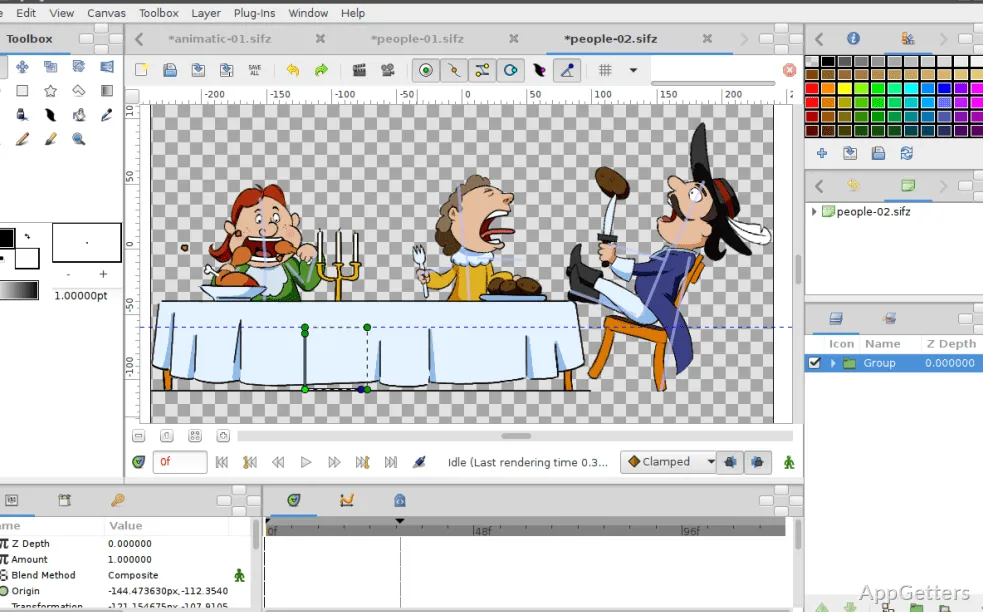
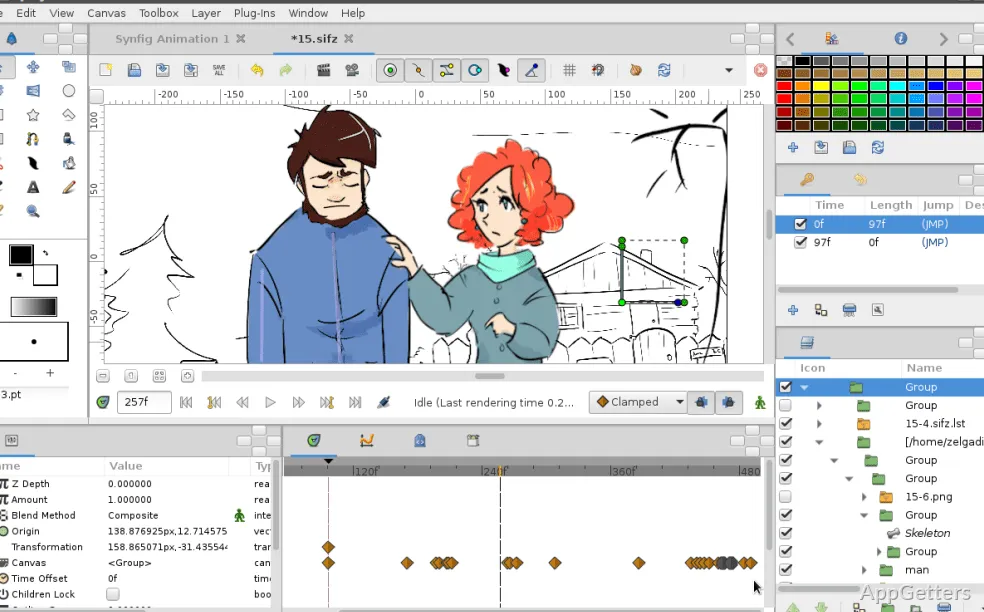
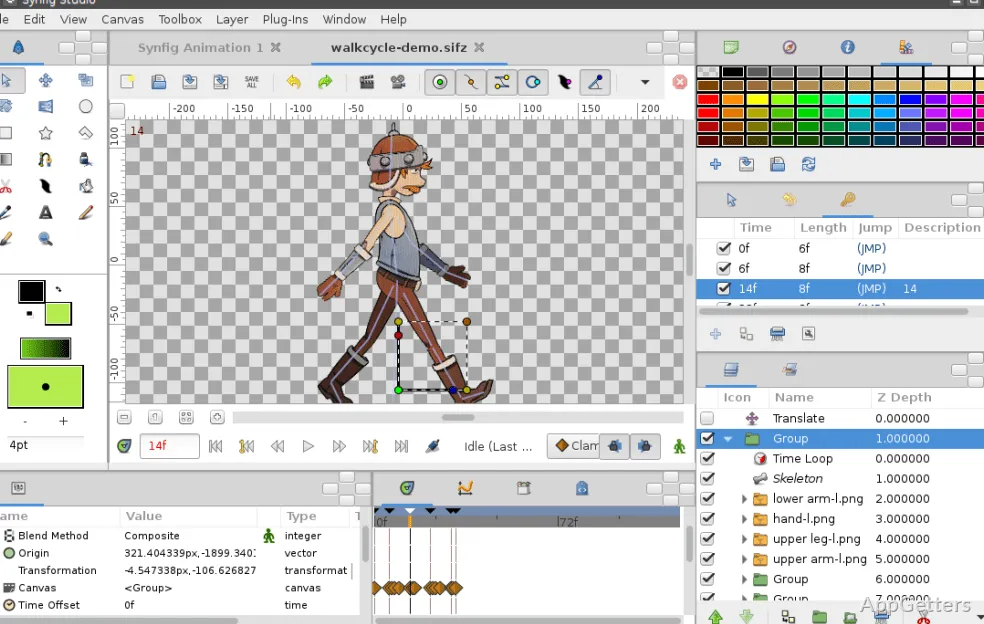
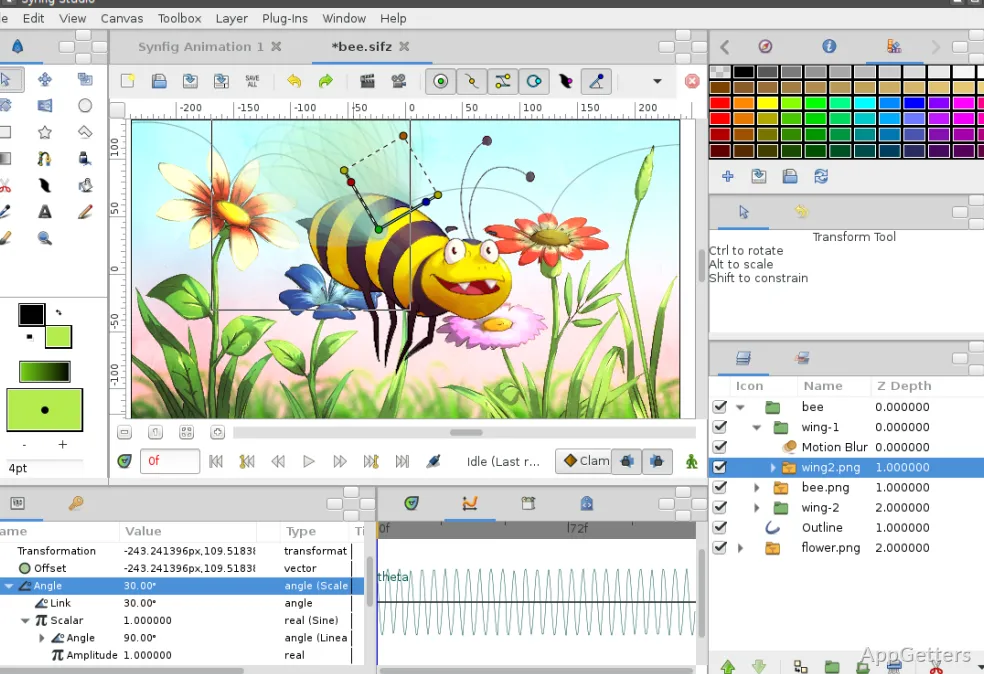
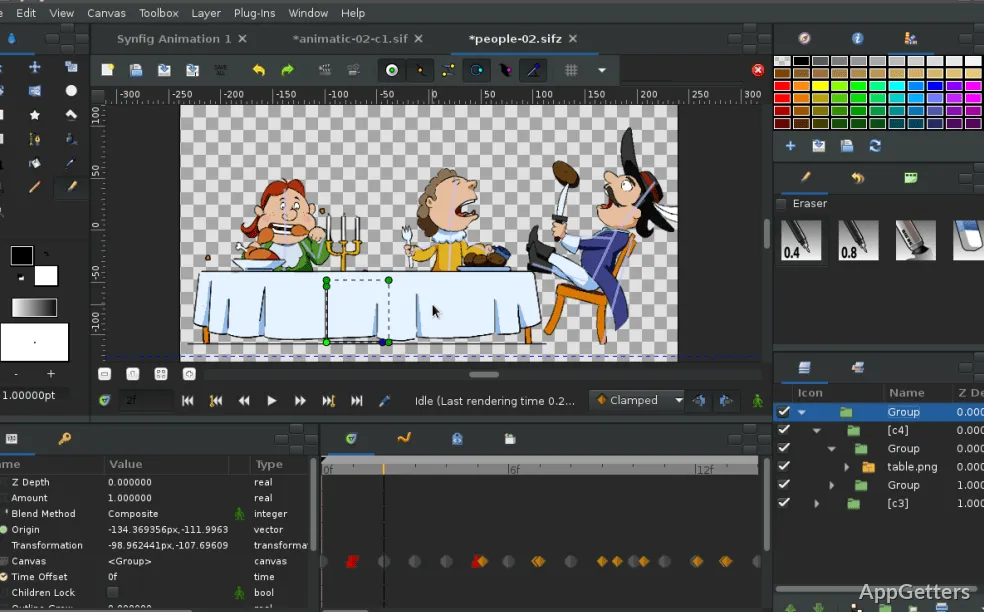
Making frame-by-frame animations on Windows can get quite boring and long. This is especially true for those who want to see nice, fluid moves without having to draw each frame. It is also often a problem for newbies to pick an animation program that will offer them a good mix of both features and cost. Synfig Studio is one of those large software packages that gives the user a 2D animation system with a timeline. It works mainly with vector graphics and automatic tweening. It invites users, through layers, keyframes, and computer-generated changes in motion, to do less of the same kind of work. Most of the traditional production goes frame by frame.
For Windows lovers who are also animation tool explorers, this program is recognized for its open source quality and the relatively little disk space it requires for installation. It is, moreover, a popular pick among hobby animators, students, and small creative groups. They want an animation workspace without having to sign up for software that is based on subscriptions.
A Workflow Built Around Motion Automation
Speaking of one very distinctive feature of Synfig Studio, the extent to which it depends on keyframe animation is striking. With the creation of movements between positions being done automatically, the necessity of redrawing the same art repeatedly is eradicated. When it comes to the real thing, a simple animation may be done quickly enough. This happens after a person has gotten accustomed to the working environment. The kinds of movement our bodies make, the ways a camera slides across a scene, or items that keep moving in loops all benefit the most when this is done.
In contrast to a conventional yellow notebook, where the writing may get lost or mixed up, the layers feature will be a great help in this regard. That, of course, follows the usual rule of working with backgrounds, character rigs, and effects separately. Being a vector graphic, the image is not expected to lose any quality when it gets resized. That is another very interesting fact about the product.
Nevertheless, it is not the most straightforward program to master. So, it does have a steep learning curve compared to the newly released animation programs. These are proclaimed to be easier to get used to and more flashy on the surface. However, it can be argued that learning the interface is a very significant accomplishment. While doing so, a person not only learns about “bones” but also “parameters,” “timelines,” and their relationships. A learning curve has to be pretty steep if one can actually feel it, it’s said.
Performance and Daily Usability on Windows
Synfig Studio should mostly be stable and performant, even if the project you work on is not very big or is of medium size. Basic navigation, layer editing, and preview playback continue to be responsive using standard hardware. This is why the application can still run tolerably on less powerful laptops or entry-level desktops that are sometimes used in schools or homes.
The rendering duration is very much a factor of the amount of details that the user has inserted in the scene. Should the entire scene be dominated by effects and large compositions, the preview or export processes may slow down significantly. This happens especially when the animated layers are many and stacked one upon the other. Additionally, at times, some users also point out that there is a hint of instability when they are working for a long time. This is especially true with trial features or complex rigs.
The interface itself is rather functional and simple, and that perhaps makes it miss a more polished look. At times, menus and tool arrangements evoke the image of older desktop applications rather than modern creative suites. While experienced users are able to make the best of the situation quickly, initial users will find the work environment much less intuitive. This happens if their expectations are of a highly guided workflow.
Useful for Learning Animation Fundamentals
Synfig Studio is really a good program if you want to learn on your own. It is also useful if you have a class. You may want a main program to teach digital animation to beginner students. Besides not having to spend money on commercial software licenses, students will also understand the basic workings of digital animation software. This includes timeline, interpolation, vector modification, and skeletal animation.
YouTube editors, brief cartoon animations, or straightforward moving images might be just right for the daily needs of independent content creators as well. Since it supports layered compositions and the repeated use of assets, repetitive production tasks become easier to handle with time.
Still, animation professionals working on serious projects with tight deadlines may find the lack of certain features on this platform a major hurdle. Those features are usually present in industry-standard commercial applications. Tools for collaboration, asset management, and extensive effects pipelines are definitely areas where commercial packages have the edge. Though a capable tool, it usually requires hands-on intervention and a lot of trial and error. This is instead of a streamlined production process offered by a big studio-type environment.
Where Synfig Studio Fits Best
The perfect candidates for Synfig Studio on Windows are those who look to learn how to animate, make their own projects, or play with vector-based animation. They can do this without having to spend much money on software. Flexibility is much more important than speed or studio-type finish quality in the small-scale production settings where this software’s advantages are especially visible.
Therefore, the program is good enough to considerably support the creative activities of students, hobby animators, teachers, and independent creators. At the same time, it stays within the reach of their budgets. Those who are ready to put in the time to figure out the way this software works will most likely obtain a deeper knowledge. They will understand how digital animation systems work internally.
Nonetheless, this is not the most seamless product for every workflow out there. People who want to have very advanced production pipelines and highly refined interfaces would likely find a need to move on to something else sooner or later. The same goes for those looking for fast onboarding. That notwithstanding, Synfig Studio is still a very functional entry into 2D animation on Windows. It therefore prevents being seen too quickly as an outdated option.