What does TubeMate Video Downloader for Windows do? It saves videos from YouTube and many other sites, converts them to common formats and prepares them for phones. Most of those sites forbid downloading in their terms of service, so it is best kept to your own or freely licensed content.
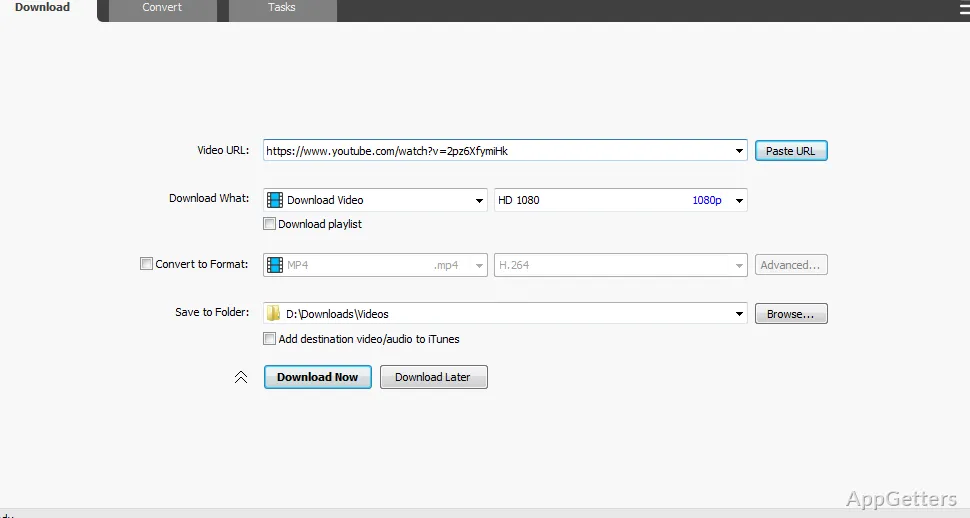
Send a video link to the download window
Links can be dragged in from a browser. Supported sites include the big video platforms, from YouTube to Vimeo and TikTok. For YouTube videos, available download resolutions include 720p and 1080p as well as higher-resolution options.
Choose video, audio, or playlist downloads
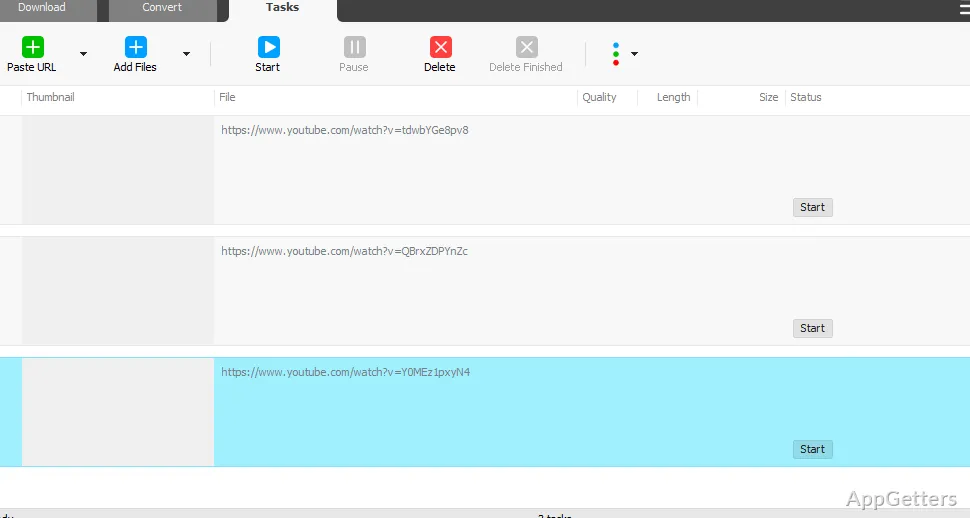
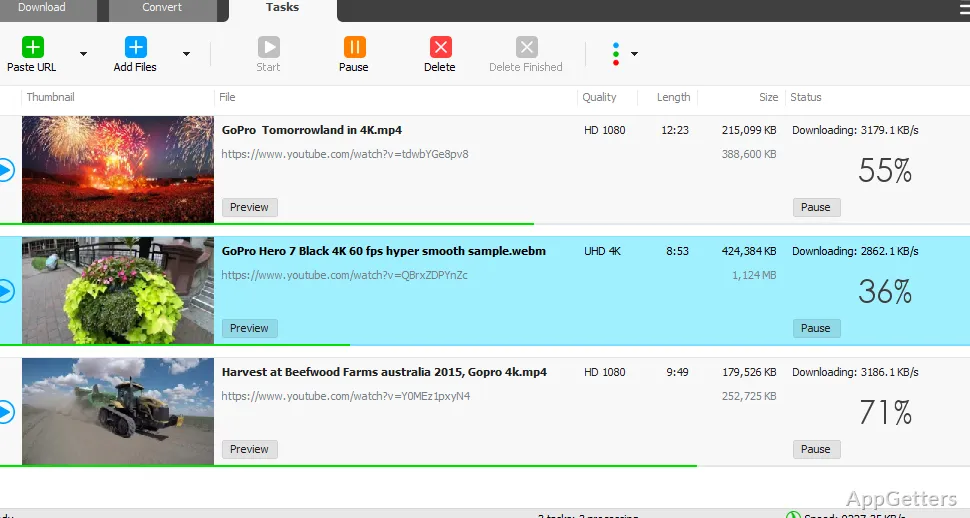
Select a video download when you want the picture and sound, or choose audio-only extraction when the source offers an audio stream. Playlist downloads can cover the entire playlist or just part of it. Multiple videos can download at the same time, and each transfer can be paused and resumed, including after an interruption.
- Preview an incomplete video or audio file during its download.
- Use the built-in download acceleration engine for parallel transfer activity.
Convert and prepare saved media
TubeMate’s converter handles files already stored on disk as well as downloaded media. It converts to MP4, MOV, AVI, WMV and other video formats, or extracts audio as WAV, AAC or AC3. Ready-made format presets provide starting settings, with options to customize formats.
The video optimizer prepares downloads for common mobile devices, including iPhone, iPad, and Android phones. TubeMate can also add downloaded videos to an iTunes library, and its built-in media player plays files that Windows Media Player may not handle.
Pros
- Starts downloads by dropping browser links into the app window
- Downloads full playlists or selected parts of a playlist
- Supports pausing, resuming, and simultaneous downloads
- Converts media among MP4, FLV, AVI, WMV, MOV, WAV, and AAC
Cons
- Downloading breaks most video sites terms of service
- Can stop working when sites change their pages
System requirements: Windows 10, Windows 11 · 64-bit only
Can TubeMate download only part of a playlist?
Yes. It can download an entire playlist or a selected part.
Can a paused or interrupted download be resumed?
Yes. TubeMate supports pausing and resuming downloads, including downloads interrupted before completion.
What formats can TubeMate convert?
The converter supports MP4, FLV, AVI, WMV, MOV, WAV, and AAC. Audio extraction can save to WAV or AC3.