Recording a short clip of your screen on a Windows computer might sound easy, but it becomes a problem when you want to do it in a simple and effective way. Most of the standard features available in the operating system only allow you to take screenshots or record full-screen video. In other words, there is no tool for creating a GIF that is not simply lightweight and does not require you to edit a timeline, sign in to an account, or install a big program. This is the reason why GifCam is a great choice. It does screen capturing in a very simple way, assuming that the main purpose is quick visual communication rather than creating a video that looks good.
People who frequently talk about software problems, show the steps of some actions, or just share animations online will be interested in it mainly because it is quite convenient to use. GifCam gets rid of all the complexity that can be found in great, feature-rich recording tools. It focuses on making captures, which are small and can be repeated easily, and exporting them directly from the desktop.
A Lightweight Workflow That Feels Immediate
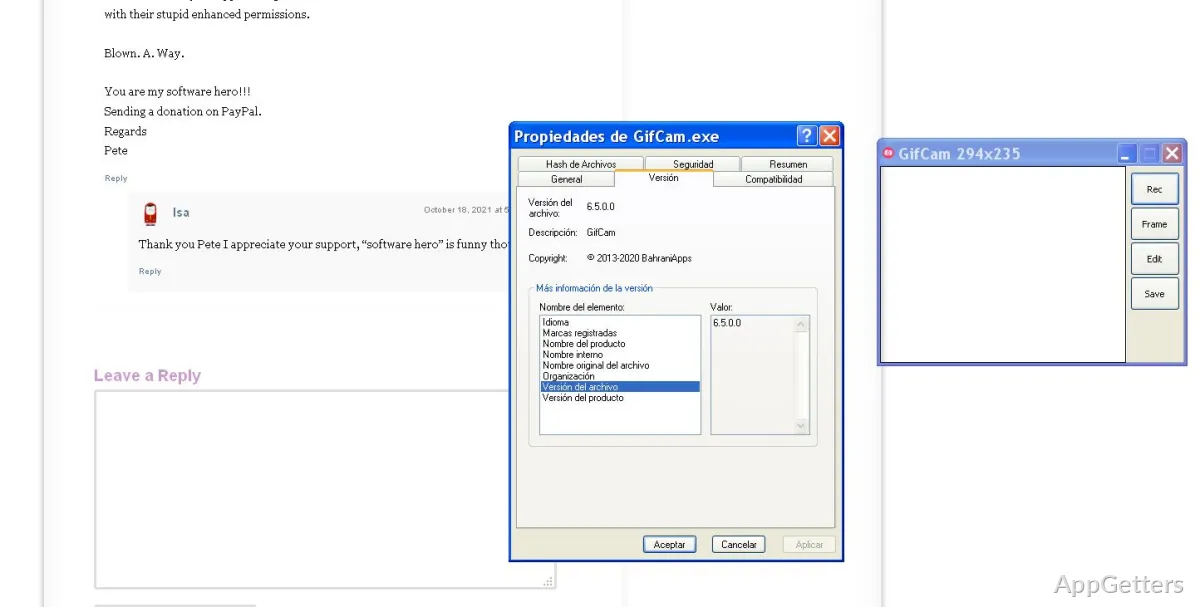
Something you will probably notice right from the start is that GifCam does not require you to set up much. It almost acts as a floating frame over the desktop. You decide on the size of the area to be captured, click record, and in a matter of seconds, you have a GIF. There is no need to go through various menus or working windows. Such a workflow makes it possible to record small interface interactions or repeated actions quite fast.
Another point is that a small footprint is more than a nice feature. It is a must-have for older and lower-spec Windows PCs. People who use inexpensive laptops might find this program handy. So do many office workers who use machines with limited resources. Besides, GifCam is a portable application and does not involve heavy installation procedures. This makes it a common fixture in the working environment of users who prefer small utilities to full-fledged creative software packages.
But at the same time, those who want a tool equipped with modern editing features may find the simplicity quite frustrating. GifCam has been designed purposely to be very limited in features. The user realizes this very soon once he or she spends some time with the program.
Practical for Tutorials, Bug Reports, and Quick Demonstrations
If communication is what counts more than how good the presentation is, GifCam is the right tool. Just consider the fact that it helps to create short visual explanations. Otherwise, these would require several screenshots or a longer screen recording. This kind of operation is often helpful for a teacher, customer support worker, and remote worker. GIFs come in handy as attachments in chats, forums, or write-ups.
Editing frame-by-frame is very simple, but it is enough to do the job. It will allow users to get rid of unnecessary frames and eliminate bits of files to make them smaller. Users can also make other small changes before exporting. In a typical scenario, this is exactly how users keep GIFs compact enough for sending via email or sharing on messaging platforms. They can do this without using a separate editor.
Also, recording and exporting tend to be fast operations. So a user is tempted to do them over and over again while troubleshooting or instructing. Rather than having an editing application that is a heavy piece of software, a user can easily take a snapshot of a process and continue. This is one of the biggest values of the software, which has, in fact, been around for a while.
Where the Simplicity Starts to Show
GifCam, nevertheless, is still a helpful tool, keeping in mind the fact that it belongs to a range of traditional utility programs. Its interface is not as polished as the user anticipates it to be. It is more of a bare-bones approach. Newbies may feel that the program is less friendly than the present Windows applications. There is a lack of tutorials or guided steps. Users will have to do some trial and error to learn how the export options and recording behavior work.
Also, the program is quite tightly focused on GIFs. Those who love to have features such as the ability to overlay their webcam, record audio, do cloud sharing, or use advanced annotations will probably find it too limited. Besides, longer GIFs can take up a lot of space, whereas the format itself is limited. These limitations are evident when dealing with content in which there is a lot of movement.
You can rely on GifCam for short recordings, but it is important to remember that it is more like a tool for making brief captures and less like a piece of software to replace professional video editing and streaming ones.
Best Suited for Fast Visual Communication on Windows
GifCam is designed for users who don’t mind sacrificing beautiful visuals and advanced editing features. In return, they get faster, more portable, and less system-consuming software. Windows users who often require quick creation of short demos, reaction gifs, GUI tours, or troubleshooting videos will hardly find a better tool. This remains true even if it is a bit outdated.
Home users might be happy to see how fast it can capture a small moment on the desktop. Technical support workers and educators will likely use it to make their explanations and instructions, without putting a burden on the system as well as themselves. Its major field is, without a doubt, communication free of any kind of creative editing.
Although that one area of focus is very narrow and is not going to please media professionals who want to make their own creations, GifCam is still very useful for quick instructional GIFs and everyday screen captures. It is a lightweight utility that gives you great convenience without a lot of complexity.