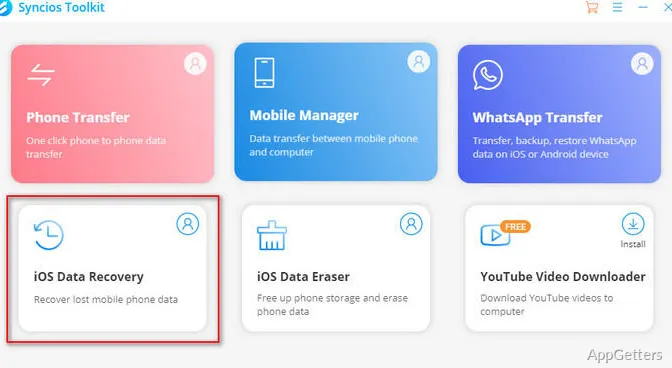
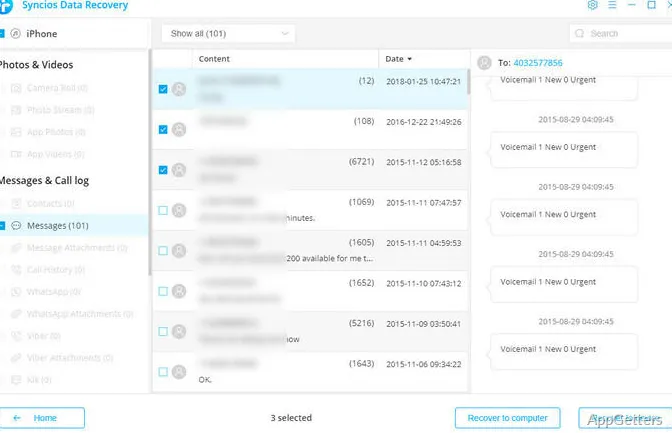
iPhones, iPads, and iPods can be scanned for recoverable data with Syncios Data Recovery, which also extracts content from iTunes and iCloud backups. Preview results, choose individual items, then restore them to a device or save them to a computer.
Syncios scans an iOS device or extracts a backup
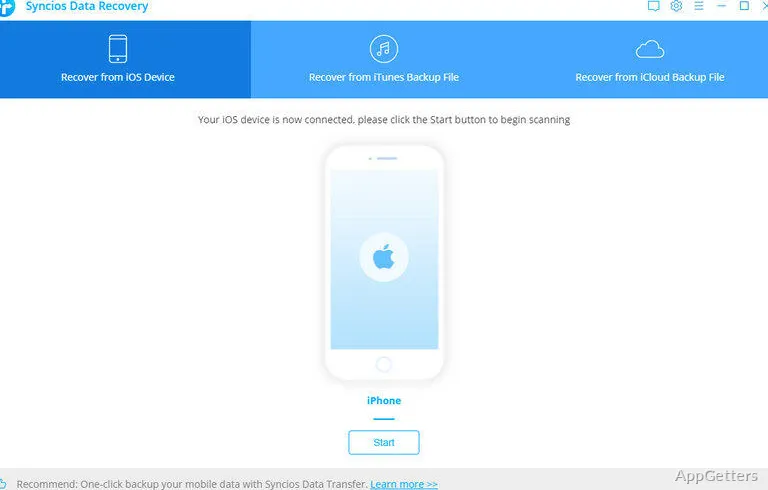
The recovery workflow has three sources: a connected iPhone, iPad, or iPod; an iTunes backup; or an iCloud account. A device scan searches its data directly. For backups, Syncios extracts the saved contents so they can be browsed and selected.
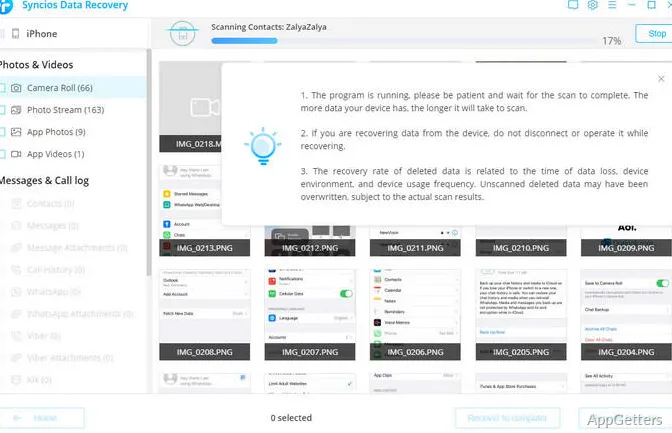
Results are grouped into categories such as Photos & Videos, Messages & Call Logs, and Memos & Others. Available data types include contacts, text messages, iMessages and attachments, call history, notes, calendar entries, Safari history and bookmarks, and voice memos. App data such as WhatsApp, Kik, and Viber is also included.
Preview individual items before restoring
Syncios provides a preview of found content before recovery. Photos from Camera Roll, Photo Library, Photo Stream, and supported third-party camera apps can be viewed individually. This lets users identify particular media or messages instead of selecting an entire category.
- Recover selected data to the iOS device or save it to a computer.
- Export contacts to a computer in VCard, VCF, CSV, or HTML format.
- Restore supported items such as contacts and messages directly to the device.
Syncios Data Recovery focuses on iOS data
The program is built around iPhone, iPad, and iPod data and their iTunes or iCloud backups. It does not scan Windows hard drives, SSDs, or USB drives for deleted files; Syncios directs those recovery tasks to its separate D-Savior product.
Pros
- Recovers from iOS devices, iTunes backups, and iCloud
- Previews found data before selective recovery
- Exports contacts in VCF, CSV, and HTML formats
System requirements: Windows 7, Windows 8, Windows 10, Windows 11
What sources can Syncios Data Recovery scan?
It can scan a connected iPhone, iPad, or iPod, or extract data from an iTunes or iCloud backup.
Can I recover only selected files?
Yes. Preview the found content and select specific items to restore to the device or save to a computer.
Does it recover deleted files from a Windows hard drive?
No. Syncios directs Windows-drive recovery to D-Savior; Syncios Data Recovery handles iOS devices and backups.