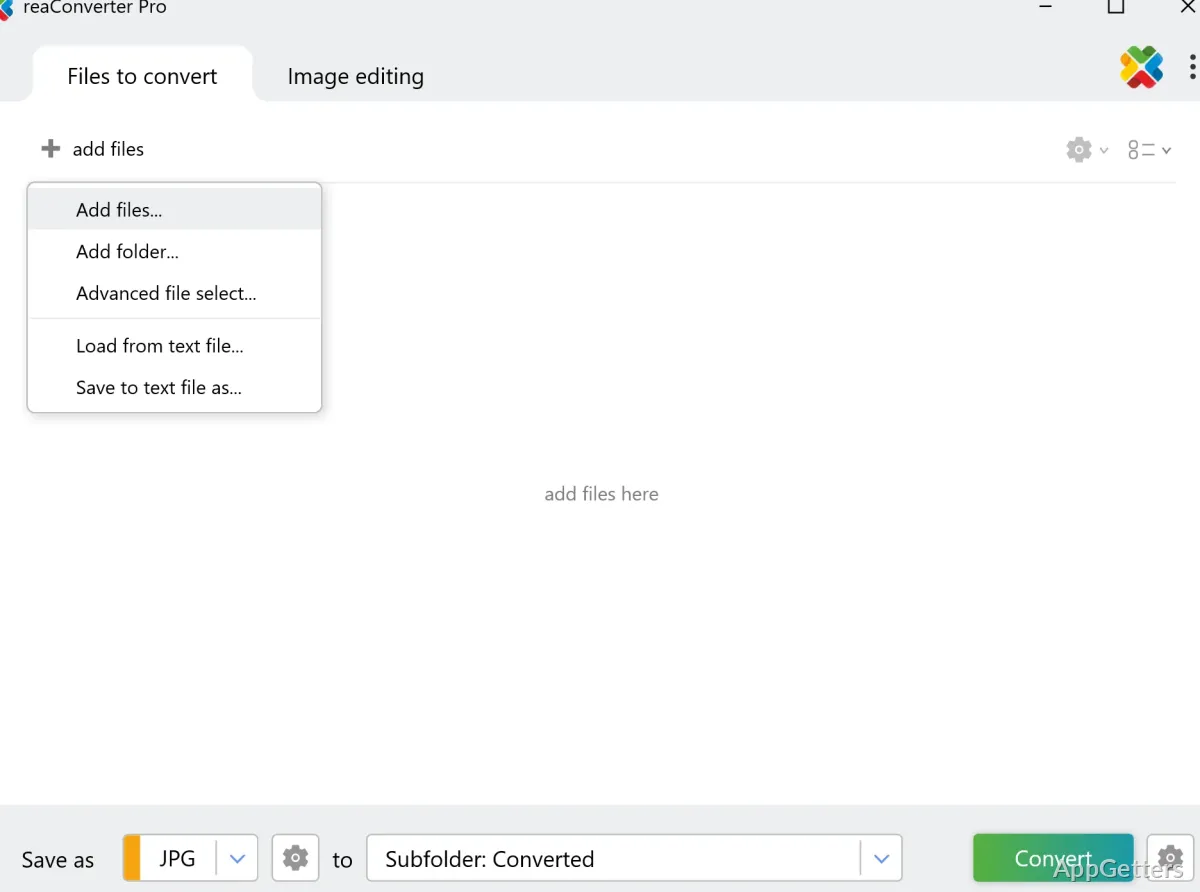
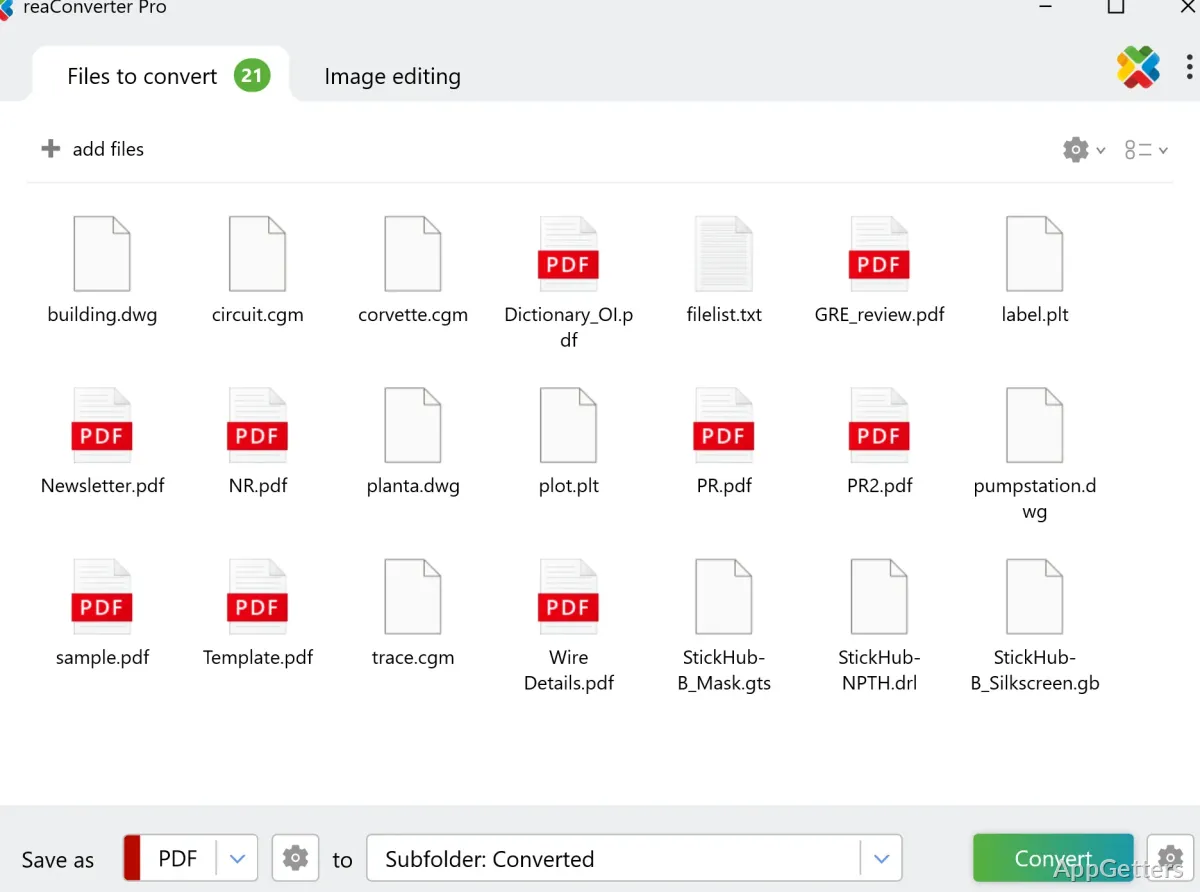
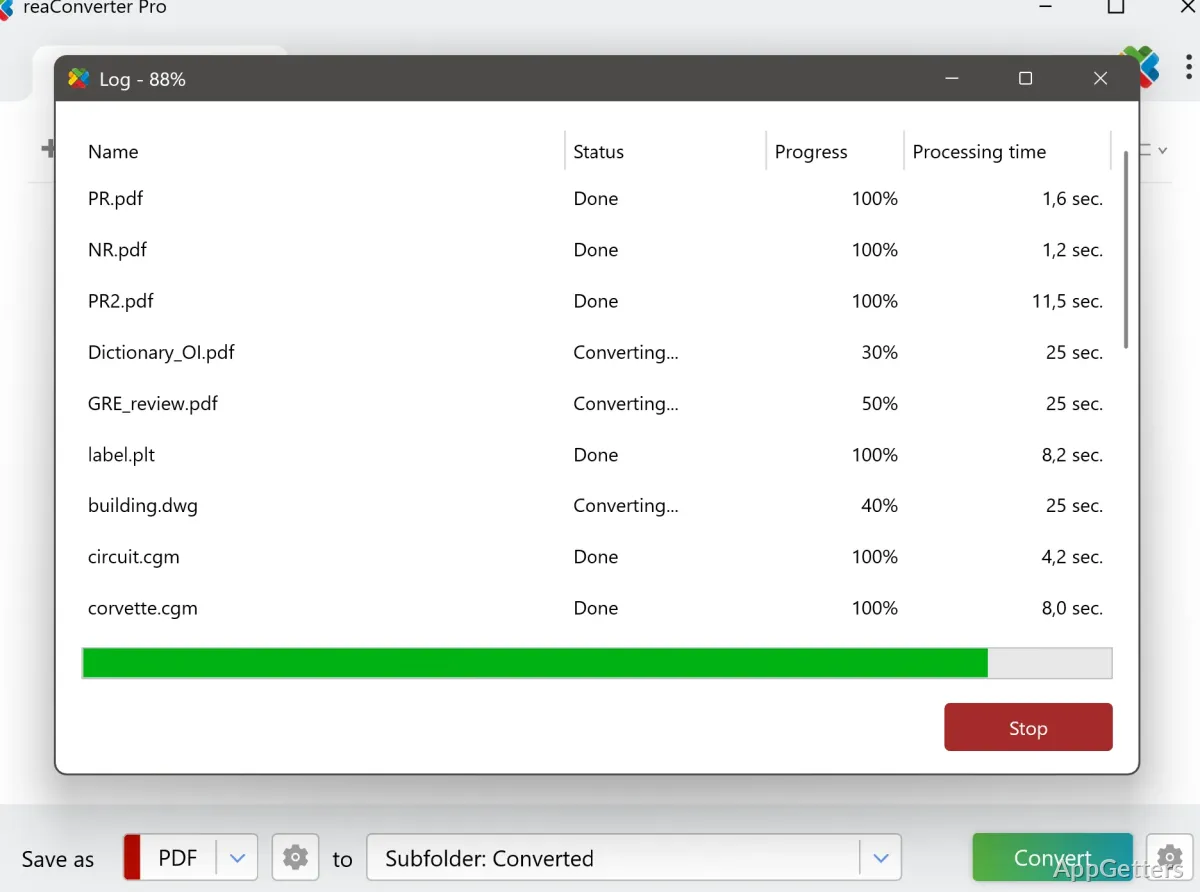
reaConverter is an excellent application primarily used in conjunction with Windows systems to handle image-related tasks. It can do much more than turn files from one format to another once in a while. It is capable of integrating into one’s routine workflow. Often, users come across issues such as incompatible formats, different image sizes, and the pressure of dealing with large batches of files within time limits. Single-image conversion is not a big deal for basic tools, but they are completely helpless and inefficient when it comes to high-volume, organized tasks. reaConverter identifies itself as a utility for repetitive image processing, where automation and batch control go hand in hand. No importance is given to creative editing. Because of the rigidity and carefulness it demands from the user, the program is well-liked by those who need structured control over big image collections. They would rather not use complicated design software.
Workflow-Oriented Image Processing on Windows
Image conversion is one of the many work moments Windows users experience in a single day. Users prepare graphical material for websites and documentation. They also prepare files for system uploads with strict format requirements. The reaConverter is the first choice in these cases because it lets users process images as part of a logical workflow. This removes the need to deal with each file one by one. A feature of the software is support for a step-based method. Users import images, apply image processing rules, and finally generate output in the chosen format.
The organization-reliant approach to image processing would appeal mostly to those who are into monotonous tasks. These include creating report screenshots or coming up with a standard for images from various sources. Instead of resetting settings on each occasion, users can use already saved workflows. On the flip side, this approach to image processing implies that newbies might take a while to get the hang of the processing rules and their application. It is nothing complicated at the professional level, but it does expect the user to have an idea of how images are to be processed.
Batch Processing and Large-Scale Image Handling
When using the company-level model, one of the best things about reaConverter is its batch operations feature. It would be rare for a user to be working with single images if these were part of a digital archive, project folder, or media collection. Converting files one by one in such cases is definitely an inefficient method. It offers a feature of processing a large group of images in one go. This is great from the standpoint of consistency of outputs.
This feature makes it really simple for a person working in an office or a digital asset manager. Such users want their tools to help with formatting where consistency matters most. For example, one can easily make a variety of images in a folder in the same format. This is done by applying consistent naming and sizing rules. The major benefits are not only fast processing but also fewer human mistakes. However, the software’s performance is mainly dependent on the kind of system resources available. Very large jobs will need the software to work for a longer time, especially when several transformations are being done at the same time.
Automation, Rules, and Repetitive Task Reduction
Besides batch conversion, the most frequent purpose of technology use is task automation. Users in reality would have to remove the background, resize, rename, convert, and adjust images in the same way repeatedly. They are now allowed to have the software enforce the pre-defined rules automatically during processing instead of repeating the steps manually.
The second kind of automation is best for situations in which visual coherence of images is a primary concern in the process of content preparation for websites and image archive management. It is capable of significantly decreasing the physical work of humans. It also provides a fair degree of assurance as to the predictability of the results. Visually, however, this form of automation is rather limited. In fact, users need to be very precise and unambiguous in their rule specifications. This helps avoid negative results. Such a method yields good results, particularly when the workflows involved are well-organized.
Where does reaConverter fit in practical Windows workflows?
reaConverter suits perfectly those people whose day-to-day work with images is more about repeated or structured workflows and less about doing one-off things. The users who simply treat photo collections as a hobby and an enthusiasm may even go a step further. They may use reaConverter for organizing and standardizing their images. They may use batch processing and format control to meet unvarying file requirements one after the other. Besides that, it is an excellent pick for office personnel who deal with document preparation and asset management, where the prime concern is getting the same look for several files.
Actually, this tool is not geared mainly at artistic editing. Its main goal is to be a strong performer when handling huge volumes of data. It is seamlessly compatible with a Windows environment where automation, prediction of results, and efficient batch operation are the main criteria. Design capabilities are almost not considered.