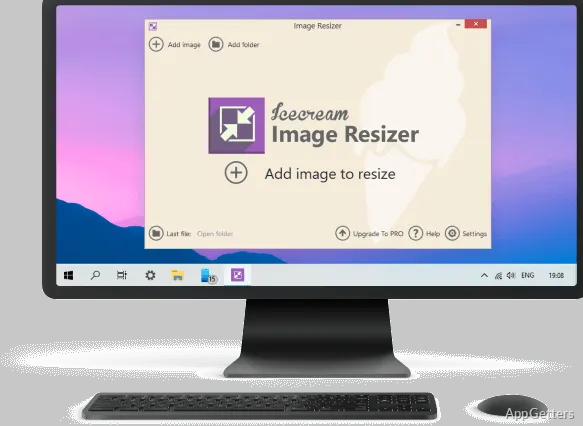
Resized copies of photos are ready for sharing, uploading, or organizing while the originals can remain untouched. IceCream Image Resizer processes individual images or folders, with preset dimensions and custom width and height controls.
How do you set the target size?
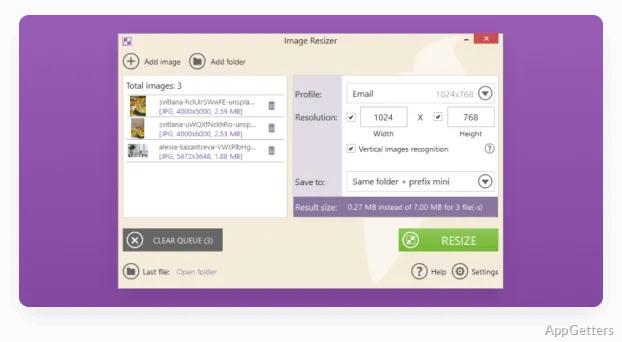
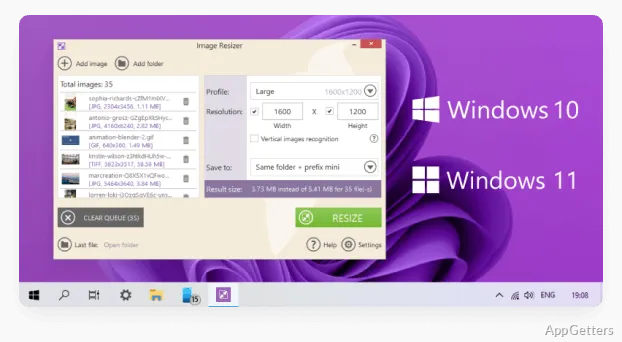
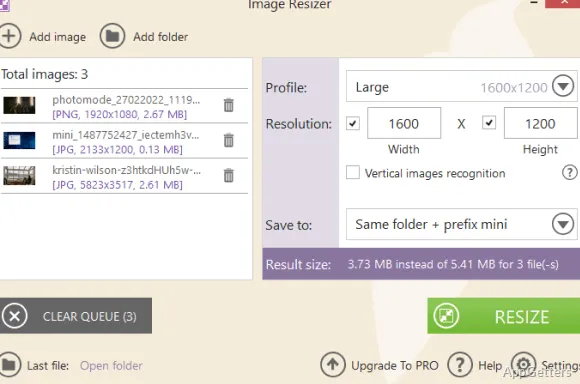
Add images one at a time or bring in a whole folder, then choose a preset or enter custom dimensions. Presets cover common sharing destinations, including email, Facebook, Twitter, and Instagram. Custom width and height settings give more control when an image needs to fit a particular size.
The app recognizes vertical images and switches the width and height settings to match their orientation. An estimated total output size is shown for the selected preset before resizing, which can help when preparing a group of pictures for upload.
Batch resizing and file formats
IceCream Image Resizer applies the chosen dimensions to multiple photos in one operation. Supported formats include JPG, JPEG, PNG, BMP, GIF, and TIFF. Aspect ratio controls let you keep the original proportions when adjusting image dimensions.
- Import a folder or add files individually.
- Choose a preset or specify custom dimensions.
- Resize the selected images together.
Output folders and image marks
Choose where resized files go: a selected folder, a subfolder, or the original file locations with the source images overwritten. A “mini” prefix can distinguish resized files from their originals when saving separate copies.
The watermark option places a custom logo on resized pictures. This is handy for adding consistent branding to an exported set without applying the mark to each image separately.
Preparing a set of photos
For a group intended for the same destination, load the images together and select the matching preset. For a specific pixel target, enter custom dimensions instead. Set the output location and any watermark or filename prefix before starting the batch, then the app processes the selected images using those settings.
Pros
- Batch-resizes JPG, JPEG, PNG, BMP, GIF, and TIFF files
- Includes presets for email and social platforms
- Can add custom watermarks and a filename prefix
- Offers folder, subfolder, and overwrite output choices
Cons
- Unlimited batch resizing requires the PRO edition
System requirements: Windows 7, Windows 8, Windows 8.1, Windows 10, Windows 11 · Processor: Intel, AMD, or compatible processor, 1.33 GHz · RAM: 512 MB minimum (1 GB recommended) · Display resolution: 1280×720 minimum · Disk space: 250 MB–1 GB
Which image formats can IceCream Image Resizer process?
It supports JPG, JPEG, PNG, BMP, GIF, and TIFF.
Can I choose exact image dimensions?
Yes. Enter custom width and height values, or select a preset for a common destination.
Can resized images be saved separately from the originals?
Yes. Choose a destination folder or subfolder and use the “mini” filename prefix to distinguish the resized copies.