EXE
Home » conversion » AVS Image Converter for Windows
AVS Image Converter for Windows

AVS Image Converter for Windows

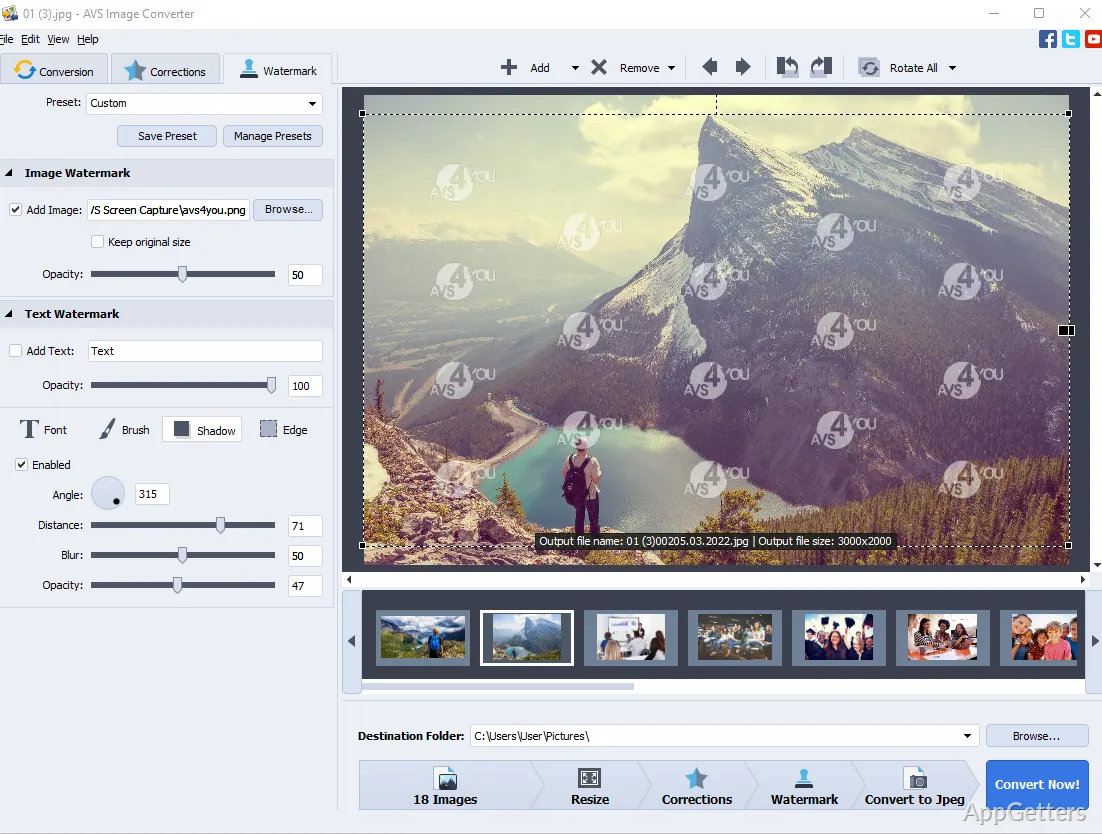
Generally, a user with a simple task of changing image formats would want to avoid dealing with complicated tools for editing images. On Windows, such a requirement normally appears in the usual workflows, such as preparing images for the web, making photos from different devices uniform, or simply making photos smaller for sharing. Most users don’t need fancy editing features at all. They just need conversion to be consistent, of good quality, and reliable. Actually, such a program is usually positioned somewhere between very simple built-in viewers and full-blown professional editors, where issues of speed and ease of use outweigh creative control. Its target problem is basically covering different image formats among various devices and platforms, so that the usual work doesn’t get slowed down. AVS Image Converter helps overcome these problems.

How can Windows users convert image formats? Real, everyday perspective

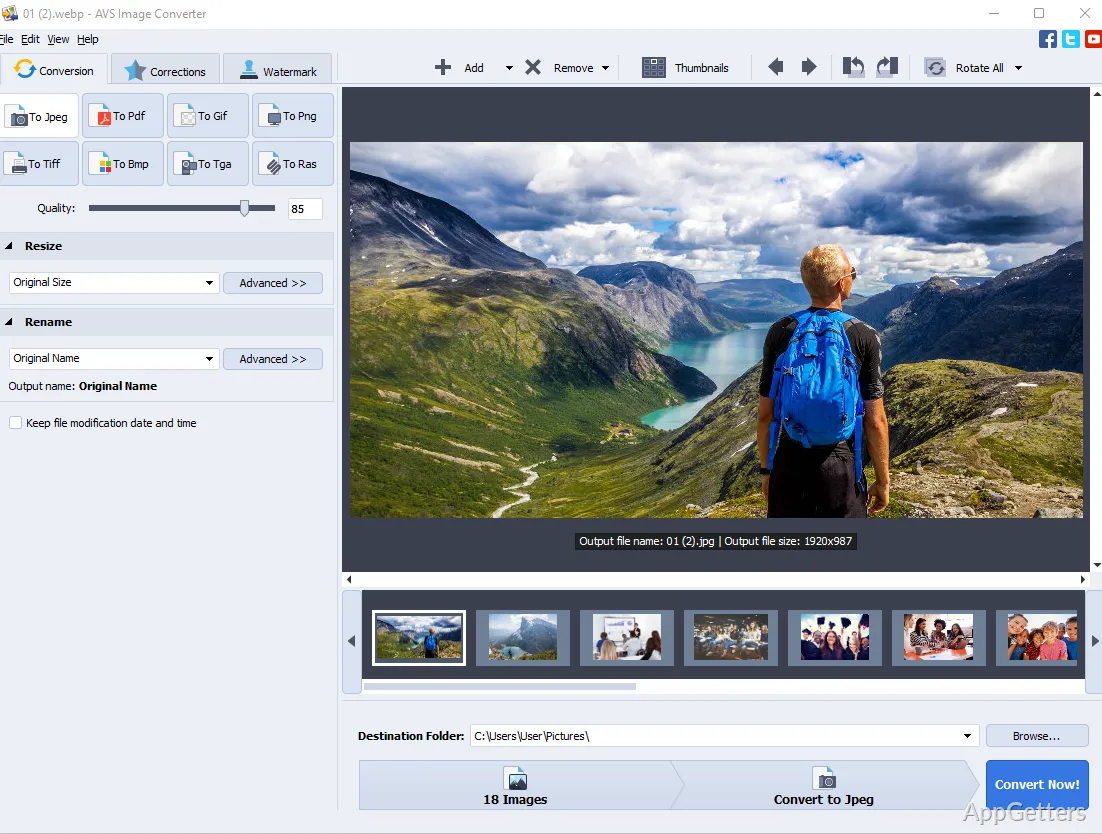
The thing is, AVS Image Converter is most likely to be launched by users in the situation of incompatible or inappropriate picture formats. It is not uncommon for a batch of photos coming from a mobile phone, or some screenshots having different extensions, or images downloaded from the Internet, to be standardized right away. The program basically manages to perform the whole job in just three steps: add images, choose output format, and run processing.

Also, such a minimum of operations for the software is the best feature for not-so-techy users, those who simply want to see the final result without messing around with the advanced settings. This kind of utility on Windows PCs can potentially become a part of the wider routine rather than just a one-time standalone operation. For instance, users creating documents may require JPEGs in place of PNGs, or compressed images may become necessary for uploading web versions. The point of turning to this software is to eliminate the barrier to getting work done, not to try new things. The flip side is that the tool is so simple that those expecting powerful editing features may be disappointed.

The capability of batch processing and dealing with different types of images at once

Another thing that typical users do with computer images is the notion of having multiple files processed at the same time. When getting things done in one batch, conversion of a whole directory becomes a popular solution. This uses AVS Image Converter software. It can be a fantastic way to get rid of ongoing tasks for students striving to finish school work. AVS Image Converter also helps staff creating office documents. It is useful for individuals making order in their photo albums.

By doing batch conversion, it becomes easy not only to get rid of boring repetitive work. It also helps ensure the same appearance of all related files. Rather than tweaking each picture separately, the user can specify a desired output format. They can also set other settings for the whole collection.

Compression, quality, and output management day-to-day approach

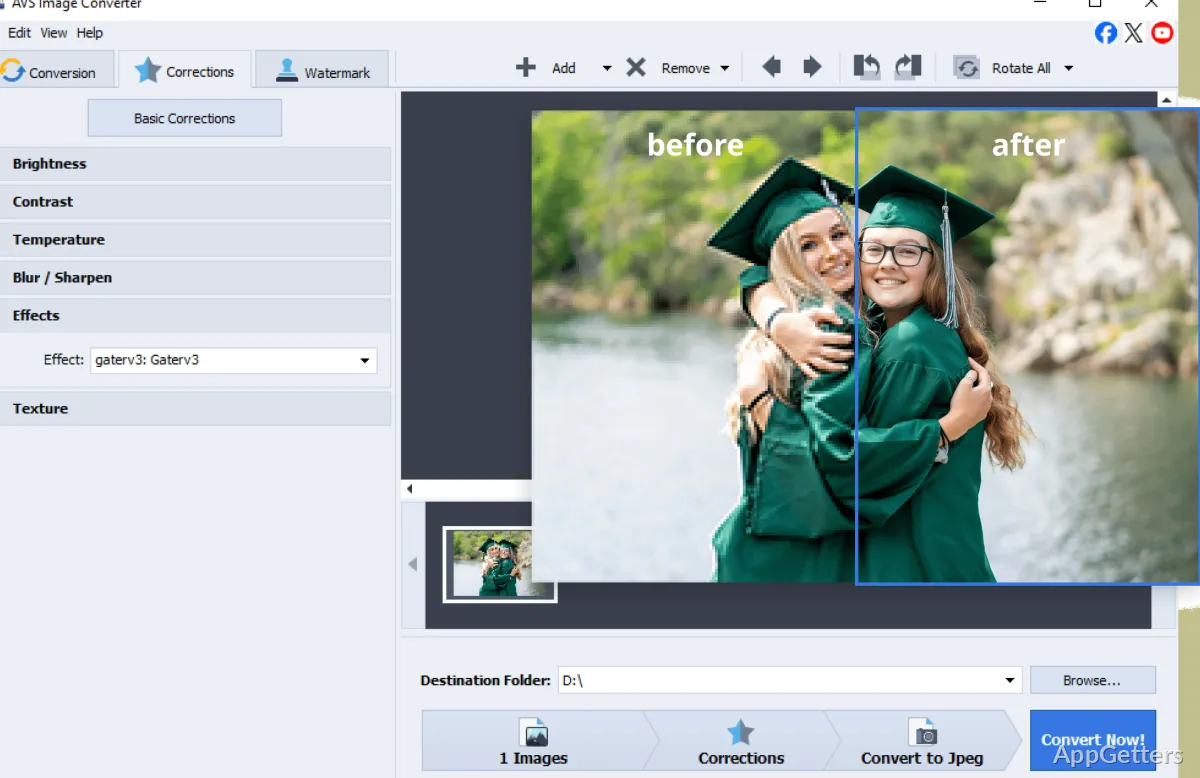
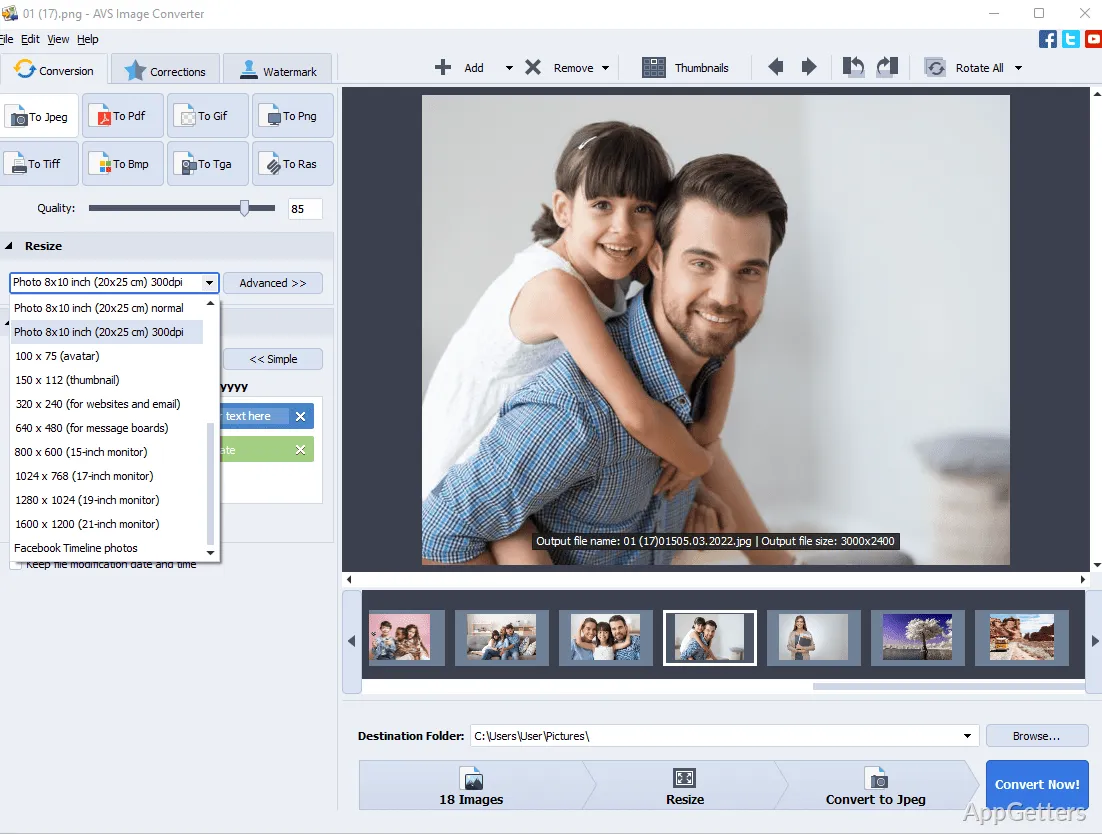
Usually, the conversion of images is not simply changing one format into another. To a certain extent, it also manages output quality and file size. Quite often, a user in a typical situation may be requested to get a nice enough image, but at the same time, a small-sized one. To add versatility, AVS Image Converter offers pretty simple options that give an image gist about compression and resolution. These may come in handy when an email with images is prepared. They are also useful when images are hosted on the web, or when one has to economize storage space.

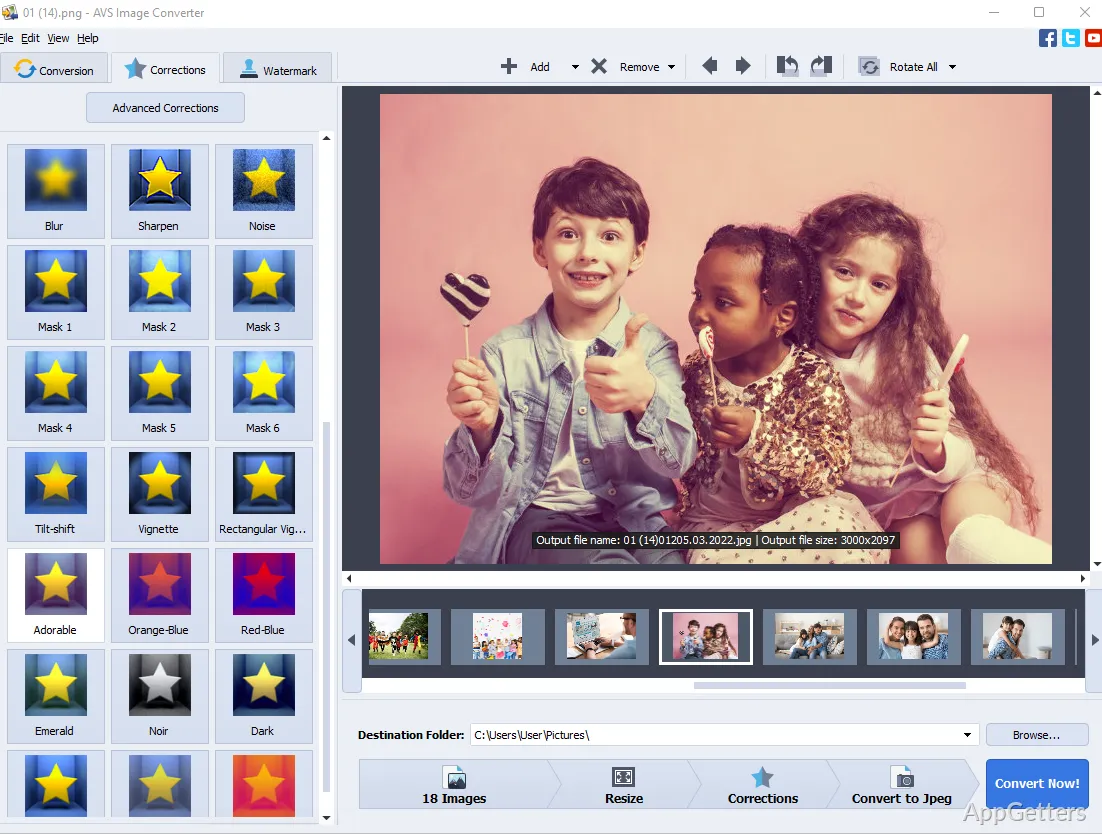
These options are intended to be helpful rather than expert. Working with them will allow a user to make a picture file smaller. At the same time, the image will still be good enough for the human eye. But they will fall far short of the detailed editing workflows done in the big-time professional tools. Typically, these settings adequately cover the cases where the user is not a professional. This applies to cases such as school homework, office documents, or simple uploading. The focus is mainly on ease of use instead of precision tweaking. This is one of the reasons it is a conversion-first utility rather than a design tool.

Use in private, study, and business as an everyday companion

The situation envisaged is that most of the time, the user would not have to perform image editing. This is not the main work. It is rather a support function at times when images are manipulated frequently. One of the home uses where AVS Image Converter might come in handy is when organizing pictures. It helps in getting different images to have the same format, and so on. Students are the ones who most regularly rely on it. The usage of certain file formats and also fulfilling the requirements of file sizes make it a prerequisite for schoolwork.

As for the office, there are numerous routine-related tasks that can be supported by the software input. This covers print, presentations, internal systems, and image preparation. Supporting is such a neat word, fitting its function so well that it does not and never will want to be professional editing software. But what it is aiming for is simply to automate all the repetitive conversion tasks. These are part of digital workflows of many kinds.

Software Details of AVS Image Converter 26.0.2.17

License
Trial
Version
26.0.2.17
File Size
56.86 MB
Downloads
0
Languages
English English, French, German, Italian, Spanish
Category
Op. System
Windows
Last Updated
February 25, 2026

Version History

4 versions
26.0.2.17
Latest
56.86 MB
February 25, 2026
26.0.1.176
56.8 MB
February 5, 2026
7.1.4.3
53.43 MB
December 10, 2025
6.0.4.337
36.34 MB
August 13, 2024

Leave a Comment

Your email address will not be published. Required fields are marked *

Software Icon
Security Report

Loading scan data...

Scroll to Top