EXE
Home » Software » Windows » Editors » RawTherapee for Windows
RawTherapee for Windows

RawTherapee for Windows

  • By RawTherapee
  • Free
  • Version: 5.12
  • 42.87 MB
  • Security Report:

If you are a Windows user, you might have been in a situation where the photo editing software that you bought has some limitations, or you are required to pay a subscription fee. That is why photo editing becomes frustrating quite often because users want to get more control over the image quality. But mainstream software is either too simplified or comes with a subscription fee. But now with RawTherapee, you can have a dedicated RAW image processing environment on your Windows system that will help you a lot, especially when you require deeper adjustment tools. At the same time, you do not want to go into a commercial ecosystem. So, RawTherapee is the one that is made for the folks who want to extract details, correct exposure, and refine color from camera files, rather than making quick social media edits.

A Workflow Focused on Image Development

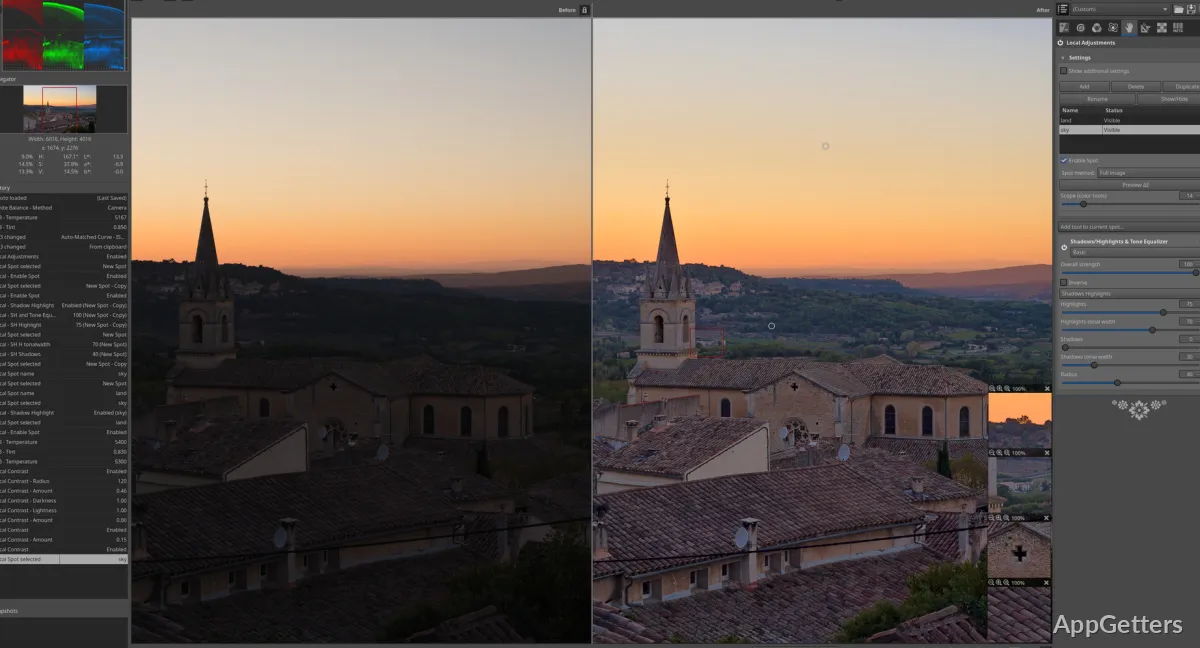
RawTherapee has developed strongly in image development, on the non-destructive side, to be precise. Feature-wise, it is a layered editing workflow that preserves the source image unchanged. Hence, it will apply changes in the case that a photographer is using RAW files. These can come from their DSLRs, mirrorless cameras, or even advanced smartphones.

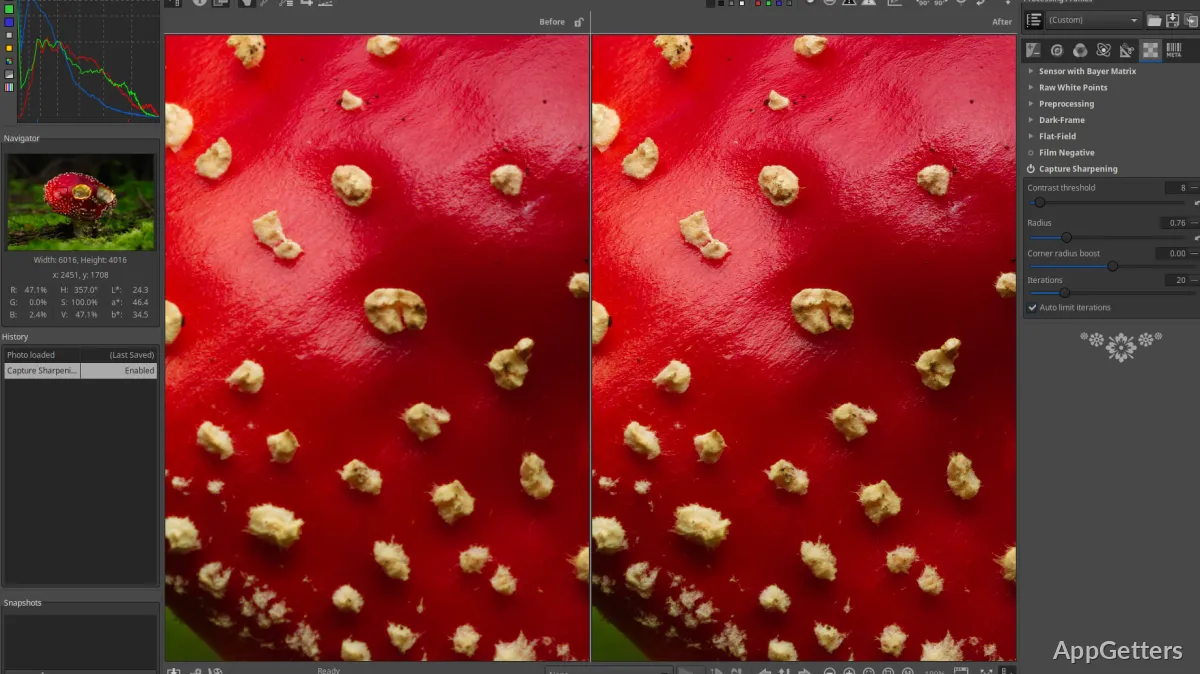
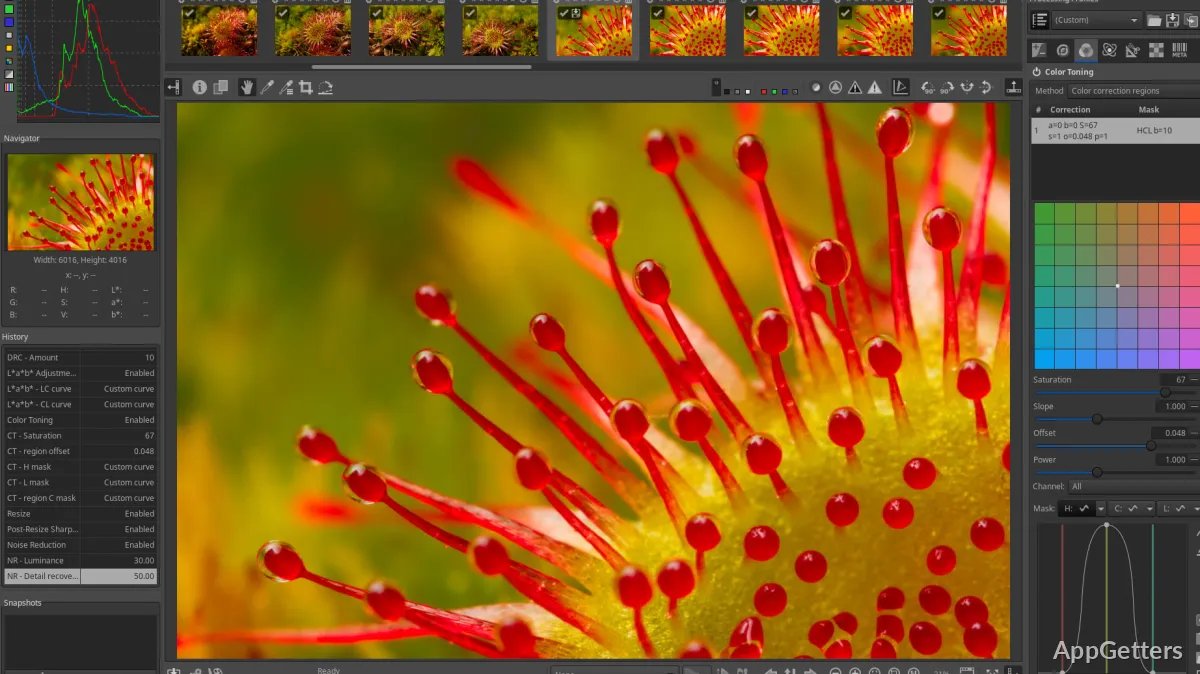
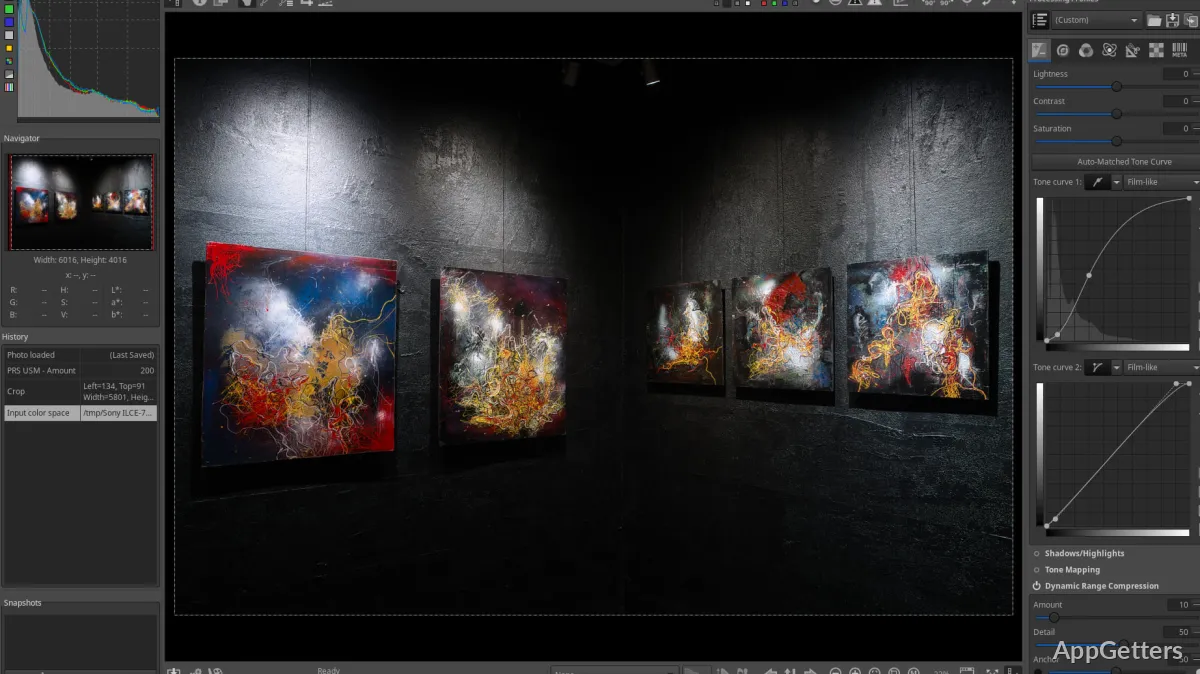
In the day-to-day running, it can be said that the software has a wide range of editing controls in exposure, white balance, sharpening, noise reduction, and color rendering. On the other hand, its technical emphasis is reflected in the interface. It might be a bit challenging for beginners with the initial layout, which is dense compared to consumer-oriented editors. The way it is divided becomes sensible after a while, especially for those who normally handle batches of pictures or are used to making differences in editing.

Strong Processing Tools With a Learning Curve

A major strength of RawTherapee, practically, is in its image processing engine, which is quite powerful. It gives you the highest level of control, and that allows you to notably enhance photos taken in less light or with a high ISO. It also helps with photos needing a very exact tone adjustment. Users who like to experiment with detail recovery and color tuning are simply enthralled by the high degree of freedom provided by the software.

The only problem that I see is that the software expects that you have some interest in learning photographic concepts. If you are a casual user who is looking for photo enhancement with a single click, you may get easily overwhelmed by the large number of sliders and other technical adjustments that you can make. On newer Windows computers, it runs most of the time smoothly. But if you work with complex edits on large files, then it can be quite demanding of your computer resources. In a way, it is similar to how you work with a digital darkroom compared to a simple photo app.

Useful for Devotees, Students, and Independent Creators

RawTherapee is usually chosen by those who want editing capability at the level of professional photographers. They do not want to commit to expensive editing software financially. Those are students learning photography, hobbyists, and creators working on their own without being employed. They will be the main people who are enabled to take advantage of the situation, allowing a great deal of professional-style controls to be kept open and accessible.

Besides, it is also a good tool for photography students to learn about exposure, color, and RAW processing techniques. Family pictures can also be edited at home using it, but only with the condition that they are willing to go through the functional side, learning-wise. Its strengths stand out when you have workflows involving a large number of photos or camera-generated RAW files. It also stands out whenever image quality really matters.

Where RawTherapee Makes Sense in a Windows Editing Setup

RawTherapee is best viewed as a dedicated image development tool rather than a versatile graphics editor. In general, it is not suitable to replace software that is intended for heavy compositing, illustration, or template-driven design work. The truth is, it is only filling a more specialized role of helping users in achieving the best quality from the photographs through detailed and repeatable adjustments.

If you are a Windows user, you could concentrate on technology, the availability of files, and great photo correction possibilities. Then RawTherapee might well serve as your solid partner in photography workflows. It can fit well into that kind of setup. The users who want to have their desired images instantaneously may choose the simpler alternatives. Those who want a strongly guided editing experience may also choose the simpler alternatives. But those who will at least try to work using its method will mostly find it very capable and stable. It will also meet their needs in disciplined photo processing.

Software Details of RawTherapee 5.12

License
Free
Version
5.12
File Size
42.87 MB
Downloads
6
Language
English
Category
Op. System
Windows
Developer
Last Updated
June 5, 2025

Version History

3 versions
5.12
Latest
42.87 MB
June 5, 2025
5.11
41.52 MB
September 2, 2024
5.10
38.06 MB
February 21, 2024

Leave a Comment

Your email address will not be published. Required fields are marked *

Software Icon
Security Report

Loading scan data...

Scroll to Top