EXE
Home » Software » Windows » Editors » PDF-XChange Editor for Windows
PDF-XChange Editor for Windows

PDF-XChange Editor for Windows

Unpacking PDF management usually turns out to be more challenging than expected. A simple doc can include photos, signatures, filling out forms, reordering pages, or correcting texts. Numerous users open with the browser PDF viewer or a lightweight reader. They then realize that basic tools are insufficient for study materials, office documents, scanned papers, or reviews with shared annotations. PDF-XChange Editor represents a Windows program that serves a wide range of users who are somewhere between a simple viewer and a feature-rich enterprise PDF suite. It is perfectly well-suited for users who need editable document control without getting into a full-fledged, large document management environment.

Daily Routine PDF Activities-Oriented Environment

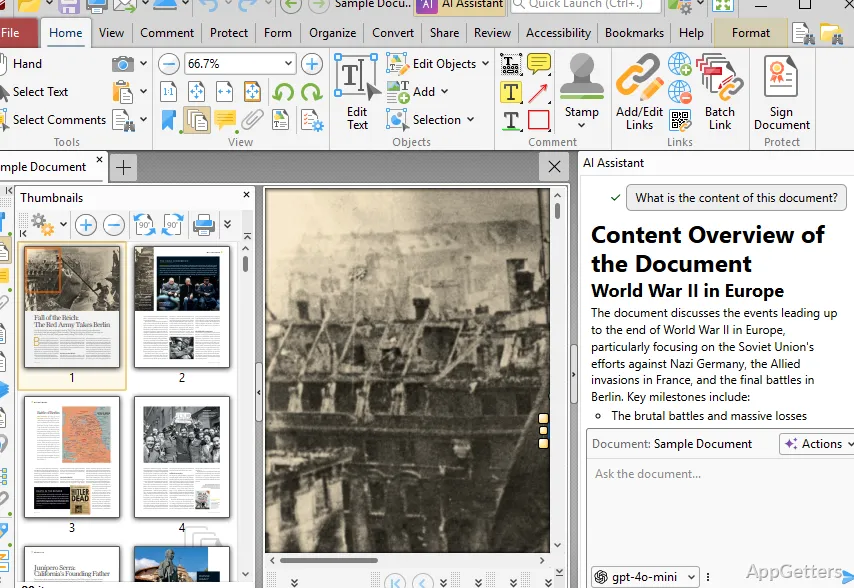
For users who open and read documents only occasionally, it might not feel like the simplest solution. Even with PDFs consisting of large manuals or images, they usually open quite fast. Once inside a PDF document, the user’s interaction with functions like text highlighting, writing comments, or page reordering is so easy that he hardly even notices it.

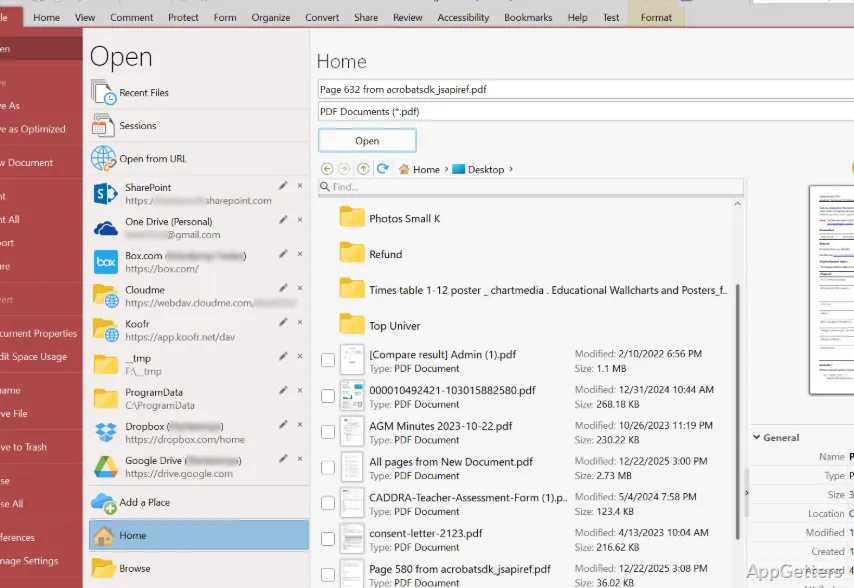
People such as students doing their revision, office staff working with various kinds of paperwork, or even home users managing their own kind of official documents, will quite likely identify and recognize their kind of workflow here. However, the user interface is quite heavily loaded when compared to some of the ‘bare bones’ PDF viewers. The toolbars/menus/editing panels quite often present a ‘crowded’ look to the user at first sight. This is especially true for those who only need the feature of annotation or page viewing once in a blue moon.

Basic Editing and Making Annotating Your Mark Without Changing the PDF Program

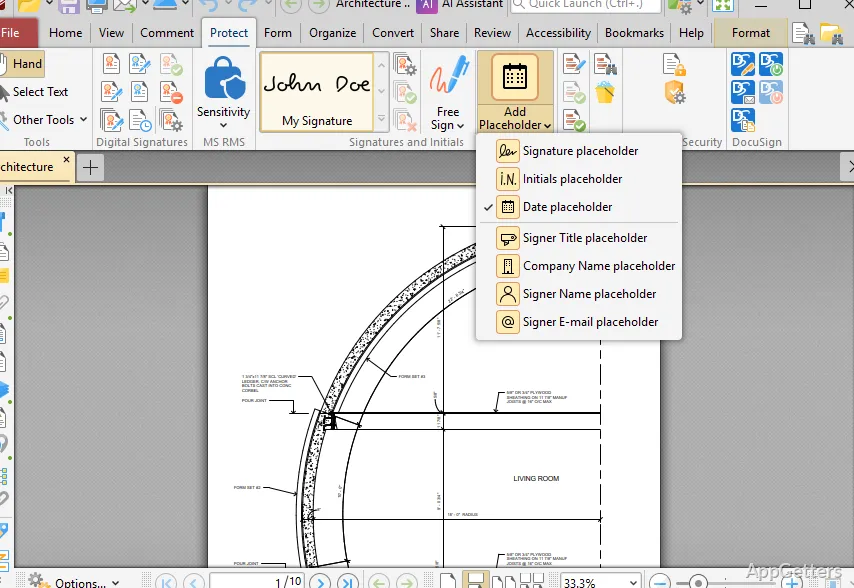
Among its features, the capability to make common changes to the documents inside the application stands out. Users can annotate contracts, make typo corrections, add shapes or callouts, and edit scanned pages. They can do all this in one program without the need to export files elsewhere.

Not having to go from one program to another creates update delays. It slows down document handling. In the case of shared reviews or academic reading, it is helpful to have all markup, comments, and organizing tools in one place. Of course, not all the editing activities are exactly and equally as simple.

Knowing the ins and outs of a PDF structure can be a major factor in making the advanced edits that need to be made. There are a good few features available with particular licensing only. There is also a bit of a learning challenge for new users. This concerns which tools are available by default and which are more advanced functions that need more familiarisation.

Dependability, Usability, and Performance throughout Time

Reliability is probably the biggest reason why many users continue to use PDF-XChange Editor. It keeps on functioning well. The program typically focuses on helping users get work done rather than emphasizing visual polish, and this applies to huge reports, technical documents, or even whole batches of forms.

Searching the PDFs, handling several documents simultaneously with tabs, and a wide range of file compatibilities are a few examples that help to make repetitive work a bit easier.

For Windows users who deal with PDFs almost weekly rather than monthly, such details might be way beyond the headline features. They can still influence productivity. However, the application is not simplified in terms of presentation and performance. One of the main differences from ultra-simple readers is the use of a more professional type of layout. This may be counterintuitive for first-time users.

In case you are the kind of person who values control, the trade-off can be very rewarding for you. But on the other hand, casual users may find the learning curve much steeper than expected.

Best Workflows in Windows for PDF-XChange Editor

PDF-XChange Editor is made for users who see PDF files as their working documents rather than static PDF files. This means students who are writing their research papers, small business users who are signing contracts, administrators who are handling the necessary forms, as well as home users who are managing their official paperwork, can all benefit from the solution’s toolkit.

Instead of replacing every piece of document software, PDF-XChange Editor plays the role of making the PDF itself self-contained. In fact, Windows dependability is one of the few things that the software can be very proud of. Functionally, the software strikes a balance between editing access, annotation depth, and operational speed. This supports the document work done on a recurring basis. At the same time, its interface complexity and layered feature set mean it rewards frequent use more than casual, one-click document viewing.

Software Details of PDF-XChange Editor 11.0.0.0

License
Trial
Version
11.0.0.0
File Size
374.29 MB
Downloads
4
Languages
English English, Afrikaans, Amharic, Arabic, Armenian, Belarusian, Bulgarian, Catalan, Chinese, Croatian, Czech, Danish, Dutch, Estonian, Farsi, Finnish, French, German, Greek, Hebrew, Hindi, Hungarian, Icelandic, Indonesian, Italian, Japanese, Kazakh, Korean, Latvian, Lithuanian, Malay, Norwegian, Polish, Portuguese, Romanian, Russian, Serbian, Slovak, Slovenian, Spanish, Swahili, Swedish, Tagalog, Thai, Turkish, Ukrainian, Vietnamese, Zulu
Category
Op. System
Windows
Last Updated
May 15, 2026

Version History

4 versions
11.0.0.0
Latest
374.29 MB
May 15, 2026
10.8.5.410
346.9 MB
April 25, 2026
10.8.4.409
348.52 MB
February 27, 2026
10.8.3.408
348.49 MB
February 24, 2026

Leave a Comment

Your email address will not be published. Required fields are marked *

Software Icon
Security Report

Loading scan data...

Scroll to Top