A stranger photobombing your holiday shot, or an old print full of scratches? Movavi Photo Editor brings AI object removal together with portrait retouching, color adjustments, and background changes in a photo-editing workspace.
How does AI object removal handle a distraction?
Brush over an unwanted item in the photo to erase it; the editor generates background content to fill the selected area. The result depends on the surrounding scene, so intricate backgrounds can take more careful cleanup than a plain wall or sky.
Background removal and replacement support a different kind of edit: isolate the subject, then place it against another setting. This is suited to changing the scene behind a portrait or object without rebuilding the rest of the image.
Which portrait fixes are available?
The retouching tools target common portrait adjustments. Blemishes and dark spots can be removed, skin smoothed, teeth brightened and digital makeup added. These are direct edits to a portrait, separate from the broader light and color controls.
- Use automatic photo enhancement to adjust light and color balance.
- Apply color-correction presets or effects to change the image’s overall look.
- Adjust sharpness to emphasize detail or reduce the appearance of blur.
Can it repair old photographs?
Restoration tools address visible damage in older photos and scans. Creases, scratches and stains can be hidden, scanner noise reduced, and black-and-white pictures given color. Colorization is intended to bring color into an old image; it does not recover the original colors as documented historical data.
What other edits can be made?
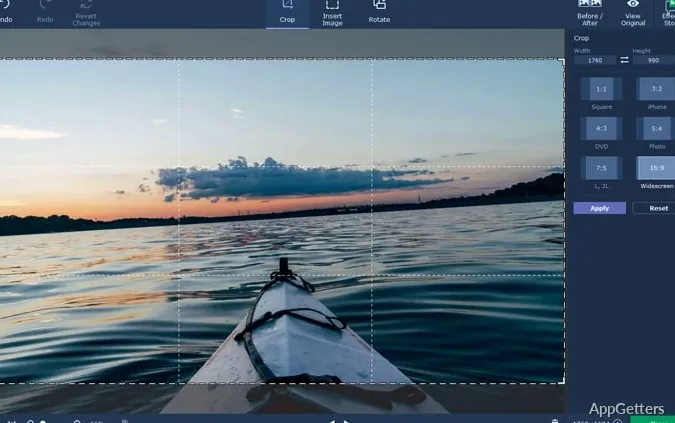
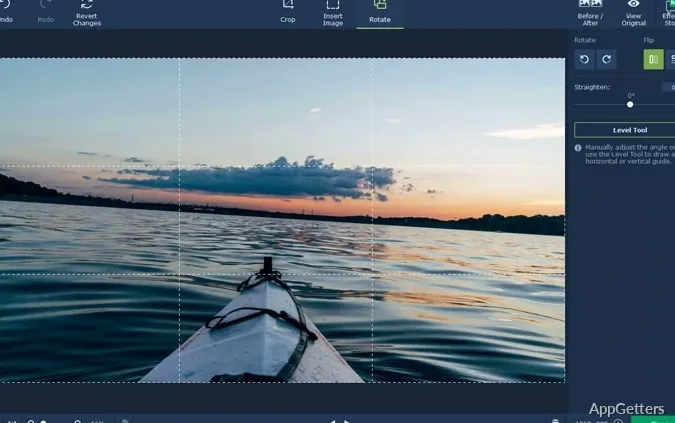
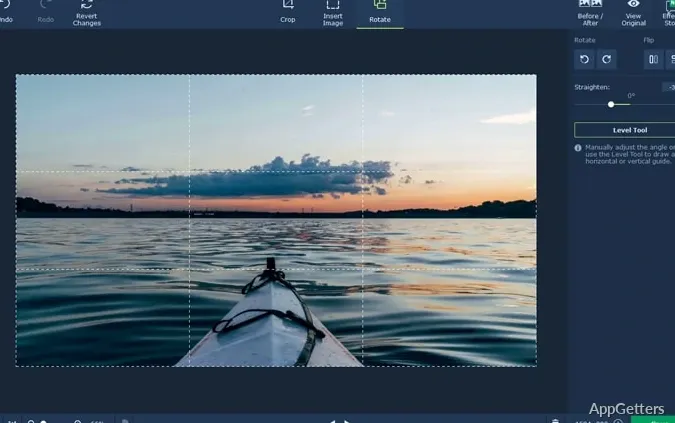
The editor also includes basic image adjustments such as rotating, resizing, combining, and adding overlays. Captions, atmospheric effects, filters, and color presets give photos additional styling options.
Pros
- AI object removal fills erased areas with generated background content
- Portrait tools smooth skin, whiten teeth, and apply makeup
- Old-photo restoration can reduce scratches, stains, and scan noise
- Presets and effects provide quick ways to adjust color and mood
System requirements: Windows 10, Windows 11 · 64-bit only · Intel Core i5 or higher processor · 6 GB RAM · 500 MB for installation and 5 GB for ongoing operations · 1280 × 768 display with 32-bit color · Supported graphics hardware with current drivers
How do I remove an unwanted object?
Mark the item for removal; the AI generates background content to fill the cleared area.
Can Movavi Photo Editor change a photo’s background?
Yes. Its AI background tools remove the existing background so it can be replaced with another setting.
What can the old-photo restoration tools fix?
Folds, scratches and stains, grainy scans, and missing color in black-and-white pictures.