EXE
Home » Software » Windows » Editors » Meitu for Windows
Meitu for Windows

Meitu for Windows

  • By Meitu, Inc.
  • Free
  • Version: 1.0.1.2
  • 12.94 MB
  • Security Report:

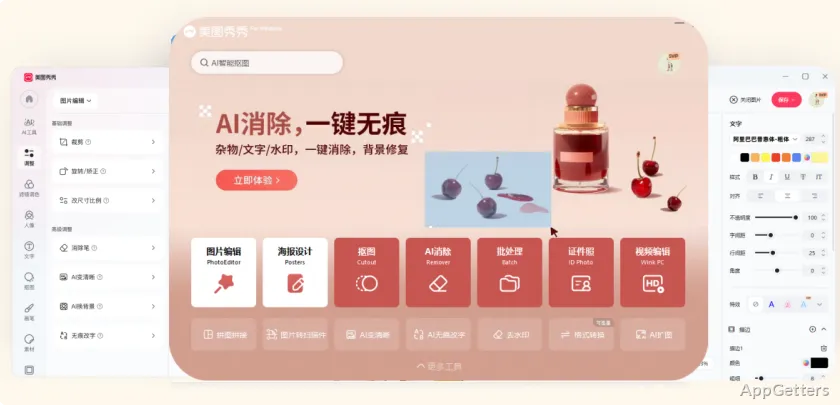
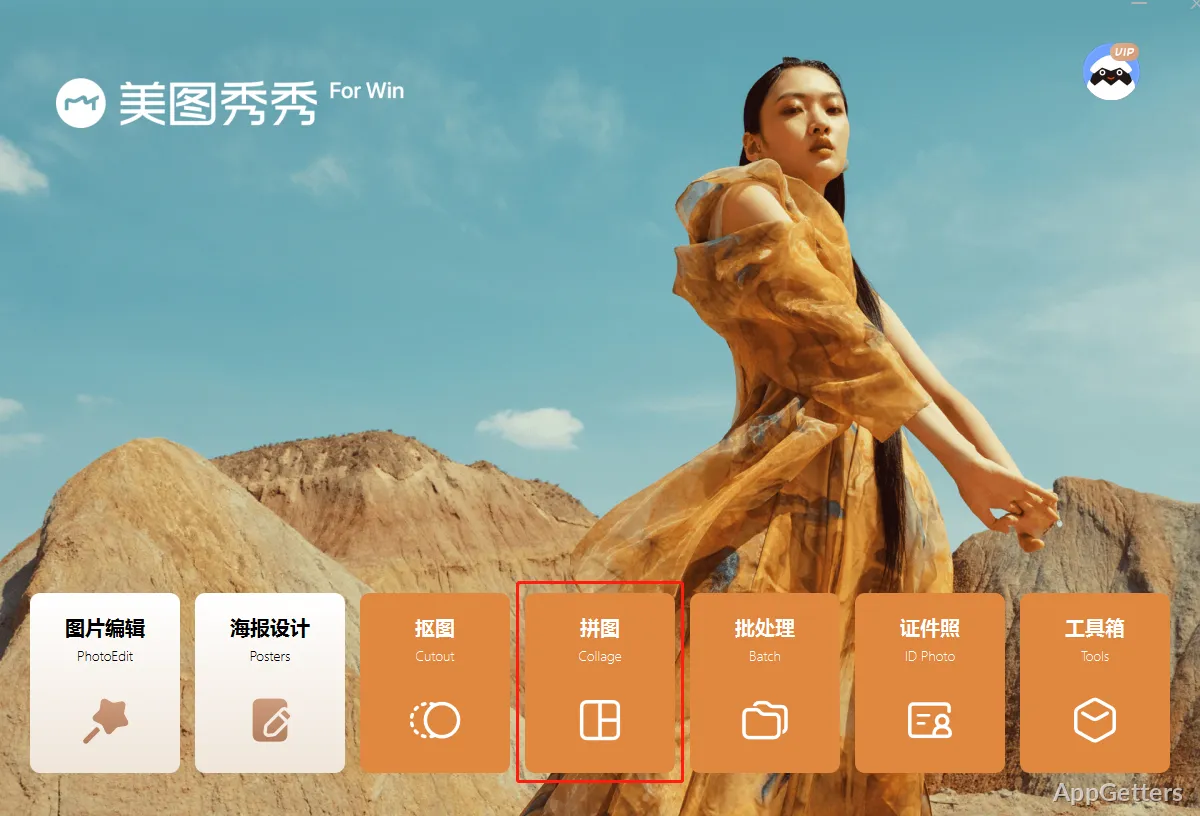
Many folks want a super quick fix for their photos and do not want to get into the complexity of professional design software. Maybe it is a selfie upgrade, generation of usage content, or just minor visual touch-ups. The imperative is the availability of a simple user interface that also allows some level of flexibility in image editing. One of the multiple editing tools targeted at the everyday, non-pro user is Meitu on the Windows platform. It is mostly user-centered and aims at fast image enhancements with minimum complications. Beginners will easily overcome them.

Ease of Use and Editing Workflow

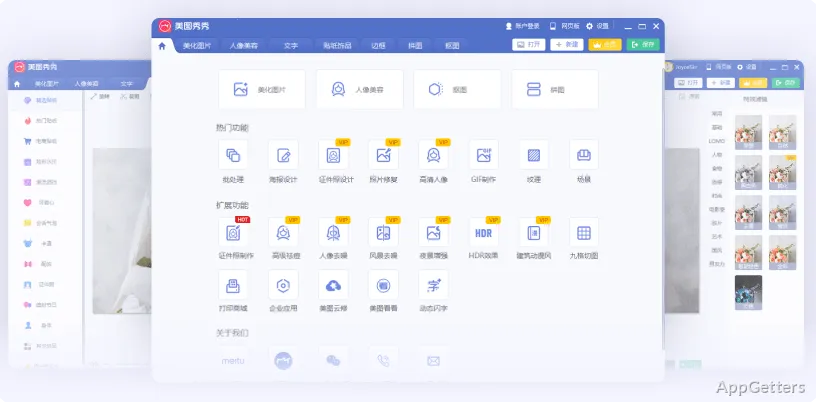
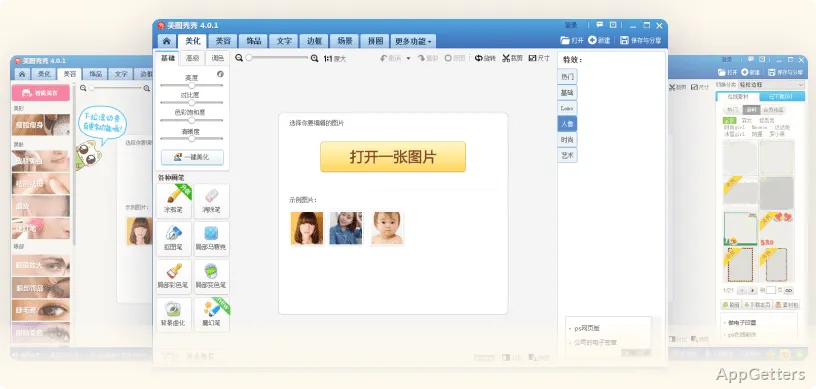
Meitu excels at the speed at which a user is able to start making changes to their pictures. The layouts of the various segments in the software are generally based on the types of modifications most people want to make. So, easily discover the tools you want without having to go through a maze of menus. Even if you have never edited a photo before, you can still make fairly simple adjustments like trimming, brightening, adding filters, and upgrading portraits.

In common situations, this can be a great time saver with regard to those sophisticated editing software programs. They not only demand know-how but also a lot of time. It probably will be a big hit with students who need to prepare visuals for their assignments, hobbyists who produce content, and ordinary folks who edit their memories through photographs. Doing most of the things here is pretty straightforward. Mostly, you have to follow a couple of simple steps only.

Meitu Artistic Touches by AI

Meitu’s magical touch partly comes from the magic of AI and the various ways it can be deployed. You can retouch your face, make your skin look flawless, adjust the lights, and also make your picture look like a work of art. People who have convenience as their top priority will definitely like such features. They are capable of generating eye-appealing results at a very fast pace. This is possible without really going through the trouble of doing these things yourself.

However, as it is with all things, there are positives and negatives. When you use AI-assisted tools for your photos, they are bound to look world-ready. If the editing is intensified, then they may come out looking a bit plastic or over-processed. So, do not count on the AI doing everything for you completely. This kind of work usually demands some manual involvement. A willing photo editor will be glad to have the tool at his disposal rather than relying blindly on very few transformation options brought about by a single mouse click.

Meitu fits in perfectly with the way social media works these days. Besides, let us be honest, online ability and appeal are generally more important than excellent and detailed photo editing results.

Meitu Software Speed and User Interface for a Typical PC User

Meitu will work perfectly on Windows machines as a typical photo editor. Pictures will be quite snappy and take a short time to come out of the program. Typical operations such as color changes, cropping, and filters will not need top-of-the-line machines to be completed. Therefore, not only pros but also average users with a normal desktop/laptop will be good to go with this program.

The net result is a workflow that is all about user-friendliness. It negates the need for the user to engage in the acquisition of difficult and time-consuming photo-editing concepts. Personal photo handlers, image creators for the web, learners, or hobbyists exposed to visual arts working on their projects this way will find it very beneficial.

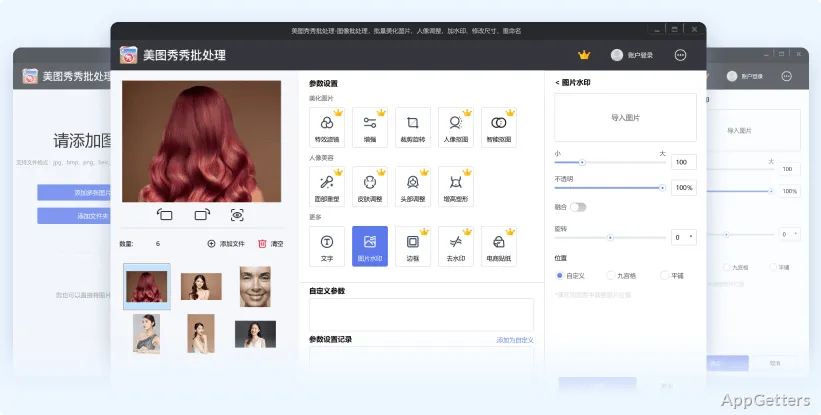
Nevertheless, those who process massive numbers of very large files or do serious photography work professionally can, sooner or later, realize that their needs may not be met by this software. They would require functionality that is characteristic of the commercial/creative trim suites.

How Meitu Can Be Beneficial to the Average User

Meitu should probably not be thought of as an alternative to professional photo editing. The main advantages of it are the reduction in complexity and very quick result generation. Another advantage is that it is a tool that even beginners can use intuitively. People who just want their pictures to look good without spending a lot of time on editing will find it both easy-to-use and productive.

Those who use digital devices for their schooling, those who edit pictures for pleasure or for social media posts, and even content creators for casual occasions will benefit from using Meitu by making their work easier. At the same time, it causes a slight disruption in their regular workflow. Advanced users with knowledge of editing and a desire to have more manual control will lean toward other kinds of software. But for the average user, the compromise between simplicity and features will be greatly appreciated. Practically, Meitu is simply there to be the handy decision for speedy add-ons to images, for creative effects, and for regular photo touch-ups among Windows users.

Software Details of Meitu 1.0.1.2

License
Free
Version
1.0.1.2
File Size
12.94 MB
Downloads
6
Languages
English English, Afrikaans, Amharic, Arabic, Armenian, Belarusian, Bulgarian, Catalan, Chinese, Croatian, Czech, Danish, Dutch, Estonian, Farsi, Finnish, French, German, Greek, Hebrew, Hindi, Hungarian, Icelandic, Indonesian, Italian, Japanese, Kazakh, Korean, Latvian, Lithuanian, Malay, Norwegian, Polish, Portuguese, Romanian, Russian, Serbian, Slovak, Slovenian, Spanish, Swahili, Swedish, Tagalog, Thai, Turkish, Ukrainian, Vietnamese, Zulu
Category
Op. System
Windows
Developer
Last Updated
March 27, 2026

Version History

6 versions
1.0.1.2
Latest
12.94 MB
March 27, 2026
1.0.1.1
12.95 MB
February 13, 2026
7.7.3.8
320.58 MB
August 15, 2025
7.7.2.2
321.47 MB
July 11, 2025
7.7.1.6
319.71 MB
June 20, 2025
7.7.0.3
288.14 MB
May 9, 2025

Leave a Comment

Your email address will not be published. Required fields are marked *

Software Icon
Security Report

Loading scan data...

Scroll to Top