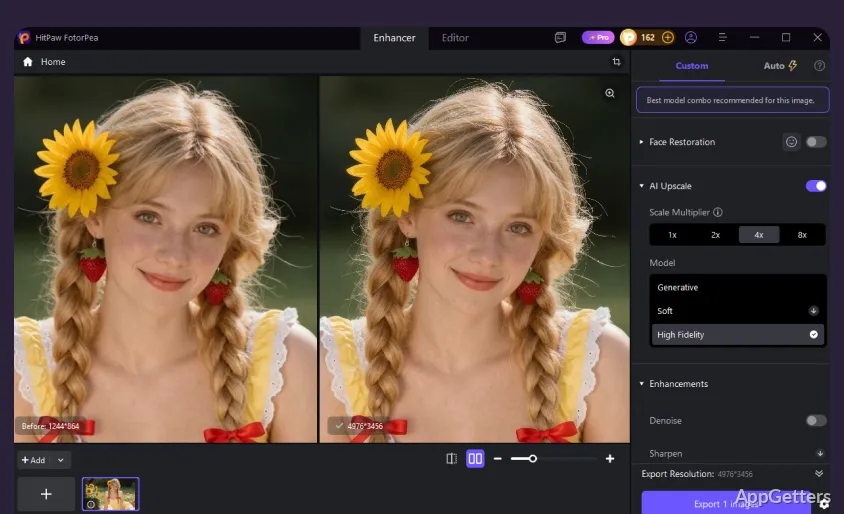
Blurry portrait, grainy night shot or a small image you need bigger? HitPaw Photo Enhancer uses AI models for each case. Choose an AI model for the photo, preview the processed image, then export it in a supported format.
Which enhancement model should you choose?
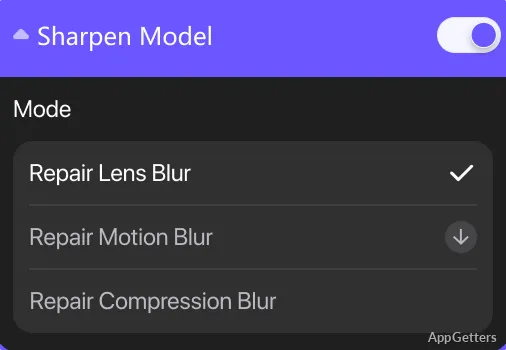
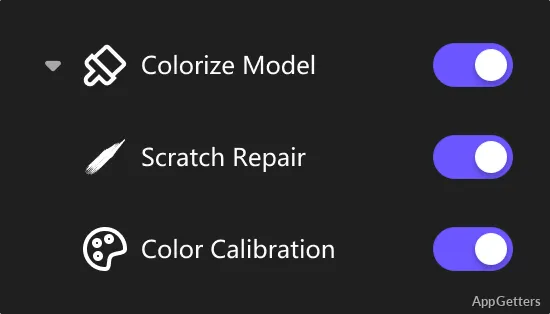
The model menu matches common photo problems to different AI processing approaches. Face Model focuses on portrait details, while Denoise Model is intended for grain and noise. Sharpen Model addresses blur, and Upscale Model enlarges low-resolution images. Colorize Model adds color to monochrome photos; Scratch Repair and Color Calibration cover other restoration tasks.
A General Model is also included for broad image enhancement. Select a model that fits the image, then preview the result to see how it changes the photo. Processing can reconstruct or emphasize details, so the preview is the place to judge whether the change suits that particular image.
How do you enhance and export a photo?
Add one or more images, select an enhancement model, and preview the processed result. Export the image when the preview looks right.
- Input formats include PNG, JPG, JPEG, WebP, TIFF, TGA, BMP, JFIF, NEF, and RAW.
- Output formats include PNG, JPG, JPEG, WebP, TIFF, TGA, BMP, and JFIF.
Can it restore older or damaged pictures?
Colorize Model can add color to black-and-white images, while Scratch Repair targets visible surface wear. Denoise Model addresses grain and compression-related noise, and Upscale Model increases image dimensions.
Pros
- Face Model targets facial detail in portrait photos
- Denoise Model addresses image noise and grain
- Exports include PNG, JPEG, TIFF, and WebP
- Preview results before exporting
System requirements: Windows 10, Windows 11 · 64-bit only · Intel i3 (4th generation) or equivalent AMD Ryzen 3 processor · 8 GB RAM · 2 GB free disk space · NVIDIA GTX 950 or equivalent AMD Radeon 460 graphics card · OpenGL 3.3 or later · DirectX 12
Which model should I try for a blurry portrait?
Try Face Model for facial detail or Sharpen Model for blur, then compare the preview.
Can HitPaw Photo Enhancer colorize a black-and-white photo?
Yes. Select Colorize Model, preview the result, and export the image if it meets your needs.
What image formats can it export?
Export options include PNG, JPG, JPEG, WebP, TIFF, TGA, BMP, and JFIF.