Photo editing software usually offers two extremes. On one hand, simple, fun tools, but with hardly any editing control. On the other hand, professional suites are so overwhelming that most casual users will find them difficult to use. AVS Photo Editor tries to stay in the middle ground. It is made with a Windows operating system in mind for people who want to do the bulk of their image editing easily. The software is geared to do the common photo editing tasks. It doesn’t even try to have complicated creative workflows.
Easier Photo Editing for Your Day-to-Day Needs
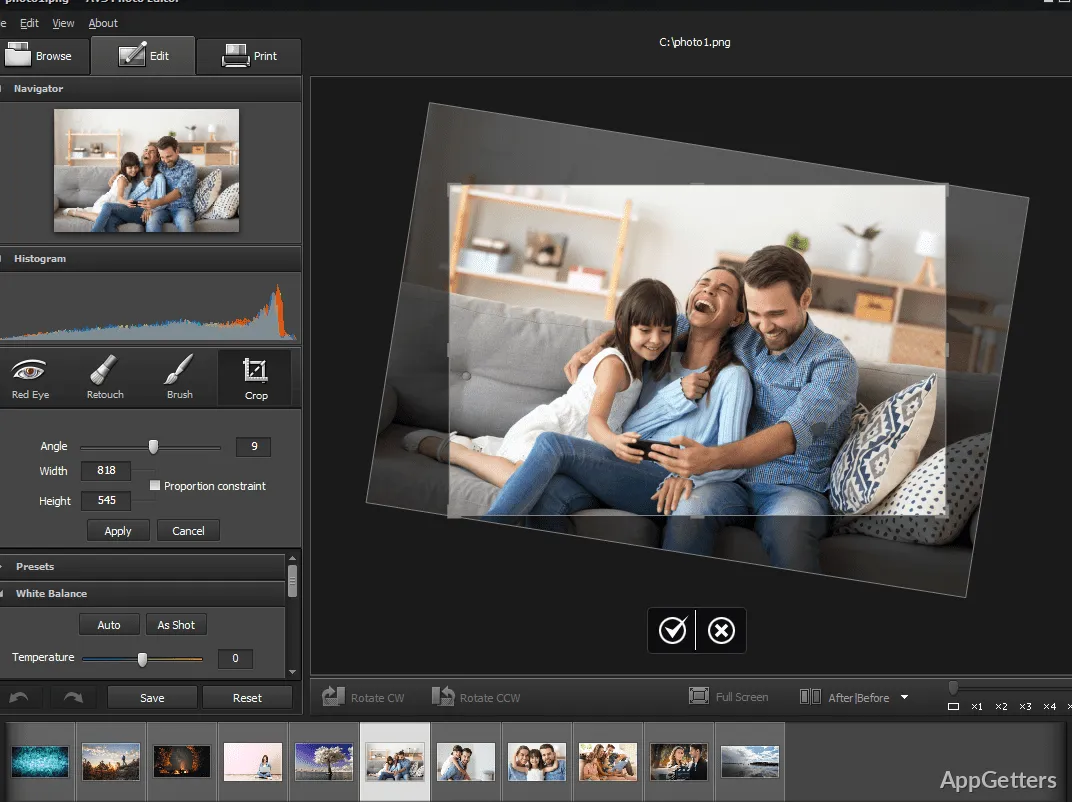
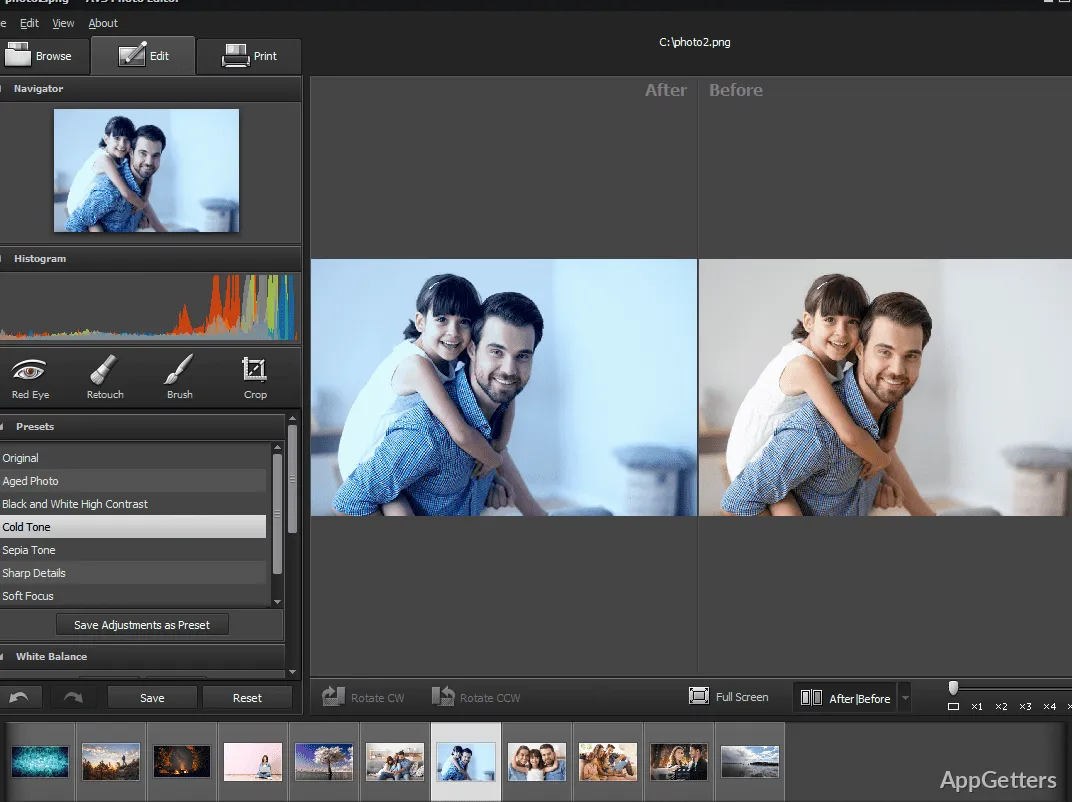
From time to time, people only use simple photo correction tasks. In those cases, this software tool can be a great aid just as it is. Users familiar with software applications, even just the default ones that come with the operating system, will find this quite accessible in terms of functionality as well as features. Cropping, resizing, color adjustments, retouching, and applying effects don’t require the user to be a photo editing expert in order to accomplish a decent result.
To a large extent, the way in which users do the work is simple for home users. They edit vacation photos, scanned images, or social media pictures. It is not hard to find the tools. One can easily perform a good amount of the very basic edits within a rather short time. That said, users used to advanced layer-heavy editing environments may notice that the software prioritizes simplicity over deep creative flexibility.
Handy for Light Editing, Restoration, and Personal Projects
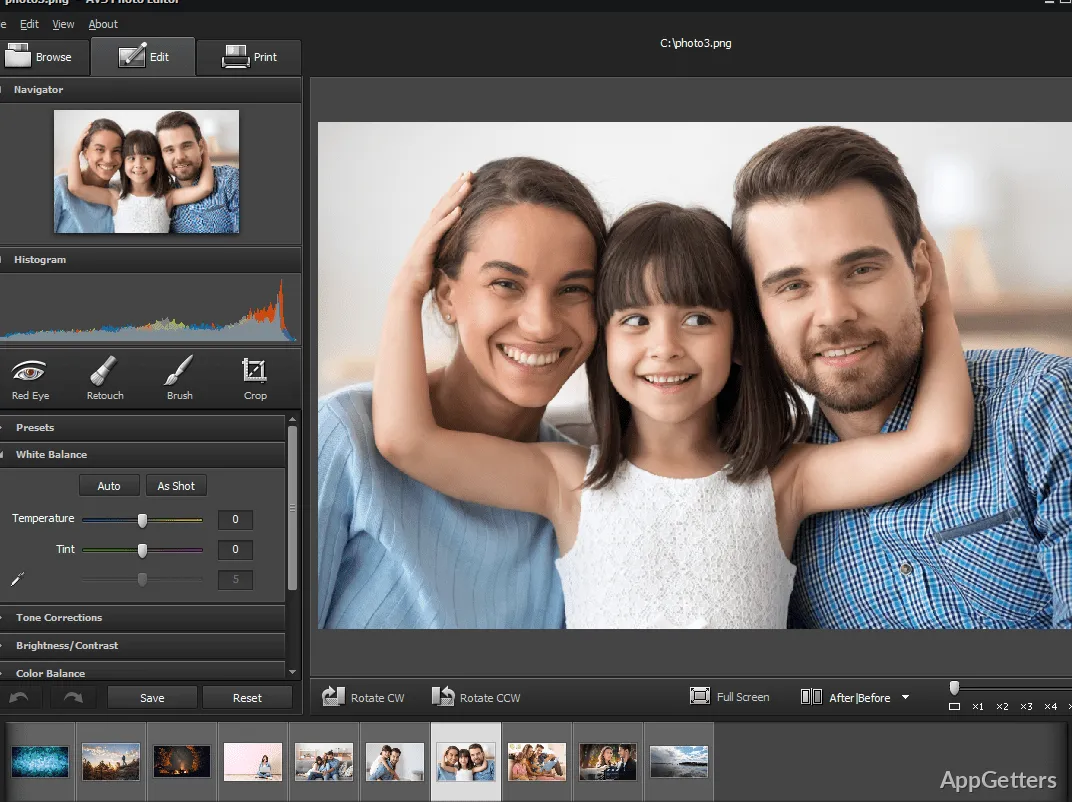
If you can only do what you can do in one session in a given amount of time, AVS Photo Editor can be that quite handy tool. As far as the making of usual image corrections is concerned, such as balancing of brightness, red-eye removal, sharpening, and a bit of cleanup of skin blemishes, one does not have to be a wizard to get the task done. Students, families, or individuals who use these features because they are simple and effective will benefit from them greatly.
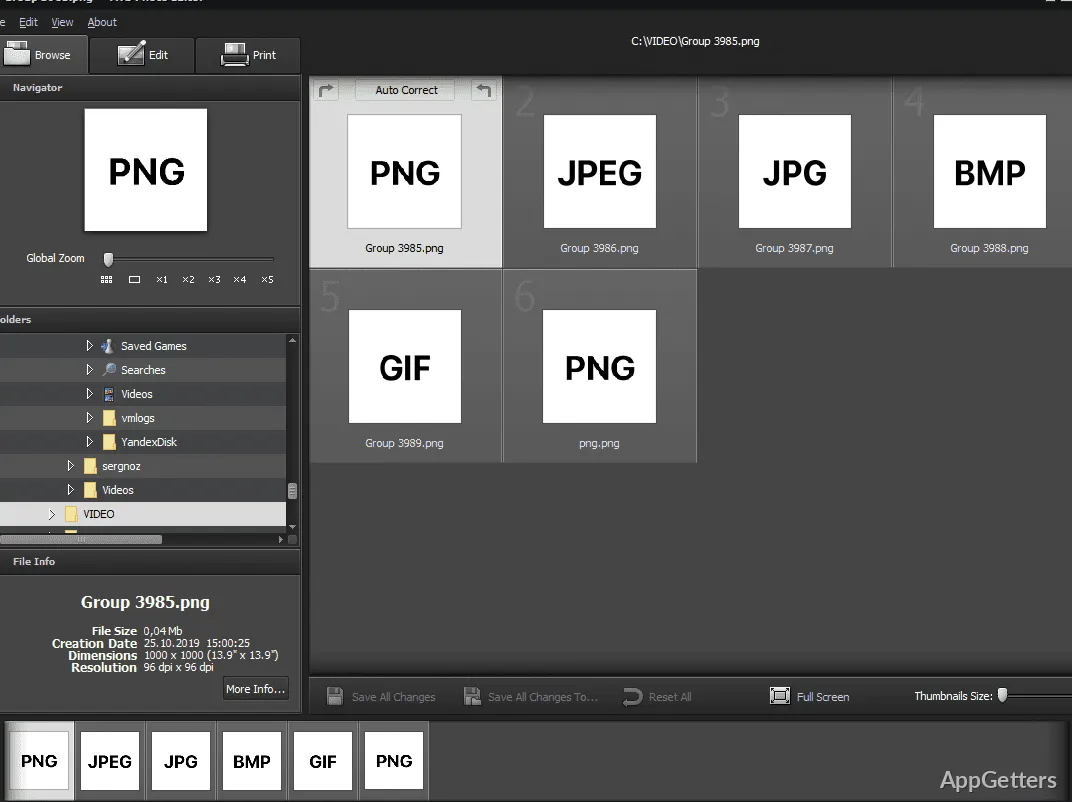
Ease of batch processing and support for different image formats will make life easier for users processing a large number of files. Yet, do not get your hopes too high as far as the performance is concerned. Although it can be wonderful for standard-resolution projects and QR use, it is not a high-end production environment for professional photographers, digital artists, or large commercial workloads.
Stable Editing in Windows OS
For editing software, an important feature may sometimes even be only the fact that it works without glitches, more than its respective number of specs or features. Editing is indeed part of a workflow in most professions. In some cases, people only do it occasionally as a hobby. AVS Photo Editor stands out among others in terms of stability and dependability in Windows operating systems. It is easy to install and has a shallow learning curve when compared to the rest of the editing software suites.
It fits so well in our daily lives that many of the users could just keep it. Once they have opened, edited, and saved their photos, they will have done so without ever thinking about redoing or reconfiguring them. But an incomparably good thing about the software is the very concept of containing only features that are the bare necessities, so that no user is left confused and worried about having a lot of choices regarding changing or modifying their pictures. The more technically oriented users will find it a bit disappointing that there aren’t professional-grade masking, layered composition, or precision editing capabilities.
Use of AVS Photo Editor as a Daily Tool on Windows
Generally speaking, AVS is a good choice for a majority of users who want a reliable image editor without separately acquiring a license for professional software suites. The majority of home users who run some kind of personal photo library or stock photo database, students whose visual assignments require editing of photos, and casual creators who need simple correction tools will find it most useful.
First, its most important characteristic is a concrete experience of work, not a feature that offers something that no one else has. The software is a simple and ready-to-use means of solving and handling those problems that are typical of everyday photos. With it, most experienced Windows users will quickly become familiar and adapt to the enhanced workflow. If you want a fast and easy solution to your photo editing needs, this might be a good software that you could try out. However, considering its limited scope, power users might find it suitable only for a short while. After a few days, they may need to look for something more advanced.