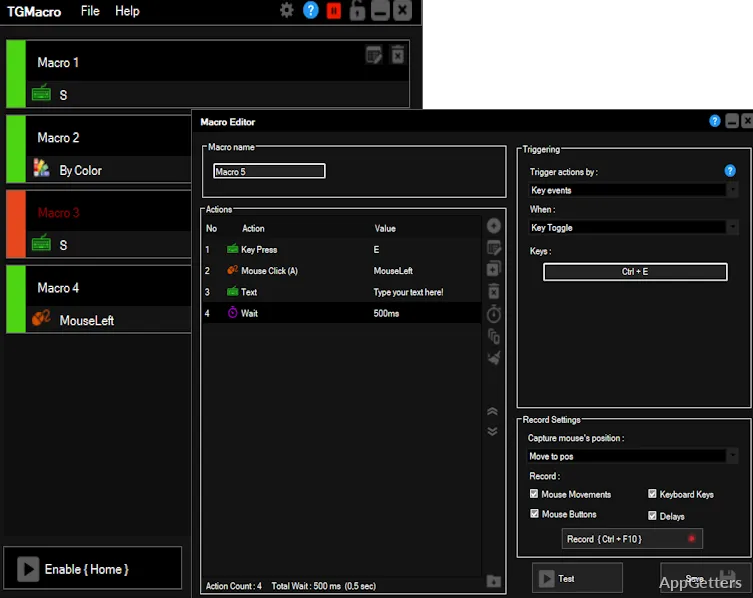
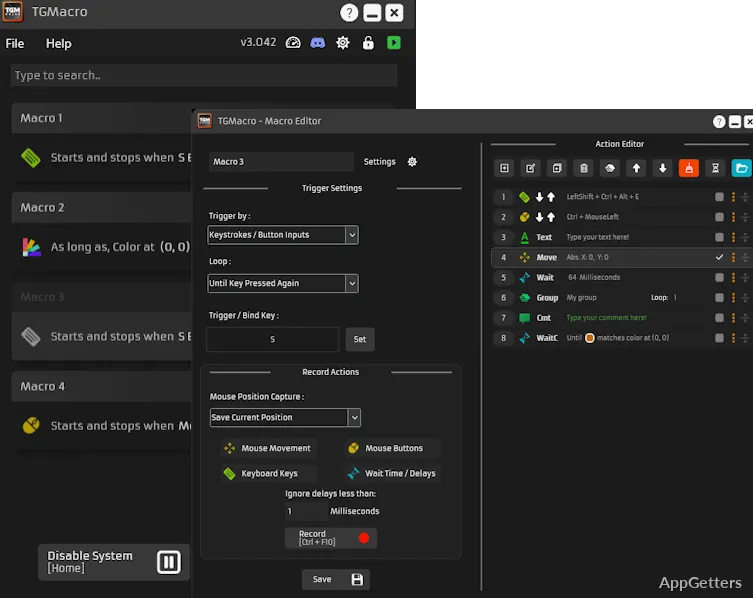
Want one key press to repeat a sequence of actions in a game or routine computer task? TGMacro lets you record key inputs or set them up as macros, then assign a keyboard or mouse combination to trigger them.
Macro recording
Create a macro by adding one and choosing the keys it should send, or record the sequence you want it to mimic. Recording avoids entering each key action manually. Once configured, the macro can be triggered from an assigned key combination.
TGMacro supports multiple macros, so separate sequences can be set up for different tasks. The same approach applies to a repeated run of key presses in a game or a routine that uses the same keys in the same order.
Key-combination triggers and loops
Assign a keyboard or mouse combination to a macro, then use that combination to start it. Macros can also be set to loop when triggered, which suits sequences that need to repeat. The recorded or configured keys are sent in the sequence set for that macro.
- Make a macro for a multi-key game action and trigger it with one assigned combination.
- Set a recurring sequence of workplace key presses to replay through a macro.
Games and everyday tasks
TGMacro is aimed at gaming, where a simple action may require several presses in succession. The same key-macro workflow applies to repetitive actions during ordinary computer use, such as entering the same sequence of keys for a routine task.
Pros
- Records key presses without requiring manual scripting
- Assigns macros to keyboard or mouse key combinations
- Lets triggered macros loop
How do you create a macro in TGMacro?
Add a new macro and choose the keys it should send, or record the sequence you want it to repeat.
Can a TGMacro macro repeat in a loop?
Yes. Macros can be triggered and set to loop.
Is TGMacro only for games?
No. It is intended for gaming and can also automate repeated key sequences in everyday computer tasks.