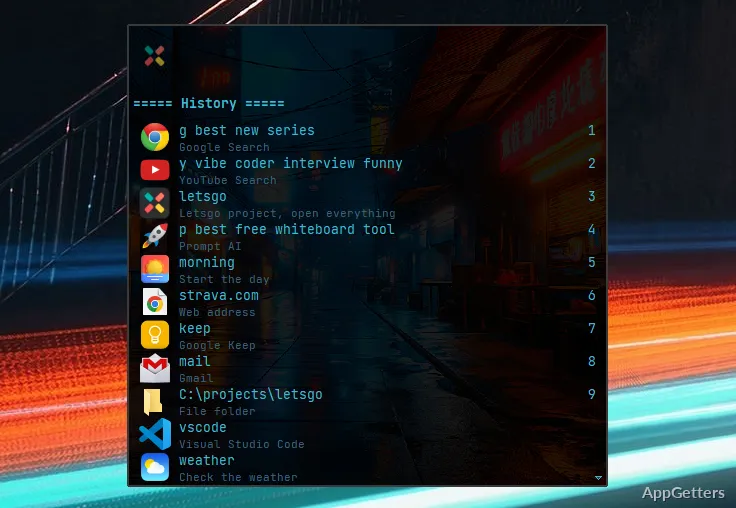
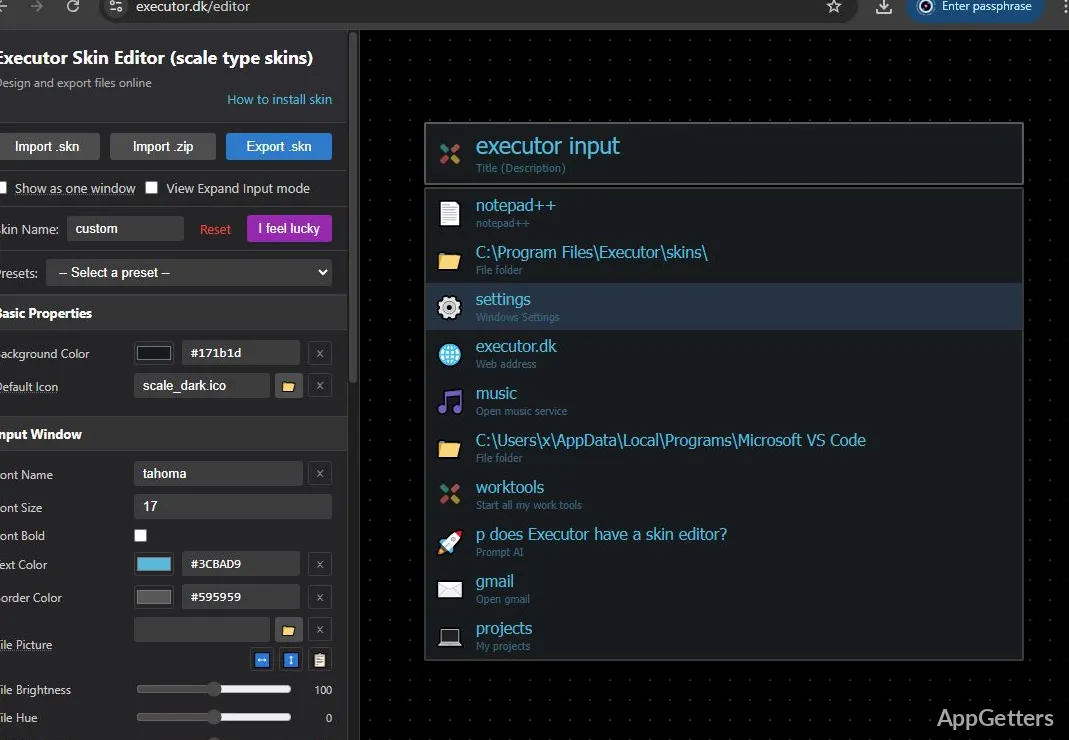
The compact command window accepts keywords for finding and opening programs, files, folders, websites, and commands. Executor can also run several actions from one command or hotkey, with options for customizing keywords, indexing, and appearance.
Find and launch items from the command window
Type a keyword into Executor’s input window to locate an indexed application, Control Panel item, or item in a custom location. Results can also lead to files and folders. Indexing settings let you choose locations and adjust how often they are scanned.
Keywords can be customized, so a short term can point to a program, folder, script, or another command. Executor also accepts websites, web services with parameters, and prompts. This makes the same window a starting point for local items and web-based tasks.
Combine actions and recall past commands
A single command or hotkey can trigger multiple actions. The query field supports multiple lines and spell checking, while command history keeps previous entries available for recall. Hotkey settings can be tailored to a preferred workflow; one option assigns the Windows key to Executor and opens the Start menu when that key is pressed twice.
Use the built-in tools and adjust the interface
Executor includes clipboard features, quick calculations, system commands, and controls for managing running applications. Its optional internal browser can interact with Executor, including through integrations. The browser is not loaded by default.
Appearance settings include skins and themes, and hotkeys, indexing, and other behavior can be customized. These options let the command window and its launch shortcuts fit different desktop habits.
Pros
- Indexes applications, Control Panel items, and user-selected locations
- Runs multiple actions from one command or hotkey
- Includes clipboard tools, calculations, system commands, and running-app controls
- Supports customizable keywords, hotkeys, skins, and themes
Cons
- The optional internal browser can consume substantial resources while open
System requirements: Windows 7, Windows 8, Windows 8.1, Windows 10, Windows 11 · 32-bit and 64-bit
What can Executor launch?
It can open applications, files, folders, websites, and web services, as well as run commands and prompts.
Can one command perform several actions?
Yes. A single command or hotkey can trigger multiple actions.
Does Executor include a browser?
Yes. Its internal browser can interact with Executor, and it is optional and not loaded by default.