EXE
Home » Software » Windows » text-documents » Sigil for Windows
Sigil for Windows

Sigil for Windows

There are quite a few things about working with EPUB files that can be really frustrating. What most people don’t know is that once you create an eBook, be it from a word processor or a conversion tool, releasing it without some major editing involves a lot of tricks. It is nearly impossible if you insist on exactness and use specialized software only. This trend is especially noticeable among students, educators, and authors who self-publish, as they want to have a totally new look, perfect metadata, or a whole new structure. As a result, Sigil offers a good old desktop-based editor made for the Windows platform that comes in handy for interactively editing EPUB files.

A Compact Editing Environment for EPUB Files

The concept behind Sigil is quite elementary: a tool for editing EPUB documents that is simple and free of unnecessary layers. Unlike converters that make stuff one step further unintelligible, editing eBooks with Sigil means editing the HTML and CSS files as well as the overall file packaging. Actually, these little things do matter a lot when you are using it in practice. For example, you can fix formatting errors, make style changes, and get rid of extra content in imported files right at the spot.

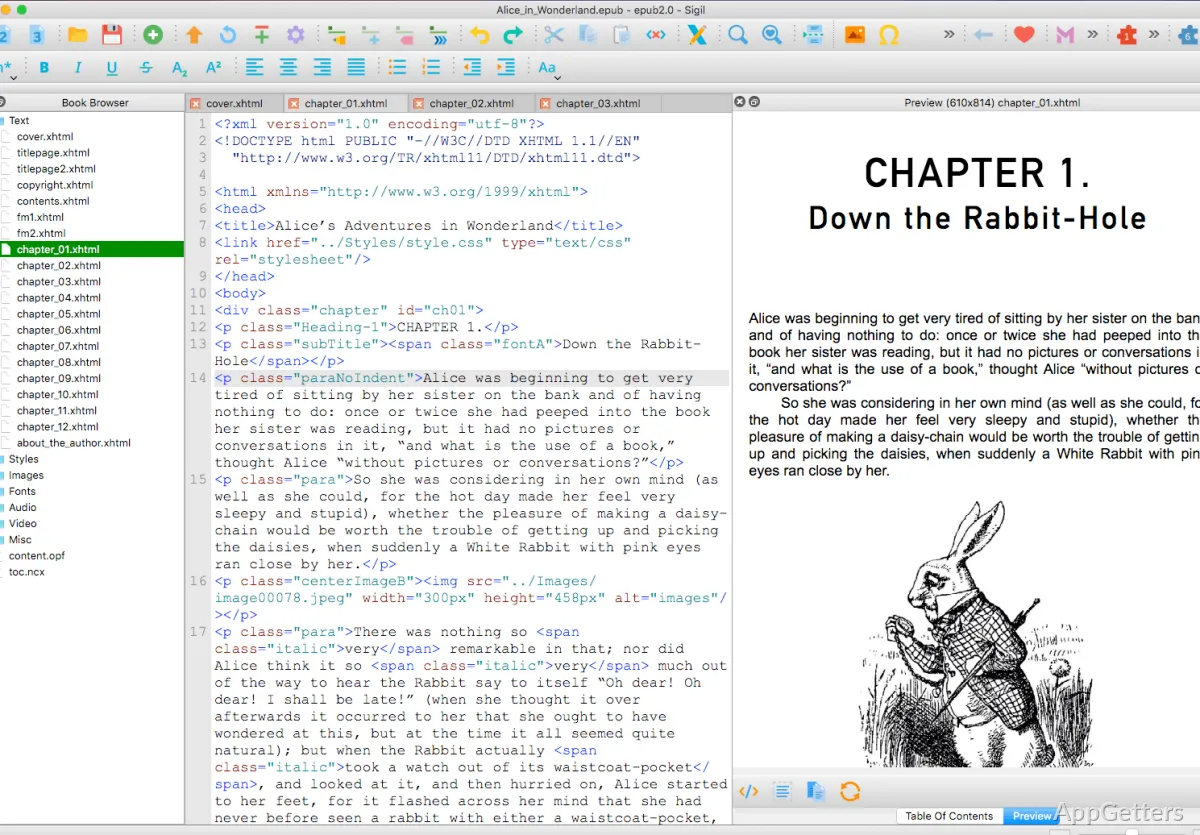
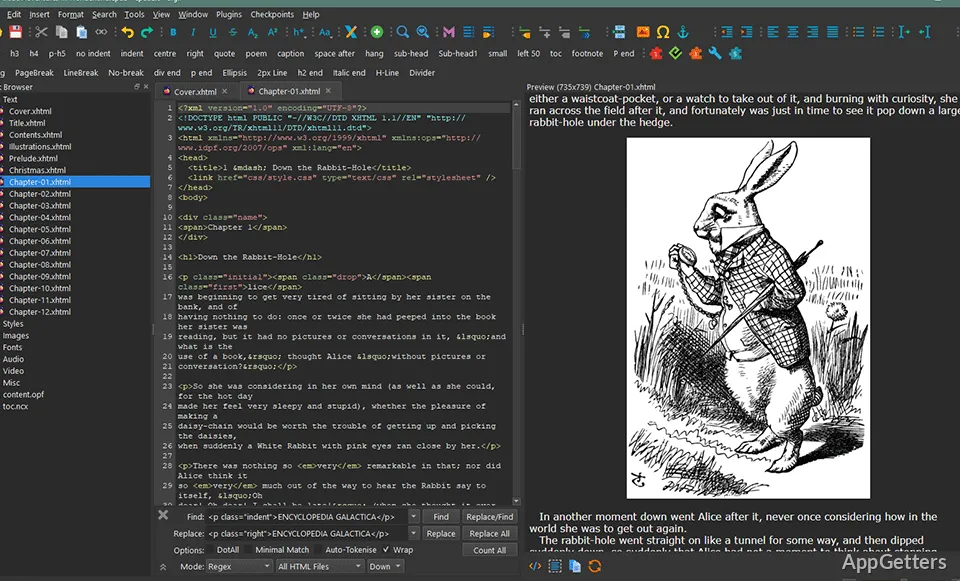
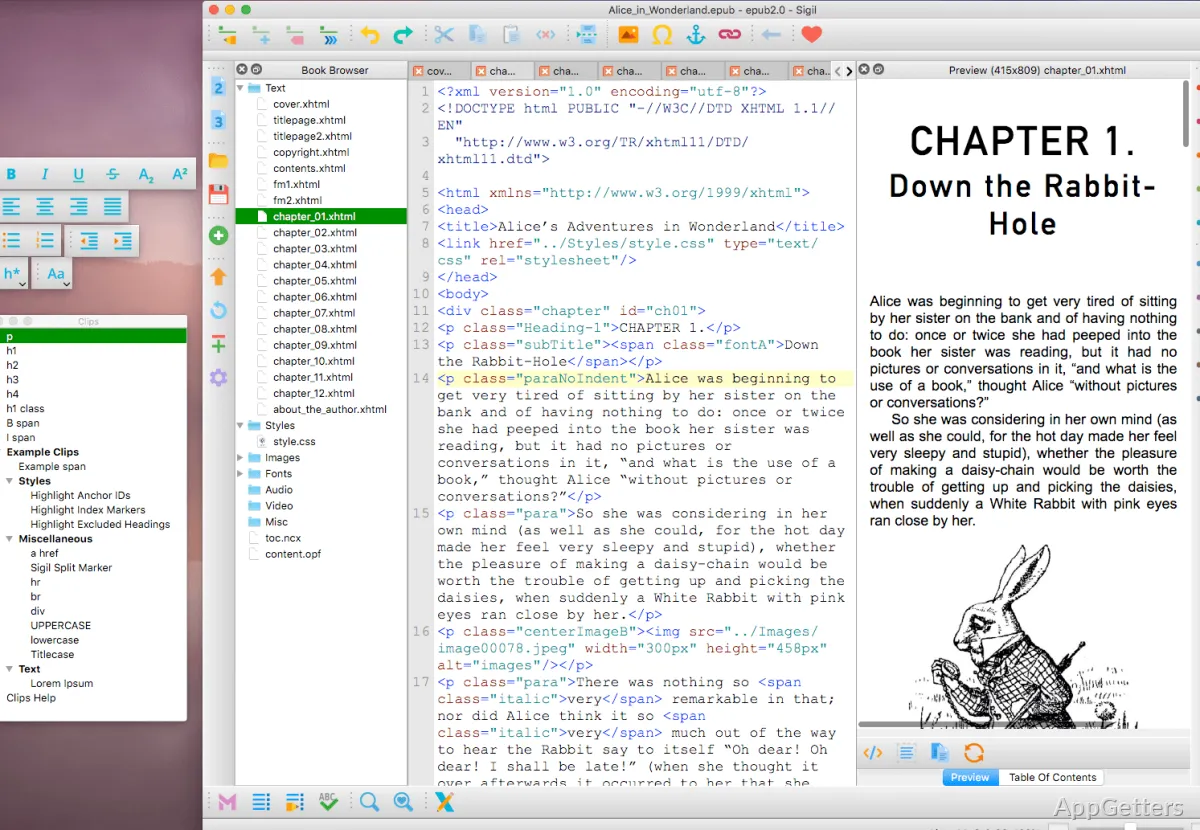
The overall topography seems a little old-fashioned; however, the decided minimalism probably kills two birds with one stone. It splits the work area into two parts: one is code writing. The other is previewing, and it actually shows the real impact on the layout. Besides, those who know a little about HTML can do the tasks very fast and easily as a result of this knowledge. Newbies might find it a bit difficult at first, but the program is not going to drown them in unnecessary heaviness.

Inherent Strengths of the Apt Tool

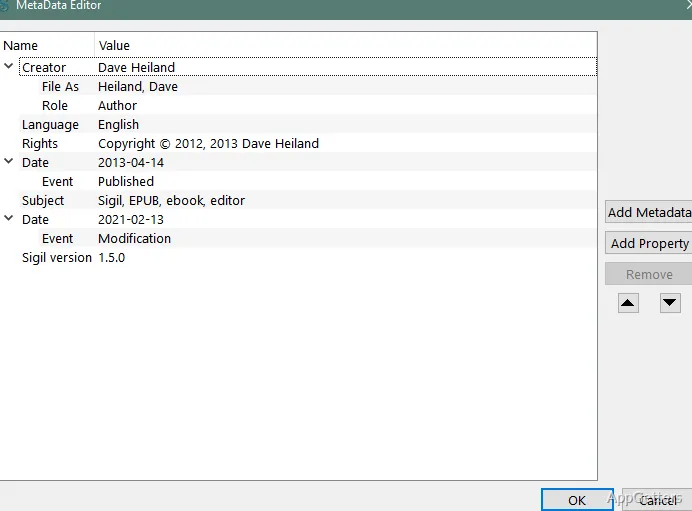
That is the main reason why students and self-publishing authors have quite an arsenal, but in the background, have only one reliable and hassle-free editing tool. Large eBooks can usually be loaded without freezing the program, and scrolling between the parts of the book is very quick and simple. There are also very handy tuning options, such as getting to the underlying information and changing it, creating the content listings, and checking through inspectors, etc.

By all means, this is a great way to minimize your need for a bunch of different tools if you are a student or self-publishing author getting a book ready in eBook format. Instead of going back and forth between converters and editors, Sigil can be your main, your one-stop shop. The fact that you get the book checked at the same time for its quality level and conformity with top publishing standards is a big plus. This is especially true for platforms that enforce strict formatting rules.

What Makes Us Need Other Solutions Besides Sigil

That said, it is a little unrealistic to believe Sigil is going to be your sole companion and cover all your needs all the time. Because you will be editing the HTML and CSS, it is not likely you will be very happy if what you want is a fully visual, word-processor-like environment. And in the end, the preview pane will only be able to support a limited number of operational tasks. Most of the work with text and images will be in the form of markup language.

This is the regular area in which the performance tips over the edge to being very good. Still, quite some work is going to be out of the box in order to make you spend time in an old-looking environment. One must also bear in mind that these are some very basic workflows that require considerable manual effort, e.g., styling changes. Finally, as a plus here, which some may see as a minus depending on their needs, the product developers at Sigil deal only with EPUB.

Sigil’s Role within Actual Contexts

Concerning the real world, Sigil is more of a precision tool than a lead character. Mainly, the use of this program is for those users who already have their EPUB file and want to make it their own. They solve any formatting issues, make minor structural changes, or get it ready for distribution. Self-publishing authors, educators creating course materials, and technically advanced individuals are the best examples of who this can come in handy.

If you are a casual user and want to fancy creating your own eBook without touching a bit of the technical side, then you may find the software pretty complicated. But for those who will take the time to fully understand and work with its native environment, it is still a very trustworthy place. It really emphasizes having control and being transparent in one’s work rather than blindly following automation.

Software Details of Sigil 2.7.6

License
Free
Version
2.7.6
File Size
140.24 MB
Downloads
6
Language
English
Category
Op. System
Windows
Developer
Last Updated
March 20, 2026

Version History

6 versions
2.7.6
Latest
140.24 MB
March 20, 2026
2.7.5
140.21 MB
March 17, 2026
2.7.0
135.85 MB
December 2, 2025
2.6.2
127.41 MB
September 15, 2025
2.6.0
127.41 MB
July 18, 2025
2.5.2
127.35 MB
June 20, 2025

Leave a Comment

Your email address will not be published. Required fields are marked *

Software Icon
Security Report

Loading scan data...

Scroll to Top