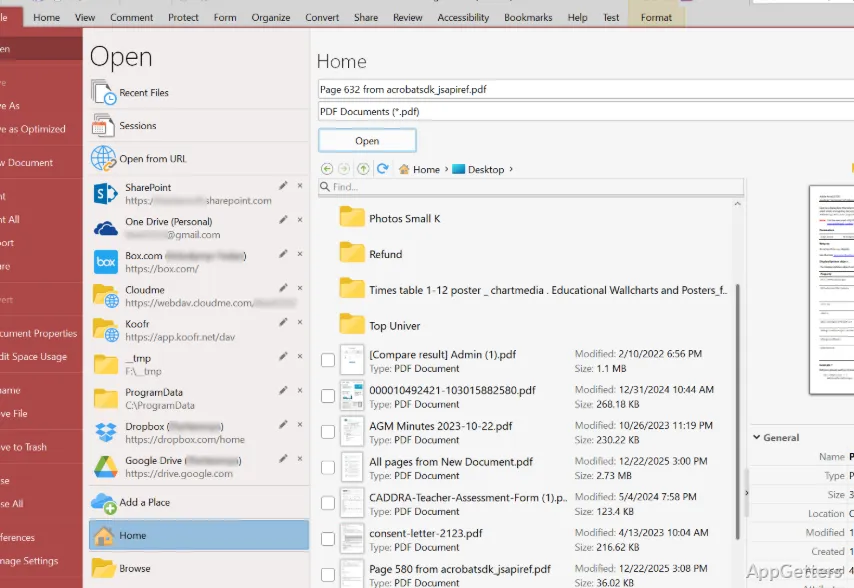
Handling PDF files in Windows is mostly about struggling between time, practicality, and money. Most default or well-known readers seem either too stingy with features if one needs to annotate heavily, or too heavy if one just needs a simple viewer for daily use. PDF-XChange Viewer is the very tool that fills the void. It provides users who want to do more than simple viewing with a very lightweight and yet powerful experience. It does this without their having to go all the way up to highly professional tools.
A Lightweight Tool That Feels Responsive
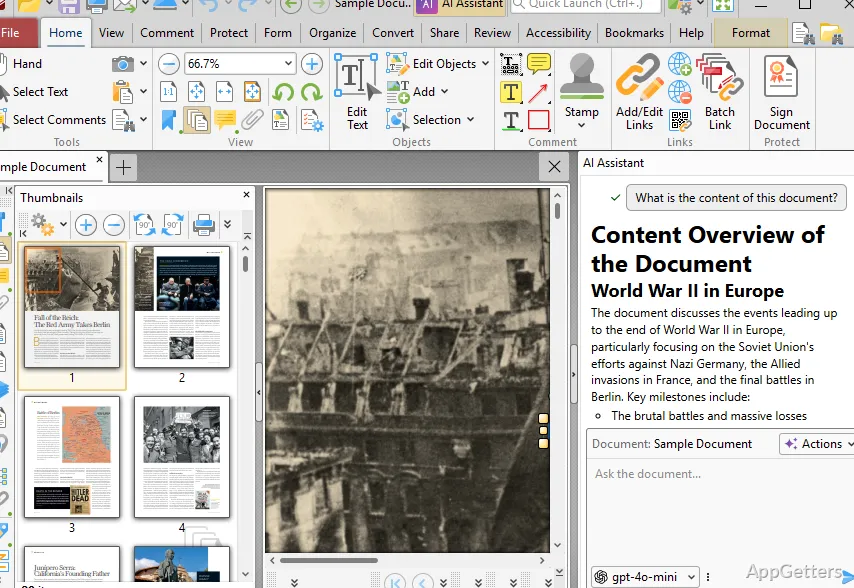
One of the very things I immediately felt was that PDF-XChange Viewer is very quick to open and load the files. Even when opening very large files, like manuals or scanned books, there is practically no waiting time. Compared to heavy programs, moving around is fast, especially when scrolling or jumping from one page to another.
Such quickness makes a big difference in daily work. A student going through lecture notes will appreciate the speed. An office staff person checking out long documents with multiple pages will also appreciate it. The program itself is kind of stuffed with different kinds of things, but it’s well thought out. You can get to your favorite tools and commands easily. After a while, you won’t feel that it’s too much. If you have been using only very simple readers, you will be a bit lost at first. But not so much that you cannot handle it.
Practical Annotation and Editing Capabilities
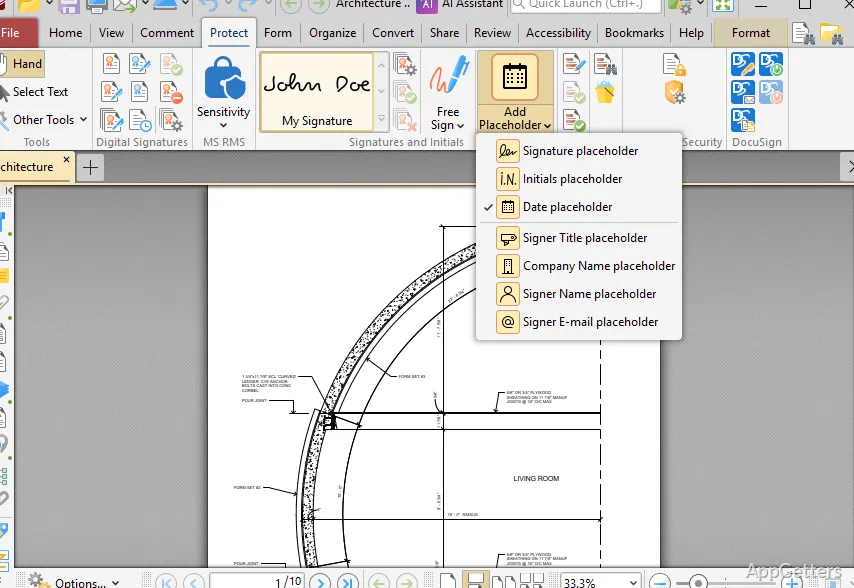
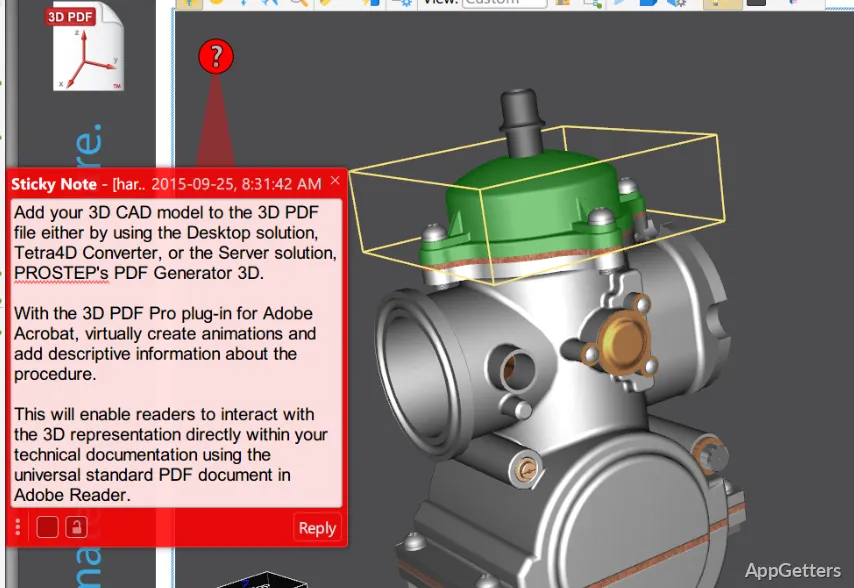
The program is a vehicle to get you beyond just looking. It is actually packed with a good set of annotation tools. You can highlight, underline, write notes, and even add stamps. These functions make the software able to perform educational reading. They also help with working on documents or giving feedback.
Generally, the application of the annotations is quick. It also does not change the state of the file when the files are exported or reused with other tools. This is very important, since most of us get frustrated when the formatting is modified or our comments get lost. It is easy to make an addition, such as text boxes or callouts; however, it is not at all a substitute for the fully-fledged editing suites.
For those who usually only write their comments on the documents rather than creating the documents themselves, this is the perfect mix between performance and simplicity.
Stability in Everyday Workflows
One is unlikely to think about the stability of an application until something untoward happens. PDF-XChange Viewer is one of those programs that, over long periods of use, don’t crash or have a slowdown issue. It can even open lots of files simultaneously, and the program’s memory consumption stays at a fairly low level.
That means it can be used on fairly old or middle-of-the-road Windows computers where heavy software can cause problems. It is also quite at home in places where the top priority is to have something that just works without hiccups. It is not about boasting the latest features. This applies in a clerical office or at home.
However, the look and feel are quite reminiscent of an era long gone in the recent past of Windows software. It is not a modern throwaway, but the design is what is available for functional use only. Some people might say the user interface (UI) is a bit the way it was in the old days, or even cluttered compared to the latest PDF tools.
Limitations That Surface Over Time
Even though it is a very useful tool, it is still not the be-all and end-all. Final text editing, such as changing the very text that is already there, is not available to the extent that some of the well-known editors offer. Rearranging parts of the document in a complicated way is also limited. People who are very active in PDF authoring and do a lot of work with OCR are likely to be disappointed after a while.
Also, it is well worth remembering that the company’s development focus is entirely on the newer products. So the viewer may not get major updates in terms of new features and interface improvements. In any case, it is a very stable and reliable performer. Long-term users may draw a line between the lack of UI modernization and feature additions. Still, even with these weaknesses, it is a trustworthy tool for basic reading and annotation.
Where PDF-XChange Viewer Fits Best
PDF-XChange Viewer can be well described as a very practical, no-frills helper in the Windows environment. PDF-XChange Viewer performs the function of reading as well as marking up PDF files. It will be a good match for students going through their course materials. It also suits office people engaged in document feedback processes. Average home users who wish to have a bit more control over their viewing will also find it useful.
It has no intention of being considered on the same level as all-around PDF editing platforms with a multitude of features that it can replace. And it doesn’t even try to do that. What it does instead is find its own sweet spot. Usage is geared towards being fast and capable. It is also quite stable to work at any time without risking excessive complications. People who like being responsive and annotating with a high degree of reliability will find it suitable. This is especially true, rather than having the coolest new design or advanced editing tools. It has been doing its job efficiently for a long time.