Need to build slides offline with a one-time-purchase PowerPoint instead of a subscription? PowerPoint 2016 is the standalone edition from Office 2016, with themes, animations and video export. Microsoft ended its support on October 14, 2025, so it no longer gets security updates.
Themes and layouts shape each slide
PowerPoint 2016 includes a catalog of themes and slide layouts. A theme sets coordinated design choices across a presentation, while layouts arrange common content such as titles and text. Applying these options gives slides a consistent starting point; individual elements can then be customized.
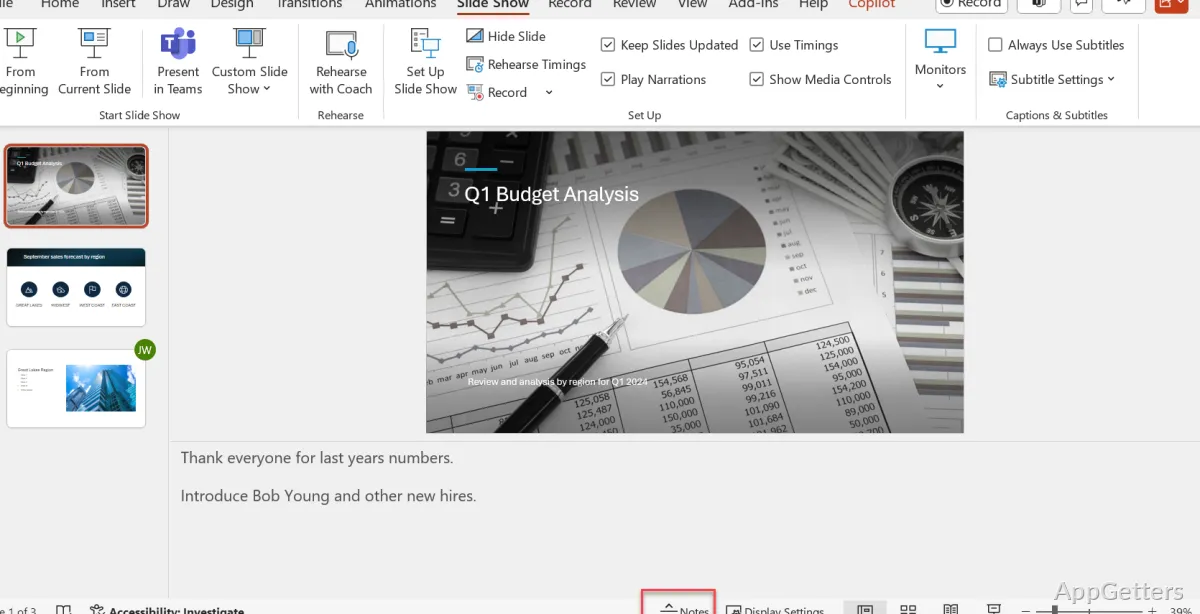
The editing workspace keeps slide thumbnails available alongside the selected slide, making it straightforward to move through a deck and choose which slide to edit. Normal view is suited to building slides, while Slide Sorter provides an overview for rearranging them.
Text, shapes, and motion build the presentation
Slides can combine text with shapes, figures, images, and graphics. Ribbon tools handle common formatting and alignment tasks, and themes keep the overall visual treatment coordinated. Transitions control how one slide gives way to the next; animations control how selected content appears during a slide show.
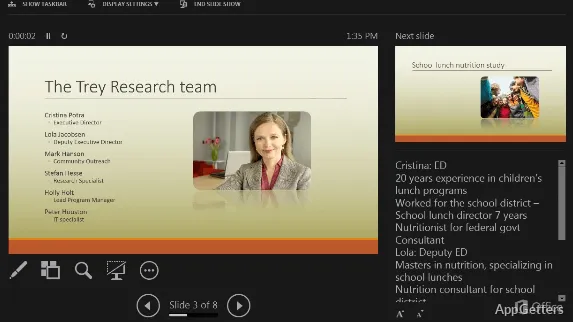
This supports a range of presentation work, from a simple sequence of text slides to a deck with visual elements and animated emphasis. The view modes also let users switch between editing, inspecting slide order, and presenting the finished deck.
PowerPoint 2016 exports slides in several formats
When a presentation needs to be shared outside PowerPoint, it can be exported as a PDF, a set of images, or a video. XPS is another available sharing format. These options let a user distribute a fixed document or a playable presentation, depending on the audience and intended use.
The 2016 edition works fully offline. Since support ended on October 14, 2025, files from unknown senders are a higher risk; Microsoft now offers PowerPoint in Microsoft 365 and Office 2024. It works with other Office apps in a familiar desktop workflow, but it does not include real-time online coauthoring or newer cloud-based template resources.
Pros
- Themes and layouts provide reusable slide designs
- Flexible views support editing and reviewing slide order
- Exports presentations as video, images, PDF, or XPS
- Works offline for creating and editing presentations
Cons
- Support ended October 14, 2025; no security updates
- No real-time coauthoring or newer AI features
System requirements: Windows 10, Windows 11 · 32-bit and 64-bit · 1 GHz or faster x86-bit or x64-bit processor with SSE2 instruction set · 2 GB RAM · 3 GB available disk space · .NET 3.5 required
Can PowerPoint 2016 create presentations without internet access?
Yes. Presentations can be created and edited offline.
What formats can PowerPoint 2016 export?
It can export presentations as video, images, PDF, or XPS.
Does PowerPoint 2016 support real-time collaboration?
No. It does not offer real-time online collaboration.