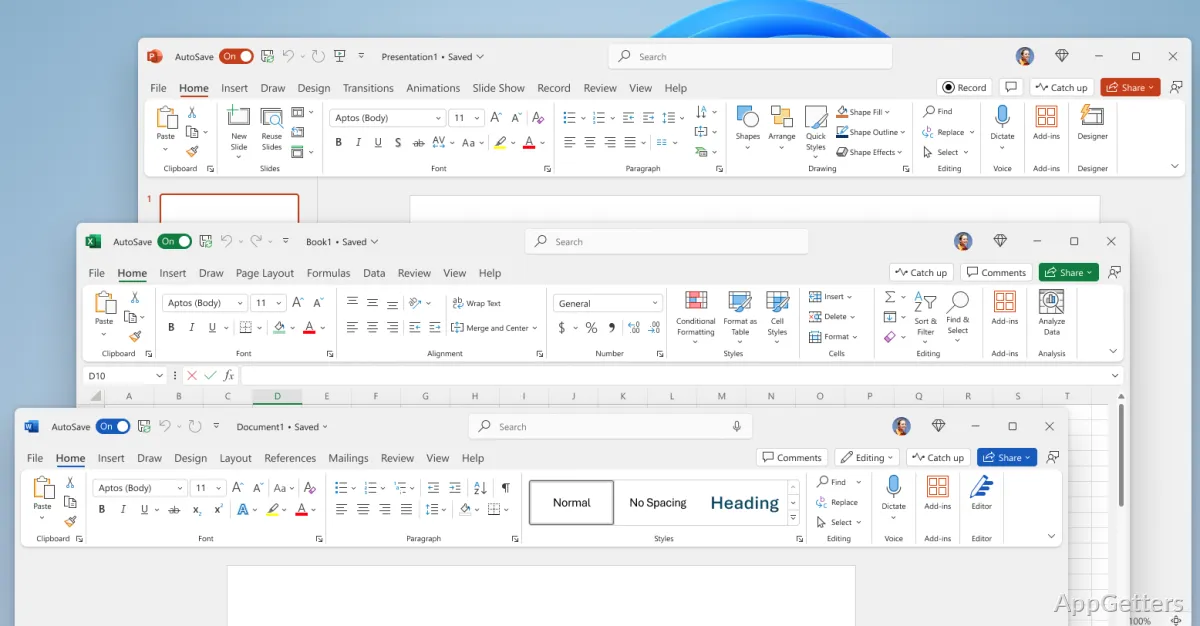
Documents, spreadsheets, and presentations are created and edited in Microsoft Office 2024 with Word, Excel, and PowerPoint. The desktop apps work with files stored on a PC, while OneDrive can support cloud storage and shared editing.
Format documents in Word
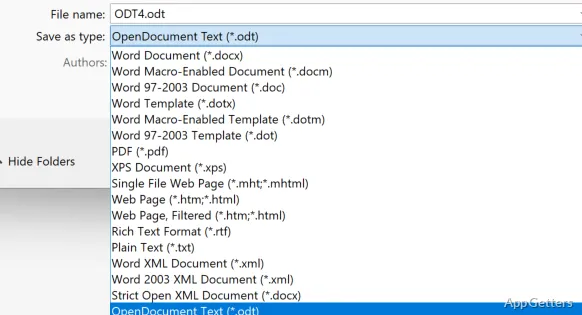
Word provides tools for composing and laying out reports, letters, and other documents. Apply styles to headings, adjust fonts and paragraph spacing, and insert tables or images. DOCX is its standard document format; Word also opens and saves other common document types.
For a paper or report, styles keep headings consistent as sections change. Tables can organize information inside the document, and spelling and grammar checks flag text for review.
Organize and analyze data in Excel
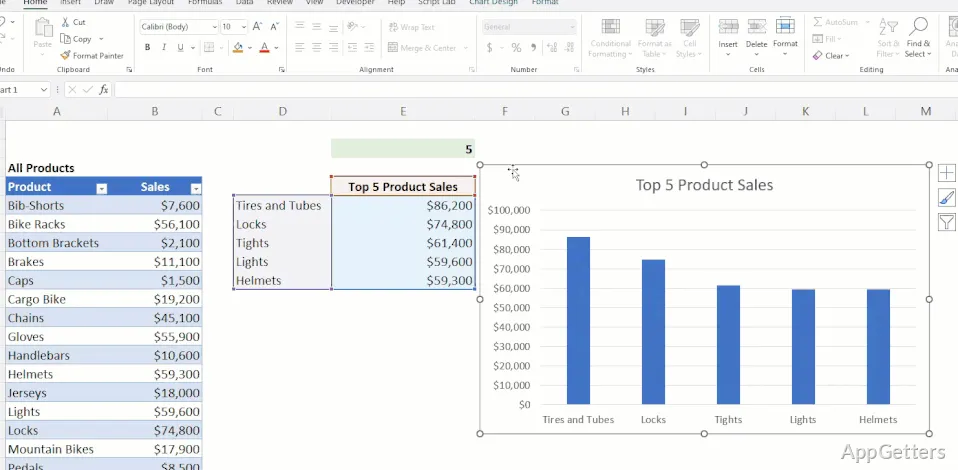
Excel stores information in workbooks made of worksheets. Enter values in cells, use formulas to calculate results, and sort or filter data to focus on particular records. Tables, charts, and PivotTables provide ways to arrange and examine larger sets of information.
- Use formulas for totals, averages, and other calculations.
- Build charts from worksheet data to show patterns.
- Save workbooks in XLSX format for continued editing.
Build a presentation in PowerPoint
PowerPoint arranges text, images, and other media into slides. Themes and layouts give slides a consistent structure; animations and transitions control how objects appear and how the presentation moves between slides. Save a deck as PPTX or export it as a PDF for distribution.
Work with local files or OneDrive
Office 2024 supports offline work on files saved to the computer. When a file is stored in OneDrive, collaborators can work on it through cloud sharing and coauthoring; syncing and shared editing require internet access. The set of included apps depends on the specific Office 2024 edition.
Pros
- Word formats documents and saves them in DOCX
- Excel organizes data in worksheets, tables, and charts
- PowerPoint builds slide decks with transitions and animations
- Local files can be edited offline
System requirements: Windows 10, Windows 11 · 1.1 GHz or faster, 2-core processor · 4 GB RAM · 4 GB available disk space · 1280 × 768 display · Some features may require .NET 3.5 or 4.6 and higher
Can Microsoft Office 2024 edit files offline?
Yes. Word, Excel, and PowerPoint can edit files stored locally without an internet connection. OneDrive syncing and shared editing need internet access.
Which apps come with Microsoft Office 2024?
Word, Excel, and PowerPoint are core apps. OneNote is also available, while Outlook and Access depend on the edition.
How does coauthoring work in Office 2024?
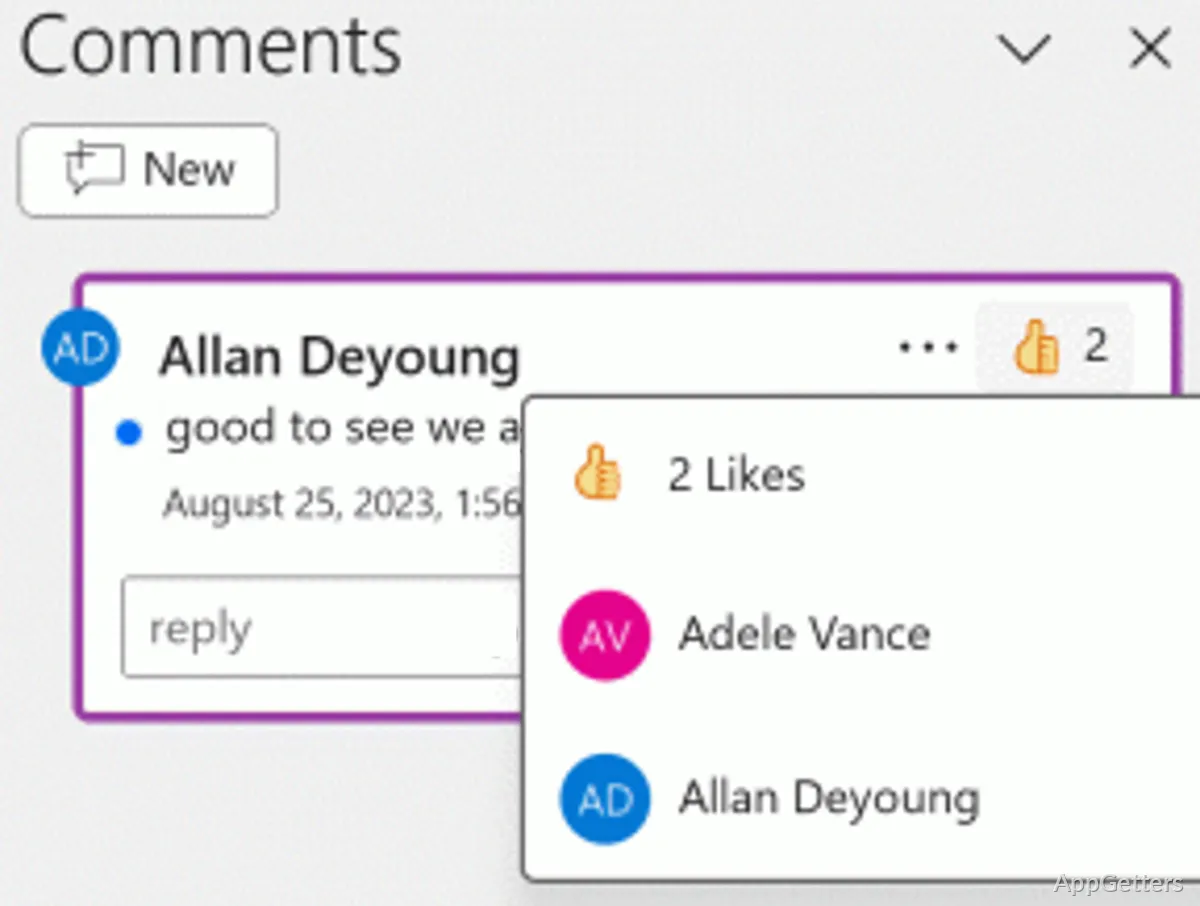
Save a document in OneDrive and share it with collaborators. They can make edits to the cloud-stored file, subject to the app and edition.