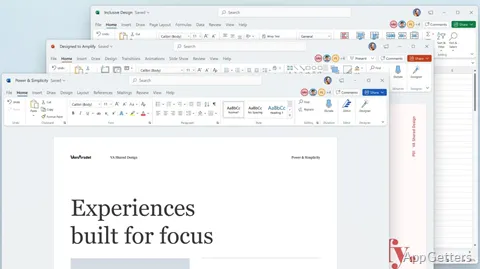
Prefer a one-time Office purchase over a subscription? Microsoft Office 2021 provides the familiar desktop tools for reports, spreadsheets and presentations. Word, Excel, and PowerPoint cover those core tasks, with Outlook and other desktop apps available in some editions. Files can be worked on offline, and Excel includes newer lookup and array formulas for data analysis.
Excel lookup and formula tools
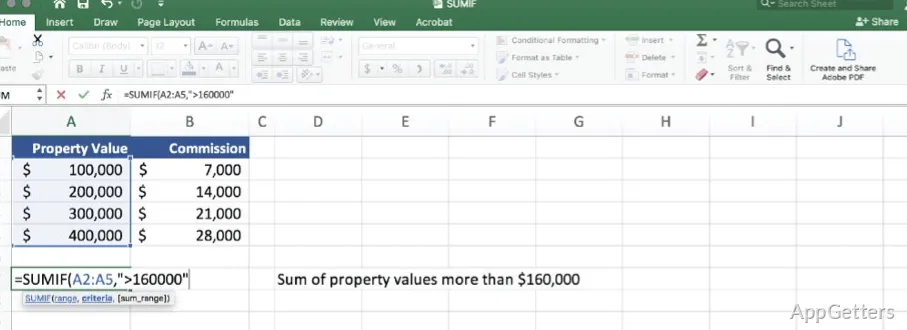
Excel adds several ways to find, arrange, and calculate data. XLOOKUP searches a table or range by row, while XMATCH returns an item's position. LET lets a formula assign names to intermediate calculations, which can make complex formulas easier to follow.
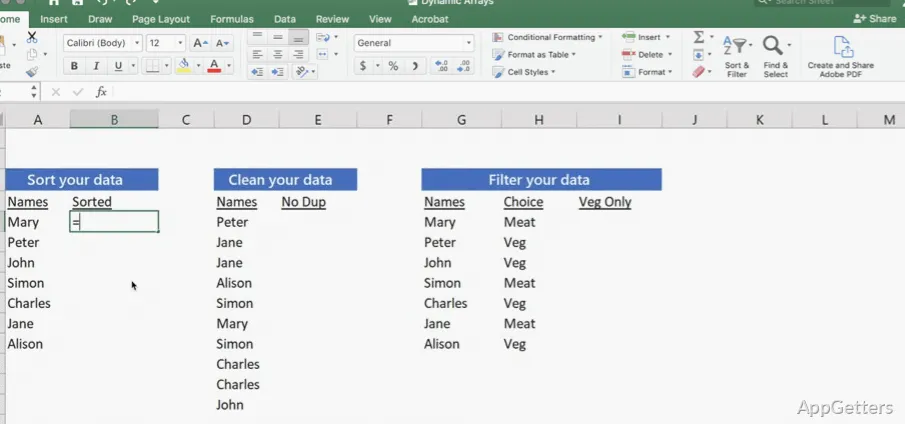
Dynamic array functions such as FILTER, SORT and UNIQUE return a whole set of results from a single formula, spilling into neighboring cells. Sheet Views let people create customized worksheet views without changing what other collaborators see.
Word reading and accessibility tools
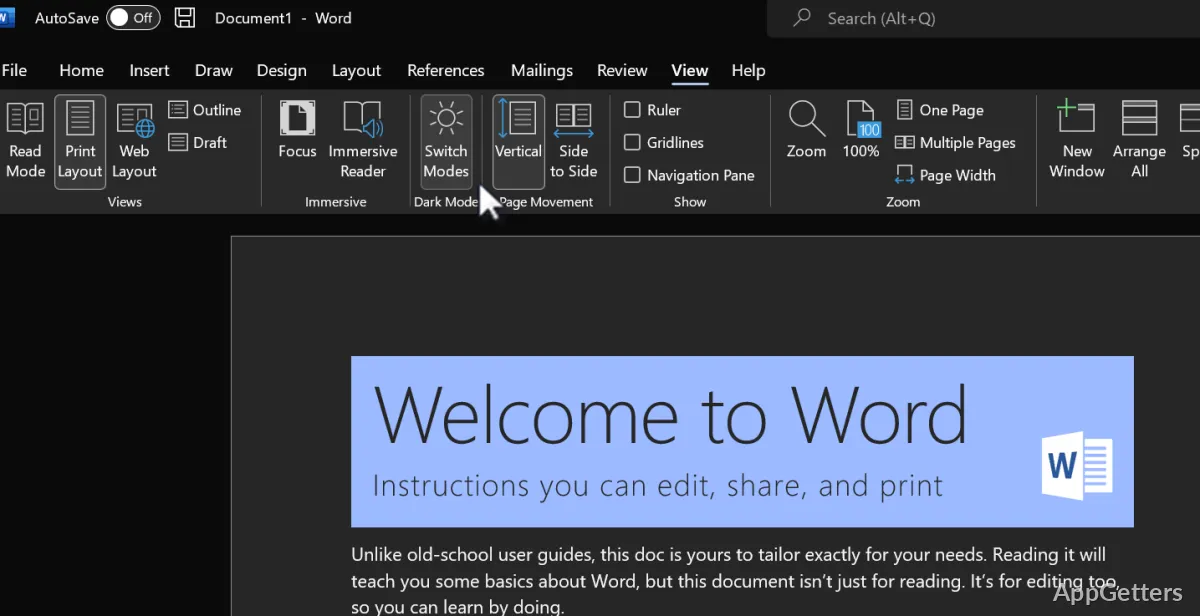
Word's Line Focus displays one, three, or five lines at a time to keep attention on a specific part of a document. Dark Mode can also darken the document canvas, not just the ribbon and toolbars.
The Accessibility ribbon gathers tools for preparing accessible content. The Accessibility Checker flags potential issues in the status bar, and Immersive Reader offers additional page-color choices.
PowerPoint recording and ink
Record Slide Show captures presenter video, ink, and laser pointer activity as part of a presentation. For ink drawings, Replay and Rewind animations show the strokes being drawn or played back; their timing can be adjusted.
PowerPoint's reading-order view shows how slide elements are presented to screen readers, and lets authors rearrange them. A link to a specific slide can direct a collaborator to the exact place where input is needed.
Working with files and collaborators
The desktop apps support offline work, so documents and spreadsheets can be edited without a live connection. For shared work, Word, Excel, and PowerPoint support co-authoring and modern comments; saving changes as they happen requires files to be uploaded to OneDrive or SharePoint Online.
Office 2021 also supports OpenDocument Format 1.3. Specific apps and features vary by edition, so the tools available depend on which Office package is installed.
Pros
- Excel includes XLOOKUP, XMATCH, LET, and dynamic array functions
- Word offers Line Focus and a dark document canvas
- PowerPoint can record presenter video, ink, and laser pointer use
- Supports OpenDocument Format 1.3
Cons
- Microsoft ends support for Office 2021 on October 13, 2026, after which it gets no security updates
- Available apps differ between editions
System requirements: Windows 10, Windows 11
Can Microsoft Office 2021 work offline?
Yes. Files stored on the PC can be edited offline; cloud saving and co-authoring need an internet connection.
Which Excel formulas are included?
Excel includes XLOOKUP, XMATCH, LET, and dynamic array functions such as FILTER, SORT, UNIQUE, and SEQUENCE.
Can several people edit the same document?
Word, Excel, and PowerPoint support co-authoring for shared documents. Files saved to OneDrive or SharePoint Online can also save changes as they happen.